
Ad Alchemy Review: AI-Powered Google Ads Toolkit for $79
Ad Alchemy is an AI-powered Google Ads toolkit available as a lifetime deal starting at $79. Here's a full breakdown of its campaign builder, keyword research, landing page analysis, and whether it's worth picking up.

Ad Alchemy
An AI-powered toolkit that helps you research keywords, build Google Ads campaigns, analyze landing pages, and optimize your ad spend.
PPC marketers, agency owners managing client ad accounts, and small business owners looking to improve their Google Ads performance without expensive monthly subscriptions.
Optmyzr, SEMrush, Google Ads Editor
What Is Ad Alchemy?
Ad Alchemy is a Google Ads toolkit that uses AI to help you build, research, and optimize your paid search campaigns. Rather than being a single-purpose tool, it's more of a Swiss Army knife for PPC — bundling keyword research, campaign building, landing page analysis, competitor research, and a handful of quick utility tools into one package.
The tool is currently available as a lifetime deal on AppSumo, which makes it especially appealing given how expensive most PPC management platforms tend to be on a monthly basis. If you've ever priced out tools like Optmyzr, you know that monthly costs can climb into the hundreds of dollars quickly — so a one-time payment is a refreshing alternative.
Plans and Pricing
Ad Alchemy starts at $79 for the base tier and scales up through five tiers depending on your usage needs. Even the top-tier plan (tier five) comes in under $1,000, which is remarkable when you compare it to tools like Optmyzr where the cheapest plan runs $208 per month with caps on your ad spend.
The main differentiators between tiers are the number of users, the number of AI research credits you receive, and access to the Dynamic Keyword Insertion (DKI) plugin starting at tier four. One important detail: the research credits are a one-time allocation. They don't expire, but they also don't replenish monthly. Once you use them up, you'll need to purchase additional credits at $30 per 100,000. For context, the base tier includes one million credits for $79, while buying that same amount separately would cost $300.
Which Plan Should You Pick?
Choosing the right tier really comes down to two factors: how many team members need access and how heavily you plan to lean on the AI research features. Tiers one through three cover the basics with varying credit allocations, while tiers four and five unlock the Dynamic Keyword Insertion (DKI) plugin.
DKI is a genuinely useful feature for anyone running ads at scale. It automatically updates your landing pages to match the search terms that brought visitors there. So if someone searches for "gyms in Naples, Florida," your landing page can dynamically reflect that exact phrase. This creates a tighter connection between the ad and the page, which Google rewards with lower costs per click and better quality scores. The DKI plugin works natively with WordPress and also supports Cloudflare or plain JavaScript implementations, so it's flexible enough for most website setups.
Campaign Overview and Setup
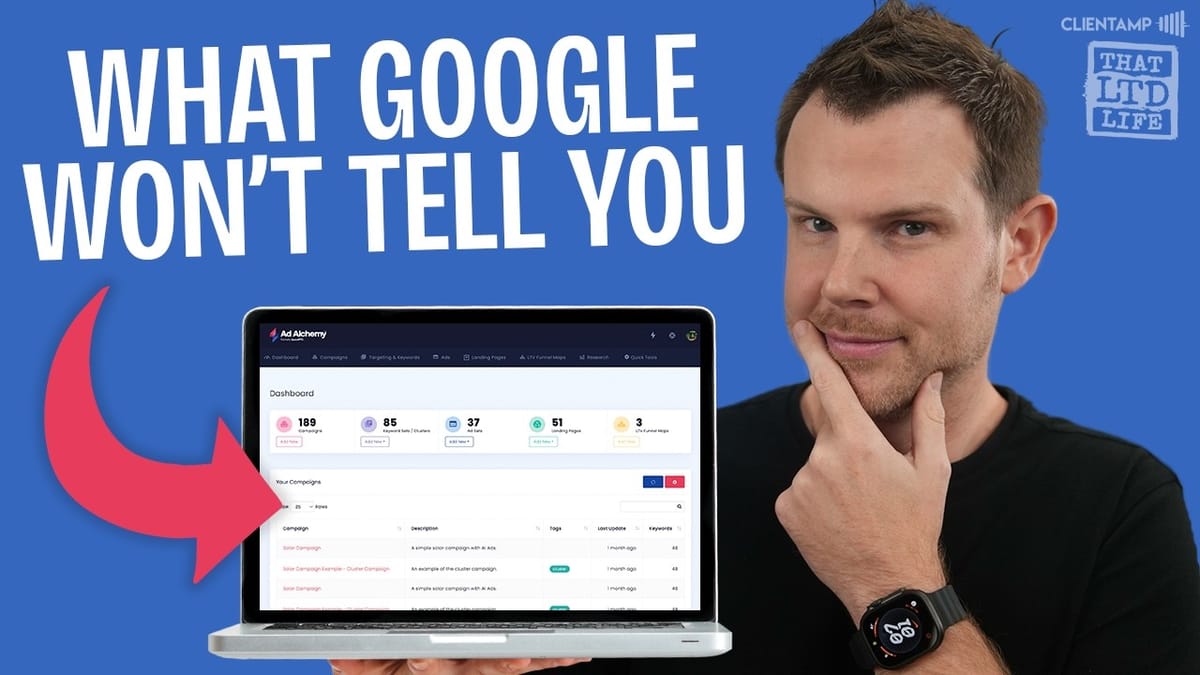
At its core, Ad Alchemy is a campaign-building toolkit. The main dashboard gives you access to everything — campaign builder, keyword research, ad creation, landing page analysis, funnel mapping, competitor research, and a set of quick utility tools.
One thing worth mentioning upfront: Ad Alchemy doesn't currently have a direct API integration with Google Ads. You build your campaigns inside the tool and then export them for import into the Google Ads desktop editor. An API connection is reportedly on the way, but for now there's a small extra step involved. That said, the export process is straightforward, and some users might actually prefer the separation since it means you don't have to deal with connecting Google accounts.
Targeting and Keyword Research
The keyword research section is where Ad Alchemy starts to feel like a proper PPC power tool. You can create keyword sets (think of them as folders), add keywords, and then reveal detailed statistics for each one using your AI credits.
For each keyword, you'll see a "Sweet Spot" score that attempts to identify profitable PPC opportunities, along with search volume, cost per click, keyword intent, competition level, and a historical trend graph. The trend data is particularly helpful for spotting seasonal patterns or sudden shifts in competitor bidding behavior.
Keyword sets support versioning, so you'll have a full history of every change you've made — a genuinely useful feature when you're iterating on campaigns over time. You can also share keyword sets with other users, export them as CSV files, or save them directly for use in the campaign builder. If you're managing ads for multiple clients, the organizational structure here is solid.
Building and Previewing Ads
The ad builder lets you create responsive search ads with dynamic keyword tokens baked right in. You'll set up your headlines and descriptions, and the tool provides real-time recommendations on how to improve them — whether you need more headline variations, better description lengths, or consistent title casing (which tends to convert better in ads).
A live preview shows you exactly what the ads will look like once they're running on Google. The dynamic tokens you insert will pull from your keyword list automatically, so you get a realistic sense of how variations will appear to searchers. Just like the keyword section, ads support full version history and sharing with team members or clients.
Landing Page Analysis
This might be one of Ad Alchemy's most underrated features. You paste in any URL and the tool runs an AI-powered analysis covering page speed, headline effectiveness, content quality, keyword usage, and overall conversion readiness.
The results are presented in a smart, layered format. You'll see a top-level score first — say 65 out of 100 — along with strengths, areas to improve, and highest-priority next steps. Then you can dig deeper into each category for specific recommendations and bullet-point action items. The level of detail here is genuinely impressive. It doesn't just tell you something is wrong; it walks you through exactly what to fix and why it matters for your ad performance.
One small critique: the graphs within the analysis are quite small and could benefit from more screen real estate. If you're on tier four or five, you can also generate shareable reports — a nice touch for agencies presenting findings to clients.
LTV Funnel Maps
The LTV (Lifetime Value) funnel mapping tool gives you an infinite canvas where you can visually model your entire ad-to-revenue pipeline. You start with a traffic source — say, a Google Ads campaign — and connect it to downstream actions like landing page visits, consultations booked, and sales closed.
For each step, you enter your metrics: clicks, costs, conversion rates, and revenue. The tool then calculates what your funnel will produce at those performance levels, making it easy to model scenarios before spending real money. Want to know what happens if your consultation-to-sale rate drops from 30% to 20%? Just adjust the number and see the impact ripple through the funnel.
It's essentially a planning and forecasting tool, and while there are standalone funnel planners out there, having this built directly into your ads toolkit is convenient. The one limitation is that it doesn't pull live data from your campaigns — everything is manually entered — but it's still valuable for strategic planning.
Competitor Research
The research section lets you run head-to-head comparisons between your brand and competitors. You'll see spending data, traffic estimates, and traffic costs for both sides, plus a detailed breakdown of keyword opportunities.
The real value here is the gap analysis. Ad Alchemy shows you keywords your competitors are bidding on that you're not, along with their estimated cost per click. You can also view your own bidding keywords and your competitor's full keyword list. Everything can be exported to CSV, copied to clipboard, or saved directly to a keyword set for use in your campaigns.
Notably, the data is sourced from SEMrush, which means you're getting legitimate, industry-standard competitive intelligence — not some cobbled-together estimate. That alone adds significant value to the tool, especially considering what a standalone SEMrush subscription costs.
Quick Tools and Utilities
Ad Alchemy rounds out its feature set with a collection of quick utility tools. These include keyword combiners, duplicate removers, keyword replacement, case converters, list cleaners, and clustering tools. None of these are groundbreaking on their own — you've probably seen similar utilities scattered across the web — but having them all in one place alongside your campaign data is genuinely convenient.
These are the kind of small quality-of-life features that save you from context-switching between different tabs and tools during campaign setup.
Deep Dive: The Campaign Builder
The campaign builder is the centerpiece of Ad Alchemy and walks you through a structured, step-by-step workflow. You start by naming your campaign and choosing your ad platform (Google Ads or Microsoft Ads) and ad type — responsive search ads, call-only ads, or AI-powered responsive search ads (currently in beta).
Next, you choose a campaign structure. Options include clustered AI-based campaigns, thematic groupings, single keyword ad groups (SKAGs), paired domain setups, or fully manual ad groups enhanced with AI suggestions. The keyword setup step lets you define seed keywords and expansion lists, add negative keywords, and run automated cleanup to strip extra spaces or bad characters that might cause import errors.
The bid setup section covers broad, phrase, and exact match CPC options along with negative keyword match types. After that, you build out your ads with the same headline and description tools from the standalone ad builder, complete with recommendations and live previews.
The final step is preview and export. You can toggle through each ad group, inspect keywords and responsive ad previews, and download everything in a format ready for the Google Ads Editor. There's also a link to sign up for the API waitlist if you want to be among the first to get direct integration when it launches.
Credits and Ongoing Costs
If you burn through your initial credit allocation, additional credits are available at $30 per 100,000. That's a reasonable rate, though it's obviously not as good as the lifetime deal pricing. For reference, the base $79 tier gets you one million credits, and buying that same amount at the add-on rate would run $300.
The credits primarily fuel the AI-powered features — keyword research statistics, landing page analysis, competitor research, and AI-assisted campaign building. The non-AI features like the campaign builder structure, quick tools, and funnel mapper work without consuming credits, so the tool doesn't become completely useless if you run out. That said, the AI features are a major part of the appeal.
Final Verdict: 7.8 Out of 10
Ad Alchemy earns a 7.8 out of 10. It's a genuinely comprehensive PPC toolkit that bundles features you'd normally pay for across multiple subscriptions — keyword research, competitor analysis (powered by SEMrush data), landing page auditing, campaign building, and funnel planning — all under one roof with a one-time price tag.
The main thing holding it back from a higher score is the lack of direct Google Ads integration. Having to export campaigns and import them through the desktop editor adds friction that more experienced PPC managers will notice. On the flip side, some users might actually appreciate not having to deal with API connections and Google account permissions — you can just open the tool and start building.
If you're managing Google Ads for clients regularly, Ad Alchemy is easy to recommend at this price point. Even if you only use the landing page analysis feature, there's solid value here. For beginners who are just getting started with Google Ads, you might want to run campaigns manually for a while first before investing in a power-user tool like this.
Watch the Full Video
Prefer watching to reading? Check out the full video on YouTube for a complete walkthrough with live demos and commentary.


