
Adobe Enhance Review: Free AI Audio Cleanup Tool
Adobe's free AI-powered Enhance tool promises to turn terrible laptop mic audio into something usable. Here's a quick look at how it performs.

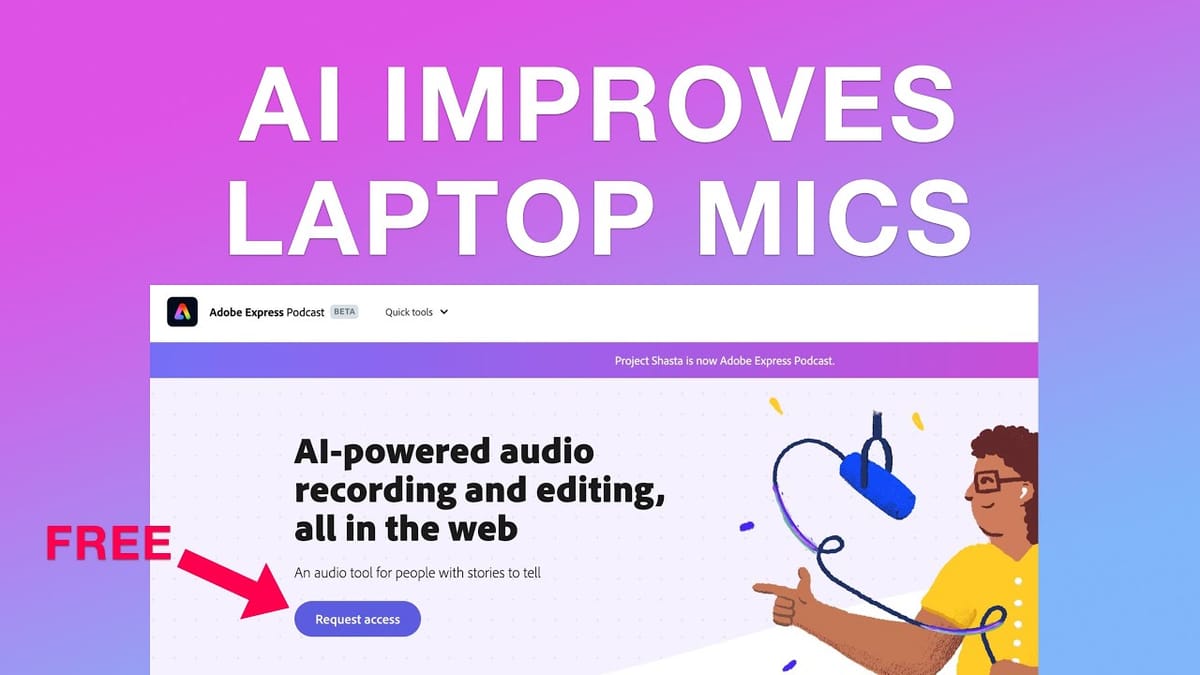
Adobe Enhance
Uses AI to clean up and improve audio recordings, making low-quality microphone captures sound more professional.
Content creators, podcasters, and anyone recording audio without a dedicated microphone setup.
Krisp, Descript, Auphonic, Adobe Podcast
What Is Adobe Enhance?
Adobe Enhance is a free AI-powered audio tool that's part of Adobe's podcast beta suite. The idea is simple: you upload an audio file recorded on a less-than-ideal microphone — say, your laptop's built-in mic — and the software processes it to sound significantly better.
This isn't a full-blown DAW or audio editor. It's a single-purpose tool designed to do one thing well: take rough voice recordings and make them passable for content like podcasts, quick tips, or social media videos. You don't need an Adobe subscription to use it, which makes it an easy recommendation for creators on a budget.
How It Sounds: Before and After
To put Adobe Enhance to the test, Dave recorded a quick Mac tip using nothing but the built-in MacBook Air microphone while lying in bed — about as unfavorable a recording setup as you can get. He then ran that audio through Adobe Enhance to compare the results.
The before audio has the typical laptop mic characteristics: thin, roomy, and a bit hollow. After processing through Enhance, the audio comes out noticeably cleaner and more focused. It's not going to fool anyone into thinking you're recording in a treated studio, but the improvement is genuinely impressive for a free, zero-effort tool. If you're in a pinch and need to salvage a recording, this gets the job done.
Should You Use Adobe Enhance?
If you're a content creator who occasionally records on the go or doesn't have access to a proper microphone, Adobe Enhance is a no-brainer to keep in your toolkit. It's free, it's fast, and it requires zero audio engineering knowledge. Upload your file, let the AI do its thing, and download the result.
That said, it's not a replacement for a decent microphone. A good USB mic will still outperform any AI cleanup. But for those times when you're working with what you've got — a quick tip recorded on your laptop, a voice memo that turned into something worth sharing — Adobe Enhance can bridge the gap between unusable and perfectly fine.
Watch the Full Video
Prefer watching to reading? Check out the full video on YouTube for a complete walkthrough with live demos and commentary.


