
Agency Handy Review: Client Portal LTD on AppSumo
Agency Handy packs a serious feature set into a $69 lifetime deal — services, invoicing, proposals, file markup, and full white labeling. Here's what works, what doesn't, and how it compares to Moxie and ManyRequests.

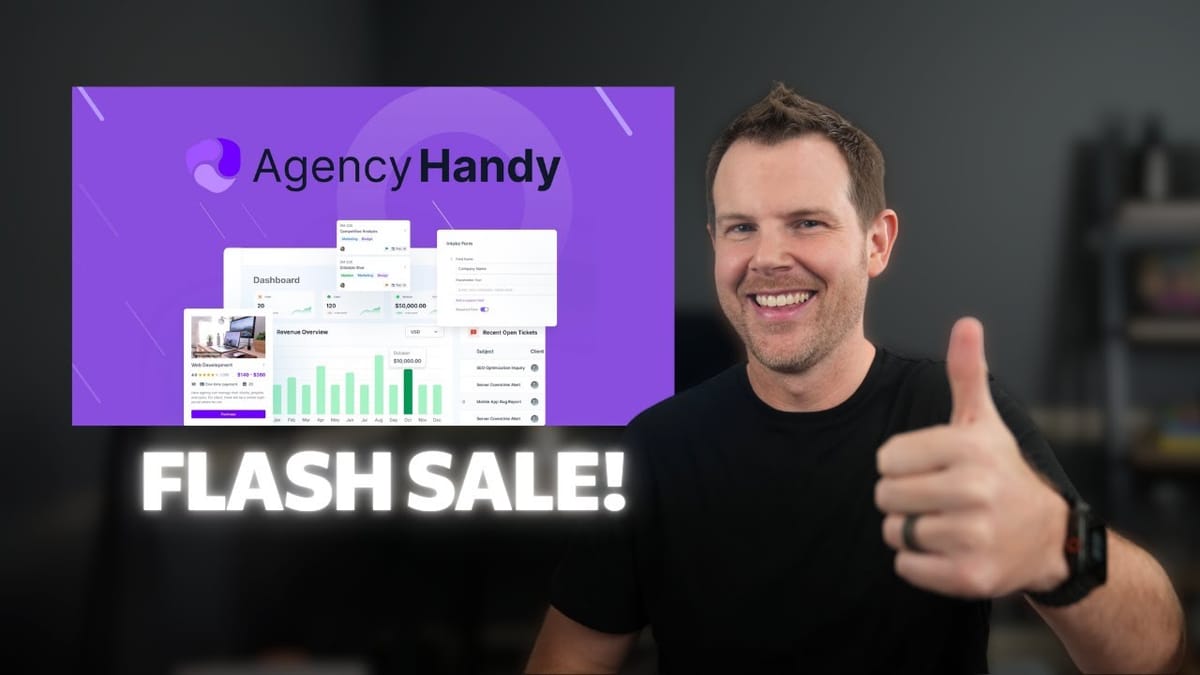
Agency Handy
A white-label client portal that lets agencies sell services, manage orders, handle support tickets, send invoices, and track time — all under their own brand.
Freelancers and agency owners who need a branded client portal for selling and managing recurring services.
Moxie, ManyRequests
What Is Agency Handy and What Does It Cost?
Agency Handy is a client portal platform that landed on AppSumo as a limited four-day flash sale with lifetime deal pricing starting at $69. For context, a comparable subscription tool like ManyRequests runs around $600–$950 per year, so the economics here are hard to ignore.
The deal comes in multiple tiers, but the good news is that almost every feature is available on every plan. The main differentiator is white labeling — if you want to slap your own domain, logo, and colors on the portal, you'll need at least tier three. For agencies who live and die by branding, that's worth noting upfront.
Dashboard and First Impressions
After logging in as a service provider, you land on a dashboard populated with useful widgets: unpaid invoices, recent orders, and open help desk tickets. It's clean and functional out of the box, even with the default purple color scheme.
The entire interface is white-labelable. You can swap in your own domain, logo, and brand colors so your clients never see a trace of Agency Handy. That stock purple? Change it to whatever you want under the appearance settings. The platform clearly prioritizes making it feel like *your* tool rather than a third-party service.
Creating Services and Pricing Packages
The core of Agency Handy revolves around services. Setting one up is straightforward — you fill in a name, upload a cover image, write a description, and choose a pricing model (one-time or subscription). Multiple currencies are supported, which is a nice touch for agencies with international clients.
Where things get interesting is the package system. Each service can have multiple pricing tiers — think bronze, silver, and gold. Each package gets its own name, description, feature list, and billing configuration. You can set billing frequency anywhere from daily to annually, add setup fees, offer split payments over a set number of billing cycles, and even configure free trials. Want to offer a seven-day trial so prospects can kick the tires? It's a toggle away.
There's also a clever recurring task feature. If you're selling a monthly support plan, you can have Agency Handy automatically generate tasks — like "run backups" or "apply updates" — at the start of each billing cycle. Those tasks populate directly in the operations section, which helps keep your team accountable without manual intervention.
Additional Service Settings: FAQs, Taxes, and Portfolios
Beyond pricing, each service page supports a handful of extras that make the customer-facing experience more complete. You can attach portfolio items to showcase relevant past work, configure applicable taxes, set subscription reminders, and build out an FAQ section with simple question-and-answer pairs.
The FAQ builder is dead simple — just type a question, type an answer, repeat. It displays neatly on the public service page alongside your pricing packages and portfolio items. For agencies selling higher-ticket services, having social proof and answers to common objections right on the purchase page could genuinely move the needle on conversions.
Payment Methods and the Customer Purchase Experience
Agency Handy currently supports Stripe, PayPal, manual banking, and webhooks for payment processing. The webhook option is there for developers who want to wire up a third-party gateway, and Wise is available as well — but only through the invoicing system, not for online purchases. That's a quirk worth noting if Wise is your preferred method.
From the customer's perspective, the purchase flow is clean. They see the service page with its cover image, description, pricing packages on the side, portfolio items below, and any applicable FAQ. If you've enabled a free trial, they can start without entering payment info. After selecting a package, they're walked through an intake form (if you've configured one) before completing the order. The whole experience looks professional and polished.
The Form System: Intake, Order, and Public Forms
Agency Handy ships with three types of forms, and understanding the distinction matters. Intake forms appear after a purchase to gather information you need to fulfill the service — think onboarding questionnaires. Order forms are more like sales funnels that bundle multiple services, add-ons, and upsells onto a single page. Public forms are standalone lead-generation forms you can embed on your website via link or iframe.
The form builder itself is reasonably capable. Field types include paragraphs, multiple select, single answer toggles, formatted text with links and code blocks, file uploads up to 1 GB, terms-and-conditions checkboxes, signature fields, and a somewhat puzzling "spreadsheet block" that creates a mini table for column-based data entry. The practical use case for that last one isn't immediately obvious, but the rest of the toolkit covers the essentials well.
One legitimate gap: public form submissions don't feed into the CRM. If someone fills out a lead form on your website, there's no button to convert that submission into a CRM contact. The data lives on the platform already — it just needs a bridge to the CRM section. Hopefully the team adds that soon.
Coupons and Add-Ons
The coupon system does what you'd expect but with enough granularity to be useful. You can create percentage or fixed-amount discounts, scope them to specific services, limit the number of uses, and control how they apply to subscriptions — forever, once, or for a set number of billing cycles. You can even restrict coupons to first-time purchasers or lock them to individual client accounts for targeted offers.
One helpful detail: when you're viewing a service on the admin side, it'll tell you which coupons are active for that service. That information is admin-only — customers won't see coupon codes on the public service page unless they already have one.
Add-ons are straightforward. Create one with a name, description, and price (one-time or subscription), then attach it to an order form. When customers go through that order form, the add-ons appear as optional extras they can elect to purchase. It's a clean upsell mechanism that doesn't require any complex configuration.
Portfolio: Showcasing Past Work
The portfolio section lets you build out case studies that tie directly to your services. Each portfolio item gets a name, a description (minimum 100 characters, which can be mildly annoying during setup but makes sense in practice), a cover image with a built-in crop tool, and supporting files of any type.
You can categorize projects — website design, branding, whatever fits — and link them to specific services. When a prospect views your service page, the relevant portfolio items display below the pricing section. Clicking one opens a modal with project details and demo files.
The presentation looks genuinely professional. The one weakness is that uploaded images in the modal aren't clickable for a larger view. You'd have to right-click and open in a new tab to actually see the full resolution, which isn't a great experience for potential clients evaluating your work.
CRM and Client Management
The CRM splits into two views: clients and leads. The client list is a directory-style spreadsheet layout with profile details, email, website, password tracking, and a last-login timestamp. You can deactivate clients with a single toggle, which is convenient for managing access without deleting accounts entirely.
Leads get a Kanban board, which is the right UI choice for pipeline management. You can drag contacts between columns to move them through your sales process, though the animation is a bit janky — it looks like the drag failed before eventually updating. Functional, if not silky smooth.
The CRM's biggest limitation is the disconnect from public forms. Leads generated through the public form system don't automatically populate the CRM. You'd have to manually copy submission data over, which is a missed opportunity since the information already exists on the platform.
Operations: Orders, Tasks, and File Markup
The operations section houses your orders, tasks, and file management. Orders show a clean list of everything that's come in — trial, ongoing, or otherwise — and you can manually create orders if needed. Tasks populate automatically based on what you configured in your service setup, but there's no way to manually add a standalone task. That's frustrating if you want to track ad-hoc work or nest tasks under specific clients.
The file management feature is a genuine highlight. Clients can submit files, and the platform includes a full markup tool for images. You can draw arrows, circles, and annotations directly on uploaded files, then leave comments — either visible to the client or internal-only. There's also a versioning system, so when you make revisions based on feedback, you upload a new version on top of the original and can track the progression over time.
When a file is ready, you can mark it as approved or request changes. The catch is that change requests only trigger a notification bell — they don't create a task in the task section, which seems like a missed integration. Worse, clicking the notification doesn't navigate you to the relevant file. Small polish items, but they add up.
Proposals and Invoicing
Proposals are a weak spot. The current implementation lets you select a client, choose a service, write a brief justification, and attach a file. What the client sees is essentially a summary card that says "buy this thing from me." There's no support for detailed, multi-section proposals or PDF generation — features you'd expect from a platform targeting agencies.
Invoicing fares better. You can build invoices with client details, order IDs, line items, taxes, payment addresses, and notes. Wise is available as a payment method here (though not for direct online purchases), which gives agencies dealing with international clients an additional option.
The subscriptions view provides a straightforward list of active recurring payments. You can cancel a subscription in a couple of clicks if a client requests it. The main limitation is that it's essentially a transaction list — you can't click through to client details or connect the view back to the CRM for a fuller picture.
Help Desk, Time Tracking, and White Labeling
The help desk is well-implemented but missing one critical feature: email support. Clients can create tickets from inside their portal, and admins can respond directly. But if a client isn't logged in and just wants to fire off an email, there's no way to pipe that into the ticketing system. For VIP clients paying significant monthly retainers, requiring them to log into a portal every time they need help is a tough ask. Email piping or forwarding would solve this cleanly.
Time tracking is functional but limited. You can log hours against tasks — either manually or with a timer — and view them on a timesheet. However, you can only log time against tasks, not help desk tickets. There's no prompt to log hours when closing a support ticket, and timesheets aren't tied back to specific clients. For agencies that bill hourly, this makes the feature more of an internal tracking tool than a proper billable-hours system.
White labeling is one of Agency Handy's strongest selling points. Custom domain, custom logo, and custom colors are all configurable. Changing the primary brand color is a single setting under appearance. For agencies that want the portal to feel like a seamless extension of their brand, this is table stakes — and Agency Handy delivers it well.
Final Verdict: Agency Handy vs. Moxie vs. ManyRequests
Agency Handy does a remarkable amount for a $69 one-time purchase. The service and pricing package system is flexible, the file markup tool is genuinely impressive, and white labeling is thorough. The form builder covers most use cases, and the overall interface feels modern and well-designed.
That said, there's clear room for improvement. Proposals need significantly more depth. The CRM should integrate with public forms. Tasks should be manually creatable and linked to support tickets. The help desk needs email piping. And time tracking should connect back to specific clients for billing purposes.
Compared to ManyRequests — which runs $600–$950 per year and offers a very similar feature set — Agency Handy is the obvious choice on value alone. Against Moxie, another lifetime deal Dave reviewed previously, Agency Handy wins on interface design and breadth of features, but Moxie holds the edge on proposals and certain advanced capabilities. For most freelancers and small agencies looking for a branded client portal, Agency Handy at this price point is hard to beat.
Watch the Full Video
Prefer watching to reading? Check out the full video on YouTube for a complete walkthrough with live demos and commentary.


