
Aimfox Review: LinkedIn Outreach Automation from $59
Aimfox is a LinkedIn outreach automation tool offering lifetime access from $59. Here's a full walkthrough of its targeting, campaigns, messaging, and whether it's worth the investment.

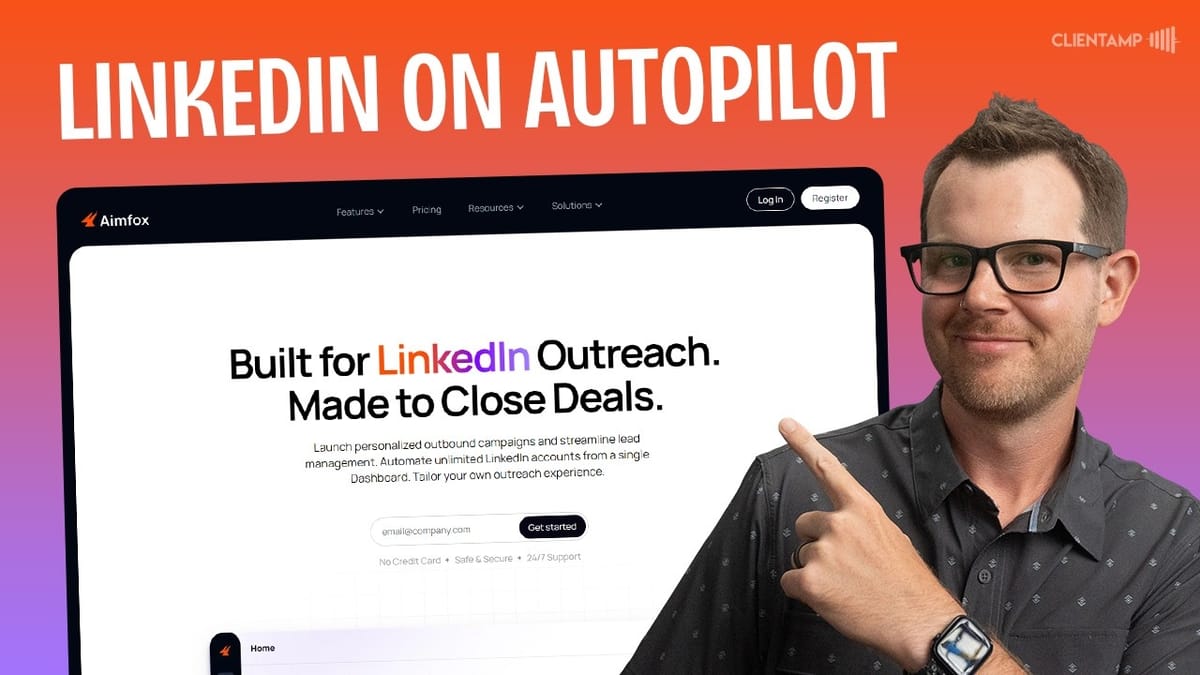
Aimfox
Automates LinkedIn outreach by sending targeted connection requests, follow-up messages, and InMails through customizable campaigns.
Freelancers, agencies, and sales professionals who rely on LinkedIn for lead generation and networking.
Dux-Soup, Expandi, Linked Helper, Octopus CRM
What Is Aimfox?
Aimfox is a LinkedIn outreach automation tool that just landed on AppSumo as a lifetime deal. If you're doing any kind of prospecting or networking on LinkedIn, this is the type of tool that handles the repetitive work — sending connection requests, follow-up messages, and managing your leads — so you can focus on actually having conversations.
The tool integrates directly with your LinkedIn account and runs campaigns on your behalf. Think of it as a CRM and outreach engine specifically built for LinkedIn, with smart safeguards to keep your account from getting flagged.
Plans and Pricing
Pricing starts at just $59 for a single LinkedIn account, which is genuinely impressive for a lifetime deal. From there, you can stack plans all the way up to $2,000+ if you need to manage up to 200 accounts across individual workspaces — making it viable for agencies managing multiple clients.
Aimfox uses a tiered pricing model where every plan includes the full feature set. The only difference between tiers is limits on the number of LinkedIn accounts and workspaces. So if you're a solo operator, the $59 tier gives you everything you need. If you're running outreach for a team or agency, you simply grab a higher tier for more capacity.
Connecting Your LinkedIn Account
Getting started requires connecting your LinkedIn account, and Aimfox gives you two ways to do it. You can log in directly with your LinkedIn credentials and set a proxy location, or you can use their Chrome extension for a more seamless connection.
One standout feature here is the dedicated IP address that Aimfox creates for each LinkedIn account. You can even choose the country for your proxy location, which is critical for staying under LinkedIn's radar. Automated outreach tools can trigger account flags or even suspensions, so having a dedicated, region-specific proxy is a real advantage over running things through a random VPS. This feature is included on every plan, including the base $59 tier.
The Chrome extension route is straightforward — install it, pin it to your toolbar, and click to connect. It picks up your logged-in LinkedIn session automatically. If you run into a connection error, make sure you're actually logged into LinkedIn in Chrome first.
Campaign Types
Aimfox offers five campaign types right now, with a sixth on the way. Each one pulls your audience from a different source on LinkedIn:
**Search campaigns** let you find people based on LinkedIn search criteria — job titles, industries, locations — and automatically engage with them. This is the bread-and-butter option for growing your network with relevant contacts.
**Post campaigns** target people who've engaged with a specific LinkedIn post. If you're running content marketing and want to follow up with people who liked or commented on your posts, this is a smart way to convert engagement into connections.
**Event and group campaigns** let you reach out to attendees of LinkedIn events or members of specific groups. These can be effective but tread carefully — messaging people in groups you barely participate in can come across as spammy.
**List campaigns** let you import LinkedIn usernames or emails from a CSV and build campaigns around them. If your leads come from your own website signups or an existing database, this is probably the least intrusive approach to cold outreach.
Setting Up a Search Campaign
Building a search campaign is where Aimfox really shines. You start by naming your campaign, selecting which LinkedIn account to use, and choosing between a connection request or InMail as your outreach method. You also set your audience cap — the maximum is 1,000 leads per campaign, with a default of 250.
The outreach type matters. Connection requests are standard LinkedIn behavior, while InMails use LinkedIn's premium messaging to reach people you're not connected with. If you're on the base plan without LinkedIn Premium, connection requests are your go-to.
Targeting Your Audience
The targeting options are where you really refine who sees your outreach. A good strategy is to look at the profile of someone who represents your ideal lead and reverse-engineer the filters from there. For example, if you're targeting SaaS founders, you might search by the job title "Founder and CEO."
From there, you can layer on additional filters: location (country and metro area), industry, specific companies, and even followers of particular LinkedIn accounts. That last one is especially clever — if someone follows a thought leader in your niche, they likely share relevant interests, and it gives you a natural conversation opener.
Aimfox also supports filtering by schools, skill endorsements, and profile language. The profile language filter is worth setting if you're only comfortable communicating in English, so you don't accidentally send outreach to someone who won't understand it.
The key takeaway is that more specific targeting produces better results. You don't need to max out your audience cap. A focused list of 75 highly relevant leads will outperform a generic blast to 1,000 strangers every time.
Reviewing Your Audience
Before your campaign goes live, Aimfox lets you review every single person in your audience list. This is a nice quality-control step that most outreach tools skip. You can scroll through the profiles, remove anyone who doesn't look like a good fit, and export the full list as a CSV if you want to use it elsewhere.
Small details matter here. Removing contacts without profile photos or those who clearly don't match your target criteria can improve your acceptance rates. It only takes a few minutes and it's worth the effort to keep your outreach clean and relevant.
Message Flows and Templates
The flow builder is where you design your actual outreach sequence. For a connection campaign, the flow starts with an automatic connection request, followed by an optional note (requires LinkedIn Premium), and then a follow-up message sequence that triggers after someone accepts your request.
Messages support placeholder tokens like first name and company, so each outreach feels personalized. You can set delays between steps — for example, sending the follow-up message one day and two hours after the connection is accepted — so it doesn't look like an instant bot response.
Aimfox includes an AI enhance button that rewrites your message in a more conversational tone, referencing the recipient's actual company and role. You can preview how the enhanced message looks for different contacts in your audience before committing to it.
For A/B testing, you can duplicate your flow and modify one variable — maybe the message copy, the number of follow-ups, or the delay timing — and Aimfox will split your audience between the two flows so you can compare performance.
InMail Optimization
There's an optional InMail optimization toggle that sends free InMails to open LinkedIn accounts instead of a standard connection request. This feature only uses free InMails — it never touches your paid InMail credits.
The catch is that InMails require a separate message template with a subject line, so you'll need to create an additional template if you enable this. For a first campaign, you might want to keep things simple and leave it off, but it's worth experimenting with later since InMails can get significantly higher response rates than connection requests.
Scheduling Your Campaign
The scheduling options are clean and intuitive. You can set your campaign to run in the target's time zone, which is a smart default since people are more likely to engage with a message that arrives during their working hours rather than at 3 AM.
You control the active hours (defaulting to 9 AM to 9 PM), choose which days of the week the campaign runs, and Aimfox handles the rest. Turning off weekends is a sensible move for B2B outreach — most professionals aren't checking LinkedIn on Saturday mornings.
Analytics and Campaign Review
Once your campaign is live, Aimfox tracks everything: profile views, invites sent, acceptance rates, messages sent, and replies received. You get both high-level campaign metrics and per-flow breakdowns, so if you're running A/B tests, you can see which flow is converting better.
The review screen also gives you a clear summary of your campaign before it goes live — target size, flow configuration, and schedule — so there's no mystery about what's going to happen when you hit start. Aimfox automatically manages your sending volume to stay within LinkedIn's safe limits, which is crucial for avoiding account suspensions.
Leads, Inbox, and Templates
All leads generated from your campaigns appear in a dedicated leads section, giving you a centralized view of everyone who's responded or connected. The built-in inbox lets you continue conversations without ever opening LinkedIn — everything flows through Aimfox's interface.
The templates section is a real workflow booster. You can pre-build all your message templates — connection notes, follow-up messages, and InMail templates — outside of the campaign builder. When it's time to set up a new campaign, you just select from your library instead of writing copy on the fly. It's a small thing, but it eliminates that mental context-switching between creative writing and technical campaign setup.
Account Management and Blacklists
Managing multiple LinkedIn accounts is straightforward. Each account gets its own dashboard, and you can organize them into workspaces — one per client, or group related accounts together. The number of workspaces matches your account limit, so you have full flexibility in how you structure things.
The blacklist feature lets you exclude specific people from ever being contacted, regardless of how well they match your targeting criteria. You can add accounts individually by searching for them or upload a CSV for bulk exclusions. This is essential for avoiding awkward situations like sending cold outreach to existing clients or industry contacts.
Final Verdict: Is Aimfox Worth It?
Aimfox earns a 7.8 out of 10. The interface is polished and professional — easily one of the better-looking cold outreach tools to come through AppSumo. The dedicated proxies, smart targeting filters, A/B testing, and AI-enhanced messaging make it a genuinely capable LinkedIn automation platform.
The score reflects the reality that cold outreach tools serve a specific audience. Not every business needs LinkedIn automation, and the internet already has plenty of spam. But if LinkedIn outreach is part of your sales or networking strategy, paying a one-time fee of $59 instead of a recurring monthly subscription is a no-brainer.
For solo users, the base plan covers everything you need. For agencies, the ability to scale up to 200 accounts with dedicated workspaces makes the higher tiers worth considering. Just remember to use these tools responsibly — targeted, thoughtful outreach will always outperform the spray-and-pray approach.
Watch the Full Video
Prefer watching to reading? Check out the full video on YouTube for a complete walkthrough with live demos and commentary.


