
Amwork Review: CRM, Project Management & More in One Tool
Amwork is an all-in-one business platform that bundles CRM, project management, email, messaging, and more into a single workspace with a powerful module builder.

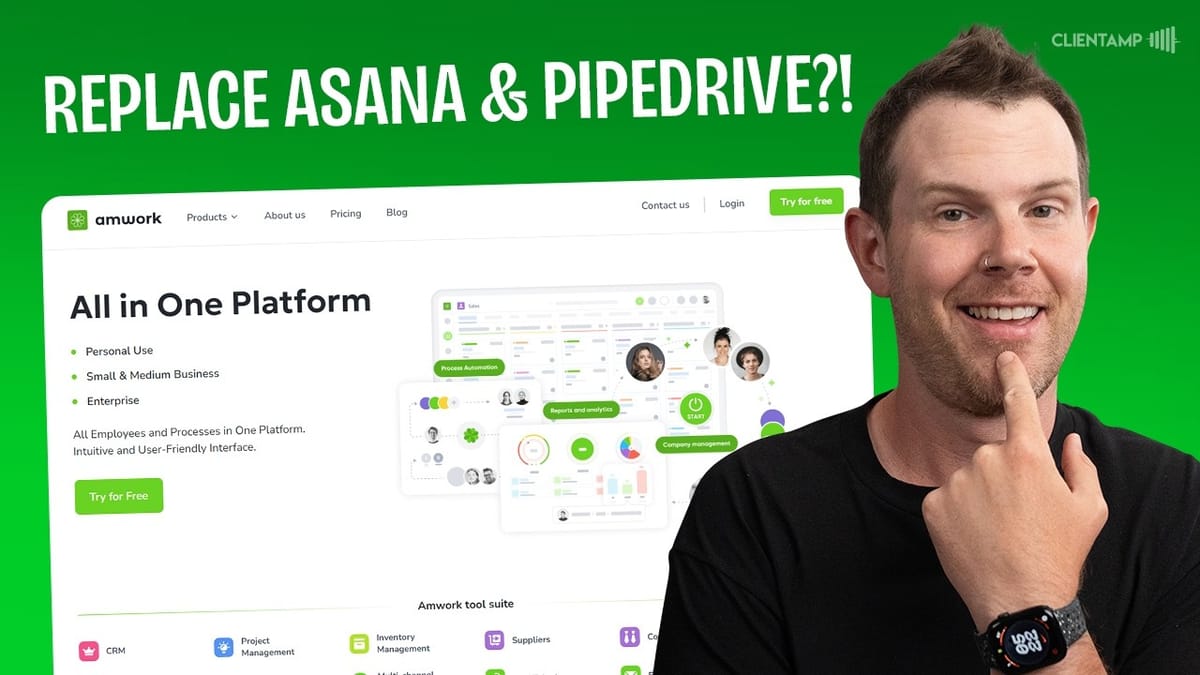
Amwork
An all-in-one workspace platform combining CRM, project management, email, messaging, and custom module building for businesses.
Small to mid-sized teams looking to consolidate their CRM, project management, and communication tools into a single platform.
Notion, Monday.com, HubSpot, ClickUp
What Is Amwork?
Amwork is one of those tools that tries to do everything — CRM, project management, email, messaging, phone calls, and more — all under one roof. It's a bold promise, and honestly, the lifetime deal landscape has been full of underwhelming entries lately. So does Amwork actually deliver?
The short answer is: mostly yes. Amwork is built around the concept of "modules" — self-contained functional units that you can mix and match to build a workspace tailored to your business. Think of it as a more structured alternative to something like Notion, where instead of a blank canvas, you get purpose-built components with guardrails that keep things organized. The platform is surprisingly snappy, well thought-out, and genuinely useful once you get the hang of how modules work.
Plans and Pricing
Amwork's lifetime deal starts at $59 on AppSumo, with all features included at every tier. The only difference between plans is how much storage you get and how many users you can have on the platform. The top tier gives you 50 users and 250 GB of storage for $549.
That pricing structure is refreshing. There's no feature gating, no nickel-and-diming for automations or integrations. When you compare it to the monthly fees of mainstream CRMs — where a team of 10 can easily run $500+ per month — even the highest Amwork tier is a steal if the tool fits your workflow.
The Workspace Builder
The workspace builder is the heart of Amwork. You access it by clicking the builder icon in the top navigation, and it's essentially a Lego-style system for assembling your business tools. You won't get the infinite flexibility of Notion — there are intentional constraints — but those constraints actually help. Each module type comes with relevant tools, views, and options baked in.
The builder offers a wide range of prebuilt module types: CRMs, contractor management, appointment scheduling, lease management, contacts, hiring, and more. You pick a category, name your module, choose an icon, and configure it with the fields and functionality you need. It's straightforward enough that you can spin up a new CRM or project tracker in under two minutes.
Tasks, Activities, and Project Management
Amwork's tasks and activities module gives you the basics of project management: boards for time tracking, activity lists, and task management. You can view your data as a Kanban board, a list, a calendar, or a Gantt chart — all showing the same underlying data in different ways.
The projects module takes things a step further by letting you track work across campaigns with columns like "to do" and "in progress." Each card can be linked to a deal in your sales pipeline, assigned to a supplier or contractor from other modules, and enriched with notes and scheduled activities. When you schedule an activity on a project card, it automatically appears in your tasks and activities view. This kind of cross-module data linking is where Amwork really shines — everything connects, but stays organized in its own space.
Sales Pipeline and CRM Features
The CRM module is a solid Kanban-style sales pipeline. You get the standard columns — qualified leads, contacts made, and so on — plus the ability to customize stages to fit your process. Beyond the board view, there's a surprisingly full-featured reporting system that shows deal progress, group performance, and ratings.
A dashboard view gives you a quick snapshot of your pipeline health, which is handy for daily standups or quick check-ins. When you build your own CRM module through the workspace builder, it automatically comes with a dashboard and reports — no extra configuration needed. You can add custom fields like client name, URL, and phone number, and toggle features like activities, tasks, notes, chats, and file uploads on a per-module basis.
Automations That Don't Cost Extra
Amwork includes board-level automations at no additional cost, which is a major differentiator. Most CRMs and project management tools meter their automations or charge a premium for them. Here, you get four automation types: tasks, activities, stage changes, and emails.
For example, you can set up an automation so that when a deal moves to the "invoice sent" stage, a follow-up task is automatically created for a team member — say, reaching out to the client to see if they have questions. Email automations let you fire off pre-written emails when a contact enters or transitions to a specific stage, with optional delays. Triggers include stage transitions, card creation, and responsible user changes. You can even schedule emails to go out at a precise time. These automations are genuinely powerful and the kind of thing you'd normally pay monthly for.
Built-In Email
Amwork has a built-in email module where you can send and receive emails directly inside the platform. You connect your mailbox through settings — either via Google's API or any SMTP/IMAP server, which is great for custom domain email users.
Each connected inbox can be assigned to a specific user or made available to the entire team. This opens up interesting use cases: connect a shared inbox like sales@yourdomain.com and let your whole team manage incoming leads, or set up a support desk without needing a separate tool. It's a practical addition that keeps you from constantly switching between your email client and your CRM.
Messaging, Users, and Permissions
Internal team chat is handled through Amwork's built-in messenger, accessible via a chat bubble icon in the top navigation. It's a clean, simple interface where you can message individual users or groups. The messenger also doubles as a hub for third-party chat integrations like Facebook Messenger and WhatsApp.
User management is impressively granular. When you add a new team member, you assign them a role, put them in a user group (like "design" or "marketing"), and then set module-level permissions. You can completely deny access to specific modules — so your designer can see tasks but not hiring, for example. The one limitation: users can only belong to one group at a time, which could be awkward if someone straddles two departments.
On the messaging side, there's no ability to edit or unsend messages after they're sent, which is a notable gap. Accidental emoji sends or typos are permanent, and that's something most modern chat tools have solved.
Integrations: Facebook, WhatsApp, and Telephony
Amwork offers integrations with Facebook Messenger, WhatsApp (via both a direct integration and a separate Wazzup platform), Salesforce, and telephony providers. The telephony integration connects through Voximplant, letting you make and receive calls and send SMS directly from Amwork. Rates are transparent: about a penny per minute for US calls and a penny per SMS, with phone numbers running $1–3 per month.
The Facebook Messenger integration, however, had some serious issues during testing. It produced a 404 error after connecting in Safari and only partially worked in Chrome. Once connected, incoming contacts showed up as "unknown user" with no auto-populated name, which defeats much of the purpose. You can manually update the name and create a lead card from the conversation, but the workflow is clunky. The core idea — managing customer conversations from multiple platforms in one inbox — is sound, but the execution needs polish.
WhatsApp integration has two paths: a direct integration requiring a verified Twilio WhatsApp Business account, or the Wazzup third-party service at $16+ per month per channel. If you can get the Twilio route working, it's the far more cost-effective option.
Building Custom Modules
The workspace builder really shows its flexibility when you start creating custom modules from scratch. Whether you're setting up a lease management system for a property portfolio or a specialized CRM for website redesign leads, the process follows the same pattern: pick a category, name it, choose display types, add custom fields, and link it to existing modules.
For a lease management module, you can set up product categories (like "available" and "leased"), configure warehouses and barcodes for inventory tracking, set rental duration and start times, and link rentals to customer contact modules. For a CRM module, you toggle which views you want (board, list, calendar), add custom fields, and choose which card features to enable — activities, tasks, notes, chats, file uploads, even document templates.
The linking system is particularly powerful. You can connect a CRM module to your customer companies, a projects module to your supplier list, or a rental portfolio to your contacts. This creates a web of interconnected data that's easy to navigate but doesn't overwhelm you with irrelevant information in any single view.
Quirks and Downsides
Amwork isn't without its rough edges. There's no calendar sharing link, so you can't sync your Amwork calendar with Google Calendar or Apple Calendar — you have to log in to check it. There's also no mobile app for iOS or Android, which is a significant drawback if you rely on the messaging features or need to manage tasks on the go.
Guest or view-only access doesn't exist. If you want a client to see their project status, you'll need to burn one of your user seats. Custom domain support is also missing — you get a subdomain on amwork's domain, but there's no option for something like projects.yourdomain.com. Based on responses in AppSumo's Q&A, this doesn't appear to be on the roadmap.
There are also some usability inconsistencies. The tasks and activities module doesn't support board settings or automations, while the CRM module does. Deleting a module requires navigating to the builder's workspace tab rather than settings, which isn't intuitive. And module types (card-based, scheduling-based, product-based) aren't clearly distinguished in the builder interface, which can be confusing when you're first getting started.
Final Verdict: Is Amwork Worth It?
After a string of mediocre lifetime deals, Amwork is a genuine breath of fresh air. It's a snappy, well-designed platform that successfully consolidates CRM, project management, email, and messaging into a single workspace. The module builder gives you real flexibility without the overwhelm of a blank-canvas tool, and the included automations are a standout value.
The broken Facebook integration, lack of mobile apps, and missing features like calendar sync and guest access hold it back from a higher score. But for a lifetime deal, the foundation here is solid and the team is clearly building in the right direction.
Amwork earns a 7.4 out of 10. If you need an all-in-one business tool and can work around the current limitations, it's a strong buy at the current AppSumo pricing.
Watch the Full Video
Prefer watching to reading? Check out the full video on YouTube for a complete walkthrough with live demos and commentary.


