
6 AppSumo Deals Reviewed: LayerPath, Focusee, SMTPing & More
A rapid-fire roundup of six recent AppSumo lifetime deals — from screen recorders to email validators — with honest scores and practical buying advice.

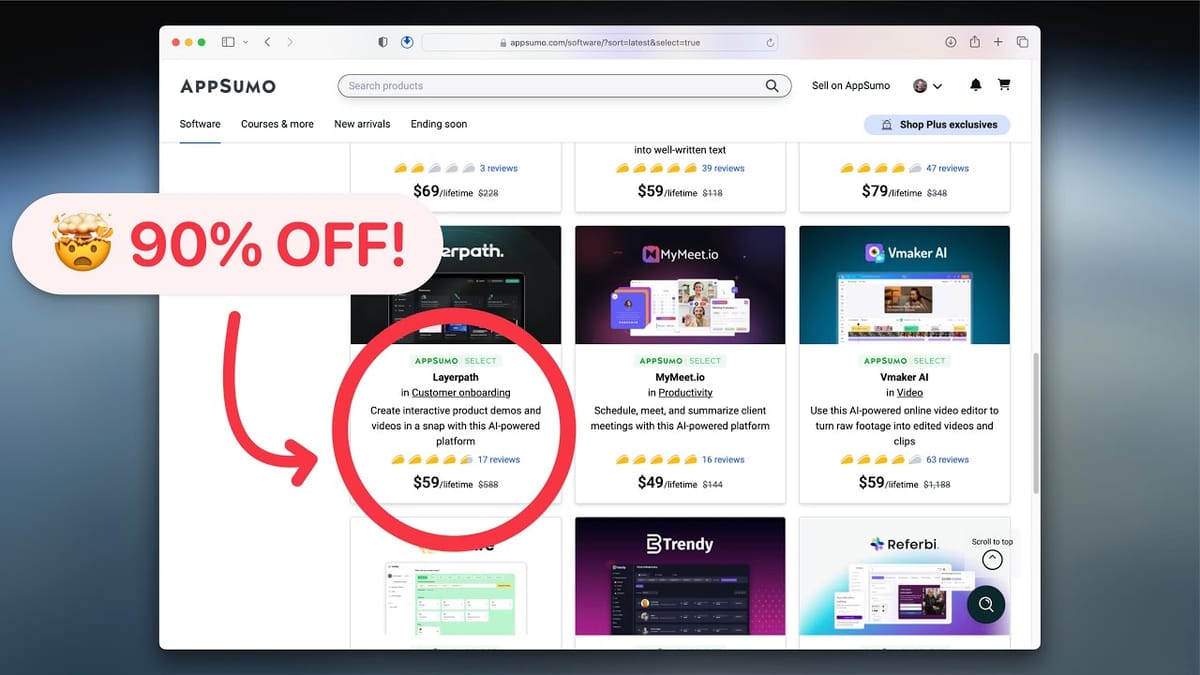
Six AppSumo Deals, One Honest Roundup
If you've been following my recent deep-dive reviews, you'll know I just put out six full-length videos covering the latest AppSumo lifetime deals — that's roughly three hours of walkthroughs, demos, and real-world testing. Not everyone has that kind of time, so this roundup distills each tool down to its essentials: what it does, who it's for, what surprised me, and whether it's worth grabbing.
Each of my full reviews goes button-by-button through every feature, so if something here catches your eye, the long-form video will answer just about any question you have. For now, let's get through all six tools quickly so you can decide where to spend your attention — and your money.
LayerPath: Product Tours and Guides That Surprised Me
LayerPath was the standout of the week, and I genuinely didn't expect that going in. It's a product tour builder — the kind of tool that creates those step-by-step tooltip walkthroughs you see when you first sign up for a new SaaS app. But it goes well beyond simple tooltips.
LayerPath produces three types of content: interactive tours, written guides, and screen-recorded videos. The guide format was my personal favorite. It presents steps in a clean side-panel layout with a clickable table of contents, making it feel like a modern help doc rather than a clunky walkthrough. I hadn't seen anything quite like it, and it felt genuinely fresh.
The video feature is comparable to tools like Screen Studio or Focusee, though LayerPath won't record your webcam or microphone. That sounds like a limitation until you realize it compensates with AI-generated step descriptions and AI narration. If you're building onboarding content for clients in another language, or you simply prefer not to record your own voice, this is a seriously compelling workflow.
You don't need to be a developer to get value here either — anyone helping clients with websites or SaaS products can use LayerPath to create polished guides. I gave it an 8.6, which is one of my higher scores. Well worth a look.
Focusee: Cinematic Screen Recording on a Budget
Focusee is a desktop screen recorder for both Windows and Mac that automatically applies smooth zoom effects, mouse cursor swaps, and a subtle motion blur to make your recordings look polished and cinematic. Think short product demos, quick tutorials, or Loom-style walkthroughs with a visual upgrade.
It also records your webcam, supports voiceovers, and lets you upload finished videos to Focusee's cloud with a shareable link — very much in the Loom mold. On the surface, it checks a lot of boxes.
The elephant in the room is Screen Studio, which is Focusee's main competitor and, frankly, the more advanced product. Screen Studio gets constant feature updates and is a genuinely excellent tool. However, Screen Studio only runs on Mac and doesn't include lifetime updates with its one-time purchase, so the comparison isn't entirely apples-to-apples. If you're on Windows, Focusee is essentially your best option in this category by default.
I gave Focusee a 6.8. It's solid for the price and the lifetime deal sweetens things, but if you're on Mac and can afford Screen Studio, that's still the tool to beat.
MyMeet: An Online Booking Tool That Needs More Polish
MyMeet is an online meeting and scheduling tool — think Calendly or TidyCal — that lets you create a booking page so clients can schedule appointments with you. On paper, it's a straightforward product in a well-understood category. In practice, my experience was rough.
No matter what I configured, my booking page showed as permanently unavailable. After reaching out to support, it turned out the issue was on their end and they were able to flip a switch to fix it. Unfortunately, I'd already recorded my full review by then. Beyond that, updating my profile avatar turned into a multi-attempt ordeal because a seemingly unrelated profile field needed to be completed first — something I've never encountered in any other tool.
These might sound like minor gripes, but I'm a firm believer that how a product handles the small things tells you a lot about the bigger picture. Multiple little friction points early on suggest there will be more down the road.
I didn't give MyMeet a final score because I couldn't properly evaluate it in its broken state. My current recommendation: TidyCal is a safer bet for scheduling, and for the actual meetings themselves, Zoom remains the Kleenex of video calls. Clients know it, trust it, and already have it installed.
SMTPing: Email Validation With Recurring Credits
SMTPing is an email validation tool, and the feature that immediately caught my attention was its recurring monthly credits. Most email validation lifetime deals give you a one-time bucket of credits — once they're gone, they're gone, making them more of a bulk discount than a true lifetime deal. SMTPing actually replenishes your credits every month, which is a meaningful distinction.
The trade-off is that SMTPing is still a young product. It lacks some of the polish and advanced features you'd find in more established tools like ClearOut, which started on AppSumo and has since grown into a full-featured platform with API integrations, flexible export options, and more bells and whistles across the board.
That said, if the core validation results are comparable — and from my testing, they were reasonably close — SMTPing's rock-bottom pricing and renewable credits make it a compelling option, especially for smaller lists or users just getting started with email hygiene. I gave it a 6.9. It's a promising tool that I'm hoping will mature over time, and I picked up a full stack because the value proposition at this price is hard to ignore.
Unifire.ai: Content Repurposing With a Credit Problem
Unifire.ai is a content repurposing tool that takes a YouTube video, transcript, or rough notes and transforms them into blog posts, newsletters, tweets, and over 30 other formats. The concept is solid — create once, distribute everywhere.
In practice, the results were mixed. The blog post output was genuinely the strongest format and the one I'd recommend focusing on if you pick up this tool. The shorter-form content like tweets and SEO descriptions didn't feel like a significant upgrade over what you'd get from ChatGPT or Claude with a simple prompt.
The bigger concern is credits. The entry-level lifetime deal comes with around 30 credits, and a single blog post costs five credits. That gives you roughly six blog posts per month, which feels tight. Unifire's core pitch — that you don't need to know prompt engineering — is also becoming less relevant as AI tools get better at understanding plain-language instructions.
I gave Unifire a 6.2, which I'll admit might be a little generous. The blog post quality from a single click was impressive enough to keep my attention, but the credit economics need to be more forgiving before I'd use it as a regular part of my workflow.
Salad Transcription: Powerful API, But Not for Everyone
Salad Transcription was the wildcard of the week. I went in expecting a user-friendly transcription tool and discovered it's really a developer-focused API service built on OpenAI's Whisper model. If you're building an app that needs transcription capabilities, this is where Salad Transcription shines.
The platform does have a small testing lab where I was eventually able to upload an MP3 and get a transcription back, but the output came in raw JSON format — not exactly end-user friendly. I had to pipe the result through Claude just to extract the actual spoken words. For someone looking for a simple upload-and-transcribe experience, this isn't it.
For developers, however, the value proposition is extremely strong. The entry-level AppSumo code gets you 100 hours of transcription for around $39, and you can stack codes indefinitely to scale up. If you're serving clients or customers who need transcription at volume, the per-hour economics are hard to beat.
I didn't assign a final score here because I'm not the target user and couldn't properly stress-test the API's flexibility and reliability. If you're a developer with a use case for bulk transcription, definitely check out the full review for more details.
The Verdict: Which Deals Are Worth Grabbing?
Out of six tools reviewed this week, LayerPath was the clear winner with an 8.6 — it's genuinely useful, surprisingly polished, and fills a niche that most people don't realize they need until they see it in action. SMTPing (6.9) and Focusee (6.8) both landed in solid-but-not-spectacular territory, each worth considering depending on your specific needs. Unifire.ai (6.2) has potential but needs to sort out its credit economy.
MyMeet and Salad Transcription didn't receive scores — MyMeet because of technical issues that prevented a fair evaluation, and Salad Transcription because it's a developer API that I couldn't properly test as an end user. Neither is a bad product, but neither earned a confident recommendation either.
If any of these tools caught your attention, the full-length reviews go deep into every feature, menu, and workflow. Drop a comment if you'd like me to review a specific AppSumo deal in a future video — I'm always looking for the next one to dig into.
Watch the Full Video
Prefer watching to reading? Check out the full video on YouTube for a complete walkthrough with live demos and commentary.


