
Chatbase Review: Train AI Chatbots on Your Own Data
Chatbase is an AI-powered chatbot builder that lets you train a custom assistant on your own business data, then embed it on your website to handle customer questions automatically.

Chatbase
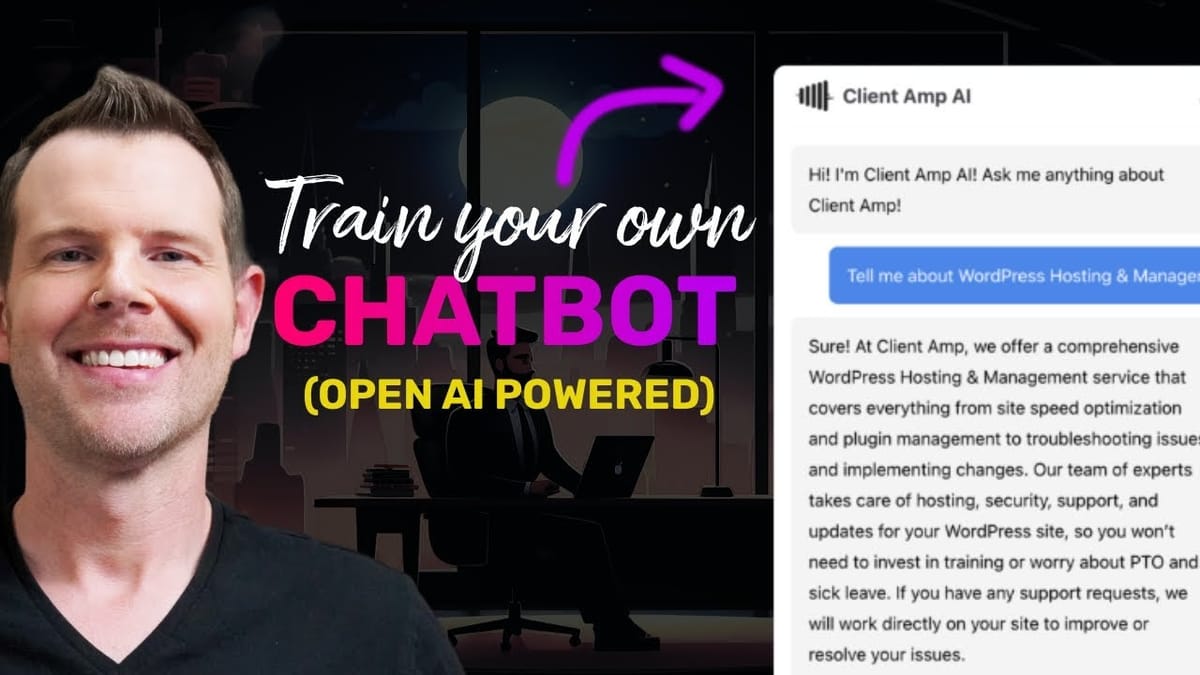
Chatbase lets you create AI chatbots powered by OpenAI that are trained on your own website content, documents, and FAQs to answer customer questions automatically.
Agency owners, small business operators, and anyone who wants to automate customer support or lead generation on their website.
Crisp, Tidio, Drift, Intercom
What Is Chatbase and Why Does It Matter?
If you've spent any time online in the last couple of years, you've noticed that AI chatbots are everywhere. Most of them are generic, unhelpful, and feel like talking to a brick wall. Chatbase takes a different approach — it's a chatbot builder powered by OpenAI and ChatGPT that you can train on your own business data. That means when a customer asks a question, the bot actually knows what it's talking about.
The core idea is simple: feed Chatbase your website content, PDF documents, FAQ lists, or plain text, and it builds a conversational assistant that can answer questions specific to your business. Instead of canned responses or decision trees, you get a genuinely intelligent chatbot that understands your products and services.
This is available as a lifetime deal on AppSumo, which makes the pricing especially attractive compared to monthly chatbot subscriptions that can run into hundreds of dollars per month.
Pricing and Tier Breakdown
Chatbase is available through AppSumo starting at just $29 for a one-time fee. At that entry-level tier, you get 10 chatbots and 1,000 message credits per month. That might sound like a lot, but if you have a website with decent traffic, those credits can disappear fast.
The tier two license at $159 is where things get interesting. You jump up to 5,000 message credits per month and 40 chatbots, but the real game-changer is the ability to connect your own OpenAI API key. This effectively gives you unlimited usage — you'll pay OpenAI directly for API calls, but you're no longer capped by Chatbase's credit system. For agency owners, this is the sweet spot.
Tier two also removes Chatbase branding from the chat widget, which is essential if you're deploying this on client websites. Nobody wants a third-party logo sitting on their site, especially when you're offering this as a professional service. At $159 for 40 chatbots, you're looking at less than $4 per client — hard to beat that math.
Setting Up Your First Chatbot
Creating a chatbot in Chatbase is straightforward. You've got four different data sources to work with: file uploads (PDFs that have been OCR'd so the text is selectable), plain text input, website crawling, and a Q&A section for frequently asked questions.
The website crawler is probably the fastest way to get started. You punch in your domain, hit fetch links, and Chatbase will crawl your site and pull in all the content it finds. In testing with a real agency website, the crawl completed quickly and found all the relevant URLs. You select which pages to include, hit create, and the chatbot is trained and ready to go.
The Q&A section is a nice touch that's easy to overlook. If you already have a list of frequently asked questions and the answers you want to give, you can feed those directly into the bot. This gives you precise control over how specific questions are handled, rather than relying entirely on the AI to interpret your website content.
Testing the Chat Quality
The quality of the AI responses is where Chatbase genuinely impressed. When given a statement like "I want to move my site off of Kajabi" — not even a direct question — the bot inferred the intent and responded with a relevant, accurate answer about migration services. It mentioned specific platforms like WordPress and WooCommerce and even echoed the business's actual value proposition about not surrendering control.
A follow-up question about Amazon SES sandbox mode pulled back equally accurate information, including details about the 24-72 hour turnaround and the refund policy if they can't resolve the issue. These are real details from the website, not hallucinated responses. The bot even cites its sources, showing you which pages it pulled information from.
This is the number one thing you want from an AI chatbot on your business site — accurate, contextual answers that sound like they came from someone who actually knows the business. Generic chatbots that say "I'll have someone get back to you" are a dime a dozen. A bot that can actually sell your services and answer technical questions is genuinely valuable.
Customization and Settings
Chatbase gives you a solid set of customization options. You can name your chatbot, add a profile picture, change the color scheme to match your brand, and tweak the chat bubble icon. The system message — the behind-the-scenes instruction that tells the AI how to behave — is fully editable. By default, it tells the bot to only answer from the provided data and to say "I'm not sure" when it doesn't have the answer, rather than making things up.
The temperature slider is an important setting to understand. At zero (reserved), the bot sticks strictly to facts. Crank it up to one (creative) and it starts taking more liberties with its responses, which can lead to hallucinations. For any professional deployment, keeping this near zero is the smart play.
Visibility settings let you control access. You can keep the chatbot private, make it public, or — the most practical option — set it to private but embeddable on specific domains. Rate limiting is built in as well, defaulting to 20 messages per 240 seconds, which protects you from someone burning through your API credits.
Lead Generation and Email Collection
One feature that makes Chatbase more than just a support tool is its email collection capability. With a single toggle in the settings, the chatbot will ask visitors for their email address before the conversation begins. Collected emails show up in the Chatbase dashboard alongside the full conversation transcript, so you can see exactly what a potential lead was asking about before you follow up.
The implementation is a bit basic right now — it's an on-or-off toggle with no option to delay the email prompt until the visitor shows buying intent. Ideally, you'd want the bot to ask for an email after someone indicates they're interested in services and wants a human to follow up, rather than hitting them with a form immediately. That said, having the feature at all puts Chatbase ahead of many competitors.
Conversation exports currently dump to a JSON file, which isn't the most user-friendly format for non-technical users. It gets the job done, but a CSV or formatted PDF export would be a welcome addition.
Embedding on Your Website
Getting Chatbase onto your website takes about two minutes. You have two embed options: an iframe for placing the chat window directly in your page content, or a script tag that adds the floating chat bubble in the bottom corner. The script method is the more common approach and works just like adding any other tracking script to your site.
If you're running WordPress, you can use a plugin like WP Code Box or any script management tool to inject the code. Just remember to strip the opening and closing script tags if your tool handles those automatically. Once activated, the chat bubble appears on your site and is fully functional immediately.
Chatbase also provides a full API with five different endpoints for creating, updating, deleting, and interacting with chatbots programmatically. The documentation is solid enough for developers to work with, and even non-developers could use ChatGPT to help them build custom integrations.
What's Missing and Room for Improvement
For all its strengths, Chatbase has a few gaps that are worth noting, especially for agency owners. The biggest one is the lack of sub-accounts. If you're managing 40 chatbots for 40 clients, there's no way to give individual clients access to manage their own bot's training data. Everything runs through your single account, which creates a bottleneck.
CRM and email integration is another missing piece. Those email addresses the bot collects? They live inside Chatbase with no native way to push them to your CRM or email autoresponder. For a tool that's positioned as a lead generation asset, that's a significant gap in the workflow.
Automatic content re-crawling would also be a welcome addition. Right now, if your website content changes, you have to manually re-crawl it. If you're running blogs, podcasts, or frequently updated service pages across dozens of client sites, keeping all those bots current becomes a time-consuming chore. The API could theoretically be used to automate this, but a built-in scheduling feature would be far more practical.
Final Verdict: Is Chatbase Worth It?
Chatbase earns an 8.8 out of 10. The core product — an AI chatbot trained on your own data — works remarkably well. The quality of responses is genuinely impressive, pulling accurate, contextual answers from your content rather than hallucinating or giving vague non-answers. For the lifetime deal price, it's hard to argue with the value.
The missing features around sub-accounts, CRM integration, and automatic re-crawling keep it from being a perfect 10, but these feel like features that are likely on the roadmap rather than fundamental limitations. If you're an agency owner looking to add AI chat support across client sites, or a business owner who wants to automate the repetitive questions your team answers every day, Chatbase is well worth picking up at this price point.
The tier two license at $159 is the clear recommendation — the ability to use your own OpenAI API key, remove branding, and support up to 40 chatbots makes it the practical choice for anyone serious about deploying this in a professional context.
Watch the Full Video
Prefer watching to reading? Check out the full video on YouTube for a complete walkthrough with live demos and commentary.


