Claude Code Tutorial: Complete Beginner's Guide (2025)
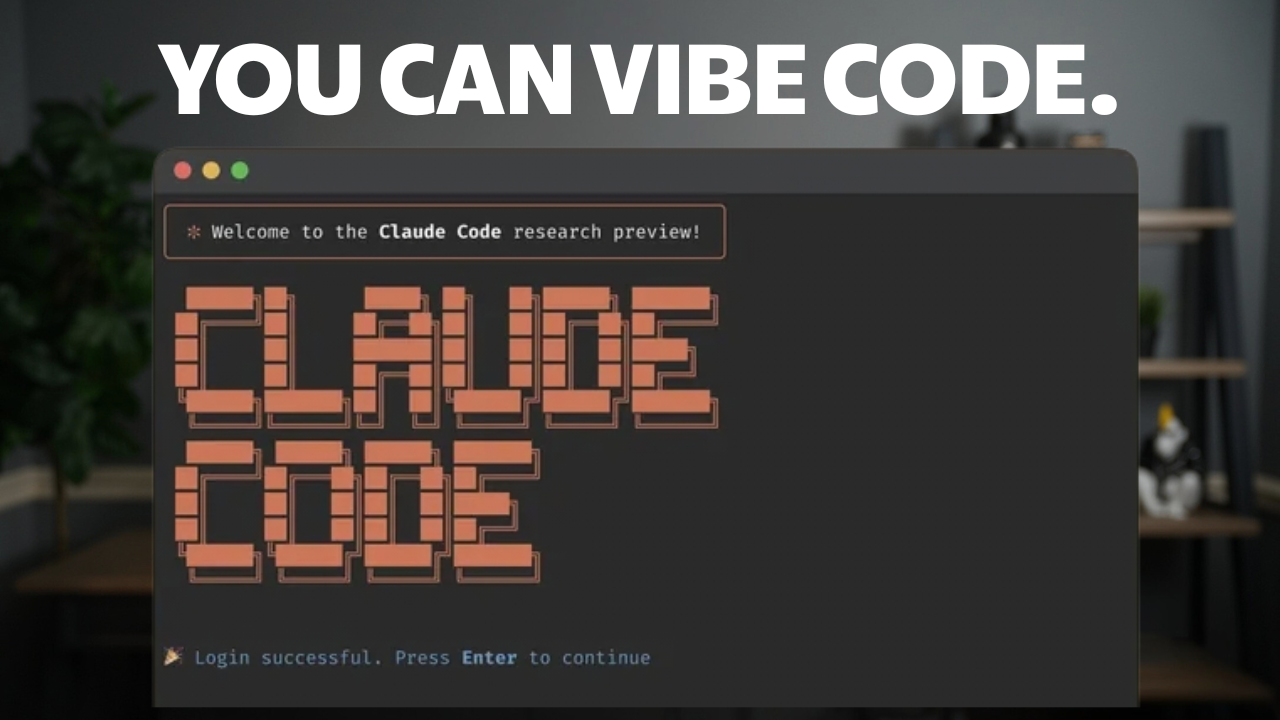
Claude Code puts AI coding power in your terminal. This guide covers setup, key commands, MCP servers, plugins, and real app builds. Even if you have never used a CLI tool, you will learn to vibe code full projects fast. A hands-on walk through for any skill level.

📎 Links Mentioned in This Video

Why try to vibe code a CRM when the perfect one already exists? Bigin from Zoho is a CRM built specifically for small businesses and agencies. Set it up in 30 minutes, manage your pipeline, and communicate across WhatsApp, email, and phone — all from one dashboard. Plans start at just $7/month per user.
What Is Claude Code and Why Should You Care?
If you grew up watching War Games, you probably remember that iconic scene where Matthew Broderick sits down at a terminal and talks to a computer that actually understands him. That movie made the command line look like magic. Well, we're kind of living in that future now — except the computer won't accidentally start a nuclear war. Probably.
Claude Code is a command-line interface built by Anthropic that lets you interact with Claude AI directly from your terminal. But here's what makes it different from just chatting with Claude in your browser: it can actually do things on your computer. It reads your files, creates new ones, writes code, organizes folders, builds entire applications — all from a text prompt. Think of it as having an incredibly skilled assistant sitting inside your terminal, ready to work.
Now, I want to be clear about something. This guide is called "Claude Code for Normal People" for a reason. You do not need to be a developer to use this. You don't need a computer science degree. You don't even need to know what a terminal is right now — I'm going to walk you through everything. If you can type a sentence, you can use Claude Code. All you need is a $20/month Claude plan, which also gets you access to the Claude chat interface and the phone app. It's genuinely good value.
The reason I think everyone should care about this is simple: we're at a point where you can describe what you want in plain English and have an AI build it for you. Want a website? Describe it. Want your messy downloads folder organized? Ask for it. Want a full application with user accounts and a database? Just tell Claude what you're after. That's not hype — that's literally what I'm going to show you in this guide.
Getting Started: Installation
Installing Claude Code is refreshingly simple. Head over to the Claude Code documentation page and you'll find the install command right there. If you're on a Mac or Linux, it's a single npm install command. Copy it, open your terminal, paste it in, and hit return. That's literally it.
If you're on a Mac and you're thinking "what's a terminal?" — no worries. Press Cmd+Space to open Spotlight, type "Terminal", and hit enter. That black (or white) window that pops up is your terminal. On Windows, search for "Command Prompt" or "PowerShell" in the search bar. Windows has its own specific install command on the docs page, so make sure you grab the right one.
One prerequisite: you need Node.js installed on your machine for the npm command to work. If you paste the install command and get an error about npm not being found, head to nodejs.org and download the installer. It takes about two minutes. Once Node.js is set up, the Claude Code install command will work perfectly.