
Closely Review: LinkedIn & Email Outreach Automation (2024)
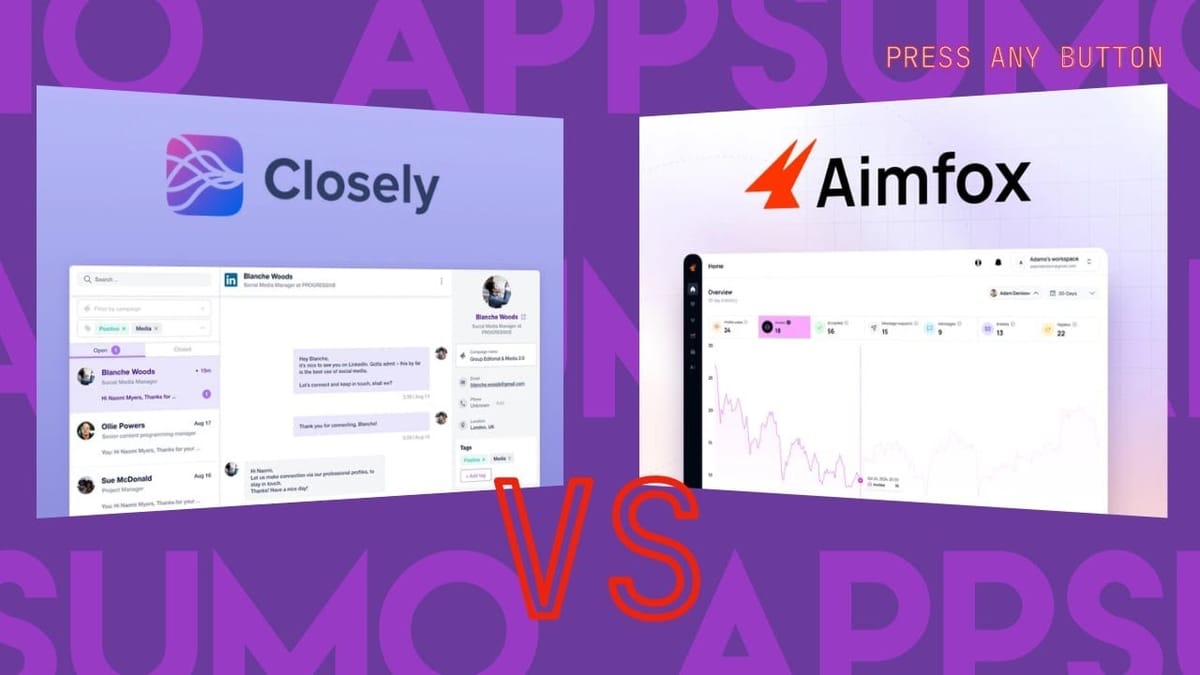
Closely is a cold outreach tool that handles both LinkedIn automation and email campaigns. Here's a full walkthrough of the setup, lead finding, campaign building, and how it stacks up against AimFox.

Closely
Closely is a cold outreach platform that automates LinkedIn connection requests, messaging sequences, and email campaigns with built-in lead finding.
Sales professionals, agencies, and marketers who want to automate LinkedIn outreach and cold email from a single platform.
AimFox, Dux-Soup, Expandi, Lemlist
What Is Closely and How Does It Compare to AimFox?
Closely is a cold outreach tool that covers both LinkedIn automation and email campaigns — a notable distinction from tools like AimFox, which focus exclusively on LinkedIn. If you've been following the LinkedIn automation space, you'll know that having both channels under one roof can simplify your workflow considerably.
The big question a lot of people had after the AimFox review was: how does Closely stack up? The short answer is that Closely is more feature-rich but also a bit more technical to use. That trade-off is common in software — more power often comes with a steeper learning curve. This review walks through the entire tool from setup to campaign launch so you can decide which approach fits your workflow better.
Plans and Pricing on AppSumo
Closely is available on AppSumo starting at $69 for a lifetime deal, with the ability to stack unlimited codes. The key thing to know is that Tier 1 is fairly limited — you get LinkedIn outreach basics but miss out on features like CSV imports, group audience imports, and what they call "human-like behavior" automation algorithms.
Tier 2 at $138 is really the sweet spot and should be considered the true entry point. Beyond Tier 2, the main difference is capacity: you get 2,000 credits per code and an additional user seat for every two codes stacked. If you reach 10 codes, you unlock white labeling, which lets you offer Closely as a service to your own clients.
Setting Up Your LinkedIn Account
After redeeming your AppSumo code, the first thing you'll want to do is sync your LinkedIn account. Closely offers two ways to do this: through the web app directly or via their Chrome extension. The web app method requires entering your LinkedIn credentials, and Closely will attempt to import your entire LinkedIn inbox — something AimFox didn't do (AimFox only let you respond to incoming messages without pulling historical conversations).
However, the direct web login can be finicky. During testing, the account got stuck in a "verifying" stage for over 15 minutes. After deleting and re-adding the account through the Chrome extension instead, the connection was nearly instantaneous. If you run into syncing issues, skip the web login and go straight to the Chrome extension method.
Security Considerations for LinkedIn Automation
Any time you connect a third-party tool to LinkedIn, you're granting access to your account. While services like Closely and AimFox aren't storing your password or logging into LinkedIn independently, the connection does create an access point. If you have extremely sensitive data on LinkedIn, factor that into your decision.
On the automation side, LinkedIn outreach bots have been around for over a decade. Whether it technically violates LinkedIn's terms of service is a grey area, but both Closely and AimFox build in safeguards to reduce the risk of getting flagged. These include randomized posting times, configurable active windows so you're not running 24/7, and dedicated IPs for each LinkedIn account so your login location stays consistent. The key is being strategic and targeted with your outreach rather than blasting generic messages to thousands of people.
The Chrome Extension and Lead Finder
Closely's Chrome extension adds functionality directly into LinkedIn's interface. When you run a people search on LinkedIn, new export buttons appear that let you pull contacts into Closely. You can export just the list or export with email lookups, which costs one credit per contact.
In a test searching for remodeling professionals in the greater Minneapolis area, the extension found email addresses for 4 out of 10 contacts — mostly personal addresses like Gmail and Yahoo rather than company domains, likely pulled from LinkedIn profiles. One contact even had a phone number attached, which could be useful for cold calling.
Closely also has a built-in lead finder within the web app itself, which is useful if you don't have direct access to the LinkedIn account (common in team scenarios). However, the web-based lead finder has some limitations. Location targeting isn't as granular — it only offers country-level filtering rather than city or metro area searches. The database is also significantly smaller than LinkedIn's full network; a search that returned 143,000 results on LinkedIn only returned 36 in Closely's lead finder.
Building a LinkedIn Campaign
Creating a campaign starts by selecting your LinkedIn account and choosing an audience source. Closely offers several targeting options: LinkedIn search URL, CSV import, post engagement (people who reacted to or commented on a specific post), event attendees, and group members. The LinkedIn search approach requires you to perform the search on LinkedIn itself, then paste the URL into Closely — a different workflow than AimFox, which had its own built-in targeting interface.
New accounts start in "warmup mode," which restricts activity to just 5 connection requests and 10 messages per day, gradually increasing over time. This mimics the warmup process used in cold email and prevents your account from getting flagged for suddenly jumping from zero outreach to hundreds of messages daily. You can adjust or disable these limits in your account settings, but keeping them on is the safer bet.
Campaign Actions and Sequences
The campaign editor lets you build multi-step sequences with branching logic. A typical LinkedIn campaign might start with a connection request, then branch based on whether the person accepts or ignores it. If they accept, you can queue up a follow-up message with a configurable delay — sending immediately after acceptance feels spammy, so adding a two-day buffer is a good practice.
For people who don't accept, you can set up alternative actions like viewing their profile or liking their posts to stay on their radar. Each branch can have multiple steps, creating fairly sophisticated outreach sequences. The message templates included are quite generic, and Closely doesn't have AimFox's built-in AI message improver. You'll want to use an external AI tool like Claude or ChatGPT to craft personalized messages, making sure to incorporate Closely's variables (like first name) for personalization.
One nice feature is the option to automatically withdraw connection requests after 7 to 21 days if they're not accepted, preventing a backlog of pending requests on your account.
Working Hours and Account Settings
Closely lets you configure which days and hours your outreach runs. Setting realistic working hours — say 9 AM to 6 PM, Monday through Friday — makes your automation look more natural. The platform auto-detects your timezone, though you may need to confirm it in the profile tab.
Combined with the warmup mode limits, these settings help keep your LinkedIn activity within believable human patterns. Nobody is sending connection requests at 3 AM on a Sunday, and LinkedIn's systems know that.
Email Outreach Campaigns
Connecting an email account requires Tier 2 or higher. Closely supports Google and Outlook accounts natively, though custom SMTP support would be a welcome addition for users with other providers. Once connected, you can set up a custom tracking domain using a simple CNAME DNS record, which enables open and click tracking on your outgoing emails.
Email campaigns work similarly to LinkedIn campaigns but require uploading contacts via CSV rather than pulling directly from LinkedIn. There's an odd friction point here: exporting leads from Closely's own lead finder and then importing them back into a Closely campaign caused duplicate entry errors. Creating a clean CSV manually with just first name, last name, and email columns worked without issues — functional but unnecessarily clunky.
The email editor supports images, emojis, test sends, and conditional branching based on whether recipients opened the email or clicked links. You can also run LinkedIn and email campaigns concurrently to the same audience, hitting prospects on multiple channels.
My Network and CRM Features
The My Network tab gives you a searchable directory of your existing LinkedIn connections. You can filter by job title, tag contacts, add notes, and export them as CSV files for use in campaigns. It's the beginning of a lightweight CRM, though it currently lacks pipeline stages for tracking where prospects are in your sales process.
AimFox doesn't have anything comparable, so this is a clear advantage for Closely even in its current form. The ability to segment your existing network by job title and then target those contacts in an outreach campaign is a practical workflow that could save a lot of manual effort.
Integrations and Extras
Closely integrates with HubSpot, Pipedrive, and Webhooks, covering the most common CRM connections and allowing you to pipe data into virtually any other platform. There's also "Appoint," Closely's built-in scheduling tool (similar to Calendly), though it's not included in the lifetime deal and requires a separate purchase or activation.
The webhook support is particularly useful for power users who want to trigger automations in tools like Zapier or Make when certain campaign events occur.
Final Verdict: Closely Gets a 7.8
Closely earns a 7.8 out of 10 — the same score as AimFox, which makes sense because they're similar tools that appeal to different users. Closely is the better choice if you want both LinkedIn and email outreach in one platform and don't mind a slightly more technical setup. AimFox is the better pick if you only need LinkedIn automation and prefer a more polished, easier-to-use interface with built-in AI message writing.
The lead finder's limited database and the clunky CSV workflow between lead finder and campaigns are the main rough edges. But the multi-channel approach, branching campaign logic, warmup mode, and My Network features make Closely a solid option at its lifetime deal price point — especially if you stack to Tier 2 or above.
Watch the Full Video
Prefer watching to reading? Check out the full video on YouTube for a complete walkthrough with live demos and commentary.


