
Cloudways Autonomous Review: Kubernetes Hosting for WooCommerce
Cloudways Autonomous brings Kubernetes-powered horizontal scaling to WordPress and WooCommerce, so your store stays fast no matter how much traffic hits it.

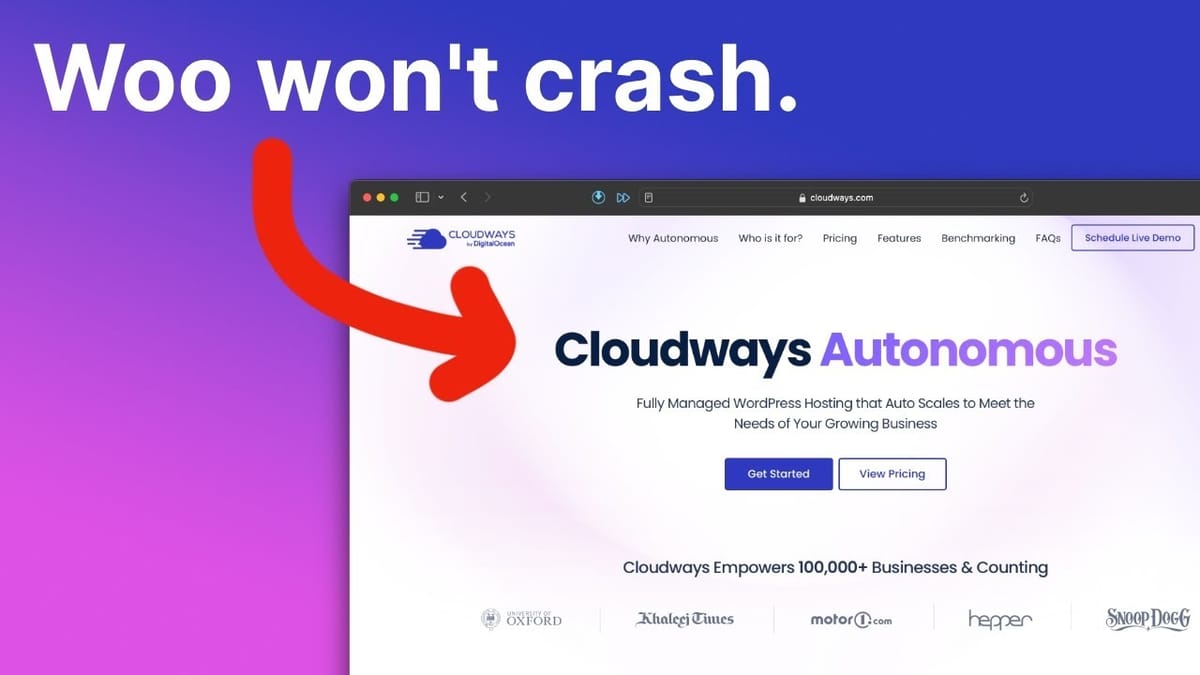
Cloudways Autonomous
Kubernetes-based managed WordPress and WooCommerce hosting that automatically scales horizontally to handle traffic spikes without manual server configuration.
WooCommerce store owners, online course creators, and anyone running WordPress sites that need to handle unpredictable traffic surges without downtime.
Kinsta, WP Engine, traditional Cloudways VPS
The Problem With Traditional WordPress Hosting
Picture this: your product gets mentioned on a massive podcast overnight, and thousands of people flood your website at the same time. If you're running a standard WordPress or WooCommerce setup, there's a very real chance your site buckles under the pressure. That's the fundamental limitation of traditional vertical hosting — you have a single server instance with fixed CPU and RAM, and once those resources are exhausted, your site slows to a crawl or crashes entirely.
The tricky part is that sizing a server is always a guessing game. You don't know exactly how visitors will behave — whether they'll all hit checkout simultaneously or browse casually throughout the day. And for WooCommerce stores, where every visitor interaction requires server-side processing, this unpredictability can be genuinely costly. Solutions have existed for this problem before, but they've traditionally started at thousands of dollars per month, putting them out of reach for most store owners.
What Makes Cloudways Autonomous Different
Cloudways Autonomous takes a fundamentally different approach to hosting WordPress and WooCommerce. Instead of scaling vertically (bigger server, more RAM), it scales horizontally using Kubernetes — the same container orchestration technology used by companies like Google and Spotify. When traffic increases, Autonomous automatically replicates your site across additional containers to handle the load. When traffic drops, those containers contract. You only ever use what you actually need.
If you've used Cloudways before, it's worth noting that Autonomous is a completely separate product from their traditional VPS hosting. The underlying architecture is different, the dashboard is different, and the pricing model is different. Kubernetes itself is a fairly technical topic, but you don't need to understand the internals to benefit from it. Cloudways has abstracted all of that complexity away into what is arguably their simplest hosting product yet.
Setting Up Your First Autonomous Site
Getting started with Cloudways Autonomous is refreshingly simple. After logging into your Cloudways account, you select a plan (starting at $35/month) and click to add an autonomous application. You'll name your app, choose a data center region — options include London, Singapore, and South Carolina — and pick between a standard WordPress install or WordPress with WooCommerce pre-installed. That's it. Click "Add Application" and wait a minute or two while your site spins up.
What's notably absent from this setup process is any mention of server specs. Nobody asks you how many CPU cores you want or how much RAM to allocate. That's the whole point of Autonomous — you don't manage infrastructure. The platform handles resource allocation dynamically based on actual demand. And because billing is still done hourly (a hallmark of Cloudways), you can spin up a test site for a few hours, kick the tires, and shut it down for about a dollar if it's not the right fit.
The Cloudways Autonomous Dashboard
The management dashboard for Autonomous is noticeably more streamlined than traditional Cloudways or competing platforms. The overview screen gives you quick access to SFTP, SSH, database credentials, and custom domain settings, along with resource metrics for visits, bandwidth, and disk space. You can set PHP versions on a per-site basis and launch a staging environment with a single click.
The caching setup is one of the highlights. Object Cache Pro — which normally runs around $95/month on its own (or $79/month annually) — comes pre-installed and activated out of the box. It's specifically optimized for WooCommerce, making add-to-cart actions and checkouts significantly more efficient. On top of that, full page caching and CDN delivery are handled by Cloudflare Enterprise, so your content loads quickly regardless of where your visitors are located around the world.
The workflows section covers backups, PHP configuration, and staging management. You can take on-demand backups, adjust PHP memory limits and input timeouts through a visual interface (no SSH required), and manage your staging environment. Once you connect a custom domain, you also unlock the full Cloudflare Enterprise feature set: WAF protection, DDoS mitigation, mobile optimization, and image optimization.
Staging and Site Management
Staging on Cloudways Autonomous works exactly the way you'd expect. You can push data from staging to live or — more commonly — copy your live site to staging so you can safely test new plugins, theme changes, or WooCommerce configuration updates without risking your production store. It's a workflow that's critical for any serious ecommerce operation.
Access management lets you set up SFTP users for file uploads and connect custom domains with the provided DNS credentials. The WordPress backend itself comes fairly clean — you'll find Akismet, the Breeze cache plugin (disabled by default since Cloudflare Enterprise handles caching), Hello Dolly, and WooCommerce. The default theme is Twenty Twenty-Three, but you're free to install whatever themes and plugins you need. Cloudways doesn't restrict your software choices. They'll even migrate your first site from another provider for free.
Performance Benchmarks: Autonomous vs. Kinsta vs. WP Engine
An independent benchmark published on Koddr.io compared Cloudways Autonomous against Kinsta and WP Engine using real WooCommerce checkout simulations. At low concurrency (5 simultaneous users), the results were close — WP Engine edged ahead at 0.50 checkouts per second, Kinsta managed 0.46, and Cloudways came in at 0.38. The differences were barely statistically significant.
The story changes dramatically as load increases. At 50 concurrent users, Cloudways Autonomous handled 3.76 add-to-carts and checkouts per second, nearly double WP Engine's 2.0 add-to-carts and 1.29 checkouts per second, and roughly six times Kinsta's 0.63. At 100 concurrent users, Cloudways pushed past 6.0 transactions per second while neither competitor broke 2.0. This is where horizontal scaling with Kubernetes really proves its value — the platform simply adds more containers as demand rises, keeping performance consistent even under heavy load.
Pricing Breakdown: Is Autonomous Worth It?
Cloudways Autonomous pricing starts at $35/month for a single WordPress site. That entry-level plan includes 15GB of disk space, 30,000 unique visits per month, 100GB of bandwidth, staging, backups, Object Cache Pro, and Cloudflare Enterprise. Higher-tier plans add more sites — three on plan two, six on plan three, up to ten on plan four — with seven plans available in total.
The pricing model is usage-based, which is a departure from traditional hosting. Instead of paying for fixed CPU and RAM that sit idle most of the time, you're paying based on actual visitor traffic. If you exceed your plan's included visits, it's $1 per additional 1,000 visitors. Extra disk space is $2 per gigabyte, and extra bandwidth runs $1 per 10GB. This means a big traffic month costs a bit more, but the next quiet month drops right back down.
Before you sign up, it's worth asking whether you actually need Autonomous. If you're running a blog or content site, a traditional Cloudways VPS will serve you perfectly fine — cached pages don't need heavy processing power. Autonomous really shines for sites that require server-side processing under load: WooCommerce stores with concurrent checkouts, LMS platforms with active course-takers, or any application where multiple users are performing transactions simultaneously. Cloudways backs it with a 99.9% uptime SLA, and if anything goes wrong at the hardware or software level, Kubernetes automatically routes traffic to healthy containers.
Final Verdict
Cloudways Autonomous solves a real problem that WooCommerce store owners have dealt with for years: how do you keep your site fast and available when traffic is unpredictable? The Kubernetes-based horizontal scaling delivers genuinely impressive performance under load, the management dashboard is the simplest Cloudways has ever offered, and the included Object Cache Pro and Cloudflare Enterprise subscriptions add significant value on top of the base price.
It's not for everyone — if you're running a standard WordPress blog or brochure site, traditional hosting is more cost-effective. But if you're selling products, running courses, or operating any WordPress site where downtime directly costs you money, Autonomous is one of the most compelling options available today. The hourly billing means there's very little risk in trying it out for yourself.
Watch the Full Video
Prefer watching to reading? Check out the full video on YouTube for a complete walkthrough with live demos and commentary.


