
Cloudways SafeUpdates Review: Automated WordPress Updates
Cloudways SafeUpdates takes the fear out of WordPress updates by automatically staging, testing, and validating every plugin and theme update before it touches your live site.

Cloudways SafeUpdates
Automatically stages, tests, and validates WordPress plugin, theme, and core updates before pushing them to your live site.
WordPress site owners, freelancers, and agencies who manage client sites and want to eliminate update-related downtime.
ManageWP, MainWP, BlogVault, WP Umbrella
The 3 AM Phone Call Every WordPress Developer Dreads
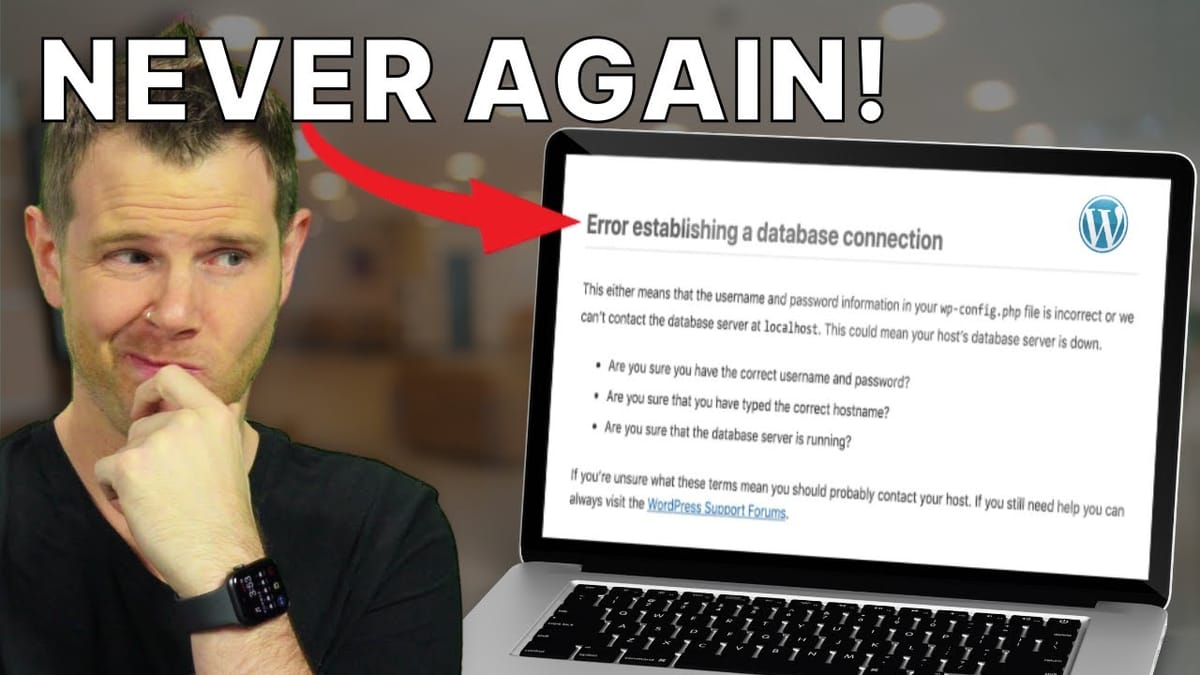
If you've managed WordPress sites for clients, you know the scenario. A client clicks "Update All" on their plugins, something breaks, and suddenly you're troubleshooting a downed site in the middle of the night. It doesn't matter what timezone you're in — when a client's site goes down and they're losing money, it becomes your emergency.
The traditional approach to safe updating involves a multi-step process: take a full backup, clone the site to a staging environment, run the updates there, manually check everything, and then push to production. It works, but it's tedious and most people skip half the steps. Cloudways SafeUpdates aims to automate this entire workflow into a single click.
Setting Up a WordPress Site on Cloudways
Getting started with Cloudways is straightforward. You pick WordPress as your application, choose a cloud provider (DigitalOcean, AWS, Google Cloud, and others are available), select your server size, and pick a data center location closest to your audience. From there, Cloudways handles the server provisioning — typically just a few minutes.
Once the server is running, you'll find all your installed sites under the "www" section. Cloudways lets you run multiple WordPress installations on a single server, which is a nice touch for agencies or anyone managing several sites. From the application control panel, you can connect your custom domain, point your DNS, and issue a free Let's Encrypt SSL certificate — all without leaving the Cloudways dashboard.
How SafeUpdates Actually Works
SafeUpdates goes well beyond a simple "click update and hope for the best" approach. When you trigger an update — whether on-demand or on a schedule — the system runs through a five-step process automatically.
First, it creates a full backup of your live site. Then it clones everything to a staging environment and performs the actual updates on that staging copy. Before anything touches your production site, SafeUpdates runs three categories of tests: visual regression testing (comparing screenshots to catch layout shifts or broken design elements), functionality testing (making sure forms, navigation, and core features still work), and performance testing (verifying that load times haven't degraded).
Only after all three test categories pass does SafeUpdates push the updated code to your live site. And even then, it re-runs the tests on production to confirm everything works in the live environment. If anything fails at any point in the process, it rolls back to the pre-update state automatically.
On-Demand vs. Scheduled Updates
SafeUpdates gives you two ways to handle updates. On-demand mode shows you a list of everything that has an available update — WordPress core, themes, and plugins — and lets you pick exactly what you want to update. Select the items, click update, and the five-step process kicks off. Cloudways estimates five to fifteen minutes for the full cycle, and you can watch the progress in real time with a clear step-by-step indicator.
Scheduled updates are where things get really interesting for hands-off management. You set the day and time you want updates to run, customize which plugins and themes are included (so you can exclude anything sensitive), and let SafeUpdates handle the rest. The notification system is particularly well thought out: you can receive a heads-up email a day before the scheduled update, a confirmation when updates succeed, and — most importantly — an alert if an update is aborted due to a failed test. That last one is the notification you definitely want turned on.
Pricing and Final Verdict
SafeUpdates costs $3 per month per website, dropping to $2 per site once you hit five or more sites. For agencies managing dozens of client sites, that volume discount adds up. When you compare the cost to the alternative — getting woken up at 3 AM to fix a broken client site, or spending an hour manually staging and testing updates — it's a reasonable investment.
The real value here isn't just the automation. It's the confidence factor. SafeUpdates lets you (or your clients) update plugins without the anxiety of wondering whether something will break. The visual, functional, and performance testing layers mean you're not just blindly pushing updates — you're validating them against real criteria before they go live. Combined with Cloudways' existing staging and backup features, SafeUpdates rounds out a solid WordPress hosting platform into something that genuinely reduces operational headaches.
Watch the Full Video
Prefer watching to reading? Check out the full video on YouTube for a complete walkthrough with live demos and commentary.


