
Cloudways WordPress Security: Firewall, SSL & Malware Protection
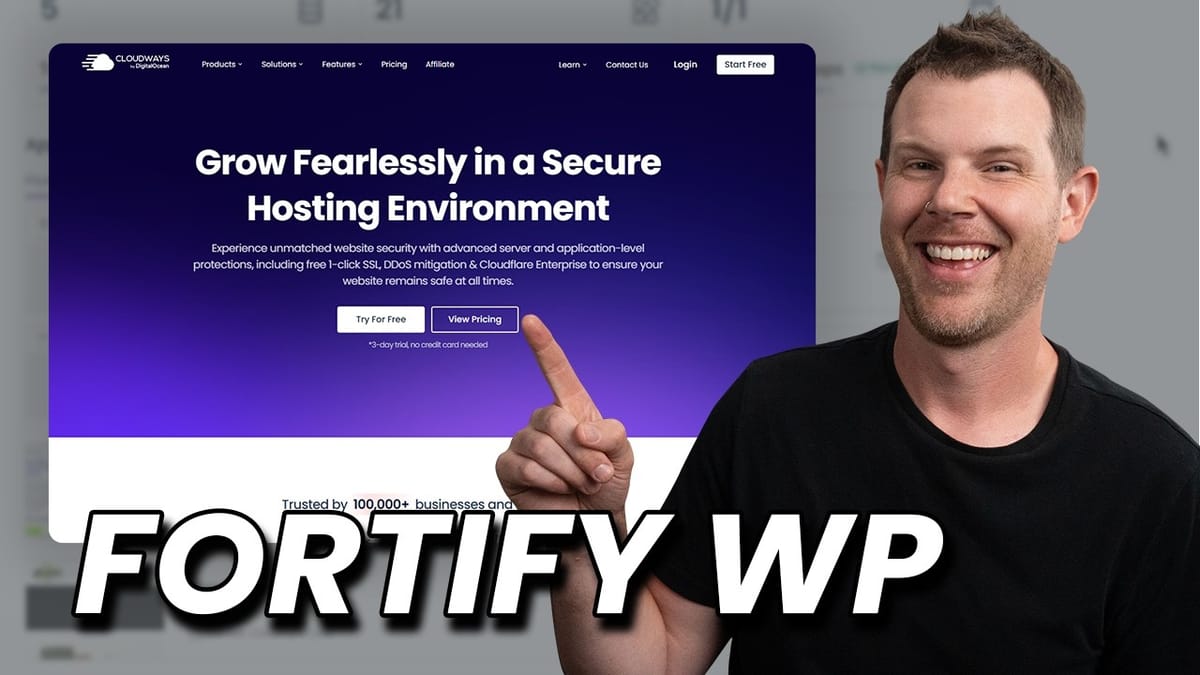
Cloudways bundles enterprise-grade WordPress security features — from Cloudflare's WAF and DDoS protection to automated safe updates and malware scanning — at prices that are hard to believe.

Cloudways
Managed cloud hosting platform that bundles enterprise-grade security tools for WordPress sites, including firewalls, automated updates, vulnerability scanning, and malware protection.
WordPress site owners, WooCommerce store operators, and freelancers or agencies managing client websites who want robust security without deep technical expertise.
SiteGround, Kinsta, WP Engine, Flywheel
Why WordPress Security Should Be Your Top Priority
WordPress powers a massive share of the web, which also makes it the biggest target for hackers and malware. If you run a WordPress site — especially an ecommerce store or client sites — a security breach doesn't just take down a website, it takes down your reputation.
The good news is that you don't need to be a security expert to lock things down. Cloudways has partnered with some of the best names in WordPress security and rolled their tools directly into the hosting dashboard. Most of these features are either included free or available as affordable add-ons, and they require almost zero technical configuration.
In this walkthrough, we'll cover every security layer Cloudways offers: server-level firewalls, automated safe updates, SSL certificates, vulnerability scanning, and malware protection. If you're already hosting on Cloudways, you might be surprised how much protection you can enable with a few clicks.
Getting Started: Spinning Up a Server on Cloudways
Setting up a new WordPress site on Cloudways is remarkably straightforward. From the dashboard, you can spin up a server and install WordPress (or a WooCommerce-optimized build) with a single click. The whole process takes about six or seven minutes.
Cloudways lets you choose from multiple infrastructure providers — DigitalOcean (which now owns Cloudways), Vultr, and others. DigitalOcean tends to be the popular choice given the tight integration, but you're free to pick whichever provider you prefer. Server sizing is flexible too: you can scale RAM and resources up or down, and Cloudways will warn you if your chosen configuration seems underpowered for something like a production WooCommerce store.
One often-overlooked perk is Cloudways' affiliate program. If you manage sites for clients who handle their own hosting bills, you can set them up under your affiliate link and earn a recurring monthly commission — all while Cloudways handles the actual server management.
The Four Pillars of WordPress Security
Before diving into the specific tools, it helps to understand the four key security layers every WordPress site should have. First is a server-level firewall. Many WordPress security plugins operate at the application level — meaning the attacker has already reached your server before the plugin kicks in. A server-level firewall stops threats before they ever touch your WordPress installation.
Second is keeping everything updated. WordPress core, plugins, and themes all need regular patching. Even well-intentioned site owners fall behind on updates, and a single outdated plugin can be an open door for attackers.
Third, you need a vulnerability scanner that actively monitors your installed software and alerts you the moment a known vulnerability is discovered. Relying on a weekly manual check isn't enough when a critical exploit can appear at any time.
Finally, every site needs a valid SSL certificate. Beyond putting that padlock in the browser bar, SSL encrypts all data transmitted between your visitors and your server — protecting login credentials, payment information, and personal data from interception.
Safe Updates: Automated WordPress Updates That Won't Break Your Site
Cloudways' Safe Updates feature is one of the most practical security tools in their arsenal. For $3 per site per month (dropping to $2 if you have five or more sites), it handles WordPress core, plugin, and theme updates automatically — and it does so intelligently.
What makes Safe Updates different from blindly clicking "update all" is the three-layer testing that runs after every update. Visual regression testing takes screenshots of your site before and after the update and compares them to catch layout-breaking changes. End-to-end testing verifies that critical pages — checkout, product listings, contact forms — still function correctly. And performance testing measures load times before and after to ensure an update hasn't introduced a memory leak or other performance issue. If any test fails, the update is automatically rolled back.
This works with plugins from the WordPress repository as well as premium plugins and themes purchased elsewhere. Essentially, if you have a valid license, Safe Updates will handle it.
Scheduling Updates and Staying in the Loop
Beyond on-demand updates, Safe Updates lets you set a recurring schedule so everything stays current without you lifting a finger. You pick the day of the week and the time — ideally during your lowest-traffic hours, since there's a brief window of inaccessibility during updates.
If you have plugins that you don't fully trust with automatic updates (we all have that one plugin), you can customize exactly which themes and plugins are included in the automated schedule. Just make sure you log in periodically to run on-demand updates for anything you've excluded.
Cloudways also provides granular notifications: a heads-up before an update runs, confirmation when it succeeds, and an alert if an update is aborted. That last one is especially important — if a critical security patch fails to install, you need to know immediately so you can investigate or reach out to Cloudways support.
Cloudflare Enterprise: Server-Level Protection for a Fraction of the Cost
This is where Cloudways' security offering gets genuinely impressive. Through a partnership with Cloudflare, Cloudways offers access to Cloudflare Enterprise features — tools that would normally cost thousands of dollars per month — for as little as $4.99 per site (with volume discounts down to around $2 for 25+ sites).
The headline feature is the Cloudflare managed Web Application Firewall (WAF). This operates at the DNS level, meaning malicious traffic is filtered out before it ever reaches your Cloudways server. It's the "keep the bad guys out of your house" approach rather than relying on a panic room inside.
Beyond the firewall, you get Cloudflare's global CDN, which caches your site's files across hundreds of locations worldwide for blazing-fast load times regardless of where your visitors are. There's also image optimization (normally a Cloudflare Pro feature at $25/month), mobile optimization, DDoS protection to shield against bot-driven attacks, and edge page caching that serves your entire site — not just static assets — from Cloudflare's network.
For five dollars a month, you're getting features that individually cost more than that on their own. It's a genuinely remarkable deal.
Setting Up Your Domain and SSL Certificate
Connecting a custom domain to your Cloudways site is simple. In the application settings under Domain Management, you add your domain, set it as the primary domain, and then update your DNS records at your registrar (Namecheap, GoDaddy, or wherever you purchased the domain).
For a basic setup without Cloudflare, you'll create an A record pointing your root domain (@) to your Cloudways server's public IP address, plus a CNAME record for www that redirects to your root domain. If you're using the Cloudflare Enterprise add-on, you'll instead point both records to Cloudflare's hostnames — since Cloudflare and Cloudways are already integrated, traffic routes through Cloudflare's security layer first.
SSL setup is equally painless. Cloudways includes free Let's Encrypt certificates, and installing one takes about 30 seconds: enter your email, enter your domain, click install. The certificate auto-renews, and it's perfectly suitable for ecommerce sites. Unless you have a very specific compliance requirement, there's no reason to pay extra for SSL when your hosting provider gives you one that works.
Cloudflare Enterprise Add-On: Deeper Benefits
Once Cloudflare is connected, the Cloudways dashboard gives you a dedicated panel to manage everything. You can monitor bandwidth usage, purge the Cloudflare cache globally or selectively with Smart Cache Purge (which only clears modified content rather than wiping the entire cache), and toggle various speed optimizations.
Edge caching is worth calling out specifically. When enabled, it serves your entire site from Cloudflare's edge servers rather than routing requests back to your origin server. Cloudways automatically disables its own Varnish page caching to avoid conflicts, so there's no configuration headache.
There's also an "Under Attack" mode you can flip on if you suspect a DDoS attack is in progress. This activates Cloudflare's most aggressive bot filtering to keep legitimate customers accessing your site while junk traffic gets blocked. The security tab provides a real-time event log so you can monitor threats as they're detected and handled.
Vulnerability Scanner: Powered by Patchstack
Every Cloudways WordPress site comes with a built-in vulnerability scanner powered by Patchstack, one of the most respected names in WordPress security. The scanner continuously monitors your installed plugins, themes, and WordPress core for known vulnerabilities.
When a vulnerability is detected, you'll see exactly which component is affected and what version you need to update to in order to patch it. This removes the guesswork entirely — you don't need to subscribe to security mailing lists or manually check CVE databases.
While Patchstack does offer a free standalone plugin you could use on any host, having it integrated into your Cloudways dashboard means every site is automatically monitored from day one. There's no plugin to install, no account to create, and no chance of forgetting to set it up on a new client site.
Malware Protection: Automated Scanning and Cleanup
Cloudways offers an additional malware protection add-on starting at $4 per month that provides continuous scanning and automated cleanup. It covers phishing protection, system file monitoring, database protection, and proactive defense against a range of cyber attacks.
The way it works is straightforward: the scanner monitors WordPress core files for unauthorized modifications — a common malware tactic where attackers alter core files to inject their code. When changes are detected, the compromised files are automatically replaced with clean originals, neutralizing the threat without any manual intervention.
Enabling it is literally a one-click operation. Once activated, you can view scan history, check for detected incidents, and review your proactive defense status — all from the Cloudways dashboard without ever needing to log into WordPress.
Adding It All Up: Enterprise Security for Less Than Your Coffee Budget
When you tally the costs of Cloudways' security stack, the value is hard to argue with. Safe Updates runs $3 per month, Cloudflare Enterprise is $5, and malware protection is $4 — that's $12 per month total for a security setup that rivals what enterprise sites pay thousands for. SSL and vulnerability scanning are included free with your hosting.
What makes this especially appealing is the simplicity. Every feature is managed from one dashboard, requires minimal configuration, and is designed for people who aren't security specialists. If you're a freelancer or agency managing multiple client sites, the peace of mind alone is worth the cost — one breach on a client site can do far more damage to your business than a few dollars a month in preventive tools.
Cloudways has done the hard work of partnering with best-in-class security providers like Cloudflare and Patchstack, integrating their tools natively, and making them accessible at price points that make sense for small businesses and solo operators.
Watch the Full Video
Prefer watching to reading? Check out the full video on YouTube for a complete walkthrough with live demos and commentary.


