
Dadan Review: Screen Recording with AI Translation & Lead Gen
Dadan combines screen recording with AI-powered transcription, translation, lead generation forms, and interactive video features — all for a one-time price starting at $59 on AppSumo.

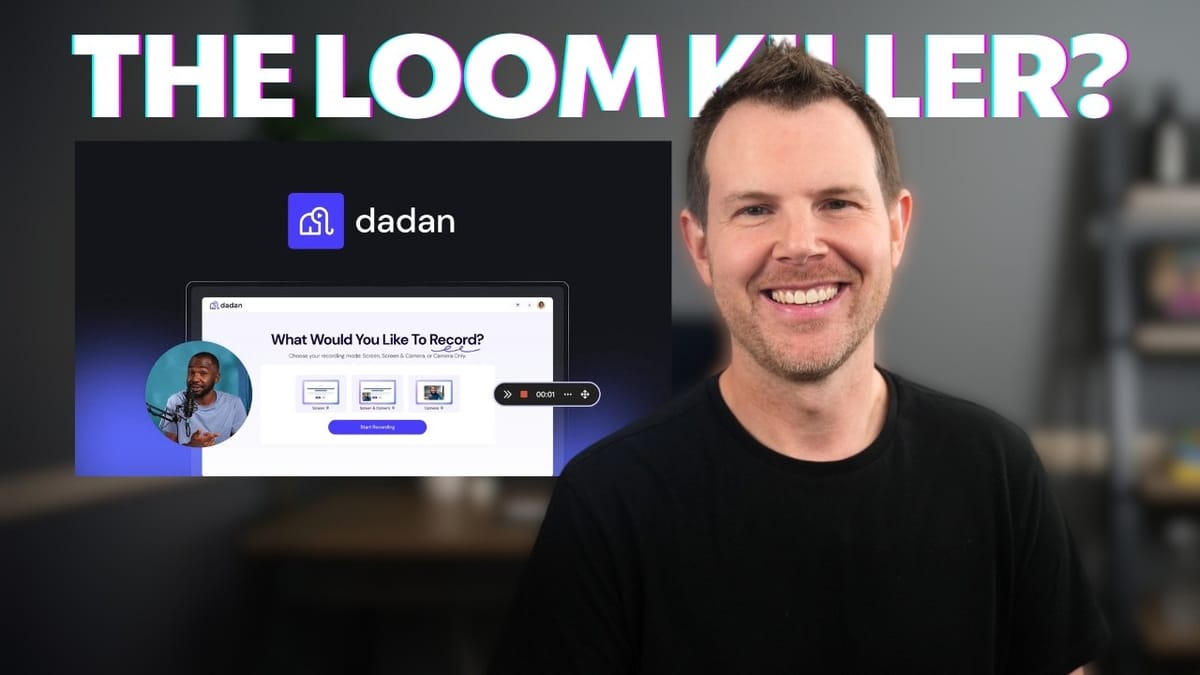
Dadan
Dadan is a screen recording and video sharing platform with built-in AI transcription, translation, lead capture, and interactive features.
Marketers, support teams, educators, and sales professionals who need a Loom-style tool with advanced engagement and AI features.
Loom, Berrycast, Sendspark, Vidyard
What Is Dadan and Why Does It Matter?
Dadan is a screen recording tool that positions itself as a Loom replacement — but with a significantly deeper feature set. Available as a lifetime deal on AppSumo, it bundles AI transcription, video translation, lead generation, and interactive elements into a single platform.
The tool works primarily through a Chrome or Edge browser extension, with a native macOS app on the roadmap. If you're already comfortable recording in a browser, Dadan slots right into your workflow. Where it separates itself from the pack is everything that happens after you hit stop — and that's where this review gets interesting.
Recording Controls and Annotation Tools
Dadan's recording interface includes a floating webcam bubble you can drag anywhere on screen, along with a persistent toolbar for annotations. You can draw freehand, drop shapes, add text, and even place emojis directly onto your screen while recording. These annotations auto-dissolve after 10 seconds by default, though you can pin them permanently or clear them instantly with one click.
The annotation tools are genuinely useful for instructional content and client walkthroughs — think circling a button, highlighting a form field, or writing a quick note. It's the kind of feature that used to require a separate tool. One caveat: the recording controls are always visible and get burned into the final output, so ultra-polished professional recordings may need a different solution.
Screen Recording Options and Flexibility
When you start a recording, Dadan prompts you to choose between recording a single tab, the entire browser window, or your full screen. During recording, you can toggle the webcam on or off, change the camera shape, or even go full-screen with your webcam to take over the view temporarily.
The recording experience is smooth and well-suited for instructional or support-grade content. Once you stop recording, Dadan immediately generates a shareable link and gives you the option to download the file locally. There's no waiting around — the link is ready the moment you're done.
Video Management and Library
All recordings land in your Dadan library, where you can organize them into folders, favorite important videos, and track view counts. The library view is clean and functional, giving you quick access to every video you've created.
From here, you can open any video in the editor, manage sharing settings, or jump into the AI tools. It's a straightforward system that keeps your content organized without overcomplicating things.
Built-In Video Editor
Dadan includes a surprisingly capable video editor. It won't replace Premiere Pro or Final Cut, but for trimming bad takes, adding text overlays, or dropping in emojis and stickers, it handles the job well. The trimming tool is particularly intuitive — select a section you want to remove, and the playback simply skips over it.
You also get blur tools for hiding sensitive information, zoom effects for drawing attention to specific areas, and text overlays with font choices. The zoom feature uses a quick cut rather than a smooth animated transition, which is worth noting. Each element sits on its own timeline track, so you can control exactly when things appear and disappear. For quick edits before sharing a video with a colleague or client, this editor saves you from ever needing to open a separate application.
Privacy and Sharing Controls
Dadan gives you granular control over how your videos are shared. You can toggle videos between public and private, disable downloads, turn off commenting, and remove emoji reactions. There's also domain whitelisting for embedded videos, so you can restrict where your content appears on the web.
For teams that handle sensitive internal communications or client-facing demos, these privacy controls are essential. You get to decide exactly who sees what, and you can track where your videos are embedded from the admin dashboard.
Lead Generation and Email Integrations
One of Dadan's standout features is in-video lead capture. You can overlay a form on your video that viewers must fill out before watching — or make it optional with the skip toggle. This turns every video into a potential lead magnet.
The integrations list is impressive: HubSpot, Mailchimp, Campaign Monitor, SendFox, GoHighLevel, Sendlane, GetResponse, Brevo, and ActivePort are all supported. If your email provider isn't on the list, you can store leads directly in Dadan and export them manually. For sales teams and marketers, this feature alone could justify the purchase.
AI Transcription and Content Generation
Dadan's AI tools start with transcription. It's not automatic — you click a button and choose the language — but the process is fast and supports a wide range of languages. Once the transcript is ready, it unlocks the rest of the AI suite.
From a completed transcript, Dadan can generate video titles, tags for discoverability, and full descriptions. Each AI-generated suggestion can be regenerated until you find one you like. The title generator and tag suggestions are genuinely helpful for keeping your video library organized and searchable, especially if you're producing content at scale.
AI Summaries and Meeting Notes
Beyond descriptions, Dadan can generate detailed summaries of your videos — complete with chapter markers and timestamps. These summaries go well beyond a simple blurb; they're structured notes that capture the key points of your recording.
The AI note-taker takes this even further, with templates tailored for different meeting types. You can generate notes formatted for sales demos, discovery calls, or general meetings. The output is detailed enough to share with management or drop into Notion or Google Docs. For teams that record their meetings, this feature eliminates the need for a separate note-taking service.
Video Translation and Captions
Dadan can translate your video's captions into other languages directly within the platform. Pick a language, wait a moment for processing, and the translated captions are ready to download as a VTT file or add directly to your video player.
This is a feature you'd normally need a separate tool for, so having it built in is a real time-saver. If you serve an international audience or work with multilingual teams, the translation feature makes Dadan significantly more versatile than a typical screen recorder.
Calls to Action and Interactive Features
Dadan lets you add clickable call-to-action buttons directly inside your videos. You set the button text, link URL, style, and position — or let the AI analyze your video and suggest a CTA for you. Buttons can appear for the entire video or during a specific time range.
The interactive features go even further. You can insert quizzes, rating scales, and other engagement elements at any point in the timeline. When a viewer reaches that timestamp, the video pauses and presents the interaction. Ratings support hearts, smileys, or stars, and quiz responses are collected for review. These tools are powerful for educators, trainers, and marketers who want to keep their audience actively engaged rather than passively watching.
AI-Generated Chapter Markers
Chapter markers help viewers navigate longer videos, and Dadan can generate them automatically using AI. One click analyzes your transcript and creates logical chapter breaks with descriptive titles. You can also add chapters manually if you prefer.
Once chapters are in place, they appear as markers on the video timeline and in a clickable chapter list. It's a small feature that makes a big difference for viewer experience, especially on tutorials and training content.
Pricing and AppSumo Plans
Dadan is available on AppSumo across three tiers, starting at $59 and going up to $300. Tier one gets you 100 videos per month with 60-minute recording limits and 120 AI transcriptions. Tier two bumps that to 120-minute recordings and more transcription credits. Tier three unlocks unlimited videos, unlimited recording time, and unlimited storage.
AI translations scale from 60 per month on tier one to 300 on tier three. Storage and upload limits also increase with each tier — tier three includes unlimited storage and 25GB upload limits. Even the base tier is generous enough for most individuals and small teams, while tier three makes sense for agencies or heavy users who need no limits.
Final Verdict: Is Dadan Worth It?
Dadan earns an 8.6 out of 10. It's one of the most complete screen recording tools to land on AppSumo in a while, combining solid recording capabilities with a genuinely useful AI toolkit and engagement features you won't find in most competitors.
The main limitation right now is browser dependency — if you're not a Chrome or Edge user, you'll need to wait for the macOS app to ship. A nice quality-of-life improvement would be automatic transcription on every recording rather than requiring a manual click. But these are minor gripes in the context of everything Dadan offers. For anyone looking to replace Loom with something more feature-rich at a one-time price, Dadan is a seriously compelling option.
Watch the Full Video
Prefer watching to reading? Check out the full video on YouTube for a complete walkthrough with live demos and commentary.


