
Diaflow Review: AI App Builder for Internal Tools (LTD)
Diaflow is a no-code AI platform for building internal tools, chatbots, and automations. Here's a detailed look at what it can do and whether the lifetime deal is worth grabbing.

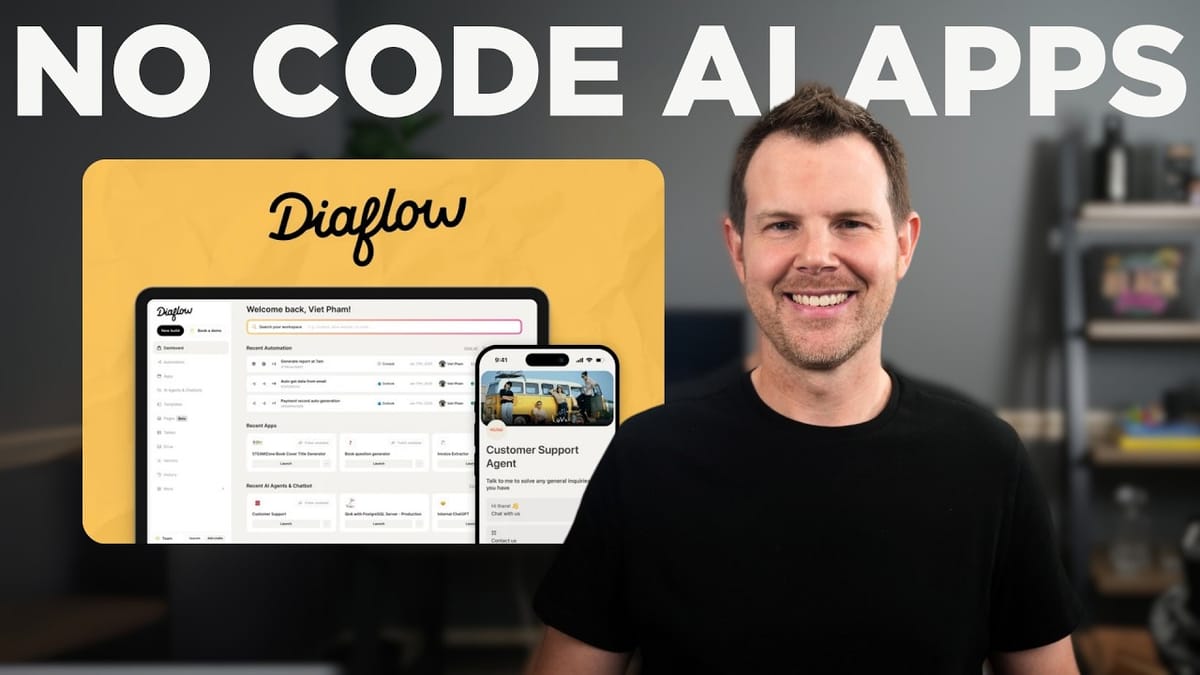
Diaflow
A no-code platform for building AI-powered internal tools, chatbots, automations, and document workflows for your business.
Business owners and teams who want to integrate AI into their workflows without writing code or relying solely on copy-pasting from ChatGPT.
Zapier, ChatGPT Projects, Botpress, Voiceflow
What Is Diaflow and Why Should You Care?
If your experience with AI so far has been limited to copying and pasting responses from ChatGPT, Diaflow wants to change that. It's a brand new no-code platform designed to help you build actual internal tools for your business — things like customer service chatbots trained on your own data, automated workflows, document generators, and more.
Diaflow is currently available as a lifetime deal on AppSumo, which means a one-time purchase instead of a recurring monthly fee. The platform covers a surprisingly wide range of use cases across five core areas: automations, apps, AI agents, pages/documents, and data management. Let's break down each one.
Automations: Your AI-Powered Zapier Alternative
The automations feature will feel familiar if you've used Zapier or Make. You build workflows that get triggered by a cron job, a webhook, or a third-party service. Out of the box, Diaflow integrates with Slack, Outlook, Telegram, SERP API, and SMTP email servers. Webhooks open the door to connecting with virtually any other service.
Building an automation starts with choosing a trigger — a scheduled time, an incoming webhook, or an external integration event. From there, you add action steps by clicking the plus button. Actions can send data to Slack, call Claude or OpenAI, and much more.
One standout detail is the ability to mix and match AI models within a single workflow. You could route part of a task through Claude for quality and then pass results to OpenAI where it might be more cost-effective. That kind of flexibility is rare in no-code automation tools.
Building Internal Apps Without Code
The apps section is where Diaflow starts to differentiate itself from simple automation tools. You can build fully functional internal applications with user-facing interfaces — no development experience required. There are templates to get you started, though the template library is a bit light right now. You'll find app templates and chat agent templates, but categories like marketing, Q&A, and featured are still empty.
Don't let the simplicity of the templates put you off. They're starting points, not finished products. One example generates social media posts from any article URL. You provide the link, it scrapes the content, sends it to OpenAI with custom instructions, and outputs a ready-to-post social update. You can customize the platform, tone, style, and whether to include hashtags or links.
Once your app is built, you can publish it with its own URL — either publicly or privately. The front-end interface is clean and user-friendly, making it easy to hand off to team members who don't need to see the workflow logic behind the scenes.
AI Agents and Chatbots Trained on Your Data
This is arguably Diaflow's strongest feature. You can build AI chatbots that actually know about your business because they're trained on your own data through a system called vectors. Vectors convert your documents, articles, and URLs into a format that large language models can work with directly.
The data organization system is thoughtful. You can create groups (essentially folders) for your vectorized data, then point specific chatbots or apps at the relevant groups. For example, you could load all your product documentation into a "Customer Support" group, and your chatbot would answer questions using that specific knowledge base. As you add more files to a group, connected chatbots update automatically.
Setting up a chatbot involves configuring response settings, custom instructions, output length preferences, and suggested shortcuts for visitors. You get your pick of AI models including OpenAI, Anthropic's Claude, Google Gemini, Cohere, and Mistral AI. There's also a memory setting that controls how much conversation context the bot retains.
Deployment is straightforward. You can share a direct link, embed the chatbot as an iframe, or add the familiar floating chat bubble to your website with a simple code snippet. The bubble has a slick animation and is easy to brand with your own name, icon, and description.
Pages and Document Generation
The Pages feature combines a solid document editor with AI-powered document generation. You can create blank documents and write with AI assistance, or use structured templates for specific tasks like RFP responses, blog posts, and contracts.
The contract generator is particularly impressive. It supports sales contracts, employment contracts, service agreements, lease agreements, sponsorship agreements, and more. You fill in party details and walk through a series of sections with specific fields, then Diaflow generates a thorough document — in one test, a sponsorship agreement came out at nearly 5,000 words across 23 sections.
The editor itself feels similar to the Lexical editor, with inline AI assistance for enhancing or rewriting selected text. When you're done, you can export to Word, HTML, Markdown, plain text, or directly into Diaflow's vector format for use in your chatbots and apps. You can also connect knowledge sources to your pages, so the AI writes documents informed by your existing data.
That 5,000-word contract used just 281 credits out of a monthly allotment of 6,000 — and the platform's credit history dashboard makes it easy to track exactly where your usage is going.
Data Tables and Drive Storage
Beyond vectors, Diaflow offers two additional data storage options. Tables work like a simple database — rows and columns where you store structured data like contact information or social media post records. You can reference tables from any app or automation, making it easy to save outputs and query them later. Some data simply makes more sense in a table format than in a vectorized knowledge base.
Drive is Diaflow's cloud storage feature for full files — images, documents, PDFs, anything you might need inside your workflows. You can organize files into folders and access them from any automation or app. A practical example: you could set up an automation that converts a PDF to an image and then saves the result directly to Drive, all without leaving the platform.
Pricing, Plans, and Final Verdict
Diaflow's AppSumo lifetime deal comes in four tiers. Tier one starts at $79 for 6,000 monthly credits, five apps and tools, and 10 GB of drive storage. Tier two bumps you to 10,000 credits for roughly double the price. Tier three hits 23,000 credits, and tier four — at just under $600 — unlocks 50,000 monthly credits with unlimited automations, apps, tools, and chatbots.
All tiers include the full feature set. The only differences are usage limits: credits, number of apps, table records (5,000 to 15,000), drive storage (10 GB to 75 GB), and user seats for team collaboration. AppSumo Plus members get an additional 10% off.
To put the credit costs in perspective, an entire video review's worth of testing — building apps, generating a 5,000-word contract, running chatbot queries — consumed only about 80 credits. That's barely a dent in even the smallest plan.
Diaflow earns an 8.6 out of 10. It's an extremely powerful platform with real versatility across automations, internal apps, AI chatbots, and document workflows. You don't need to be a developer, but you will need some logical thinking to string together useful flows. The main area for improvement is the template library — more examples would lower the learning curve significantly. The built-in AI assistant for learning the platform is a genuine help, but nothing beats just getting in there and experimenting.
Watch the Full Video
Prefer watching to reading? Check out the full video on YouTube for a complete walkthrough with live demos and commentary.


