
EngineMailer Review: 12K Emails/Month for a One-Time $29 Fee
EngineMailer is a lifetime deal email marketing platform starting at just $29 for 12,000 emails per month. Here's whether it can actually replace your monthly email subscription.

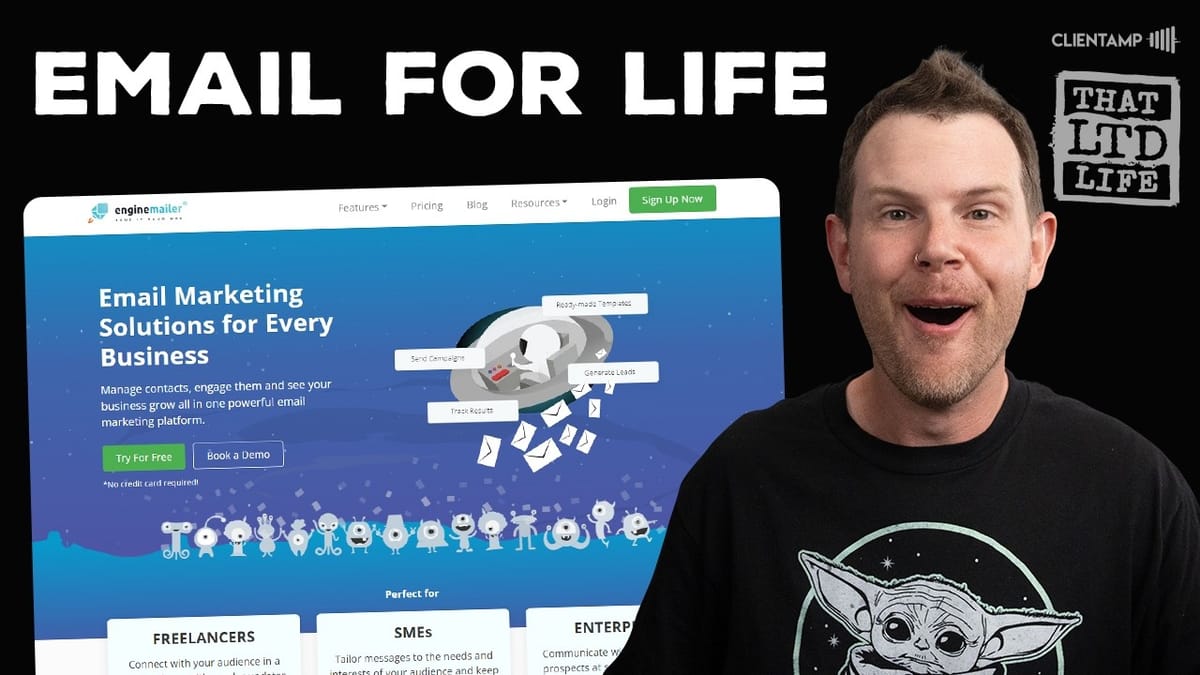
EngineMailer
An email marketing platform offering campaigns, autoresponders, transactional emails, landing pages, and forms with a one-time lifetime deal pricing model.
Small business owners, solopreneurs, and side hustlers who want affordable email marketing without recurring monthly fees.
SendFox, ConvertKit, Mailchimp, ActiveCampaign
Why Lifetime Deal Email Tools Deserve Extra Scrutiny
Email marketing tools available as lifetime deals are exciting, but they come with a caveat that most other software categories don't share: if the tool disappears, it takes your entire email operation with it. Migrating email platforms isn't impossible, but it's one of those tasks that involves far more complexity than you'd expect — rebuilding automations, re-verifying domains, warming up new sending infrastructure, and hoping your deliverability doesn't tank in the process.
That's the lens through which we need to evaluate EngineMailer, a new email marketing platform available on AppSumo starting at just $29 for 12,000 emails per month. At that price point, the risk is low, but the question remains: is this a tool you can actually build on?
Plans and Pricing: Pay for What You Send
EngineMailer takes a refreshingly different approach to pricing. Instead of charging based on subscriber count — the model used by ConvertKit, Mailchimp, and most other email platforms — it charges based on how many emails you actually send each month. Think of it like a utility bill: you pay for what you use, not for what you have plugged in.
This is a genuinely smart model, especially for people who maintain large lists but don't email frequently. If you've grown a list to 10,000 or 20,000 subscribers but only send a couple of campaigns per month, traditional platforms can charge you hundreds of dollars just for storing those contacts. With EngineMailer, your cost is tied directly to activity.
The tier one plan starts at $29 one-time for 12,000 emails per month. All plans include the same features — campaigns, autoresponders, transactional emails, landing pages, forms, and pop-ups. The only variable is your monthly sending limit. The top-tier plan at $600 supports up to one million emails per month, which would cover even very large operations.
Getting Set Up: A Bumpy Start
Setting up an EngineMailer account is mostly standard fare. You'll enter your business details, including a physical mailing address (required by the CAN-SPAM Act for all marketing emails). If you don't want to use your home address, services like Traveling Mailbox can provide a professional mailing address for a reasonable monthly fee.
The first real hiccup came during the initial account setup. After completing the configuration steps, the loading screen got stuck on a spinning wheel and never completed. Opening a new browser tab and navigating directly to the dashboard revealed the account was actually set up successfully — the UI just failed to reflect it. It's a minor bug, but not a great first impression for a tool that's asking you to trust it with your email infrastructure.
One important limitation to note: EngineMailer allows only one business per account and only one sending email address per account. If you run multiple brands or businesses, you'll need separate plans for each. This also makes it a poor fit for cold email use cases where you'd typically want multiple sending addresses.
Domain Verification and Email Authentication
Before you can send any campaigns, EngineMailer requires you to verify your sending domain. This is done in two stages: first an email verification (a confirmation link sent to your inbox), and then full DNS authentication including SPF, DKIM, and DMARC records.
It's actually encouraging that EngineMailer enforces these standards. Google and Yahoo rolled out stricter authentication requirements, and any email platform that doesn't guide you through this setup is essentially setting you up for deliverability problems. EngineMailer provides all the DNS values you need to copy and paste into your domain registrar.
Unfortunately, there's a bug in the copy-paste functionality. The copy buttons for the DNS values don't work correctly — clicking any of them copies the first value in the column rather than the one you actually selected. It's the kind of small quality issue that adds friction to what should be a straightforward process. A workaround exists if you use a tool with OCR capabilities, but you shouldn't need a workaround for a basic copy button.
Building Email Campaigns
The campaign builder follows a step-by-step flow: setup, template, content, and send. During setup, you'll name your campaign (internal only), set your sender name and email, and write your subject line. There's a built-in AI subject line generator that lets you choose a tone, language, and whether to include emojis.
The AI feature is a nice idea but the execution falls short. Generated subject lines tend to be repetitive and formulaic — multiple regenerations produced nearly identical variations like "Essential Tools: Top 10 Must-Haves" with minimal creative variation. The emoji option is also heavy-handed, inserting four emojis per suggestion when one would suffice. For better results, you're honestly better off using Claude or ChatGPT directly to generate subject line alternatives and then pasting your favorite back into EngineMailer.
A/B testing is built in and supports testing subject lines, sender names, and even content variations, with up to five variants each. You can control the split percentage — send to as little as 10% of your list first, then automatically send the winning version to the rest after a configurable time window. The winner can be selected by open rate, click rate, or manually. It's a solid feature set for optimization, even if the interface for setting it up is a bit confusing initially.
The Email Editor and Template Library
EngineMailer's email editor appears to be built on or heavily inspired by GrapesJS, a popular open-source web builder. It's a drag-and-drop interface with content blocks on one side and your email canvas in the center. You can add text, images, buttons, dividers, and social links, and arrange them in rows with up to six columns.
The template library is decent, with options spanning e-commerce, newsletters, and marketing categories. Templates are responsive, with a mobile preview option built into the editor. Image handling works well — drag and drop an image, and it uploads seamlessly. You can toggle auto-width off to manually resize images via CSS, and there's even a "full width on mobile" option for responsive behavior.
Inline text editing is functional with basic formatting options: alignment, bold, font size, and link insertion (though keyboard shortcuts like Command+K don't work). There's also an AI content generator within the editor that can produce paragraphs based on a topic and tone selection. Like the subject line generator, the quality is passable but not impressive — you'll likely get better results from a dedicated AI tool.
Merge tags are available for dynamic content insertion (current year, email address, company address), and special links for unsubscribe, profile updates, and browser preview are pre-built into the footer templates.
Managing Subscribers
Subscriber management offers several import options: manual entry, CSV/text file batch import, Google Sheets connection, third-party integrations, and a built-in form builder. Subscribers are organized into categories (equivalent to segments or lists in other platforms), and you can create custom fields for additional data collection.
One notable gap in the onboarding flow is that EngineMailer drops you straight into the campaign builder without prompting you to import contacts first. You'll inevitably need to back out and add subscribers before you can actually send anything. It's a minor workflow issue, but a guided setup wizard that walked through contacts, then domain verification, then campaign creation would be a better experience.
Critically, EngineMailer does make it easy to export your subscribers. You can export by category to a CSV file at any time, which means you're never locked in. For a lifetime deal tool, this is essential — knowing you can leave with your data intact significantly reduces the risk of committing to the platform.
Transactional Emails and Autoresponders
Transactional email support exists but requires developer involvement. There's no one-click integration with platforms like Shopify or WordPress — instead, you'll need to use EngineMailer's REST API to trigger transactional messages. The template library does include useful starting points for password resets, account verifications, and receipts, but connecting them to your application will require coding or a developer's help.
Autoresponders (drip sequences) are more accessible. You can create time-based email sequences triggered by subscriber signup, with configurable delays between messages. The builder lets you set specific days and times for each email in the sequence, and you can add delays down to the hour. There's also an option to trigger emails on specific calendar dates, useful for birthday campaigns or annual promotions.
The autoresponder builder is basic compared to platforms like ActiveCampaign or ConvertKit, which offer visual automation builders with conditional branching. EngineMailer's approach is linear: email one goes out on day zero, email two on day three, and so on. No conditional logic, no branching based on opens or clicks. That said, simple linear sequences cover the majority of email automation needs for small businesses, and the simplicity means less can go wrong.
Deliverability and Email Infrastructure
The most important question for any email tool: do emails actually land in the inbox? In testing, EngineMailer passed the basic deliverability check. The verification email arrived in the inbox (not spam), and the test campaign email also landed successfully.
Digging into the email headers revealed something interesting about EngineMailer's infrastructure. They're running Haraka, a high-performance open-source email server built on Node.js. This is actually a reassuring finding. Haraka is a well-established, capable mail transfer agent designed for high-volume sending. It means EngineMailer isn't relying on expensive third-party sending services like Amazon SES (which would cost roughly $100/month for one million emails alone), making their lifetime deal pricing model genuinely sustainable.
Running their own email servers on proven open-source software is a smart business decision that directly addresses the biggest concern with lifetime email deals: long-term viability. The infrastructure cost per email is dramatically lower when you own the sending stack.
The Rough Edges: Bugs and UX Issues
Throughout testing, several quality issues surfaced that are worth cataloging. The initial setup screen hung indefinitely on a loading spinner. The DNS value copy buttons grabbed the wrong values. The A/B testing interface was confusing, with unclear error messages like "your combinations are more than available to subscribers." The AI-generated content lacked variety and creativity. The sender email field isn't pre-populated despite the platform knowing you only have one sending address.
These aren't dealbreakers individually, but collectively they paint a picture of a product that works but hasn't had the polish pass it needs. The core functionality — sending emails, managing subscribers, building campaigns — all works. It's the small details and edge cases where EngineMailer feels like it was shipped a version or two early.
The UI itself is functional but spartan. Coming from polished tools like ConvertKit or Mailchimp, the visual design feels dated. But as the saying goes, email doesn't need to be pretty on the sending side — it needs to be pretty on the receiving side. And the emails that EngineMailer produces look perfectly fine.
Final Verdict: A Solid Budget Pick with Caveats
EngineMailer earns a 6.7 out of 10. It's a functional email marketing platform with a genuinely appealing pricing model and sustainable infrastructure. The pay-per-send approach is smarter than subscriber-based pricing for most small businesses, and the lifetime deal starting at $29 makes the barrier to entry almost nonexistent.
The feature set is broad — campaigns, A/B testing, autoresponders, transactional emails, landing pages, forms, pop-ups, and surveys all come included. For someone just getting started with email marketing who doesn't want to commit to a monthly subscription, EngineMailer is a reasonable bet. The ability to export your subscriber list at any time means you're never locked in.
Where it falls short is in execution quality. The bugs, the unintuitive UI in places, and the underwhelming AI features all suggest a product that needs more development time. If you're already established on a platform like ConvertKit or ActiveCampaign and relying on advanced automations, EngineMailer isn't going to replace that. But if you're bootstrapping, running a side project, or just want a cheap way to send newsletters without a recurring bill, it gets the job done.
Watch the Full Video
Prefer watching to reading? Check out the full video on YouTube for a complete walkthrough with live demos and commentary.


