
FirstBook AI Review: Write a Book with AI in Under an Hour
FirstBook AI is a lifetime deal that uses AI to help you write a complete book. I put it to the test and ended up with a 64-page book in about 30 minutes — here's whether it's worth $49.

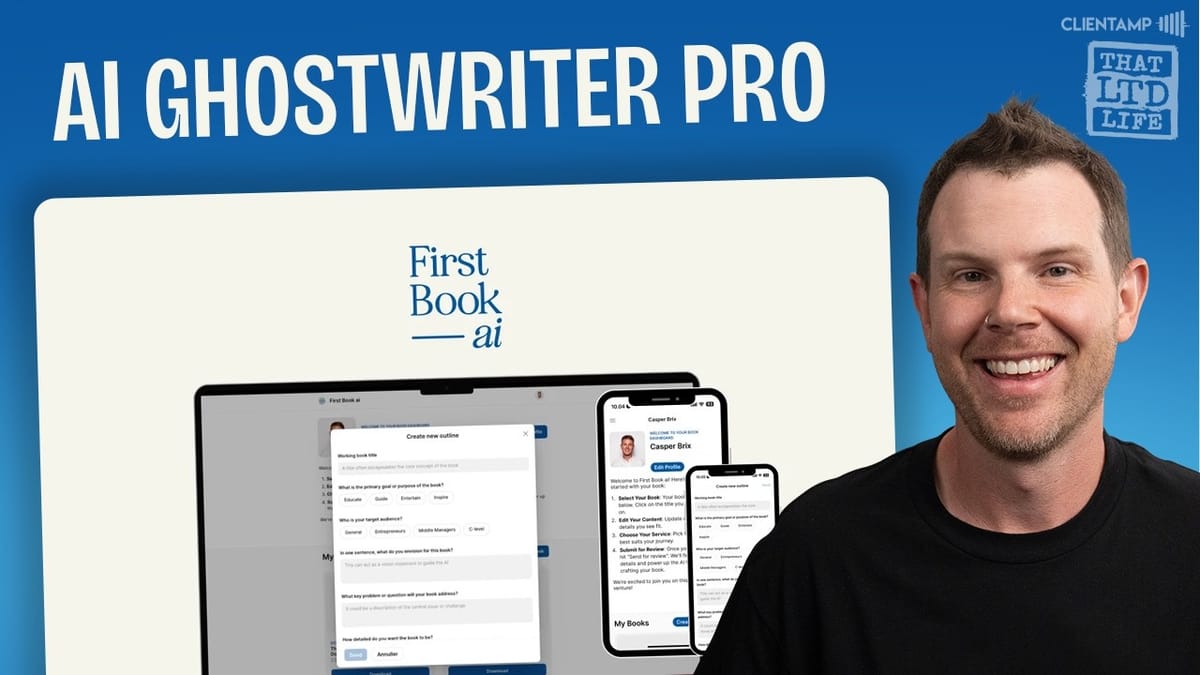
FirstBook AI
An AI-powered tool that guides you through creating a complete book, from outline generation to full manuscript writing.
Entrepreneurs, content creators, and aspiring authors who want a structured starting point for writing a book.
Jasper, Sudowrite, Atticus, Scrivener
What Is FirstBook AI?
There's an old saying in business: if you want to be the authority on a subject, write a book. You can literally say you wrote the book on it. But in the age of AI, writing a book is no longer the months-long grind it used to be — and that raises some interesting questions about what authorship even means anymore.
FirstBook AI is a tool built on a simple premise: help you go from idea to finished book in under 24 hours. It walks you through a guided process — starting with your book concept, generating an AI-powered outline, and then writing the full manuscript based on your inputs. The result? A downloadable book in Google Docs, Word, or PDF format.
The tool is currently available as a lifetime deal on AppSumo, which is where most of the LTD community will encounter it. Whether you're a coach wanting to establish credibility, an entrepreneur building a personal brand, or just curious about what AI can do with long-form content, FirstBook AI is designed to lower the barrier to becoming a published author.
Pricing and Plan Details
FirstBook AI is structured around a credit-based system where each credit lets you create one book. The entry-level tier starts at $49 for a single book credit, which is what was used for this review.
If one book isn't enough, tier two offers additional credits for authors who want to tackle multiple topics. For the truly prolific, the top tier gives you 10 book credits for $259. Each book can include up to eight main chapters with three sub-chapters each, giving you a maximum of 24 total sections to work with.
The deal also includes access to a writing coach feature, guided writing experience, and optional support from the FirstBook AI team. For a one-time payment with no recurring fees, it's a reasonable entry point — especially if you're serious about using the outline and blueprint features rather than just auto-generating a manuscript.
The Book Creation Process
Creating a book with FirstBook AI starts with clicking "Create New Book" on the dashboard. From there, the tool walks you through a series of guided prompts that feel a lot like filling out a Typeform survey. You'll enter your working book title, define the primary goal (educate, guide, or inspire), identify your target audience, and provide a brief description of what the book is about.
The tool also asks what key problem or question your book will address, how detailed you want the content to be (introductory, intermediate, or advanced), and what writing style fits best — options include formal, academic, conversational, storytelling, and analytical. These inputs shape the AI's approach to both the outline and the final manuscript.
For this review, the test book was called "Digital Maximalism" — a concept about embracing technology's benefits rather than treating it as a distraction. The settings were dialed to intermediate depth with a storytelling style, targeting entrepreneurs. The whole setup process takes just a few minutes before the AI generates your initial outline.
Working with the AI-Generated Outline
Once the guided prompts are complete, FirstBook AI generates an eight-chapter outline with three sub-chapters per main chapter. The outline for "Digital Maximalism" covered topics like the evolution of technology in our lives, understanding the balance of helpful and harmful tech, and enhancing happiness through digital tools.
Honestly, the outline wasn't half bad. It provided a solid structural foundation that you could genuinely build on. Each chapter had a clear theme, and the sub-chapters broke things down into digestible topics. It's the kind of starting point that could save you hours of staring at a blank page trying to figure out your book's structure.
That said, the description and central issue fields weren't rewritten or polished by the AI — they stayed exactly as entered during setup. It would have been nice if the tool had taken that raw input and refined it into something more polished, especially since most people are going to brain-dump their initial thoughts rather than craft perfect copy.
Customizing Your Outline
FirstBook AI includes an edit mode for the outline, though the editor itself is pretty bare-bones. You can modify chapter titles, rearrange sub-chapters, and adjust the content to better match your vision. The tool enforces a structure of eight chapters with three sub-chapters each, so you need to work within those constraints.
One notable gap is the lack of built-in AI assistance during the editing phase. To properly customize the outline, you might find yourself turning to an external tool like Claude or ChatGPT. In this review, the existing outline was exported to Claude along with a request to add a chapter about technology and human connections — covering family time, dating, and maintaining real relationships in a digital world.
Claude restructured the outline and slotted in the new chapter seamlessly. The catch? Pasting the output back into FirstBook AI required reformatting since Claude outputs Markdown and the editor expects plain text. It's a minor hassle, but it highlights a real opportunity for FirstBook AI to integrate conversational AI directly into the outline editing experience. Being able to say "add a chapter about X" without leaving the tool would be a significant improvement.
Blueprint vs. Full Book: Choosing Your Path
Once your outline is finalized, FirstBook AI offers two creation paths, each costing one credit. The first is the Book Blueprint, which gives you a detailed chapter-by-chapter roadmap. Think of it as an expanded outline — the AI maps out what each section should cover, but leaves the actual writing to you. This is the option for people who genuinely want to author their own book but need help with structure and direction.
The second option is the Full Book, where the AI writes everything. You provide a draft of your intro chapter so the AI can match your writing style, along with personal anecdotes you want woven throughout the manuscript. The tool specifically asks you not to use AI for these inputs — it wants your authentic voice and real stories to give the book a personal touch.
The intro chapter draft and anecdotes step is actually a smart design choice. It means the final output isn't purely generic AI content — it's flavored with your experiences, your voice, and your perspective. How well that translates depends on how much effort you put into this step.
The Writing Process and Wait Time
After submitting your intro draft and anecdotes, the book goes into a queue. The status on the dashboard changes from "in review" to "in progress," and then you wait. There's no progress bar, no estimated completion time, and no notification system — you just have to check back periodically.
This is probably the weakest part of the experience. The lack of documentation or status updates leaves you guessing. The homepage doesn't have support docs, and the "How It Works" link actually returns a 404 error. For a tool that promises a book in under 24 hours, some transparency about the timeline would go a long way.
In practice, the book was completed in roughly 30 minutes — well under the 24-hour promise. But without any indication of what to expect, that waiting period feels longer than it should. A simple email notification when the book is ready would solve this entirely.
The Finished 64-Page Book
The completed book clocked in at 64 pages and was available for download in Google Docs, Word, or PDF format. Opening it up, the first impression was genuinely positive — it started with a teaser, flowed into the introduction, and maintained a reasonable structure throughout all eight chapters.
The AI did incorporate the personal anecdotes provided during setup, which was a nice touch. The writing style felt somewhat aligned with the intro chapter draft, though obviously not indistinguishable from human writing. There were some formatting issues — bits of Markdown syntax showing up where bold text should have been — but nothing that couldn't be fixed in a few minutes of editing.
Skimming through the full manuscript, the content was decent. It wasn't going to win any literary awards, but for a first draft generated in under an hour from start to finish, the quality exceeded expectations. The real value isn't in publishing this as-is — it's in having a substantial foundation to edit, refine, and make your own.
The Ethics of AI-Written Books
This is where things get complicated. Publishing an AI-written book under your own name is something that's been happening for over a year now, and FirstBook AI makes it easier than ever. But should you? That's a question worth sitting with.
The tool itself isn't inherently problematic — it's how you use it that matters. Using FirstBook AI to generate an outline, get a blueprint, and then write the actual book yourself? That's a legitimate productivity boost. Using it to auto-generate a full manuscript and slapping your name on it for Amazon? That's ethically murky at best.
The most honest use case sits somewhere in the middle. The outline and blueprint features are genuinely valuable for anyone who's been thinking about writing a book but doesn't know where to start. The full book generation is more of a conversation starter about AI's role in creative work than it is a finished product you should be proud of publishing without significant revision.
Final Verdict: Is FirstBook AI Worth $49?
FirstBook AI earns a 7.3 out of 10. The concept is solid, the execution is decent, and the price is fair for what you get. The guided outline process is genuinely useful, and the ability to choose between a blueprint and a full manuscript gives you flexibility in how much AI involvement you want.
The weak spots are mostly around the user experience — the sparse interface, lack of documentation, missing progress indicators during book generation, and the absence of built-in AI assistance during outline editing. These are all solvable problems, and they don't undermine the core value proposition.
If you're an entrepreneur, coach, or creator who's been meaning to write a book, FirstBook AI is worth considering — especially at the lifetime deal price. Just go in with the right mindset. Use it as a starting point, not a finish line. Put real thought into your outline, write genuine anecdotes, and plan to edit the output substantially. The tool won't make you an author, but it might finally get you past that blank first page.
Watch the Full Video
Prefer watching to reading? Check out the full video on YouTube for a complete walkthrough with live demos and commentary.


