
HyperReach.ai Review: Website Visitor ID Tool Worth $59?
HyperReach.ai promises to unmask your anonymous website visitors and help you close deals with automated cold email. At $59 on AppSumo, the IP reveal feature has real value — but significant bugs hold this tool back.

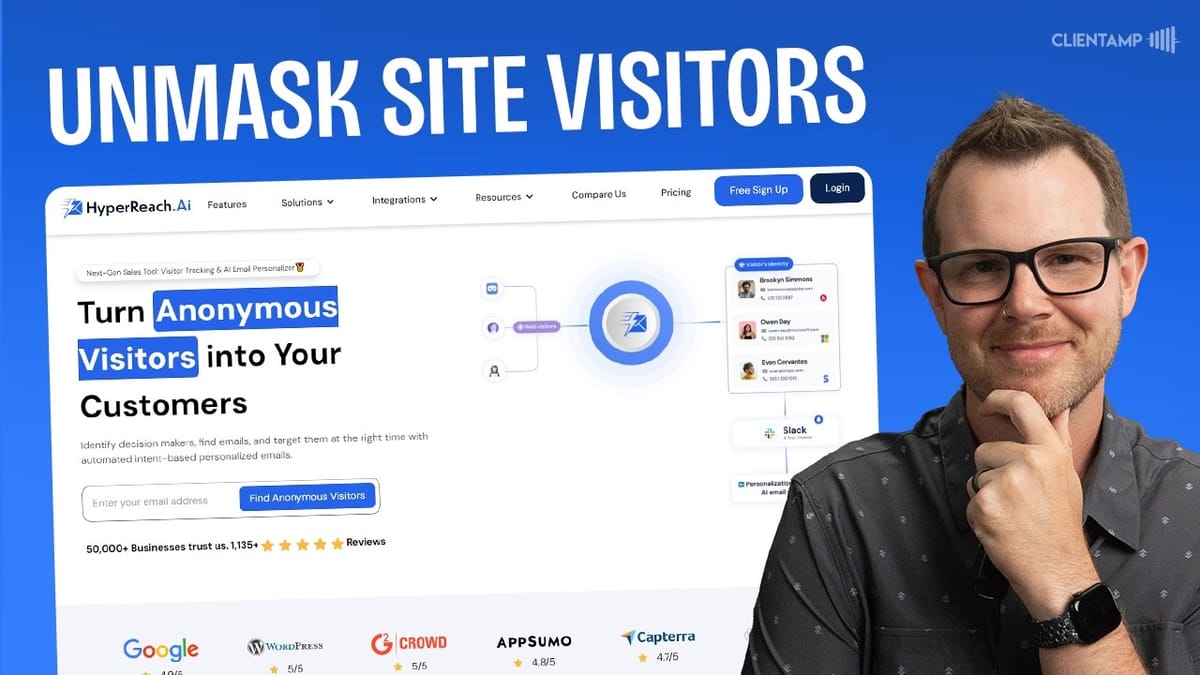
HyperReach.ai
Identifies anonymous website visitors by company, finds employee contacts via LinkedIn, and generates personalized cold outreach emails.
B2B marketers, agencies, and small business owners who want to convert anonymous website traffic into actionable sales leads.
Leadfeeder, Clearbit Reveal, Lead Forensics, RB2B
What Is HyperReach.ai and Why Should You Care?
Every marketer has the same nagging question: who are all those people visiting my website and leaving without a trace? They never fill out a contact form, never reach out to sales — they just browse and vanish. HyperReach.ai aims to solve that problem by identifying the companies behind your anonymous website traffic and giving you the tools to reach out directly.
The concept is simple but powerful. You install a tracking script on your site, HyperReach reveals the companies visiting, and then it helps you find individual contacts at those companies and generate personalized cold emails. Currently available as a lifetime deal on AppSumo starting at $59 — not a monthly subscription — this tool could theoretically pay for itself if you close even a single client from the leads it surfaces.
But does it actually deliver on that promise? After hands-on testing, the answer is complicated. The IP-to-company reveal feature genuinely works and provides real value, but several core features are either buggy or completely broken at launch. Here's the full breakdown.
Setting Up Your ICP List and Tracking Code
Getting started with HyperReach requires navigating some confusing terminology. The first thing you'll want to do is install the tracking script on your website, but the path to get there isn't intuitive. You need to click "IP to People" in the menu, then create an ICP list — ICP standing for Ideal Customer Profile. It would make far more sense if they just had a "Add Website" or "Get Tracking Code" option, but that's not how they've structured it.
Creating an ICP list is essentially setting up a saved filter for your leads. You give it a name, then optionally specify criteria like job titles (C-level only, for example), target countries, and employee count ranges. These filters don't exclude leads from being captured — they just help you organize and segment the companies that visit your site. For a small agency, setting the employee range to 2–10 makes sense: companies with zero or one employees may not have the budget, while those with 50+ might hire internally.
Once your ICP list is created, you can grab the tracking script from a separate section. You're able to create multiple scripts for different sites, and installation works the standard way — paste it into your site's header using whatever CMS you're running, whether that's WordPress, Squarespace, or Wix.
Building Your Organization Profile
The Org Builder is where you train HyperReach's AI on your own company so it can generate relevant outreach emails. It's a four-step wizard that walks you through entering your company details, setting outreach goals, choosing a communication tone, and configuring a prompt template for email generation.
You start by adding your company info: name, website, services, and value proposition. You can add multiple companies if you run several businesses, which is a nice touch for agency owners or serial entrepreneurs. Next, you choose an outreach goal — the options include scheduling meetings, connecting with customers, "interrogating" (a word choice the developers should really reconsider for Western markets), and engaging. The engage option is the most appropriate for cold outreach since it frames the email as an interest assessment.
The most interesting part of the setup is the LinkedIn field selection. When HyperReach discovers a lead, it scrapes their LinkedIn profile and uses the fields you select — about section, education, certifications, and so on — to personalize outreach emails. If certain fields are empty on a prospect's profile, the tool picks random available fields to ensure it can still compose an email. You also choose a tone (casual, professional, etc.) and select or customize a prompt template that controls how the AI writes your cold emails.
Email Integration: Where Things Fall Apart
Here's where HyperReach hits a serious wall. To actually send campaigns, you need to connect a sending email account. The tool offers two options: Google/G Suite integration and SMTP. Unfortunately, neither worked during testing.
The Google integration fails immediately because GoZen.io (the parent company behind HyperReach) hasn't completed Google's verification process. Normally when you see an unverified app warning, there's an "Advanced" option to proceed anyway — but not here. It's a hard block with an "Access Denied" message and no workaround.
SMTP fared no better. After entering valid credentials that work with dozens of other email tools, the connection attempt returned a 406 status code error almost instantly — fast enough to suggest the system didn't even attempt a real connection. Trying different ports and toggling security settings made no difference. This is a fundamental feature that simply doesn't work at launch, which is a significant problem for a tool that's supposed to automate email outreach.
Company Details and Lead Discovery
Despite the email integration issues, the IP-to-people feature — the core of what HyperReach does — actually works quite well. When a company visits your website, HyperReach identifies the organization and surfaces useful details like their location and company information.
Clicking into a revealed company shows you the people who work there according to LinkedIn data. You can browse through employees, see their roles, and select the ones you'd like to reach out to. In testing, a construction company called Hamlin Construction was identified as a visitor, and HyperReach surfaced four employees with their LinkedIn profiles. You simply check the boxes next to the people you want to contact, and they get added to your contact list.
There is a "Your ICP" tab within each company view that's supposed to show whether the company matches your ideal customer profile, but it consistently displays "no matching items found" regardless of the company's actual fit. It's unclear whether this is a bug or an incomplete feature, but it currently serves no purpose.
Campaign Builder and Email Personalization
The campaign section ties everything together, but the user experience is rough. After selecting profiles from the IP-to-people section, you assign them to an organization and a campaign. A "Personalize Mail" button then appears — but only after you've selected both an org and a campaign, which isn't explained anywhere in the interface.
Once a campaign is created, you get three main sections: analytics for sent emails, a sequence builder for multi-step email campaigns with customizable delays, and a scheduling tool where you can set sending windows, time zones, daily limits, and randomized sending patterns. The feature set here is actually solid and competitive with dedicated cold email platforms.
The standout feature is the AI-generated personalization. For each contact, HyperReach automatically generates five different email variations based on the prospect's LinkedIn profile and your organization details. The emails reference specific aspects of the prospect's background and tie them to your services. You can cycle through the five options, edit any of them, or copy the text to send manually through your own email client — which is currently the only option given the broken integrations.
Personalized Single Outreach
Beyond the campaign builder, HyperReach offers a personalized single-profile outreach option that works independently of the IP tracking feature. You paste in any LinkedIn profile URL, select your organization, and the tool composes a personalized email on the spot.
This is genuinely useful for targeted outreach. If you've identified a specific prospect on LinkedIn, you can generate a contextual cold email in seconds without having to craft it from scratch. The tool pulls up the contact's info and generates five email variations, just like in the campaign builder. There's even a button to open the email directly in Gmail.
The catch is that it won't find the prospect's email address for you in this mode — you'll need to source that yourself. And the generated email may include placeholder fields like "client name" that you need to fill in manually. It's not a fully polished experience, but the core value of LinkedIn-informed email generation does work and can save meaningful time on personalized outreach.
Integrations and Data Export
HyperReach connects with a decent range of third-party tools. The integration list includes Google Sheets, MailChimp, Zoho CRM, SendFox, Acumba Mail, Pabbly Connect, and Zapier. For AppSumo deal hunters who likely own several of these tools already, there's good potential for building automated workflows.
Exporting data is handled through the campaigns section — click the triple-dot menu on any campaign to access integrations and export options. You can push leads directly to a connected Google Sheet or download them as a CSV file. It's slightly odd that CSV export lives under the integrations menu rather than having its own dedicated option, but it works.
The Zapier and Pabbly Connect integrations are particularly valuable since they open up connections to thousands of other apps. Even if HyperReach's built-in email sending never gets fixed, you could potentially route leads through Zapier into your preferred email platform and build the automation externally.
Plans, Pricing, and What You Get for $59
HyperReach's AppSumo deal is structured as a tiered system where every plan includes all features — you're just paying for higher limits. The $59 entry tier gives you access to everything but with constrained quotas on contacts, email finder credits, and IP reveals.
As you move up through the tiers, limits increase significantly. Tier 5 at $900 pushes nearly everything to unlimited territory, with a cap of 300,000 on certain metrics. There appears to be a typo on the pricing page where Tier 5 shows 300,000 while Tier 4 shows 150,000 — the jump doesn't quite make mathematical sense and likely needs correction.
The key metric to watch is IP reveals per year. At the base tier, you get 500 annual IP reveals. If even a small percentage of those convert into qualified leads and you close one to four customers, the $59 investment pays for itself many times over. The email finder credits are monthly, so those replenish, but the IP reveal cap is annual — plan accordingly.
Final Verdict: A 4.6 Out of 10
HyperReach.ai is a tool with a genuinely valuable core feature wrapped in a frustrating package of bugs, confusing UX, and broken integrations. The IP-to-company identification works and delivers real insight into who's browsing your website. The AI-powered email personalization, when you can access it, produces surprisingly decent cold outreach copy based on LinkedIn data.
But the problems are hard to overlook. The email sending infrastructure — arguably the tool's most critical feature — is completely non-functional at launch. The Google integration fails due to an incomplete verification process, and SMTP connections throw immediate errors. The user interface is riddled with confusing terminology, hidden buttons obscured by chat widgets, and setup wizards that appear every single time you navigate to certain screens.
The final score lands at 4.6 out of 10. The IP reveal feature alone can justify the $59 purchase if you're a B2B company that gets meaningful website traffic — finding even one or two hidden prospects could deliver real ROI. But recommending the tool as a complete solution isn't possible in its current state. If you do pick it up, treat it as a lead discovery tool and handle the actual outreach through your existing email platform. The sending features may get fixed down the line, but right now they're not something you can rely on.
Watch the Full Video
Prefer watching to reading? Check out the full video on YouTube for a complete walkthrough with live demos and commentary.


