
InsertChat Review: AI Chatbot Builder for Sales & Support
InsertChat is a powerful AI chatbot builder that lets you train bots on your own data and deploy them for sales, support, and lead generation — available as a lifetime deal starting at $69.

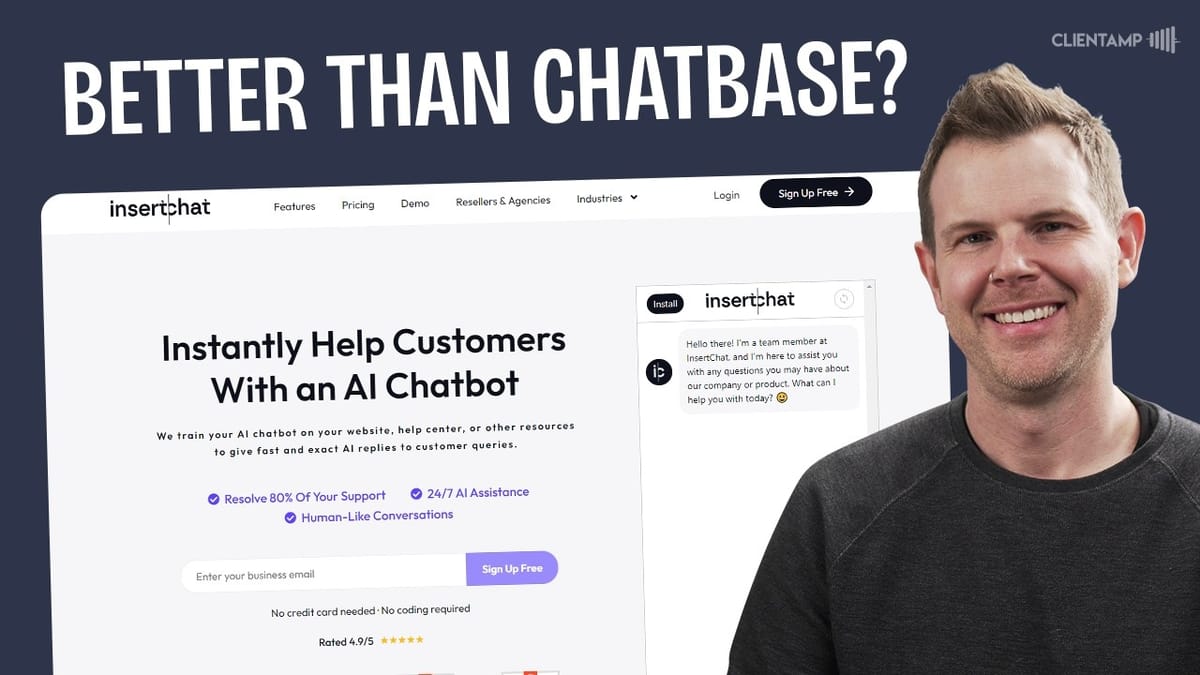
InsertChat
An AI chatbot builder that lets you create custom chatbots trained on your own data for website sales, customer support, and lead generation.
Business owners, agencies, and course creators who want to automate customer interactions with AI chatbots on their websites.
Chatbase, Intercom, Tidio, Crisp
What Is InsertChat?
InsertChat is an AI-powered chatbot builder that lets you create, train, and deploy custom chatbots on your website. The core idea is straightforward: you feed it your business data — web pages, PDFs, Q&A pairs, even YouTube links — and it builds a chatbot that can answer questions, guide potential customers through your sales process, and handle support inquiries.
What sets InsertChat apart from simpler chatbot tools is the depth of customization available. You can choose from over 21 different large language models (LLMs), control the chatbot's personality and writing style, set up guided conversation flows, and even connect it to external services through Zapier and custom API calls. It's positioned as a tool that can genuinely replace (or at least supplement) human sales and support agents.
InsertChat is currently available as a lifetime deal on AppSumo, which is how most people will discover it. The entry price of $69 gets you a solid foundation, though there are higher tiers that unlock features like white labeling, more chatbots, and increased credit allowances.
Plans, Pricing, and Credit System
The AppSumo lifetime deal starts at $69 for Tier 1, which includes five chatbots, 3,000 credits per month, 200 URLs or YouTube links for training, one team member, five private chat accounts, 250 chat history entries, and 20 file uploads with a 5MB file size limit. If you're an AppSumo Plus member, that drops to around $62.
Tier 2 is the sweet spot for many users — you get more than double the resources for less than double the price. Tier 3 ($219) is where things get interesting for agencies, as it unlocks white labeling and reselling capabilities. Tier 5 adds CNAME support for full custom domain branding.
The credit system is worth understanding before you commit. Each AI response consumes credits based on the model you choose. GPT-4o Mini costs just 1 credit per answer, while Claude 3.5 burns through 30 credits per response. Vision mode can eat 30-60 credits per image upload. With Tier 1's 3,000 monthly credits, you'll want to be strategic about which models you use. If you need more credits, additional packs start at $50 for 5,000 credits (valid for one year), scaling up significantly from there.
AI Settings: Models, Persona, and Knowledge Sources
The AI settings panel is where you shape your chatbot's brain. Under the General tab, you'll set the chatbot name, the public-facing AI name (what users see), your company name, and time zone. The labeling here could be clearer — it's not immediately obvious which name shows up publicly versus which is just for your dashboard.
The model selection screen is genuinely impressive. You can choose from a wide range of LLMs including various GPT models, Claude, Perplexity (with internet access), and more. Each model displays its credit cost per answer, making it easy to balance quality against your budget. GPT-4o Mini at 1 credit per answer is the practical default for most use cases.
One critical setting is the knowledge source limitation. You can restrict the bot to training data only, generic AI only, or a combination of both. Going with training data only is the safest option to avoid hallucinations — there have been real cases of chatbots promising unauthorized discounts or sharing incorrect policy information. A creativity slider (0 to 1.5) gives you further control over how unpredictable the bot's responses will be. The default of 0.7 is a reasonable middle ground.
Writing Style, Audio, and Vision Modes
InsertChat gives you granular control over how your chatbot communicates. You can set the language (with support for seemingly every language in existence), tone (friendly, formal, goofy, etc.), conversational style, and response format. The format options are surprisingly creative — beyond the expected choices like concise and step-by-step, you'll find options like podcast script, FAQ, listicle, and even "explain it like I'm five."
A word of caution on format selection: choosing "podcast script" will literally make the bot respond as if it's reading a podcast transcript, complete with dialogue between a host and the AI. It's entertaining but probably not what you want for a customer-facing sales bot. The max response length setting is useful for keeping chatbot replies focused — 250 words is a good target for customer support interactions.
Audio mode lets users speak to the chatbot via their microphone, but there's an important gotcha. Enabling it with the default setting actually disables text input entirely, leaving users with voice-only interaction. Make sure you read the toggle description carefully. Vision mode allows image uploads and uses AI to understand them, though it won't recognize people from your training data since it only trains on text content from your pages.
Customizing the Chat Interface
The interface customization options cover everything from the chat bubble appearance to colors, fonts, avatars, and positioning. You can control the bubble's background color, position (left or right side of the screen), size in pixels, and exact elevation from the bottom of the page. This level of control is helpful when you need to avoid overlapping with existing widgets on your site.
For branding, you upload three separate images: a logo (appears in the chat header), a user avatar (shown next to visitor messages), and an AI avatar (shown next to bot responses). The labeling doesn't explain where each image appears, so expect a bit of trial and error. Window and message color customization lets you independently style the background and text colors for the chat window, user messages, and AI messages.
One frustration worth noting: changes don't always reflect immediately in the preview. There seems to be a caching layer that causes delays, sometimes requiring multiple page refreshes before updates appear. Real-time preview is a feature many competitors offer, so this feels like an area where InsertChat could improve. The mobile app option exists but isn't included in the AppSumo deal — it's an additional $119/month or about $1,000/year.
Training Your Chatbot
Training is where InsertChat really earns its keep. You can feed it data through multiple channels: URL crawling, PDF uploads, Q&A pairs, plain text, product/service listings, audio files, YouTube links, and cloud storage (AWS R2, for business customers). The variety of input methods means you can build a comprehensive knowledge base regardless of where your content lives.
The URL crawling has one important caveat — InsertChat doesn't do automatic website crawling. You provide a URL, and it extracts links from that page, which you then select individually. You can paste in a sitemap URL to bulk-extract URLs, but be strategic about it. Pulling in your entire sitemap might train the bot on irrelevant content like random blog posts when you really just want it to know about your services and pricing.
A standout feature is auto-refresh training. You can set the bot to re-crawl your training URLs on a schedule ranging from every 12 hours to every 31 days. This is genuinely rare among AI chatbot tools — most require you to manually retrain when your content changes. The trade-off is that refreshes consume credits from your monthly quota, so factor that into your credit budget. Training progress could use a better UI — there's no time estimate or progress bar, just spinning indicators on each URL.
Automation Features and Integrations
The AI automation section is packed with features that transform InsertChat from a simple Q&A bot into a proper business tool. The agent handoff feature lets you transition conversations from the AI to a human agent through your existing live chat service (Intercom, Tidio, Crisp, HubSpot, etc.) with no additional configuration needed.
Lead collection is built in — when a user expresses interest in being contacted, the bot can automatically gather their information and email it to you. There's also a guided conversations feature that lets you script conversation flows, which is excellent for sales teams with established scripts they want their bot to follow.
The integration capabilities go deep. Custom API calls let the bot fetch real-time data from external services. Web browsing and search integrations (Perplexity, Google, Wikipedia) give it access to information beyond your training data. There's even DALL-E image generation and Wolfram Alpha for advanced math. Zapier integration opens up virtually unlimited automation possibilities. WhatsApp integration lets the bot respond to messages on that platform as well. Smart suggestions dynamically generate conversation prompts based on the current chat context, helping users who aren't sure what to ask next.
CRM, Analytics, and Private Accounts
InsertChat includes a built-in CRM for managing leads captured through chatbot conversations. While it's not a full-featured CRM replacement, it provides a clean interface for viewing, exporting, and managing leads with filters for things like unresolved tickets and unanswered messages.
The analytics dashboard tracks usage metrics so you can monitor credit consumption and chatbot engagement. Chat history is searchable and filterable, giving you visibility into every conversation your bots are having. You can share, export, or delete individual chat records.
Private chat accounts deserve special attention since they've caused confusion in the AppSumo comments. Think of them like individual user accounts for your chatbot — similar to how you have a personal ChatGPT account with OpenAI. You can create accounts for specific users, set their monthly credit allowance, and give them a persistent chat experience with conversation history. This opens up interesting possibilities: you could essentially build your own ChatGPT-like service powered by InsertChat, complete with user accounts and usage limits.
Installation and Real-World Testing
Deploying InsertChat on your website is as simple as copying a JavaScript snippet and pasting it into your site's code. If you're using WordPress, a snippet manager plugin like Fluent Snippets works perfectly. You get different embed options: a chat bubble (the floating widget), a window embed (inline on a page), or a direct URL that sends users straight to the InsertChat-hosted version.
There are some front-end quirks to be aware of. InsertChat provides workarounds for Safari viewport zooming issues on iPhone, and there are documented fixes for window scaling problems. These aren't dealbreakers, but they suggest the product is still maturing on the front-end development side.
In real-world testing with a bot trained on ClientAmp.com's service pages, the results were impressive. The bot accurately described hosting plan pricing, included relevant links in its responses (thanks to the source URL integration setting), and generated helpful comparison content. When asked to compare LearnDash vs. Teachable, it provided a thoughtful breakdown of pros and cons for each platform and then naturally guided the conversation toward a pre-sales consultation — without being explicitly instructed to do so. That kind of intelligent conversation steering is exactly what you want from a sales bot.
Final Verdict: Is InsertChat Worth It?
InsertChat earns a strong 7 to 9 rating. The core product is genuinely impressive — the breadth of LLM options, the depth of customization, auto-refresh training, and the extensive automation features put it ahead of many competitors, including Chatbase, which has been a go-to in this space.
The main areas for improvement are around user experience and documentation. Settings labels often don't explain what they actually do, forcing you to experiment and discover through trial and error. The preview system has caching delays that make customization tedious. And some settings are scattered across different sections when they logically belong together (like suggestions appearing in both AI settings and automations).
The pricing model is fair and transparent. The credit system means you need to think strategically about which AI models you use and how aggressively you retrain, but the costs aren't unreasonable. The fact that they're not promising unlimited everything actually inspires more confidence in the product's long-term sustainability. For anyone looking to add AI-powered chatbots to their website for sales, support, or lead generation, InsertChat delivers serious value at the lifetime deal price point.
Watch the Full Video
Prefer watching to reading? Check out the full video on YouTube for a complete walkthrough with live demos and commentary.


