
Job Boardly Review: Create & Monetize a Job Board for $79
Job Boardly is an AppSumo lifetime deal that lets you create, customize, and monetize your own job board starting at just $79. Here's a full walkthrough of every feature.

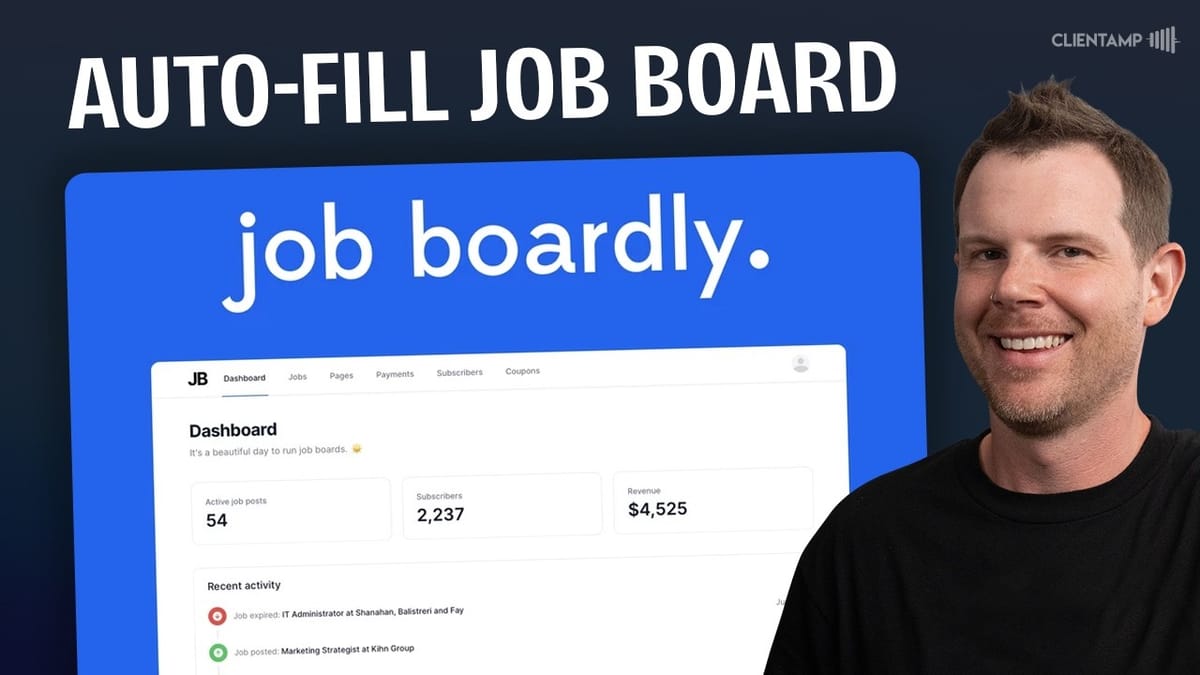
Job Boardly
A platform that lets you create, customize, and monetize your own job board with built-in job aggregation and importing tools.
Entrepreneurs and side hustlers who want to build niche job boards as a revenue stream, or businesses that need an internal hiring board.
Pyjama Jobs, JBoard, Niceboard, Jobicy
What Is Job Boardly?
Job Boardly is a hosted platform that lets you spin up a fully functional job board for as little as $79 as a lifetime deal through AppSumo. The pitch is straightforward: grab the tool, spend an afternoon configuring it, and you've got a job board ready to accept postings and attract applicants.
The platform supports both public and private job boards. You can open it up so anyone can post jobs, or lock it down as an internal hiring board for your own company. There's even a paywall option, meaning you can charge both job posters and job seekers — monetizing from both sides of the marketplace.
Multiple AppSumo tiers are available, starting at $79 for a single job board and scaling up to $579 for ten boards. The higher tiers bundle in extras like branding removal and custom email domains, which matter if you're running this as a serious business.
Dashboard and Board Customization
The admin dashboard is clean and functional. Right out of the gate, you can upload your own logo, set a favicon, choose a brand color, and pick from the full library of Google Fonts. The header and footer sections are independently customizable with their own background and link colors, and you can add navigation links to both areas.
There are toggle switches to show or hide elements like location filters, remote job toggles, and social sharing buttons on job listings. SEO settings let you define a custom title and meta description, and Job Boardly automatically generates a sitemap so you can submit your board to Google — a big deal if you're trying to rank for niche job searches.
One minor annoyance: the color picker doesn't actually exist. Instead of a visual picker, you have to paste in hex codes manually. It's a small thing, but it's the kind of polish that would make the setup experience feel more complete.
Creating and Managing Job Posts
Posting jobs works the same way whether you're the admin or a public user submitting through the front end. You fill in the job title, employment type (full-time, part-time, contract, etc.), company details, location preferences, salary information, and an application URL or email.
As an admin, you get extra controls like the ability to highlight and sticky specific posts so they stay at the top of the board. When you set a job to on-site, an additional field pops open for the office location. The location system is smart enough to add new cities to the filter dropdown automatically as jobs are posted.
There's a small URL validation quirk worth noting. The platform requires HTTPS in URLs — if you paste in a link without the protocol or with just HTTP, it'll either reject it or throw an error. It's not a dealbreaker, but it's the kind of friction that shouldn't exist in 2024.
Search and Filtering
The search and filter system on the public-facing board is simple but effective. Visitors can search by company name or job title, filter by employment type (full-time, part-time, contract), and narrow results by location using a dropdown populated from existing job posts.
There's a dedicated toggle for remote-only jobs, which is a nice touch given how common remote work has become. One AppSumo reviewer had complained about the inability to search by city, and while it's true that typing a city name into the search bar won't return results, the location dropdown filter effectively solves the same problem.
The overall browsing experience is fast and clean. Job listings display the company name, position, salary range, location, and posting time in a well-organized layout. Clicking into a listing shows the full description, sharing links, and a prominent apply button.
Email, Translations, and Domains
Job Boardly includes email notification settings with a configurable reply-to address. However, sending emails from your own domain requires either the separate unbranding add-on ($100 one-time) or AppSumo tier three, which bundles it in. If brand consistency matters to you — and it should for a professional job board — this is worth factoring into your tier decision.
The translation system lets you run your board in a different language, but only one language at a time. You select the target language, hit the reset values button, and all interface text converts over. Switching back to English is just as simple. If you need multiple languages, you'd need separate job boards — another argument for the multi-board tiers.
Custom domains are supported even on the base $79 plan. Setup is straightforward: add your domain, get a CNAME record, and update your DNS. The default subdomain on jobboardly.com works fine for testing, but any production board should really be running on its own domain.
Coupons, Integrations, and Job Settings
The integrations section is where you connect Stripe, which powers all the monetization features — from paid job postings to subscriber paywalls. You can also inject tracking code for tools like Fathom Analytics or Google Tag Manager, configure an ads.txt file, and set up webhooks for new subscriber notifications. Discord and Slack integrations are available for getting notified about board activity.
Under job settings, you'll find controls for default currency, automatic job approval (letting posts go live without manual review), and the ability to toggle the public "Post a Job" button on or off. Filter settings let you choose whether to filter by city, region, or country.
There's also a beta integration with Adzuna for sponsored job listings. Toggle it on, select your country and job category, and you can earn revenue from clicks on sponsored posts. It's an interesting passive income angle, though the actual earning potential likely depends heavily on your board's traffic and niche.
Pricing Plans and Paywall
Job Boardly lets you create tiered pricing for job postings. The default basic plan gives a listing 30 days of visibility with no special treatment. You can set up promoted tiers that add highlighting, sticky positioning, or both — each at a different price point. Adding more pricing tiers requires Stripe integration.
The paywall feature is where things get interesting from a monetization standpoint. You can gate job listings behind a subscription, showing blurred previews with a "subscribe to unlock" message. This means you can generate revenue from both job posters paying for listings and job seekers paying for access — a dual-revenue model that could work well for specialized, high-value job boards.
Category management is flexible, letting you create whatever job categories make sense for your niche. Arrangement types (full-time, part-time, contract, temporary, volunteer, internship) are fixed — you can hide options but can't add custom ones, which feels like an unnecessary limitation.
Pages and Content
Job Boardly includes a basic page builder for creating additional content on your site. You get default pages for checkout, privacy policy, and terms of service, and you can add new pages with custom titles, slugs, SEO metadata, and content.
Don't expect a full website building experience here — it's a simple content editor that handles text and images. It's adequate for blog posts, about pages, or informational content, but you're not going to build a sophisticated marketing site with it. That said, the fact that any page functionality exists at all on a job board platform is a nice bonus.
Pages can be linked from the header or footer navigation, keeping everything accessible to visitors browsing your board.
Direct Import: One Job at a Time
The direct importer lets you pull in individual job listings from around the web by pasting in a URL. It uses a credit system — every import attempt costs one credit whether it succeeds or not. All plans start with 250 credits, and you can buy more in bulk (1,000 for $9, 5,000 for $42, or 10,000 for $79).
Results vary depending on how the source job page is structured. A test with Ghost's careers page failed because the listing didn't follow a standard job posting format. But a more traditional listing from WP Engine imported perfectly — title, company, description, salary, and application link all came through correctly.
The takeaway: direct import works best with conventional job board pages that use standard markup. If a company has a custom-built careers page with non-standard formatting, the importer may struggle. It's worth testing a single listing from any source before burning through credits on bulk imports.
Turbo Backfiller: Automated Job Aggregation
The turbo backfiller is Job Boardly's automated job sourcing feature, and it's genuinely impressive. You set criteria — job title, employment type, language, location, remote-only preference — and it goes out and finds matching listings to populate your board. In testing, it pulled in 10 web developer listings in about three seconds.
The imported listings looked legitimate and included full job descriptions, salary information, and application links. Most of the apply links worked correctly, though one pointed to a broken URL that needed a minor manual fix. The backfiller runs automatically every seven days to keep your board fresh, though it uses credits each time.
One missing feature: there's no way to customize the refresh interval or run it as a one-time import. You either leave it running on its weekly schedule or delete it entirely. For boards where you want to carefully manage credit usage, finer control over the scheduling would be welcome.
Magic Aggregator: Bulk Import from Specific Sites
The magic aggregator splits the difference between the one-at-a-time direct importer and the fully automated backfiller. You point it at a specific company's careers page, tell it how many jobs to grab (up to 500), and it pulls them all in.
Testing with WP Engine's careers page, the aggregator successfully imported 10 listings in under a minute. The jobs came through with complete descriptions and working application links — clicking "Apply Now" on the imported listings correctly redirected to the original application pages.
This feature is particularly useful if you're building a niche board and want to feature listings from specific companies in your industry. Rather than waiting for companies to find and post on your board, you can proactively curate content from the employers your audience cares about.
AppSumo Plans and Pricing Breakdown
Job Boardly's AppSumo lifetime deal comes in four tiers. Tier one at $79 gets you a single job board with all core features including custom domain support. Tier two at $199 bumps you to three job boards. Tier three at $349 is where things get serious — you get five boards plus branding removal and custom email domains, which would otherwise cost $100 as a separate add-on.
Tier four at $579 maxes out at 10 job boards, making it the choice for anyone planning to build a portfolio of niche boards across different industries or regions. The branding removal alone makes tier three the sweet spot for anyone running a single professional board, since having "Powered by Job Boardly" in your footer undermines the professional appearance you're going for.
Final Verdict: A Solid 7.8 for Aspiring Job Board Owners
Job Boardly earns a 7.8 out of 10, and that score reflects a genuinely capable platform with only minor rough edges. The setup process is fast, the interface is clean, and the job importing tools — especially the turbo backfiller and magic aggregator — make it easy to launch a board that looks active from day one.
The complaints are small: URL validation is fussy about HTTPS, there's no color picker for design customization, and the backfiller scheduling could be more flexible. None of these are dealbreakers, and the core experience of creating, managing, and monetizing a job board is well-executed.
If you've been thinking about running a niche job board as a side hustle or adding a careers section to an existing business, Job Boardly makes the barrier to entry remarkably low. The dual monetization model — charging for both posting and viewing — gives you multiple revenue streams, and the lifetime deal pricing means your ongoing costs are essentially zero after the initial purchase.
Watch the Full Video
Prefer watching to reading? Check out the full video on YouTube for a complete walkthrough with live demos and commentary.


