
Klipy CRM Review: Is This $69 Lifetime Deal Worth It?
Klipy is a lifetime deal CRM that pulls in your Gmail or Microsoft contacts and emails automatically. Here's whether it's actually worth the one-time price.

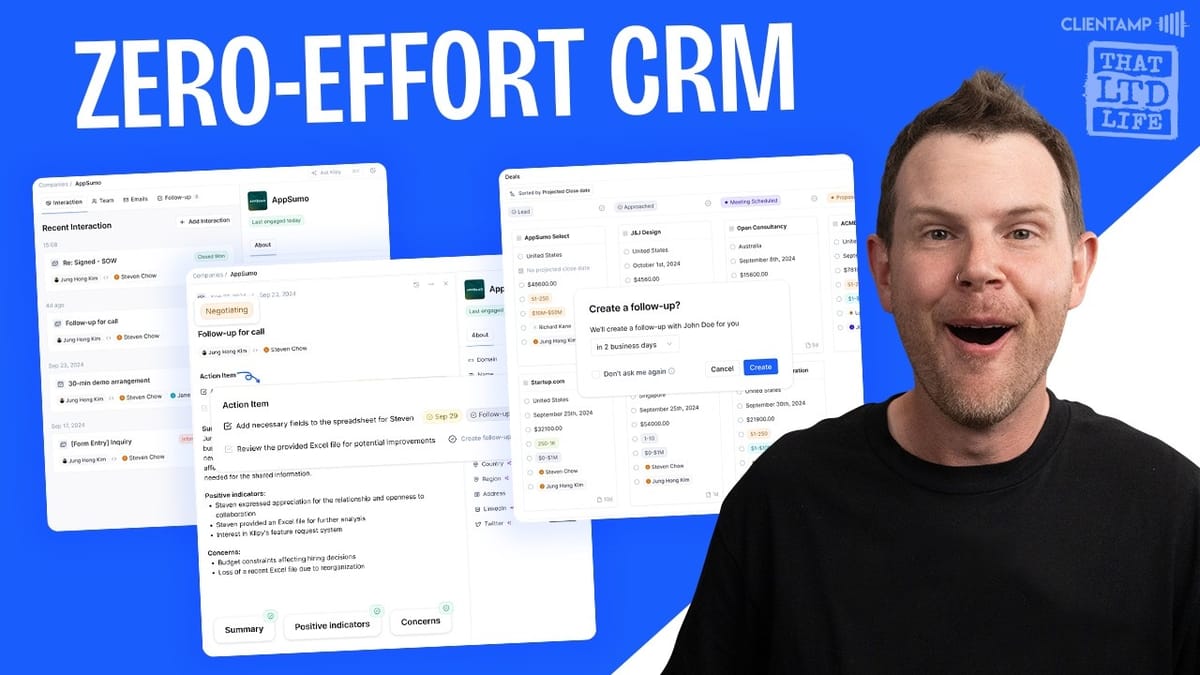
Klipy
An AI-powered CRM that automatically imports contacts and emails from Gmail or Microsoft to manage your sales pipeline, meetings, and follow-ups.
Small business owners and sales teams who want a simple, affordable CRM without the hefty monthly fees of tools like HubSpot or Salesforce.
HubSpot, Salesforce, Pipedrive, Folk CRM
What Is Klipy CRM?
Finding a genuinely good CRM that doesn't drain your budget is one of the hardest challenges for small businesses. Most capable options run into the tens of thousands per year, which makes the idea of a one-time payment CRM incredibly appealing. Klipy aims to be exactly that — a functional, AI-powered CRM available as a lifetime deal.
The name itself is a bold choice (anyone who remembers Microsoft's infamous Clippy assistant might raise an eyebrow), but beyond the branding, Klipy positions itself as an opinionated, streamlined CRM. It's designed to keep things simple rather than overwhelm you with endless customization options. Whether that philosophy works for you depends on your workflow, and that's exactly what we're going to dig into.
Getting Started: Account Setup and Email Integration
Before you get too excited, there's an important caveat: Klipy only works with Gmail (including Google Workspace) or Microsoft email accounts. If you're running a custom SMTP setup or any other email provider, you're out of luck. This is worth checking before you buy, because without one of those two integrations, the tool simply won't function.
Once you connect your email, Klipy pulls in your existing contacts, emails, and any future incoming data automatically. The import depth depends on your plan tier — tier one gives you three months of historical data, tier two bumps that to six months, and tier three imports everything. It's a smooth onboarding process if you're in the Google or Microsoft ecosystem, but it's a hard pass for anyone outside of it.
Managing Contacts and People
The People section is where your contacts live. Klipy automatically populates this from your connected email, though you can also add contacts manually. Clicking into any contact shows your latest interactions front and center, with their profile details displayed on the right sidebar.
Profile information either comes in from your email data or can be filled in manually. Klipy also offers a feature called Record Enrichments, which attempts to automatically fill in missing contact details like phone numbers and company info. You get 250 enrichments on tier one, 1,000 on tier two, and 3,000 on tier three. This enrichment happens at import time rather than through the UI, so it's a behind-the-scenes process you won't directly interact with.
Logging Interactions Beyond Email
One of Klipy's more practical features is the ability to log interactions that happen outside of email. Met a client for coffee? Got a WhatsApp message? You can record all of that directly in the CRM by clicking "Add Interaction" and selecting the interaction type.
The editor itself is Meta's Lexical editor — an open-source rich text editor that supports slash commands, headings, bullet lists, and other formatting options. It's a solid choice and one of the better editors you'll find in tools at this price point.
That said, the interaction UI has room for improvement. The icons indicating interaction types are tiny and not immediately obvious. You'd probably need to click through them to understand what each one represents — a simple text label would go a long way. There's also no option to set a specific time for an interaction, only a date, even though the system records a timestamp when you save. It's a small oversight, but if you're logging a meeting that happened at 2 PM, you'd want to capture that detail.
Follow-Ups and Task Management
The follow-up system is straightforward and functional. You create a follow-up by giving it a title, adding a description, and setting a due date. From there, you can assign it to a team member, link it to a specific deal, and associate it with a company.
What's nice about this setup is the context it provides. When you view a follow-up like "Call Jim," you'll also see Jim's profile information right there — so if you've saved his phone number, you can act on the task immediately without hunting through contacts. It's a small touch, but it shows thoughtful design in how the different pieces of the CRM connect together.
Companies: Organizing by Organization
The Companies section works almost identically to People, but aggregates everything at the organization level. Click into a company and you'll see all interactions, emails, and follow-ups related to every person associated with that organization, rolled up into a single view.
This is standard CRM architecture, but it's executed well here. You can manage which people belong to a company through the Teams section and easily add new contacts. If you're working with multiple stakeholders at a single client, this grouping makes it simple to get a full picture of the relationship without clicking through individual contacts.
The Deals Pipeline
Deals is where Klipy becomes a proper sales tool. It's a Kanban-style pipeline where you create deals, assign them to companies and contacts, set values, and drag them through stages from lead to close. Adding a deal is quick — pick the stage, fill in the details, and you're set.
Each deal card shows a lot of parameters by default, but you can customize the visible fields through view settings. Hide what you don't need, and use the "add column" option to bring hidden fields back.
Here's where things get opinionated, though — and not in a great way. The pipeline stages are fixed. You can't rename them, reorder them, remove stages, or change their colors. For a tool that's trying to be a flexible CRM, this is a notable limitation. If you find that Klipy's default stages don't match your sales process, you're stuck adapting your workflow to the tool rather than the other way around.
Dashboard Overview
The main dashboard gives you a visual summary of your pipeline, showing how many deals sit in each stage as percentages. With just two deals in testing, you'd see a 50/50 split between stages — which is technically accurate but not terribly insightful.
The dashboard could be more useful with a few additions. Toggling between raw numbers and percentages would help, and showing deal values per stage would give you a real sense of where your revenue pipeline stands. As it is now, the dashboard is functional but lightweight. If you've got hundreds of active deals it might provide value, but for most small teams tracking a dozen or so opportunities, there's not much actionable insight here yet.
Built-In Chat Assistant
Klipy includes a ChatGPT-powered assistant with access to GPT-4, O1 Mini, and web search. In practice, it's essentially a ChatGPT wrapper that lives inside the CRM interface. It doesn't appear to be trained on your CRM data or provide any sales-specific intelligence.
It's the kind of feature that checks a box on the marketing page but doesn't add much practical value. If you're already using ChatGPT (and who isn't at this point), having another interface for it inside your CRM isn't exactly a game-changer. It's there if you want it, but don't factor it into your buying decision.
Meetings with AI Note-Taking
The meetings feature is genuinely interesting. Rather than building an entire video conferencing platform, Klipy integrates with Google Meet (or Microsoft Teams) to let you create meetings directly from the CRM. You set a title, date, time, participants, and optionally link it to a company and deal. The tool then generates a real Google Meet or Teams link automatically — no additional setup required beyond your initial email connection.
The standout feature here is the AI meeting bot. It joins your call, records the conversation, and takes notes that are then saved back into Klipy as an interaction. Meeting recording minutes are tiered: 320 per month on tier one, 1,500 on tier two, and 7,000 on tier three.
One missed opportunity is the lack of a booking module. You can create meetings, but there's no way for prospects or clients to self-schedule. You'd still need a separate tool like Calendly for that, which feels like a gap in what's otherwise trying to be an all-in-one solution.
Knowledge Base and Voice Notes
An unexpected addition to a CRM, the knowledge base lets you create internal documents — sales procedures, process guides, or any team documentation. Each document can be kept private or shared with your team, toggling easily between a shared library and a private one.
The voice note feature is a nice touch. Record a note using your mic, and Klipy will transcribe it automatically. You can then ask the AI to summarize long recordings or add the transcript to your notes. The interface is a bit rough around the edges — adding a note from a transcript doesn't close the modal as you'd expect — but the core functionality works.
While a knowledge base isn't a traditional CRM feature, it makes sense for teams that want to centralize their sales playbook alongside their pipeline. It won't replace a dedicated wiki or documentation tool, but for quick reference material, it does the job.
Plans, Pricing, and Tier Breakdown
Klipy's AppSumo lifetime deal comes in three tiers. Tier one gives you 3 seats but only 1 connected email account, 10,000 contacts, 250 record enrichments, 500 AI automations per month, and 320 meeting recording minutes. Tier two jumps to 10 seats with 3 email accounts, unlimited contacts, 1,000 enrichments, 2,500 automations, and 1,500 meeting minutes. Tier three maxes out at 30 seats, 10 emails, 3,000 enrichments, unlimited automations, and 7,000 meeting minutes.
The email account limitation is the most puzzling aspect of the pricing. On tier one, three team members share a single email connection. In most sales environments, each rep uses their own email address, so this 3:1 ratio feels restrictive. Role-based sales emails exist, but personalized outreach is far more common. The seat-to-email ratio improves at higher tiers but never reaches 1:1.
Historical email import depth also varies by tier: three months, six months, or unlimited. If you've got years of client relationships in your inbox, tier three is the only way to bring all of that context into the CRM.
Final Verdict: A 7 Out of 10 CRM
Klipy is walking a tightrope that many CRM tools have tried and failed to navigate — being simple enough to actually use while being feature-rich enough to be useful. It's an opinionated tool, much like Basecamp in the project management space. Some people will love the streamlined approach; others will be frustrated by the lack of customization.
The strengths are clear: automatic email and contact importing, a solid interaction logging system, AI-powered meeting notes, and a clean interface that doesn't require a certification course to understand. The weaknesses are equally apparent: you can't customize pipeline stages, email sending isn't supported, the seat-to-email ratio is awkward, and features like the chat assistant feel like filler.
At a one-time cost of $69 for the base tier, Klipy earns a solid 7 out of 10. It's a functional CRM that handles the basics well, and the lifetime deal pricing makes it a low-risk purchase for small teams already in the Google or Microsoft ecosystem. Just go in with realistic expectations — this isn't going to replace Salesforce, but for many small businesses, it doesn't need to.
Watch the Full Video
Prefer watching to reading? Check out the full video on YouTube for a complete walkthrough with live demos and commentary.


