
Krisspy Review: AI-Powered App Prototyping Tool (2025)
Krisspy is an AI-powered prototyping tool that generates full app wireframes from a text description. Here's whether it lives up to the hype.

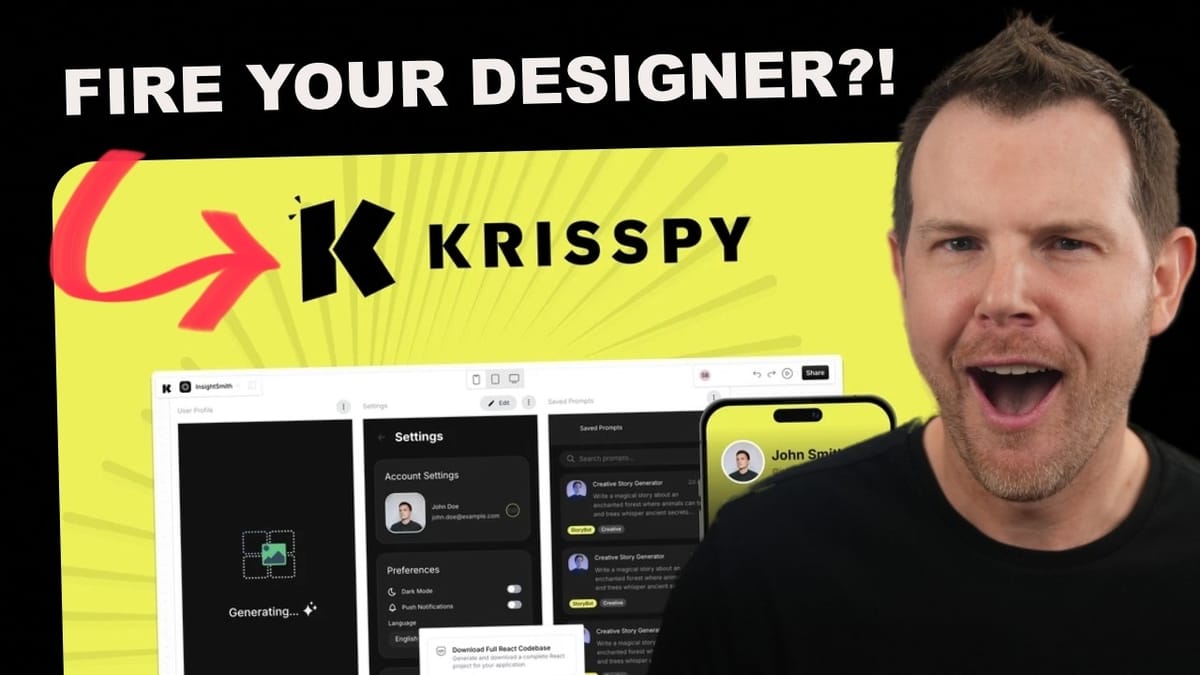
Krisspy
AI-powered tool that generates complete app wireframes and prototypes from a text description of your idea.
Non-technical founders, solo developers who want to skip the designer, and agencies looking to speed up their prototyping phase.
Figma, Uizard, Galileo AI, Visily
What Is Krisspy and Why Should You Care?
You've got an idea for an app rattling around in your head. Maybe it's a mobile app, maybe it's a web platform, but you're not a designer and hiring one feels like a massive commitment for something that's still just a concept. That's exactly the problem Krisspy is trying to solve.
Krisspy is an AI-powered prototyping tool that lets you describe the app you want to build in plain text, and it generates the entire front-end layout for you — wireframes, mockups, user flows, the works. It won't write your backend code or spin up a database, but it will give you a professional-looking prototype you can take to a development team, show to investors, or use as a blueprint to start building.
For developers who'd rather skip working with a designer, Krisspy is equally interesting. You could use it to handle the UI side while you focus on coding the backend, potentially pairing it with other AI tools to build out a complete product on your own.
AppSumo Deal and Pricing Breakdown
Krisspy is available on AppSumo as a lifetime deal starting at $99 for the entry-level tier. There are four tiers total, with the high end reaching $749. The key differences between tiers come down to monthly credits, team size, and plan level.
Tier one gives you 300 credits per month with a single seat. For reference, building a 26-screen app in the review used 299 credits — so if you're working on anything substantial, you could burn through a tier one allocation in a single session. Tier two bumps you to a team of three, which is a solid sweet spot for small teams. Tier three introduces white labeling, 1,500 monthly credits, and 10 team members. Tier four is the business plan with the most generous allocation.
One important detail buried in the fine print: tiers one and two map to the "Individual" plan, tier three maps to the "Team" plan, and tier four maps to the "Business" plan. This matters because higher-tier plans typically get new features first as the product evolves.
Setting Up Your First Project
Getting started with Krisspy is straightforward. Hit the plus button to create a new project, and the first step is defining your product. You choose between a mobile app, a web app, or a combined web-and-mobile app. Krisspy provides example templates like "FitPulse" and "TastyHub" that show you the kind of description the tool is looking for.
Here's a practical tip: take one of those example templates, bring it over to ChatGPT or Claude, use it as a framework, and describe your own app idea. The LLM will help you flesh out the description in a format Krisspy understands. While Krisspy does have a built-in AI Enhance feature, working with a dedicated LLM first tends to produce better results, especially if you already have a paid account with one of the major AI tools.
Once you paste in your description and proceed, Krisspy analyzes your input and asks you to confirm a few details: product name, tagline, description, the problem it solves, key features, and product type. It also offers a set of AI-generated questions on the sidebar that can help you refine your concept — these are contextually generated based on your specific project, which is a genuinely thoughtful touch.
AI Enhancement and Project Refinement
The AI Enhance button inside Krisspy reformats and cleans up your project description. It doesn't fundamentally change your content, but it makes the structure prettier and more consistent. Think of it as a formatting pass rather than a creative rewrite.
What's more useful are the contextual questions Krisspy generates on the sidebar. If you're struggling to define something specific — like the onboarding process for course creators on an LMS platform — you can click into that topic and Krisspy will generate multiple-choice questions tailored to your project. These aren't generic prompts; they're specific to what you're building. You can select answers or use them as brainstorming fuel.
For people who skip the ChatGPT/Claude pre-work and start directly in Krisspy, these sidebar questions are going to be incredibly valuable for turning a vague idea into something concrete enough to prototype.
Generating and Reviewing App Screens
Once you're happy with your project definition, hit generate and Krisspy goes to work. It maps out your entire user flow and starts building screens. For a 26-screen LMS application, the analysis phase completed in seconds. The actual wireframe generation takes longer — roughly 20 seconds per screen — so for a large project you'll want to grab a coffee and come back.
The results are genuinely impressive. The generated wireframes include authorization flows with login and registration screens, separate user flows for different roles (course creators vs. students), dashboards with revenue tracking and student progress, a course builder interface, video upload sections, landing page builders, and account settings. The layouts look polished and professional — better than many actual shipped apps.
The UI for reviewing screens feels a lot like Figma. It's minimalistic and clean, making it easy to navigate through your generated wireframes. Occasionally a screen won't generate on the first pass, but clicking the regenerate button resolves the issue without any fuss.
Walking Through the Full App Prototype
Beyond just viewing individual screens on a canvas, Krisspy lets you step through your prototype like a real user would experience it. Click the play button and you're taken to the first screen of your app, with the ability to scroll through content and navigate between screens sequentially.
This interactive preview is where the tool really shines for client presentations and stakeholder reviews. You can see how the onboarding flow connects to the dashboard, how navigation works between sections, and whether the overall user journey makes sense. It's one thing to look at screens laid out on a canvas; it's another to click through them and feel the app's rhythm.
The prototype also supports responsive previews — mobile, tablet, and desktop views — so you can check how your layouts adapt across device sizes. In the review, the mobile view needed some work (the navigation menu wasn't collapsing properly in the mockup), but the feedback system makes it easy to flag issues like this for the next iteration.
Client Feedback and Iteration System
Krisspy's feedback system is designed for real-world workflows where clients review mockups and request changes. A feedback widget lets you leave notes on any screen — things like "add more padding between bookmark cards" or "make the UI mobile responsive." Feedback accumulates without triggering regeneration, so you can review the entire app and collect all your notes before committing to a new version.
When you're ready to act on feedback, you select which items to include and create a new iteration. Krisspy gives you the option to branch from the current version or create a fresh one, similar to version control branching. This is smart design — you're not burning credits every time someone has a thought, only when you deliberately choose to regenerate.
The AI also handles individual element edits impressively. Want to change a Twitter icon to X? Just select the element, use the "Edit with AI" button, and describe the change. In the review, the AI correctly swapped the Twitter branding to X almost instantly. You can also manually edit text, adjust properties in the right sidebar, and view the underlying front-end code for any element.
Mobile Preview and Responsive Design
Responsive design is a critical consideration for any modern app, and Krisspy includes preview modes for mobile, tablet, and desktop viewports. This lets you catch layout issues early in the prototyping phase rather than discovering them during development.
In practice, the mobile preview revealed that the navigation menu wasn't collapsing as expected in the mockup. This is the kind of issue that's easy to flag using the feedback system and have Krisspy regenerate in the next iteration. It's worth noting that these are wireframe-level prototypes, not pixel-perfect responsive designs, so some manual refinement will always be needed.
The ability to preview across breakpoints is still valuable for communicating intent to a development team. When you hand off a Krisspy prototype, your developers will have a clear picture of how the app should behave on different screen sizes, even if the wireframes aren't fully responsive out of the box.
Export Options: Figma and Beyond
When your prototype is ready for the next stage, Krisspy currently offers one export path: Figma. You can export your screens directly as Figma designs, though this feature is labeled as beta, so expect some roughness. It may take a few attempts to get a clean export.
Two additional export options are on the roadmap but not yet available. The first is a "Convert to UI" feature that promises to transform wireframes into high-fidelity, full-color designs — the mockup shown looks genuinely impressive. The second is a full React codebase download, which would be a game-changer for developers looking to go from prototype to production as quickly as possible.
For now, the Figma export is the practical handoff point. Designers can take the wireframes into Figma, add visual polish, and prepare production-ready assets. It's an extra step, but it slots cleanly into existing design workflows.
The Future of AI Design Tools
Krisspy represents a broader shift in how apps get designed. The experience of using it draws comparisons to the first time many people used ChatGPT — that moment of realizing, "oh, so this is how things work now." Steps that used to be painful and expensive can suddenly be shortcut with AI.
That said, AI-generated wireframes aren't replacing skilled human designers yet. A trained UI/UX professional will still produce more nuanced, thoughtful work. But Krisspy excels at the early stages — getting ideas flowing, mapping out an MVP, creating something tangible enough to have a real conversation about. The gap between AI and human designers is narrowing, and tools like Krisspy are accelerating that trend.
The upcoming features — high-fidelity UI conversion and React code export — suggest the team has ambitious plans for where this product is headed. If those features deliver on their promises, Krisspy could evolve from a prototyping tool into something much closer to a full design-to-code pipeline.
The Downsides: What Krisspy Gets Wrong
No tool is perfect, and Krisspy has some clear weaknesses. The biggest gap is documentation — there essentially is none. No written guides, no knowledge base, nothing to reference when you get stuck. The only tutorial available is in French without English overdubs. For a tool with this much potential, that's a significant oversight.
Occasional generation failures are another minor annoyance. Some screens simply don't generate on the first pass, leaving you with blank placeholders. It's easy to fix by clicking regenerate, but it does interrupt the flow. The name change issue (where the app kept using the old name "LearnFlow" instead of "Rufus" despite updating the project settings) suggests some inconsistencies in how project metadata propagates through generation.
These are forgivable issues for a newer product that's clearly still being refined, but they're worth knowing about before you buy.
Final Verdict: Is Krisspy Worth It?
Krisspy earns a 7.9 out of 10. At $99 for the entry-level lifetime deal, it's an easy purchase to justify when you consider that hiring a designer to create 26 app screens would cost anywhere from $3,000 to $30,000 depending on who you hire. Even the top tier at $749 is a fraction of what professional design work costs.
The tool delivers on its core promise: describe an app, get professional-looking wireframes. The AI generation is fast, the interface is clean, and the feedback/iteration system is well thought out. The missing features (high-fidelity conversion, React export) are disappointing but understandable for a product at this stage.
If you're actively developing an app, freelancing in app development, or running an agency that regularly prototypes new ideas, Krisspy is a no-brainer addition to your toolkit. For casual users with a single app idea, tier one at $99 should be more than enough to get your concept into a shareable, professional format.
Watch the Full Video
Prefer watching to reading? Check out the full video on YouTube for a complete walkthrough with live demos and commentary.


