
Letterly AI Review: Turn Voice Notes into Content Instantly
Letterly AI lets you ramble into your phone and transforms your voice notes into newsletters, social posts, emails, and more. Here's whether this AppSumo lifetime deal is worth picking up.

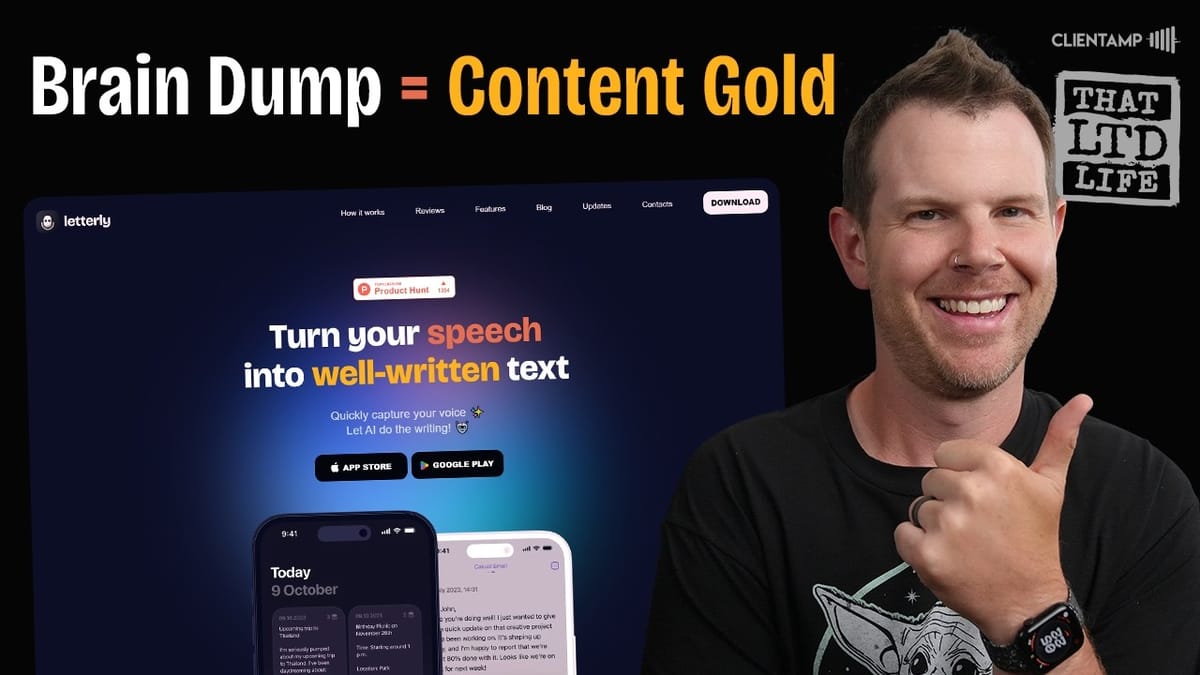
Letterly AI
Letterly AI transcribes your voice recordings and rewrites them into 27+ content formats including newsletters, social media posts, emails, and summaries.
Content creators, busy professionals, and small business owners who want to turn quick voice notes into polished written content without sitting down to write.
Otter.ai, Apple Voice Memos + ChatGPT, Google Recorder, Whisper
What Is Letterly AI?
Letterly AI is a mobile app that goes beyond simple speech-to-text. You talk into your phone, ramble about whatever's on your mind, and the app transcribes your words and then rewrites them into polished, usable content. The tagline is essentially "speech to magic to text" — the magic being AI that cleans up your natural speech patterns and restructures your thoughts into a specific format.
The app offers 27 different rewrite formats, covering everything from social media posts and newsletters to meeting summaries and grocery lists. Recordings can be up to 15 minutes long, and the tool works on both iOS and Android. It's currently available as a lifetime deal on AppSumo, which makes it an interesting pickup for anyone who regularly needs to turn ideas into written content but doesn't always have time to sit down and type.
Plans and Pricing
On AppSumo, Letterly's lifetime deal is structured around the number of user devices rather than features. Every plan includes the full feature set: 27 rewrite options, unlimited notes, and 15-minute recordings. Plan one covers a single device, and the tiers scale up from there based on how many users or devices you need.
There's an interesting pricing quirk worth noting. After plan two, you get two devices per code. At four codes you get six devices, and at five codes you get eight. But between five and six codes, there's a jump where you pick up an extra device — the count goes up by three instead of the usual two. If you're buying for a small team, that particular tier might be the sweet spot for value.
For comparison, the same Pro plan costs $99 per year if you subscribe directly through the App Store. The AppSumo lifetime deal starts at $59 as a one-time purchase, so it pays for itself in well under a year.
First Impressions and Setup
The Letterly website is polished and well-designed, which is usually a good sign for the app itself. It's a small thing, but in the world of lifetime deals, a rough-looking website often signals a rough app experience. The reverse isn't always true — a nice website doesn't guarantee a great app — but it's rarely the case that a terrible website leads to a delightful product.
Downloading is straightforward. You can scan a QR code from the website to go directly to the App Store or Google Play Store. The free version installs with in-app purchase options, and you're greeted with an onboarding flow that asks what you plan to use Letterly for: messages and emails, notes and ideas, journaling, or social media posts. From there, you're offered a seven-day free trial of the Pro plan.
Pro Tip: Cancel Your Free Trial Immediately
Here's a smart move any time you sign up for a free trial: cancel the subscription right away. You still get the full trial period, but you won't accidentally get charged when it expires. On iPhone, just go to Settings, tap your name at the top, then Subscriptions, find Letterly, and hit Cancel Free Trial. Your access continues until the trial end date.
This is especially important with Letterly because if you end up buying the AppSumo lifetime deal, the App Store subscription doesn't automatically cancel. You could end up paying for both. The Letterly team has confirmed this in the AppSumo Q&A — you can use the free trial first, then enter your AppSumo code, but you need to manually cancel the subscription yourself.
The App Interface
Letterly's interface is clean and minimal. The home screen shows your recordings and offers swipeable idea prompts to get you started — things like "send a message to an old friend" or "describe your thoughts in detail." At the bottom, three icons give you access to a text editor (with automatic dating), the recording button in the center, and a settings panel.
Settings are sparse but functional. You'll find general configuration, a link to contact the founders, a rate-the-app option, and the field for entering your AppSumo license code. There's not much to configure, which keeps things simple. The app is clearly designed around one core workflow: hit record, talk, and let the AI handle the rest.
Recording and Transcription
Hitting the microphone button starts a recording session with a smooth sound waveform animation. If you stumble or want to start over, there's a redo button in the lower left corner that restarts the recording. Once you stop recording, Letterly processes the transcription with a progress animation, and it's reasonably quick.
One nice touch is that transcription works asynchronously. If it's taking a moment, you can navigate away, create a new note, or come back later — your recordings are saved and will be ready when you return. The raw transcription captures your speech accurately, including all the ums, tangents, and thinking-out-loud moments. That's where the rewrite features come in.
Rewrite Options: The Core Feature
The rewrite system is where Letterly earns its keep. After transcription, you can choose from several categories of rewrites. "Magic" lets the AI choose the best way to clean up your text. "Structured" adds bullet points and headings. "Shorter" condenses everything down. And then there's the content creation section, which is the real star.
Content creation rewrites include X posts, X threads, Facebook posts, LinkedIn posts, video scripts, newsletters, journal entries, and gratitude journals. On the professional side, you can generate casual or formal emails, short or detailed summaries, and meeting takeaways. There are also utility rewrites like creating lists for tasks or shopping.
You're not limited on rewrites — you can rewrite the same recording as many times as you want in as many formats as you want. Each rewrite is saved as a version you can swipe through, and you can delete any version to get back to the original text. If there are rewrite types you use frequently, you can star them as favorites for quick access.
Content Quality: How Good Is the AI?
The quality is decent but not perfect. Testing the newsletter format, the output was well-punctuated and cleaned up compared to the raw transcript, but it stayed very close to the original words rather than expanding on the ideas. It also opened with the classic AI giveaway: "We hope this message finds you well." Not exactly the most original opener.
The "Magic" rewrite mode does a solid job of cleaning up text and adding a title, though the titles can be a bit generic. The friendly message rewrite genuinely shifts the tone to be more approachable. And the list mode is surprisingly effective — a rambling stream of consciousness about grocery needs was distilled into a clean, organized shopping list with a helpful note like "check if almost out" next to avocado oil.
The key limitation is that Letterly doesn't expand on your ideas. It reshapes what you said, but it won't add new points or flesh out your arguments. If you want richer content, you need to give it more material to work with in your recording.
Screen Off and Offline Recording
Letterly continues recording even when your phone screen is off, which is great for longer recordings where you don't want to drain battery or worry about accidentally tapping something. The transcription comes through perfectly regardless of whether the screen was on during recording.
Offline recording also works. You can put your phone in airplane mode, hit record, and capture your thoughts without any internet connection. The recording saves locally, and as soon as you reconnect, Letterly processes the transcription almost immediately. The AI rewrite features do require an internet connection, which makes sense since the processing happens server-side, but it's reassuring that you won't lose a recording just because you're out of cell range.
Sharing and Export
Sharing uses your phone's native share sheet, so you can send your rewritten content to any app — Apple Notes, messaging apps, email, or wherever else you need it. The catch is that Letterly outputs in Markdown format, and not every app supports Markdown rendering. If you share to Apple Notes, for example, you'll see the raw Markdown syntax marks rather than formatted text.
This is a minor annoyance that could be solved with an option to export in HTML or rich text formatting. For Markdown-friendly apps and platforms, the output looks great. But for everyday tools that most people use, it would be helpful to have a plain text or rich text export option as an alternative.
Final Verdict
Letterly AI scores a 7.7 out of 10. It's a beautifully designed app with solid execution on its core promise: talk into your phone, get usable content out. The 27 rewrite formats cover a genuinely useful range of scenarios, from quick social media posts to meeting summaries and shopping lists. The interface is intuitive, offline recording works well, and the unlimited rewrites mean you can experiment freely.
The main hesitation is longevity. Apple, Google, and other platforms are rapidly building AI-powered voice features directly into their operating systems. There's a real possibility that in a few months, your phone's built-in assistant could do much of what Letterly does natively. The other gap is the lack of a desktop version — being able to record and rewrite content right from your computer would make this significantly more useful for professional workflows.
That said, at the AppSumo lifetime deal price, the risk is low. If you regularly find yourself with ideas you want to capture but don't have time to write out properly, Letterly is a practical tool that works right now. Just don't expect it to replace a full writing process — think of it as a very capable first draft generator.
Watch the Full Video
Prefer watching to reading? Check out the full video on YouTube for a complete walkthrough with live demos and commentary.


