
Mazaal AI Review: AI-Powered Automation Builder (AppSumo LTD)
Mazaal AI promises to let you build automations just by describing what you want. I tested it with real integrations to see if the AI lives up to the hype.

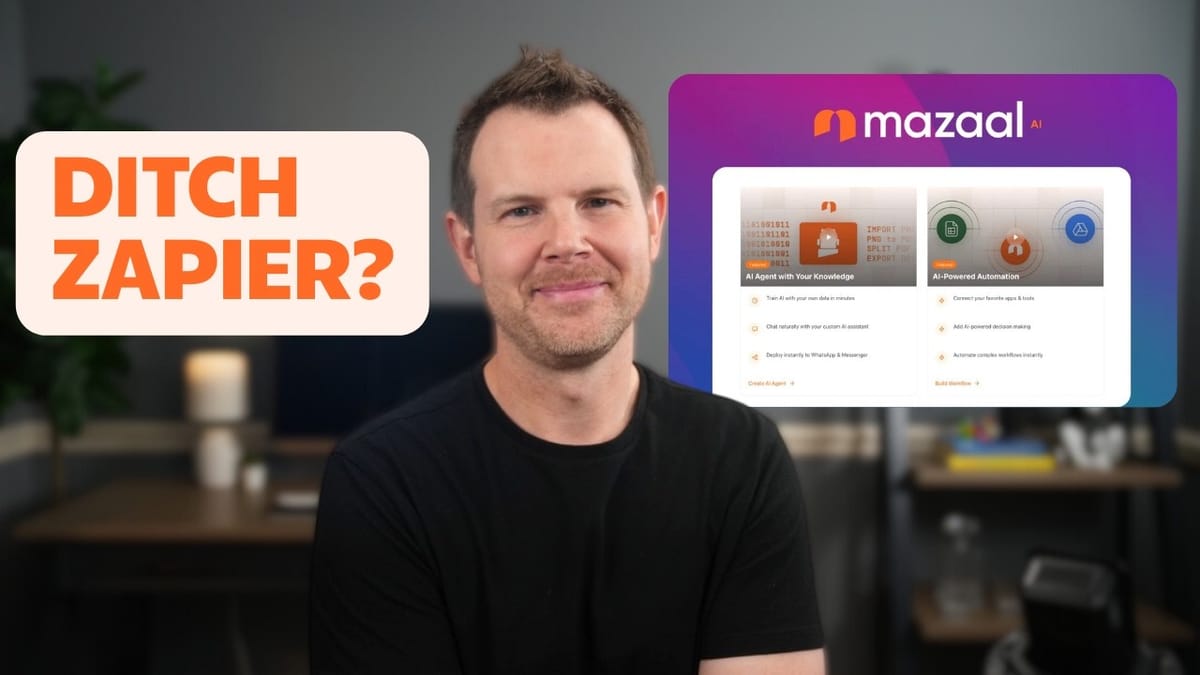
Mazaal AI
An automation platform that lets you connect apps and build workflows using natural language prompts and AI agents.
Small business owners and solopreneurs who want Zapier-style automations without the learning curve or recurring costs.
Zapier, Make, N8N
What Is Mazaal AI?
Mazaal AI is a lifetime deal on AppSumo that positions itself as an automation platform in the same category as Zapier, Make, and N8N. The core difference? Instead of manually dragging and dropping triggers and actions, you can describe what you want in plain English and let the AI build the workflow for you.
The pitch is compelling: type something like "connect my blog to my email marketing tool" and Mazaal generates the automation. It's a bold promise, and one that could genuinely lower the barrier to entry for people who find traditional automation builders intimidating. The question is whether the AI execution matches the concept.
The UI and Core Components
Mazaal's interface is refreshingly simple. There are really just two main areas you need to care about: the automation tool (called Automate) and AI Agents.
The automation side works exactly like you'd expect if you've used Zapier before. You connect tools together, move data between them, and transform it along the way. Where things get interesting is the AI Agents component, which lets you train Mazaal on your own data and then loop that trained agent directly into your automation flows. There's even a human intervention step, so if you're not ready to let AI run completely unsupervised, you can require manual approval before certain actions fire off.
Testing the AI Workflow Builder: Ghost to Modic
For the first real test, I tried connecting a Ghost blog to Modic, an email marketing tool. The goal was simple: when someone signs up for a Ghost membership, automatically add them as a contact in Modic with their name and email.
Using the Copilot feature (Mazaal's name for the AI workflow builder), I typed out a straightforward prompt describing exactly what I wanted. Within seconds, Mazaal identified the correct integrations and set up a two-step flow with Ghost as the trigger and Modic as the action. You still need to manually authenticate both platforms with your credentials, which is expected.
The trigger test was impressive. After signing up for the Ghost blog and confirming via email, Mazaal detected the new member instantaneously. However, the AI didn't automatically map the data fields between Ghost and Modic. I had to manually route the name and email fields into the correct Modic fields. It's not a dealbreaker for a simple two-field setup, but for more complex automations with dozens of fields, this gap could mean you're still doing most of the work yourself.
The actual integration worked perfectly though. After mapping the fields and running a test, the contact appeared in Modic right away with a successful 201 response.
Available Integrations and Tools
Mazaal supports a solid roster of integrations. On the trigger side, you'll find Gmail, Google Sheets, Slack, webhooks, and scheduling via cron jobs. The webhooks support is particularly important since it means virtually any application that supports webhooks can work with Mazaal, even if there's no native integration.
The proprietary integrations include a mix of well-known platforms and AppSumo favorites: ActiveCampaign, Airtable, Amazon S3, Cal.com, Calendly, ConvertKit (now Kit), Drip, Facebook Leads, Ghost, Google Calendar, Gravity Forms, Jira Cloud, JotForm, Trello, WooCommerce, and many more. There's also IMAP and SMTP support for sending and receiving emails directly.
On the action side, you get additional utilities like code nodes, CSV handlers, data mappers, date helpers, math functions, and SFTP connections. The AI integrations are well represented too, with direct connections to OpenAI, Anthropic (Claude), Google Gemini, Perplexity, and Open Router. There's also an approval step for human-in-the-loop workflows, which is a smart inclusion for anyone not quite ready to let AI handle everything autonomously.
Testing a More Complex Workflow: Email Support with OpenAI
For a tougher test, I wanted to build an AI-powered email support workflow. The idea: when a customer emails my FreeScout help desk, draft a reply using OpenAI, wait for my approval, then send the response. The catch? Mazaal doesn't natively support FreeScout.
The AI workflow builder did its best. It correctly identified the need for four steps—receive email, generate AI response, get human approval, send reply—but substituted Zendesk for FreeScout and used Azure OpenAI instead of the standard OpenAI API. Not ideal, but not terrible either. The overall flow logic was sound.
Swapping out integrations is straightforward. Each step has a replace option, so I switched Zendesk to IMAP, Azure OpenAI to standard OpenAI, and Gmail to SMTP. The AI essentially gave me a solid blueprint that needed some manual tweaking rather than a finished product.
This highlights both the promise and the current limitation of Mazaal's AI approach. It's great for getting a starting framework, especially if you're unsure how to structure a workflow. But it would be significantly more useful if the AI could engage in a back-and-forth conversation to refine the choices, asking which specific platforms you want rather than guessing.
AI Agents: Train Your Own Support Bot
The AI Agents feature is where Mazaal starts to differentiate itself from standard automation tools. You can create two types of agents: conversational agents for customer support and personalized assistance, or data intelligence agents for document processing and data routing.
To train an agent, you can upload documents (like PDFs), paste text directly, or point it at a website URL. The URL scraping didn't work in my testing—it returned zero pages—but pasting text directly worked fine. You can configure the agent's personality (general assistant, customer support specialist, coding assistant, language tutor, and more), set a primary language, toggle chat history storage, and add custom instructions.
I trained a conversational agent on AppSumo's about page content as a proof of concept. When I asked it a specific question—"Who is the general manager of Originals?"—it correctly returned David Kelly. Surface level, but it demonstrates the agent is actually reading and referencing the training data.
Each agent gets a two million character knowledge base limit on Tier 3, which is substantial. You can embed agents on your website as a chat widget or connect them to Facebook Messenger. But the real power move is using these trained agents inside your automation workflows, replacing generic ChatGPT calls with a specialized agent that knows your business.
Collaboration and Sharing Features
Mazaal includes solid collaboration options that keep it from being a solo-only tool. Every workflow has a share button that generates a link, allowing any Mazaal user to clone your workflow into their own account.
If you're on Tier 3 or above, you get multi-user access. Tier 3 includes five user seats, while Tier 4 offers unlimited users. You manage team members through the organization settings, where you can invite people directly. This makes it viable for agencies or teams that need to build and maintain automations collaboratively rather than having everything siloed under one person's account.
Plans, Pricing, and Which Tier to Buy
Mazaal offers four tiers on AppSumo. Tier 1 gets you a single user, 10,000 credits per month, 500 AI credits per year (note: annual, not monthly), one AI agent, and a 200,000 character knowledge base.
Tier 3 is the sweet spot for most businesses. You get five users, a two million character knowledge base, and access to premium app integrations that aren't available on Tiers 1 and 2. If you need an even larger knowledge base, Tier 4 bumps things up further with unlimited users.
The premium apps restriction on lower tiers is worth paying attention to. If the integrations you need are locked behind Tier 3, the lower tiers won't cut it regardless of how few credits you need.
Final Verdict: A Strong Concept That Needs Polish
Mazaal AI is tackling a real problem. Asking everyday users to figure out automation platforms like Make or Zapier is like asking someone in the 80s to program a VCR—most people just won't do it. The idea of typing what you want and having AI build the workflow is exactly the right direction for this space.
The execution isn't quite there yet, but it's still early. The AI does a good job generating the structure of a workflow and identifying the right steps, but it falls short on the details—mapping fields, choosing the right specific integrations, and iterating on the design. If the team can make the AI more conversational, allowing you to refine and revise workflows through back-and-forth dialogue rather than one-shot prompts, this could become a seriously powerful tool.
The AI Agents feature is a genuine differentiator. Being able to train a custom agent on your own data and then plug it directly into an automation flow opens up practical, immediately profitable use cases like specialized customer support bots.
I'm giving Mazaal AI a 7 out of 10. The foundation is solid, the integration library is respectable, and the lifetime deal pricing makes it worth grabbing if you're in the market for an automation tool with AI capabilities. Just go in knowing you'll still need to do some manual configuration work.
Watch the Full Video
Prefer watching to reading? Check out the full video on YouTube for a complete walkthrough with live demos and commentary.


