
Meiro Review: AI Quiz Builder for Lead Generation (2025)
Meiro is an AI quiz builder that generates interactive quizzes from YouTube videos, documents, and text prompts — making lead generation faster and easier than ever.

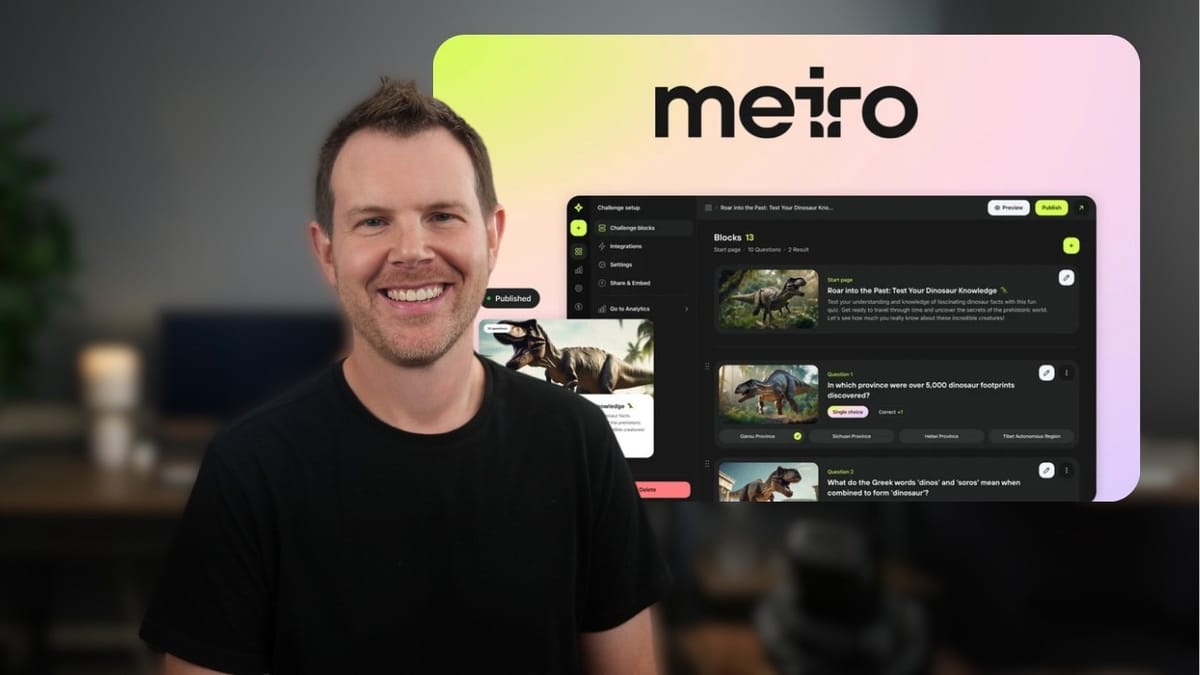
Meiro
An AI-powered quiz and challenge builder that generates interactive quizzes from videos, documents, links, and text prompts for lead generation and audience engagement.
Marketers, course creators, and small business owners who want to generate leads and engage audiences through interactive quizzes without spending hours building them manually.
Interact, Outgrow, Typeform, involve.me
Why Quizzes Are Still One of the Best Lead Magnets
There's no shortage of lead magnets out there — PDFs, checklists, webinars — but quizzes consistently outperform them all. People genuinely enjoy taking quizzes, whether it's testing their knowledge or discovering something about themselves. The problem has always been that building a good quiz takes real effort: writing questions, setting up scoring logic, designing results pages, and connecting it all to your email list.
Meiro is an AI-powered quiz builder that aims to eliminate most of that work. Originally launched on AppSumo in 2024, it's back for a second lifetime deal run with a more polished feature set. The core promise is simple — feed the AI some content (a video, a document, a URL, or just a text prompt) and it spits out a fully functional quiz ready to capture leads.
Getting Started: Tier Considerations
Meiro's AppSumo deal comes in multiple tiers, and the tier you choose genuinely matters. Tier 1 works fine if you plan to build quizzes manually, but some of Meiro's most compelling features — AI image generation, AI quiz creation from files, links, and videos, and third-party integrations — are locked behind Tier 2 and above.
The interface itself is clean and straightforward. Meiro calls its quizzes "challenges," and you can create a new one from the dashboard with a single click. From there, you choose between building manually or letting the AI handle the heavy lifting.
Creating a Quiz with AI
The AI creation workflow gives you several input options. You can write a simple text prompt describing the quiz you want, paste in raw text (up to 45,000 characters), upload a file like a PDF or DOCX (up to 15MB), provide a website URL, or drop in a YouTube video link. That last option is particularly interesting for content creators who want to repurpose video content into interactive experiences.
Meiro supports two types of challenges: score-based (with concrete right and wrong answers) and answer-based (think personality tests where there's no wrong answer, just different outcomes). For the score-based option, you can configure the number of questions (2 to 40), the number of choices per question (2 to 6), and whether each question allows a single answer or multiple correct answers. You also set how many result outcomes exist — so you might have a "pass" and "fail" result, or something more granular.
Language support is solid, covering around 24 languages. Not exhaustive, but more than enough for most use cases.
AI Configuration: Difficulty, Models, and Tone
Before the AI generates your quiz, you get a few important knobs to turn. Difficulty can be set to easy, medium, or hard. For the AI model, you choose between GPT-4o Mini (faster) and GPT-4o (more capable). If you're going for nuanced, detailed questions — especially from dense source material — the full GPT-4o model is worth selecting.
The tone of voice options are a nice touch: funny, friendly, serious, expert, mysterious, sarcastic, casual, or even Yoda. This matters more than you might think, because the AI uses this setting to shape not just the question phrasing but also the results copy and explanations. Choosing "serious" for a professional certification quiz versus "funny" for a social media engagement quiz can make a real difference in how your audience responds.
AI Image Generation: Functional but Limited
Meiro includes built-in AI image generation for quiz cover images and individual question images. You write a prompt, choose a style (comic book, digital art, and others), and the image generates fairly quickly.
The results, however, are hit or miss. In testing, the first generated image had the typical AI quirks — odd fingers, ambiguous subjects, that sort of thing. A second attempt with a more detailed prompt and different style produced better results, but still nothing you'd call polished. You're probably better off using a dedicated image generation tool like Midjourney or DALL-E and uploading the result.
One notable gap: there's no contextual image generation. You can't just tell Meiro to read each question and auto-generate a relevant image. Every image requires its own manual prompt, which defeats some of the time-saving appeal. This is a feature that would make a meaningful difference if added in the future.
Reviewing the AI-Generated Questions
Where Meiro really shines is in the quality of the questions themselves. When pointed at a YouTube video about a software review, the AI pulled out genuinely specific, detail-oriented questions — things like the exact price of the lifetime deal, which tools were used in the demo, and how many clients are allowed per project tier. These aren't generic filler questions; they reflect actual content from the source material.
Correct answers are clearly marked with check marks, and every question is fully editable. You can rewrite answers, adjust which one is correct, add descriptions, and attach cover images to individual questions. If the entire quiz misses the mark, a full regeneration option is available at the top of the editor.
The results section is also customizable. By default, the AI created two outcome tiers — "Basic Understanding" (essentially a fail) and "Advanced Insight" (passing with three or more correct out of five). The thresholds and copy for each result can be adjusted to whatever makes sense for your use case.
Lead Forms and Integrations
The lead capture form is where Meiro earns its keep as a marketing tool. By default, it collects name and email, but you can add phone numbers, text fields, country selectors, links, hidden fields, privacy policy checkboxes (for GDPR compliance), and Google reCAPTCHA — which activates with a single checkbox toggle, no backend configuration required.
There is a minor UI bug worth noting: when adding new form fields, they don't always appear immediately. A page refresh fixes it, but if you click the add button multiple times thinking it didn't register, you'll end up with duplicate fields after refreshing.
On the integration side (Tier 2 and above), Meiro connects to Google Sheets, Zapier, Make, webhooks, email notifications, and Google Tag Manager. The email integration is straightforward — it sends you a notification whenever someone completes a challenge. For more sophisticated workflows, the Zapier and Make integrations open up the usual automation possibilities: adding leads to your CRM, triggering email sequences, updating spreadsheets, and so on.
Settings and Configuration
Meiro's settings panel covers the essentials without overcomplicating things. You can toggle search indexing on or off (useful if you don't want Google discovering a quiz meant for a specific audience), close a challenge to prevent new submissions without deleting it, and change the quiz language after creation.
The branding toggle lets you remove Meiro's "Made with love" footer, which is a welcome inclusion at this price point. They also offer an affiliate program tied to that branding, so leaving it on could theoretically earn you something.
Question randomization prevents people from sharing answers in a predictable order. There's also anti-cheat protection that uses IP address and geolocation to block repeat submissions — handy for certification-style quizzes where integrity matters. A timer feature lets you set per-question or full-challenge time limits, which adds real pressure and prevents people from Googling answers mid-quiz.
Answer explanations are another thoughtful feature. When enabled, each question gets a rich text field where you can explain the correct answer, include links, and provide different explanations for correct versus incorrect responses.
Publishing and the Live Quiz Experience
Publishing is where Meiro gives you some genuinely useful options. You can host quizzes on Meiro's own domain or connect a custom domain — a process that took about 20 seconds using Cloudflare DNS. There's also an embed code for placing quizzes directly on existing web pages, with specific compatibility called out for platforms like Notion, Coda, and Ghost.
Domain restrictions let you whitelist specific domains that are allowed to display your quiz, which is useful if you're embedding on client sites and want to prevent unauthorized use. At Tier 3, you get unlimited custom domains.
The live quiz experience is genuinely polished. The UI is clean with rounded corners, smooth transitions, and a visible countdown timer that creates real urgency. The lead capture form appears naturally between the questions and the results, and the reCAPTCHA integration works seamlessly. After completion, users see their score, a breakdown of which questions they got right or wrong, and social sharing buttons.
Design Customization
The design editor lets you customize colors across the quiz — accent colors, button colors, background images, and overlay effects like blur and darkening. It's enough to get your quiz reasonably on-brand without requiring any CSS knowledge.
That said, the overall quiz layout and structure — the rounded corners, card-based design, and general aesthetic — isn't deeply customizable. You're working within Meiro's design system, which looks good but may not match every brand perfectly. For most use cases, the color and image customizations will be more than sufficient.
The favicon option for custom domains is a nice touch that helps maintain brand consistency when sharing quiz links.
Analytics and Reporting
Meiro includes a built-in analytics dashboard that tracks quiz participation, completion rates, time spent, and individual results. You can view all collected lead data and export it as a CSV file, which covers the basics for most small to mid-size operations.
For more advanced analytics needs, the Google Tag Manager integration lets you pipe quiz events into your existing analytics setup, tracking things like quiz starts, completions, and form submissions alongside the rest of your marketing data.
Final Verdict: 7.8 out of 10
Meiro delivers on its core promise: turning content into interactive quizzes quickly using AI. The question generation quality is genuinely impressive, the lead capture and integration options are solid, and the live quiz experience looks professional. Custom domain support, timer features, anti-cheat protection, and answer explanations round out a surprisingly capable feature set for a lifetime deal.
The rough edges are real but manageable. AI image generation needs work (both in quality and workflow), there are minor UI bugs with form field additions, and the design customization could go deeper. None of these are dealbreakers, and they're the kind of things that tend to improve with updates.
For marketers, course creators, and anyone looking to add interactive lead generation to their toolkit, Meiro at the AppSumo lifetime deal price represents strong value. Just make sure you start at Tier 2 or above to unlock the AI features and integrations that make the tool worth using.
Watch the Full Video
Prefer watching to reading? Check out the full video on YouTube for a complete walkthrough with live demos and commentary.


