
Merlin AI Review: Multi-Model AI Chatbot with Chrome Integration
Merlin AI packs multiple AI models, a Chrome extension with deep website integrations, image generation, and project management into one surprisingly capable tool.

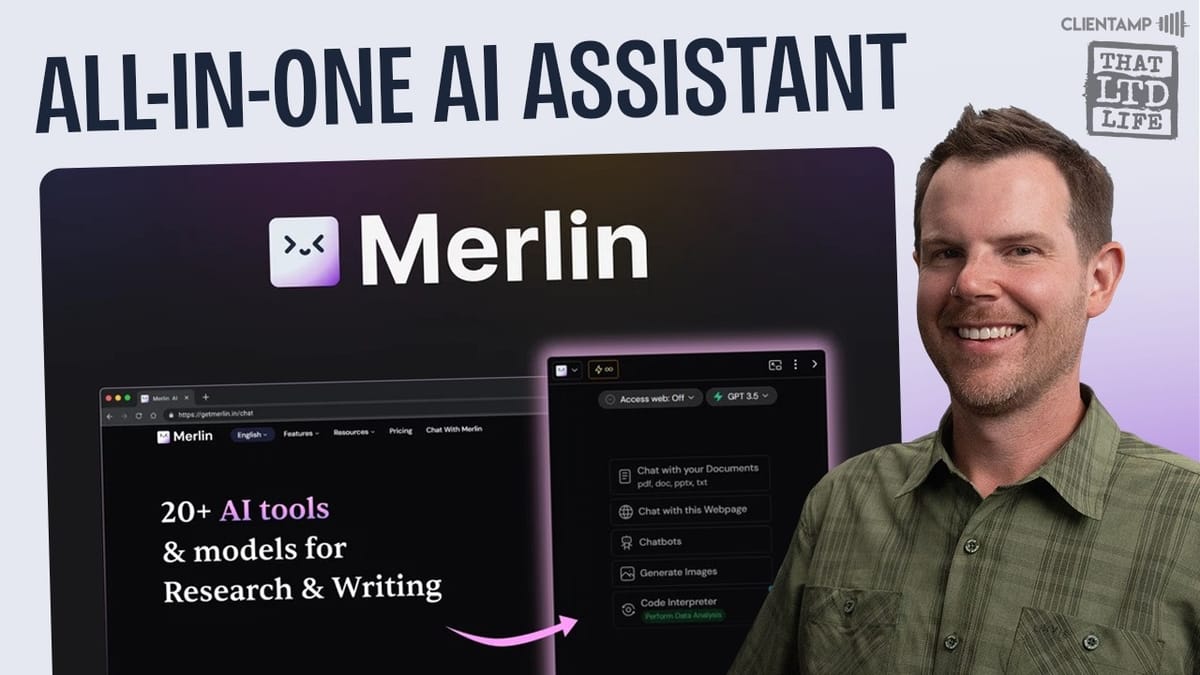
Merlin AI
An AI chatbot platform that combines multiple LLM models with a Chrome extension that embeds AI tools directly into popular websites like YouTube, LinkedIn, and Twitter.
Content creators, marketers, and productivity-focused professionals who want a single AI tool that works across multiple models and integrates directly into their browsing workflow.
ChatGPT Plus, Claude Pro, Perplexity AI, Sider AI
What Is Merlin AI and Why Should You Care?
There's no shortage of AI chatbots on the market, so when another one shows up on AppSumo, it's fair to be skeptical. Merlin AI, though, earns its spot by doing something most competitors don't — it's not just a chatbot interface. It combines multi-model AI access with a Chrome extension that actually embeds itself into the websites you already use every day.
The traditional chatbot interface is genuinely powerful and covers all the bases you'd expect from both Claude and ChatGPT. But that's really only half the story. Merlin travels with you across the web, surfacing AI capabilities right where you need them — on YouTube, Medium, LinkedIn, Twitter, and more. That distinction makes it far more practical than yet another chat window you have to switch to.
Plans, Pricing, and the AppSumo Deal
Merlin showed up as an AppSumo Deal of the Day, which means a limited number of codes (roughly 150) were available at a steep discount before the price went up for the remainder of the sale. These deals tend to move fast — the previous day's deal sold out in about three hours.
The lifetime deal is structured in tiers. Tier one includes 5,000 credits, and if you need more, you simply grab a higher tier. Credits are consumed per query, and the cost varies by model — GPT-4o mini costs just one credit per use, while heavier models like OpenAI's o1 preview run 180 credits per query. Tiers two and three also let you bring your own OpenAI API key, which is a nice touch for heavy users who want to manage costs directly.
The Chat Interface and Model Selection
Starting a new chat in Merlin is fast — just hit Command+G on Mac (Control+G on PC) or click the plus button. From there, you pick any model you want: Claude 3.5 Sonnet, GPT-4o, Llama, Mistral, and plenty more. Each model displays its credit cost upfront, so there are no surprises.
If you're not sure which model to pick, Merlin has a feature called "Merlin Magic" that automatically selects the best model for your prompt, including web access. It reads your query, determines which model would handle it most effectively, and routes accordingly. For those who prefer to stay in control, you can disable Merlin Magic, pick your model manually, and still toggle on live web search separately. During testing, asking Claude 3.5 Sonnet about a recent NFL score via live search returned accurate, sourced results — complete with a disclosure triangle showing exactly how it found the answer.
Crafts: Artifacts Without the Claude Price Tag
If you've used Claude's Artifacts feature, Crafts will feel instantly familiar. Once enabled in Merlin's Labs settings, Crafts let the chatbot output code, documents, or other structured content in a separate pane — keeping it cleanly separated from the conversation flow.
In practice, this works really well. Asking Merlin to build a simple website about the best tacos in Austin produced a fully rendered HTML page in real time, complete with CSS styling, real restaurant names pulled via live web search, and even specific menu recommendations. The craft panel lets you preview the output, view the raw code, edit it inline, copy it with one click, or download it as an HTML file. For anyone who relies on Claude's Artifacts for quick prototyping or content generation, this is a legitimate alternative at a fraction of the cost.
Projects: Organize Your AI Workflows
Projects in Merlin mirror Claude's project feature almost exactly. You create a project, give it a description, upload knowledge documents, and set custom instructions. Every chat within that project can pull from the uploaded context without re-uploading files each time.
This is particularly useful for repeatable workflows. For example, if you transcribe YouTube videos and turn them into blog articles, you can set up a project with your style guide and templates, then run each new transcript through it. All conversations are saved within the project for easy reference. When a chat gets long, just start a fresh one — the project context carries over automatically. It's the kind of organizational feature that turns a chatbot from a toy into a genuine workflow tool.
Saved Prompts and Custom Chatbots
Two quality-of-life features round out the core chatbot experience. First, saved prompts let you bookmark any prompt you use frequently — hit Command+S or click the bookmark icon, and it's stored. To recall it, just type a forward slash and start typing any word from the prompt. It filters in real time, so you don't have to remember exact names.
Chatbots work like ChatGPT's custom GPTs. You invoke them with the @ symbol and can choose from default bots, a public library, or your own creations. The marketing editor bot, for instance, takes a pasted article and refines it for clarity and coherence. Building your own chatbot happens through the Chrome extension — not the most intuitive location, but straightforward once you know where to look. You set a name, category, description, and system prompt. The key difference from Projects is that chatbots don't support document attachments; they're built around system prompts and conversational context instead.
YouTube Video Summarizer
This is where Merlin's Chrome extension really starts to shine. Navigate to any YouTube video and Merlin appears in the right sidebar, automatically ready to work with that video's transcript. One click generates a full summary broken into chapter markers, key insights, and highlights.
You can also convert any video into an essay format or, perhaps most useful of all, just chat directly with the video. Ask specific questions about the content and get sourced answers without watching the full thing. For anyone who consumes a lot of YouTube content for research or stays on top of industry news, this alone could justify the tool. It cuts through clickbait titles and lets you extract exactly what you need in seconds.
Blog Summarizer and Web Integrations
The same summarization capability extends to blog posts and articles. On sites like Medium, Merlin embeds a summarizer directly into the page — no need to hunt for a toolbar icon. Click it, get an instant summary, and follow up with questions if you need more detail.
What makes this approach stand out is how seamlessly it integrates. Rather than forcing you to copy text into a separate chat window, Merlin meets you where you're already reading. It's the kind of convenience that dramatically increases how often you actually use the tool. And it extends to Twitter and LinkedIn as well — Merlin can generate posts, replies, dad jokes for tweets, and even create AI doppelgangers based on Twitter profiles that mimic someone's writing style.
Image Generation with Bonkers
Merlin includes access to Bonkers, a sister site dedicated to image generation. The interface lets you explore what other users have generated, reuse their models, prompts, or styles, and dive into the studio to create your own images from scratch.
The studio offers solid control over output. You can select from multiple Flux models (known for high-quality results), choose style presets like 3D or photorealistic, set your aspect ratio from square to 16:9 or vertical 9:16, and generate up to four images at once. Testing with a fun prompt — a sumo wrestler eating a taco while watching a laptop — produced genuinely usable 3D-style results. The quality is more than good enough for blog imagery, social posts, or quick creative projects.
The AI Tools Library
Beyond the core chatbot and Chrome extension, Merlin packs in a massive library of standalone AI tools, each with its own dedicated interface. There's an essay writer, paragraph rewriter, AI humanizer, SEO tools, face generators, logo generators, bio generators, Instagram caption generators, and even a Wordle solver.
Some of these are clearly more novelty than utility — the AI baby generator that predicts what your child might look like is fun but not exactly a business tool. Others, like the logo generator and SEO suite, fill genuine gaps for small businesses and solopreneurs. The sheer volume of tools means there's likely something useful for almost any use case, and they're all included in your plan at no extra cost.
Final Verdict: Is Merlin AI Worth It?
Merlin AI earned an 8.4 out of 10 in this review, and that score feels right. It delivers genuine value across three distinct areas: a capable multi-model chatbot with features like Crafts and Projects that rival Claude, a Chrome extension with deep integrations across YouTube, Medium, LinkedIn, and Twitter, and a full image generation platform.
The real appeal is consolidation. Instead of paying for Claude Pro ($150+ per month for a team subscription), a separate image generator, and various Chrome extensions, Merlin bundles it all into one tool at a one-time lifetime deal cost. It's not going to perfectly replace every specialized tool, but for most users, it covers 80-90% of daily AI needs in a single package. If you're looking to simplify your AI toolkit without sacrificing capability, Merlin is one of the strongest lifetime deals to come through AppSumo.
Watch the Full Video
Prefer watching to reading? Check out the full video on YouTube for a complete walkthrough with live demos and commentary.


