
ModularDS Review: WordPress Multi-Site Management Tool (2025)
ModularDS is a WordPress management tool that lets you update plugins, run backups, monitor uptime, and generate client reports across all your sites from a single dashboard.

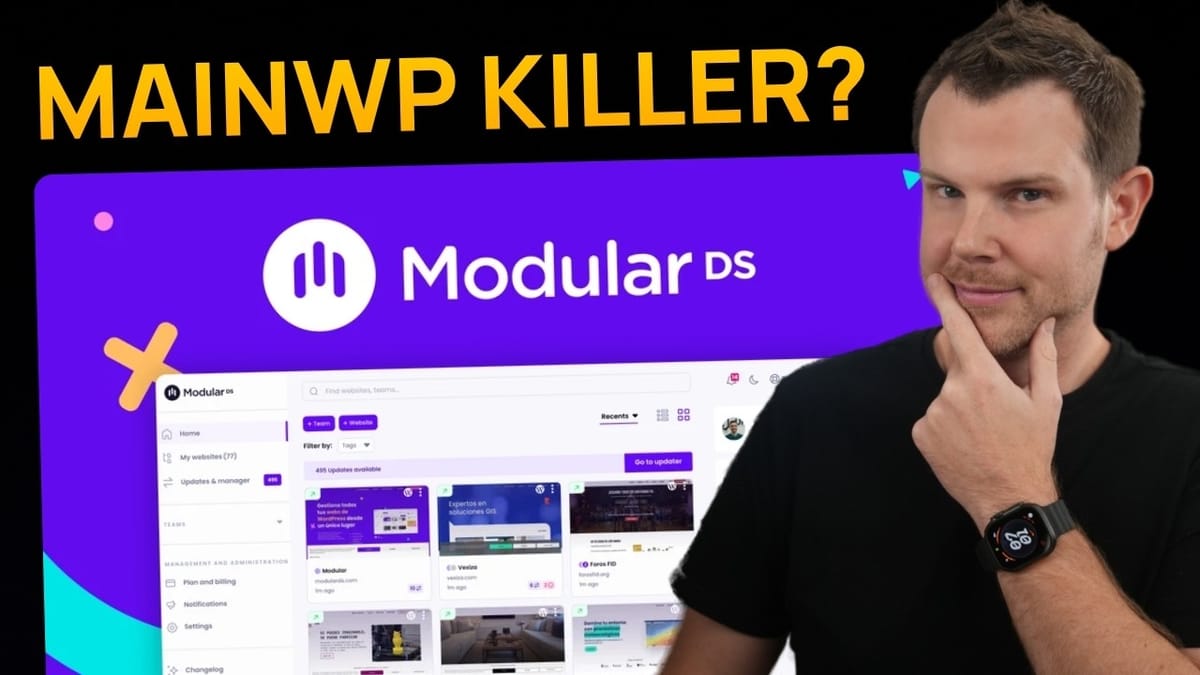
ModularDS
ModularDS is a centralized dashboard for managing multiple WordPress websites, handling plugin updates, backups, uptime monitoring, and client reporting from one interface.
WordPress agencies, freelancers, and site managers who maintain multiple WordPress websites and need a streamlined way to handle updates, backups, and client communication.
ManageWP, MainWP, InfiniteWP, WP Remote
What Is ModularDS and Why Should You Care?
If you manage more than a couple of WordPress websites, you know the pain of logging into each one individually to run updates, check security, and make sure nothing has quietly broken. ModularDS aims to solve that problem by giving you a single dashboard to manage all of your WordPress sites.
The tool covers the core essentials you'd expect from a WordPress management platform: plugin and theme updates, automated backups, uptime monitoring, and client-facing reports. It's currently available as a lifetime deal on AppSumo starting at $49, though pricing tiers go up depending on how many sites you need to manage.
What stands out early on is the personal touch. The interface features a "trusted person" you can chat with directly through their support widget. Seeing a founder willing to put their face on a product is generally a good sign — it signals accountability and long-term commitment to the platform.
Pricing Tiers and What You Get
ModularDS offers five tiers on AppSumo, each scaling up the number of websites you can manage and the storage capacity you receive. Tier one starts at seven websites with 35 gigabytes of storage and a single user seat. If you need to manage 30 sites, tier three gets you there with an additional user seat included.
There are a few key differences between tiers worth paying attention to. Uptime monitoring interval is one: tiers one and two check every five minutes, while tiers three through five bump that down to two-minute intervals. The other major differentiator is white labeling. If you're running an agency and providing maintenance plans to clients, you'll want the plugin that gets installed on their sites to carry your branding — and that requires tier three or above.
Beyond those distinctions, every tier includes the same core feature set: scheduled reports, daily backups, instant on-demand backups, and two-factor authentication. So the decision really comes down to how many sites you manage and whether you need white labeling or tighter uptime checks.
Interface, Setup, and Connecting Your First Site
Getting started with ModularDS is straightforward. You'll click the connect button, enter your site URL and name, then assign it to a team. Teams are a useful organizational layer — think of them as client folders. You might have one team per client, each containing all of that client's websites. When you add users later, you can restrict their access to specific teams.
The connection process checks that your site exists, confirms the admin URL (handy if you've changed your default login path), and then asks for your WordPress credentials. Once connected, your site appears on the main dashboard where you can toggle between grid and list views.
The overview screen for each site shows its WordPress version, PHP version, installed plugin status, and any critical errors at a glance. The health and safety section uses a traffic-light system — green, yellow, and red — to flag issues like inactive themes, default database prefixes, SSL status, and search engine indexation. It's a solid at-a-glance system, though one area for improvement is that it flags problems without offering direct action buttons to fix them from the same screen.
Plugin and Theme Management
Plugin management is where a tool like this earns its keep, and ModularDS handles it well. From the main update manager, you can see every plugin across all connected sites that needs attention. The disclosure triangle lets you selectively update plugins on specific sites — a crucial feature for agencies that want to test updates on a staging or test site before rolling them out to production.
On the individual site level, you get granular control. You can select all plugins or cherry-pick specific ones, then choose to update, deactivate, activate, delete, or even hide them from end users. During testing, all 14 pending plugin updates ran simultaneously, and the interface clearly showed the status of each one as it progressed.
One thing to be aware of: plugins that require license keys (like GeneratePress Premium in this case) won't update through ModularDS if the license hasn't been entered on the site itself. You'll need to log into WordPress directly for those. ModularDS does make that easy with a one-click login that bypasses the password screen — but that convenience means you should be careful about which team members get access, since they'll have direct backend access to every connected site.
Theme management follows the same pattern. You can bulk-select and delete unused themes in seconds, which is notably faster than doing it through the WordPress admin where there's no native bulk-delete option for themes.
Backup Features and Configuration
ModularDS offers two backup systems: their legacy system and a newer incremental backup option currently in beta. Incremental backups only capture what's changed since the last full backup, making subsequent backups significantly faster. That said, if backups of critical client sites are on the line, sticking with the tried-and-true legacy system until the incremental option is fully stable is the safer call.
The configuration options are thorough. You can choose which elements to include — files, database, WordPress core — and even exclude specific database tables. Scheduling is flexible with daily, weekly, or monthly options, and retention can be set anywhere from three days to 45 days. There's also an expert configuration section for adjusting things like concurrent file limits and maximum zip sizes, which could help if you're dealing with particularly slow hosting.
Manual backups can be triggered instantly with one click, and the activity log gives you a clear view of backup status and storage usage per site. On the main dashboard, each site displays a colored tag showing its backup schedule at a glance.
The one significant gap right now is restore functionality. The restore button exists but is grayed out with a "coming soon" label. For a backup tool, one-click restore should arguably be table stakes. Taking backups without an easy way to restore them from within the same platform is a notable limitation that hopefully gets addressed quickly.
Uptime Monitoring and Notifications
Uptime monitoring can be activated per site with configurable check intervals of 5, 15, or 30 minutes on the base tiers, or every 2 minutes on tier three and above. The default timeout of 10 seconds before marking a site as down is sensible — server response times of 2-5 seconds aren't uncommon, so you don't want false alarms.
A particularly smart feature is keyword monitoring. You can specify a word that should appear on your homepage (like your brand name), and if ModularDS pings the site and doesn't find that keyword, it flags the site as down. This catches scenarios where the server responds but serves an error page, or worse, the site has been compromised and is redirecting to a different domain.
SSL monitoring rounds out the uptime features, letting you set expiration warnings at 1, 7, 14, or 30 days out, with support for multiple notification thresholds. The notification system itself is well-designed: you name a notification profile, choose which alert types to include (uptime, backups, disconnections, vulnerabilities, reports), select which sites it applies to, and then configure delivery via email or SMS. This per-profile approach means you can set up different notification flows for different clients without cross-contaminating alerts.
Reports, Analytics, and Client Communication
The reporting feature supports both scheduled reports (daily, weekly, or quarterly) and one-time timely reports. Each report can be customized with client and provider logos, a welcome message, and specific content sections covering updates, uptime, backups, analytics, search console data, and WooCommerce metrics.
Honestly, most clients don't ask for this level of reporting — if they were deeply interested in WordPress maintenance details, they'd probably manage the sites themselves. That said, timely reports are genuinely useful for summarizing what happened during a specific incident or maintenance window.
The additional tasks feature is where reporting gets more practical. You can log specific work you've done — like updating homepage colors or adding new content — and tie those tasks directly to reports. This bridges the gap between automated maintenance data and the custom work you're actually billing for. Tasks can be created from the reports section or directly from an individual site's page, though the UX could be smoother: tasks created on a site page disappear from immediate view and only show up under the reports section.
ModularDS also supports Google Analytics, Google Search Console, and WooCommerce integrations for pulling metrics into the dashboard. For agencies managing multiple e-commerce sites, having all that WooCommerce data accessible from one place could be a real time-saver.
Notes, Tagging, and Organization
Smaller organizational features round out the platform. You can leave notes on individual sites to document ongoing issues or important context, and tags let you categorize sites with color-coded labels like "demo," "e-commerce," or "active client." On the main dashboard, these tags are visible at a glance and you can filter your entire site list by tag — helpful when you're managing dozens of sites and need to quickly find a specific group.
These aren't headline features, but they add up. When you're juggling multiple clients and sites, having consistent notes and filtering directly in your management tool saves you from maintaining a separate spreadsheet or project management system for basic site metadata.
Final Verdict: A Strong Foundation That Needs a Few Key Features
ModularDS earns a 6.9 out of 10 — a solid score that reflects a tool with strong fundamentals and a few notable gaps. The plugin management, backup scheduling, uptime monitoring, and reporting features all work well and cover the daily needs of anyone managing multiple WordPress sites.
There are a few things that would push this into the sevens. First, visual regression testing after plugin updates would be a game-changer — automatically checking that a site hasn't visually broken after an update is the kind of safety net agencies need. Second, staging site support would be incredibly valuable. ModularDS already takes backups, so spinning up a temporary copy of a site for testing shouldn't be a huge leap. Third, and most critically, one-click backup restoration needs to ship. Having a "restore" button that says "coming soon" on a backup tool is a hard sell.
That said, for an early-stage product available as a lifetime deal, ModularDS is impressive. The interface is clean, setup is painless, and the team appears responsive and committed. If the roadmap addresses those key gaps, this could become a serious contender in the WordPress management space.
Watch the Full Video
Prefer watching to reading? Check out the full video on YouTube for a complete walkthrough with live demos and commentary.


