
MolyPix Review: AI Design Tool With Editable Layers
MolyPix combines AI image generation with a Canva-style layered editor, letting you prompt a design and then fine-tune every element. Here's what works and what still needs polish.

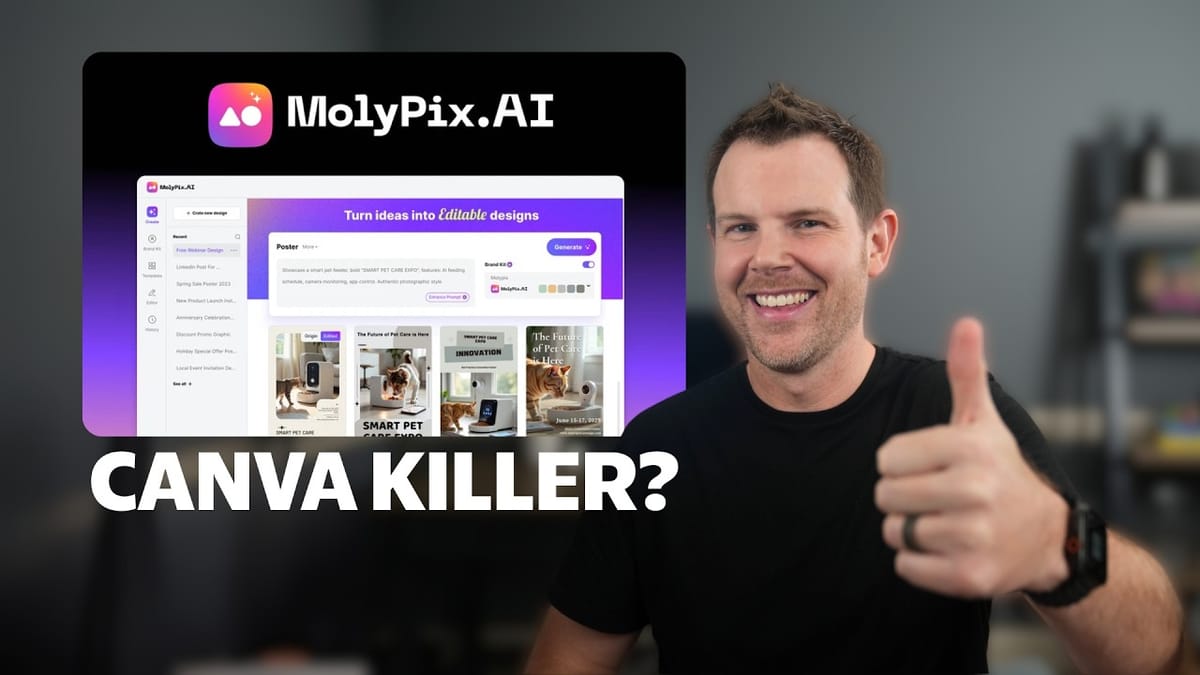
MolyPix
MolyPix is an AI graphic design tool that generates fully editable, layered designs from simple text prompts.
Small business owners, content creators, and non-designers who want professional-looking graphics without learning complex design software.
Canva, ChatGPT image generation, Adobe Express
What Is MolyPix and Why Does It Matter?
If you've ever used ChatGPT or Midjourney to generate an image, you know the frustration: the output looks great, but you can't edit it. Want to change a headline, swap a color, or move an element? You're out of luck — it's a flat image, take it or leave it.
MolyPix solves that problem in a genuinely clever way. It's an AI graphic design tool that generates designs from text prompts, just like other AI image generators. The difference is that every element — text, images, shapes, backgrounds — lands on its own editable layer inside a Canva-style editor. You get AI speed with human-level control over the final result.
The tool launched on AppSumo as a lifetime deal during their AI Week promotion, making it an especially interesting pickup for anyone tired of monthly Canva subscriptions.
The Interface and Design GPT
MolyPix greets you with a clean, simple home screen. The centerpiece is Design GPT, where you type a natural language prompt describing what you want — something like "design a poster for my coffee shop to announce half-price iced teas from 2 to 4 PM" — and the AI builds it for you.
There's also an "Enhance Prompt" feature that expands your basic description into a more detailed brief with fill-in-the-blank fields. You can tweak things like color palette, typography style, and graphic elements before the AI starts generating. Each generation costs four AI tokens and produces four design variations to choose from, so you're not locked into a single output.
Beyond Design GPT, MolyPix includes a template library organized by category (posters, invitations, social media posts) and a suite of standalone AI editing tools for tasks like background removal, generative fill, magic erasing, and old photo restoration. The templates are decent, though the real draw here is the AI generation capability.
The Editor: Familiar, Flexible, and Layered
Once you pick a generated design and hit "Edit," you're dropped into an editor that will feel immediately familiar if you've ever used Canva, Crello, or similar tools. Every element from the AI generation sits on its own layer, and you can click on any of them to resize, reposition, restyle, or replace.
Text editing works exactly as you'd expect. Click a text block, change the copy, resize the bounding box, and the font scales accordingly. Alignment guides pop up as you drag elements around, making it easy to keep things lined up without pixel-counting.
The editor also includes image masks (circles, rounded rectangles, custom shapes), filters and manual adjustment sliders, a dedicated backgrounds panel with gradients and solid colors, and a layers panel that's front and center rather than buried in submenus. That layers panel is a standout — seeing every AI-generated element broken out individually really drives home how different this is from a flat AI image.
One minor gripe: the crop tool doesn't display pixel dimensions, and there's no shift-key constraint to force a perfect square. You're left eyeballing it, which feels like an oversight for a design tool.
AI Editing Tools: Background Removal, Magic Erase, and More
MolyPix bundles several AI-powered editing tools that work both inside the editor and as standalone features from the app's home screen.
Background removal is the headliner and it performs well — clean edges, good hair detail handling, and fast processing. There's one catch, though: file size limits are tighter than you might expect. A full-resolution JPEG straight off a mirrorless camera (around 3.5 MB) triggered an error. Exporting at "large" rather than "original" size from a photos app resolved the issue, but it's an extra step that competitors like Canva don't require.
The magic eraser lets you brush over unwanted objects and the AI fills in the gap. In testing, it cleanly removed background cars from a dance photo with impressive results. The lack of a zoom function makes precision work tricky on smaller elements, but the output quality is genuinely good.
Magic edit allows you to select an area and describe what should appear there. Results are hit-or-miss — adding a beach chair to a photo worked perfectly, while adding a sun produced something closer to the Death Star. The AI upscaler rounds out the toolkit and does a solid job sharpening images after you've resized them to larger dimensions for print.
Brand Kits and Workflow Shortcuts
For anyone creating designs regularly — social media managers, small business owners, freelancers — the Brand Kit feature is a meaningful time-saver. You upload your logo, define your brand colors, and MolyPix automatically incorporates them into generated designs when the brand kit toggle is on.
In practice, it works most of the time. Testing showed the logo appearing in three out of four generated variations, with one design inexplicably omitting it. It's not perfect, but when it works, it eliminates the repetitive step of manually placing your logo and adjusting colors on every single design.
The remix feature is also worth mentioning. If a generated design is close but not quite right — say the color palette is off — you can remix it with adjusted prompt parameters. The AI regenerates variations using the same layout but with your tweaks applied. It does burn another four credits per remix, so you'll want to be thoughtful about your prompts upfront.
AppSumo Pricing and Which Tier to Buy
MolyPix is available on AppSumo as a lifetime deal starting at $59, but that entry-level tier is misleading. Tier 1 only gives you the basic editor and generation — no prompt enhancements, no brand kits, no custom palettes, and no pro templates.
Tier 2 is the sweet spot and unlocks everything shown in this review. If you need more credits for heavy use, Tier 3 bumps you up to 3,000 monthly credits. Given how quickly credits can burn (four per generation, four per remix, one per AI tool use), heavier users should seriously consider the higher tier.
Credits refresh monthly, so this isn't a situation where you buy once and run out forever. But if you're experimenting heavily or producing designs daily, that credit counter moves faster than you might expect.
The Verdict: 7.9 Out of 10
MolyPix earns a 7.9 out of 10 and a genuine recommendation, with some caveats. The core concept — AI-generated designs with fully editable layers — is executed well and fills a real gap that tools like ChatGPT image generation can't touch. The editor is polished, the AI generation is fast, and features like the layers panel and brand kits show thoughtful product design.
The rough edges are real but not deal-breaking: background removal fails on Unsplash-sourced photos, the expand tool wasn't functional during testing, file size limits are tighter than competitors, and the crop tool lacks dimension readouts. These feel like early-access growing pains rather than fundamental flaws.
As a Canva alternative, MolyPix is compelling — especially at a one-time lifetime deal price versus Canva's ongoing subscription. It won't replace Canva's massive template library or ecosystem of integrations overnight, but for AI-first design generation with real editing control, it's one of the strongest options available right now.
Watch the Full Video
Prefer watching to reading? Check out the full video on YouTube for a complete walkthrough with live demos and commentary.


