
NinjaPipe CRM Review: A Beautiful Mess You Should Avoid
NinjaPipe CRM has eye-catching design but frustrating execution. From broken automations to unusable invoicing, here's why this AppSumo lifetime deal isn't worth your money.

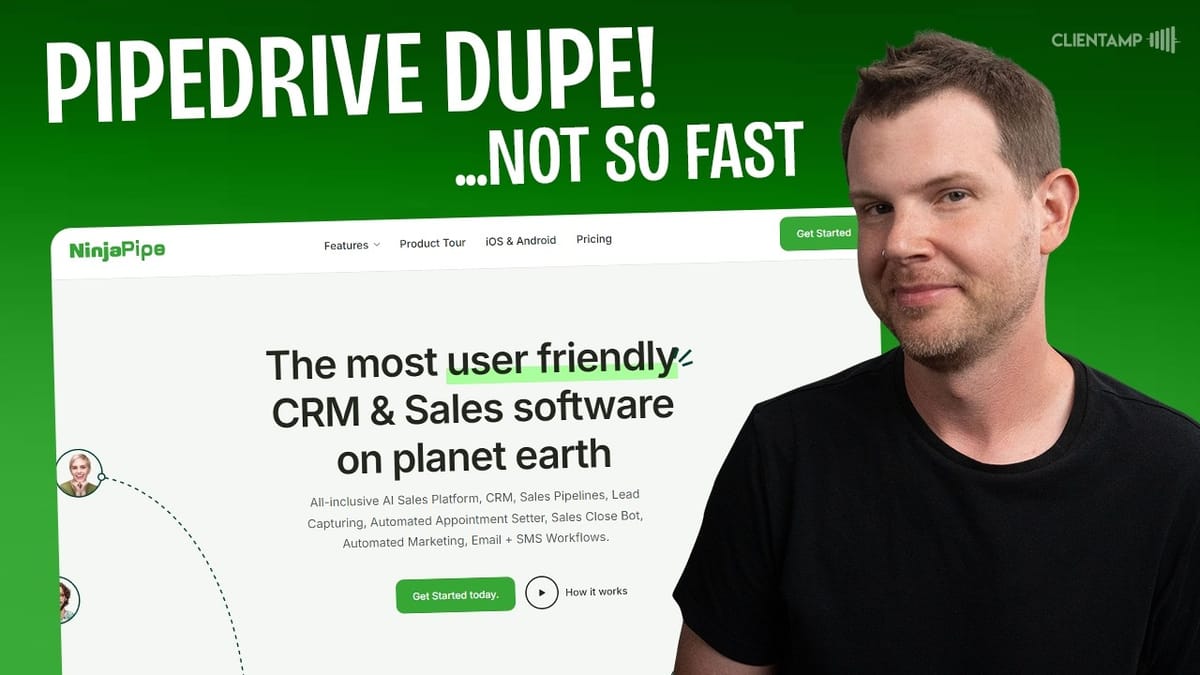
NinjaPipe
NinjaPipe is a CRM platform that combines sales pipelines, chat, forms, invoicing, and AI-powered automations into a single tool.
Small business owners and freelancers looking for an all-in-one CRM to manage leads, deals, and client communications.
Amwork, HubSpot, Pipedrive, Monday CRM
What Is NinjaPipe and Why Was I Excited?
NinjaPipe is a new CRM that landed on AppSumo as a lifetime deal, and on paper it looks incredibly promising. It's got a modern, visually appealing interface, a generous feature set, and pricing that seems almost too good to be true. A lot of people have been asking how it compares to Amwork, another CRM I recently reviewed that was very well received.
I came into this review genuinely optimistic. CRMs are notoriously difficult to get right — most are overpriced, overcomplicated, and frustrating to use. That means there's a huge opportunity for a well-executed lifetime deal to win people over. Unfortunately, NinjaPipe squanders that opportunity in almost every way possible.
Before I even hit record, I tested the tool thoroughly, and everything that could have gone wrong basically did. What follows is a detailed walkthrough of every major feature and where it falls short.
Plans, Pricing, and the Free Plan Surprise
The AppSumo deal structure looks attractive at first glance. Tier one starts at $59, and tier three — which gives you unlimited everything with zero limitations — runs $300 as a one-time purchase. Even the lower tiers have fairly generous limits.
Here's where things got off to a rocky start: when I connected my AppSumo account, I was placed on the free plan instead of the tier one I purchased. This is the second time in two weeks this has happened to me across different tools, and it's never a great sign. On the bright side, this does mean you can actually try NinjaPipe for free without buying on AppSumo first — though by the end of this review, you may not want to.
I reached out to support immediately and got a quick initial response promising to sort things out. Then... nothing. Hours later, I was still stuck on the free plan with no resolution. So this entire review was conducted with free plan limitations, which made an already frustrating experience even more restrictive.
The Welcome Page and Navigation Problems
When you first log into NinjaPipe, the welcome page shows you how many contacts, pipelines, and deals you have. That sounds useful, except none of these elements are clickable. You can't actually navigate to anything from the dashboard — it's purely decorative information.
There's a "Get Started" section that persists no matter what you do. I completed every step available on the free plan, but the section wouldn't go away. Even worse, there's an onboarding chat widget that I dismissed three times, and it keeps coming back every time the page reloads. It looks like the actual chat interface, which creates confusion about whether you're looking at a real message or just the onboarding prompt.
The menu system is where NinjaPipe's logic really starts to fall apart. The tool looks great visually, but items are organized in completely nonsensical ways. The very first menu item after Overview is "AI Tools," which turns out to contain exactly one tool — their automation builder, which is labeled "Workflows" in one place and "Automations" in another. Meanwhile, the pipeline — arguably the most important feature in a sales CRM — is buried under a sub-menu inside Sales.
Creating and Using Pipelines
Setting up a pipeline is straightforward enough. You give it a name, pick an icon from a categorized set, and choose a color (though the save button for the color blends in with the color swatches, which is a minor but telling UX issue). The real problems start once the pipeline is created.
Unlike every other Kanban-style tool I've used, NinjaPipe doesn't give you any default columns. You start with a completely blank board and have to add stages manually. There are templates available — covering sales, project management, and other use cases — but it's odd that project management boards live under the Sales menu.
Adding cards to the pipeline reveals more issues. When you create a new prospect, it doesn't ask for any contact information upfront — you have to click back into the card to add details. The stage selector uses green text on a light blue background, making it nearly impossible to read, especially for anyone with color vision deficiencies. Priority labels suffer from the same problem, using slight color intensity variations that are hard to distinguish.
The drag-and-drop experience is particularly painful. You have to land directly on the title text of a card to move it between columns, and even then it frequently fails. Worse, changes aren't saved automatically — you actually have to click a Save button on a Kanban board, which I've never seen in any other tool. Navigate away without saving and your changes are lost.
AI Workflows and Automation Quirks
NinjaPipe's automation builder is accessed through the confusingly named "AI Tools" menu. The interface itself has its own usability quirks — the pencil icon only renames a workflow, and there's a separate, non-obvious lightning bolt icon to actually open the builder.
I tried recreating the demo from NinjaPipe's own promotional video: automatically sending a booking email when a new contact is added. The setup involved connecting a trigger (contact added) to an action (schedule appointment via email). You can configure the email account, paste a booking link from tools like TidyCal, set an AI tone, and even associate a product with the outreach.
Connecting email accounts was a mixed bag. Gmail connected instantly, but my SMTP account refused to save for an extended period. The test function would report success, but the configuration simply wouldn't stick. It eventually started working right as I began recording, which doesn't inspire confidence in reliability.
The bigger problem? The automation never actually ran. I published the workflow, added a new contact manually, and waited. Nothing happened. There's also no way to filter triggers — you can't specify that the automation should only fire for contacts added as leads versus existing clients being imported. By the end of the review, the automation still hadn't executed a single time.
Chat: Missing Notifications and Broken UX
Chat is included in NinjaPipe, which sounds great for client communication. In practice, it's barely functional. The chat interface opens full-width in the browser with no way to minimize it or work alongside other features — you'd need a separate browser tab.
The client-side chat includes AI-powered suggestions accessible via a /ninja command, which can generate icebreakers or small talk. It's a nice idea, but the execution falls flat. When you send a message, it doesn't appear in the chat window immediately. You have to wait and manually refresh to see your own messages.
Notifications are essentially non-existent. When a client sends a message, there's no indicator anywhere in the application — not in the nav bar, not in a notification center, nowhere. On the mobile app (available for iOS and Android), the situation is identical. The app itself has layout issues, with elements getting cut off regardless of screen size, and there are zero chat notifications.
Even the chat list doesn't update in real-time. A new message from a client won't appear in the conversation list until you physically open that specific chat thread. If you're relying on NinjaPipe's chat for time-sensitive client communication, you're going to miss messages.
Tasks: Cards Where Lists Should Be
NinjaPipe includes a standalone task system, which is an unusual addition to a CRM. Every task is displayed as a card rather than a traditional list view, and inside each card you'll find start dates, end dates, a title, and a plain text description with no rich text formatting.
Task assignment has the same issue as the pipeline — your clients show up alongside team members in the assignee list, so you could accidentally assign a task to a customer. On the positive side, you can assign multiple people to a task, which many competing tools restrict.
Subtasks exist but aren't visually nested under their parent task. Checking off the main task doesn't complete its subtasks, and the completion percentage reflects all items equally. You can delete a subtask, but there's no delete button for the main task itself. The card view doesn't show subtask assignees, so you lose visibility into who's responsible for what.
Every task displays the same globe icon with no way to customize it. The whole system feels like it was built to check a feature box rather than to be genuinely useful.
Forms: Conversational But Incomplete
NinjaPipe's form builder creates conversational-style forms similar to Typeform. You're locked into a welcome slide at the beginning (attempting to delete it shows a success message but the slide remains) and a thank-you slide at the end. There are no embed options — the only way to use a form is to share its direct link.
Available question types include multiple choice, dropdowns, date pickers, short answers, long answers, and numbers. The builder itself has some rough edges: the save button uses light gray text on a light gray background, making it look disabled when it's actually clickable. Theme colors can be applied but don't preview in the builder — you have to use the preview button, which failed to load entirely on my first attempt and deleted my questions when I returned to the editor.
There's no input validation whatsoever. If you add an email field, there's no way to verify the format is actually an email address. Forms can't be deleted once created, and there's a non-functional "Create" button in the toolbar that does absolutely nothing when clicked.
The most critical gap is that form submissions don't automatically create contacts in your CRM. The data just sits in a submissions viewer with no pipeline into the rest of the system. There's no form submission trigger in the automation builder either, so you can't even build a workaround.
Deals, Quotes, and Invoicing
Creating deals in NinjaPipe is a manual process with no connection to your pipeline cards. You'd expect to convert a qualified lead directly into a deal, but instead you navigate to a separate Deals section and start from scratch. The currency selector doesn't remember your preference, so you're choosing USD every single time. The assignee picker once again mixes team members with contacts, making it unclear whether you're selecting the salesperson or the client.
Deals don't associate with products, and there's no way to link chat conversations or emails to a specific deal. The communication history that's crucial for any sales process simply isn't tracked at the deal level.
The quotes and invoicing system is a five-step wizard that generates PDFs. Company information doesn't save between quotes, so you're re-entering your name, address, and phone number every time. Logo uploads get squished to full width without maintaining proportions. The generated PDF looks unprofessional, with signatures isolated on a second page with no connection to the actual quote content.
A quote, invoice, and receipt are all the same document with a different label at the top. There's no duplication feature, so to progress from quote to invoice to receipt, you have to edit the same record — destroying any paper trail. There are no payment integrations with Stripe or any other processor, and digital signatures are listed as "coming soon."
The Sales Section: A Separate App Entirely
NinjaPipe has an entirely separate "Sales" section that functions almost like a different application bolted onto the CRM. It has its own customer list, product catalog, orders, and budget tracking — none of which are connected to the CRM side in any meaningful way.
You can import customers and products from the CRM, but the import is a one-way copy. When I tried importing products, I got an "execution failure" error with no further explanation. The budget feature is confusing — you set a starting budget, add income and expenses, and it calculates a remainder, but it's unclear what business scenario this is meant to serve.
Orders are entered manually with no connection to quotes, invoices, or deals. The dashboard shows basic charts of sales, income, expenses, and order counts, plus a projection view that just displays zero. There are no automations on this side of the application. Everything is manual data entry, which defeats the purpose of having a CRM in the first place.
Final Verdict: Beautiful Design, Broken Execution
I don't enjoy writing negative reviews, and I genuinely wanted NinjaPipe to be good. The design is legitimately attractive — it's one of the better-looking CRMs I've seen, which is why I'm giving it a 4.1 out of 10 rather than something even lower. But design without functionality is just a pretty screenshot.
The core problem is that NinjaPipe tries to do everything — pipelines, chat, forms, invoicing, task management, AI automations, a separate sales platform — and none of it works well. Every feature feels half-finished. Automations don't trigger. Chat doesn't notify. Forms don't feed into the CRM. Invoices don't save your company info. Drag-and-drop barely works. Support went silent after one message.
This tool would be significantly better if the team focused on doing one thing exceptionally well: a clean Kanban-based sales pipeline with solid email integration and reliable automations. Instead, we get a sprawling feature list where nothing is production-ready. I'm returning this one, and I'd recommend you save your money for a more mature CRM solution — or take a look at Amwork if you're shopping in this price range.
Watch the Full Video
Prefer watching to reading? Check out the full video on YouTube for a complete walkthrough with live demos and commentary.


