
PaperGuide Review: AI Research Assistant for Academics
PaperGuide is an AI-powered research assistant that goes beyond simple GPT wrappers, offering reference management, real citation search, literature review workbooks, and a plagiarism-checked writer — all starting at $59.

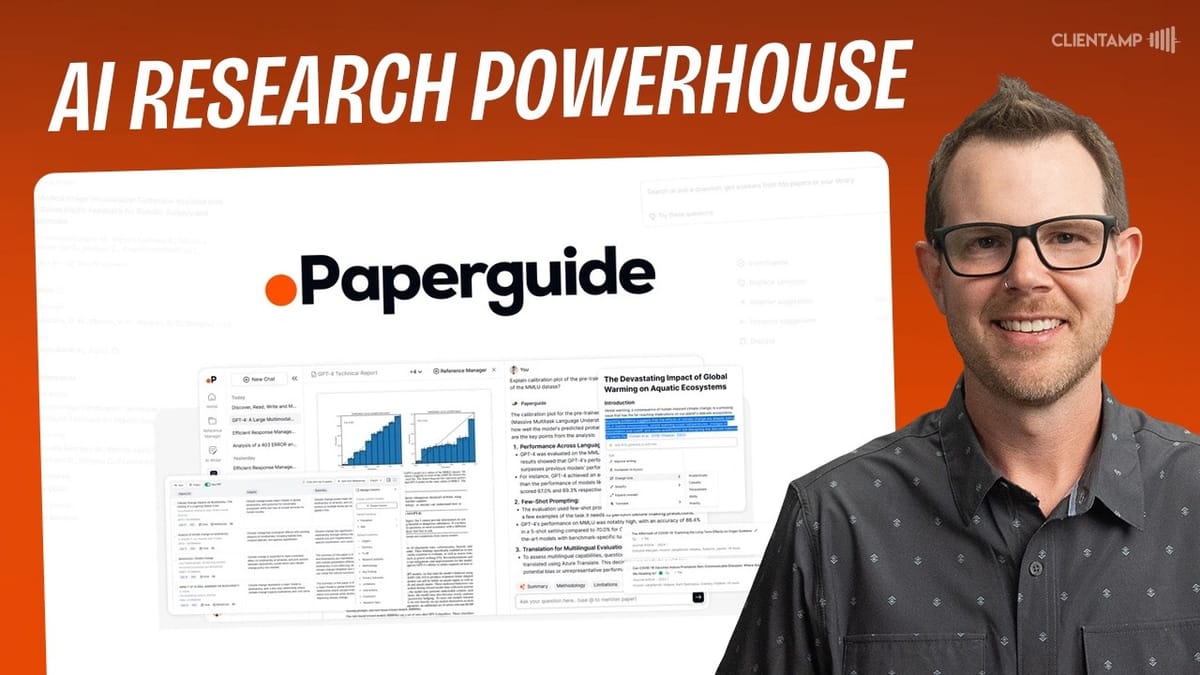
PaperGuide
An AI research assistant that helps you manage references, search real academic papers with citations, annotate PDFs, and write research documents with built-in plagiarism checking.
Researchers, academics, scientists, students, and anyone who works with large bodies of referenced material.
Zotero, Mendeley, ChatGPT, Elicit
What Is PaperGuide?
PaperGuide is an AI research assistant currently available as a lifetime deal on AppSumo starting at just $59. At first glance, you might worry it's another ChatGPT knockoff — but it's genuinely not. This tool is laser-focused on research workflows, and it shows in every feature.
The platform combines several capabilities that researchers typically need separate tools for: reference management, AI-powered paper search with real citations, PDF annotation, a document writer with plagiarism checking, and literature review workbooks. It's powered by GPT-4, GPT-4o, and Claude 3.5 Sonnet under the hood, which explains the quality of its AI output.
The User Interface and Chat Options
PaperGuide's home screen presents you with four distinct chat modes. First, there's **Chat with PDF**, which lets you upload and interrogate any PDF document. Then there's **AI Search**, which is arguably the standout feature — it searches real academic papers and provides actual citations, not hallucinated references like ChatGPT sometimes delivers.
You also get a **Literature Review** mode, which is similar to AI Search but generates a more structured workbook output (more on that later). Finally, **Extract Data** lets you upload CSVs from surveys or studies and ask the AI questions about your data. Each mode serves a specific research workflow, and it's clear the developers thought carefully about how researchers actually work rather than just slapping a chat interface on a language model.
Reference Manager: Your Research Library
The reference manager is where all your uploaded research lives. You can upload PDFs and other document formats, link to URLs, search for existing papers online, import BibTeX or RIS files (a must-have for academics), pull in references from Zotero, or add entries manually.
What makes this more than just a file cabinet is the organization system. You get traditional folder structures — create a folder called "Video Editing" and drag your relevant PDFs into it. But you also get a tagging system with emoji-based visual tags. Since the tag name only appears on hover, choosing intuitive emojis matters. Between folders and tags, you can build a reference library that's genuinely navigable even with hundreds of documents.
One bug worth noting: while the tier one plan advertises 20GB of storage, there appears to be an undocumented maximum file size. PDFs around 25MB upload fine, but attempting a 150MB file throws an error. If you work with massive files like detailed anatomy illustrations or comprehensive software manuals, you may need to compress them first.
PDF Annotation and AI-Powered Reading
Click into any reference document and PaperGuide reveals its real depth. Beyond the expected AI summary and key concepts overview, there's a full PDF annotation environment. You can highlight text in multiple colors, and each highlight automatically becomes a note in your sidebar.
The **Draw** tool is particularly clever. Select a region of the PDF — maybe a chart, diagram, or complex table that can't be highlighted as text — and PaperGuide takes a screenshot of it, lets you add notes, and stores it as a reference. Click on any note later, and it scrolls you right back to that exact spot in the document.
But the real power move is the built-in **Ask AI** panel. While you're annotating and reading, you can ask questions about the document without leaving the screen. There are pre-built research prompts like "What are the research methodologies used?" and "What are the limitations of this study?" — exactly the kind of questions academics need to answer when reviewing literature. You can even use the crosshair tool to select a specific section of the PDF and ask the AI to explain it, such as a calculation or methodology description. The AI quality here is genuinely high.
The AI Writer with Plagiarism Checking
PaperGuide's writer feels similar to tools like Jasper or ChatGPT's editor, but with a critical difference: it's built to work with your reference library. Create a new document, give it a prompt to get started, and PaperGuide generates an outline based on your topic.
The writing experience itself is solid. Press **Command+J** on any new line to prompt the AI for content generation. You can cycle through different versions of the generated text using the arrow keys — right arrow for a new version, left arrow to go back — and press Enter to accept. It's not strictly an AI-only writer either; there are built-in editing tools including headings, bulleted and numbered lists, block quotes, to-do lists, horizontal rules, and even raw code blocks.
One standout feature is the **built-in plagiarism checker**. Click the plagiarism button and it analyzes your entire document, giving you a clear percentage score. This is especially important for academic work where originality matters. On tier one you get limited plagiarism checks, but tier two and above unlock unlimited checks.
Perhaps the most important detail: you can select from many different **citation styles** before you start writing. If your publication requires APA 7, MLA, Chicago, or another format, PaperGuide handles the formatting for you. That alone saves researchers significant time.
AI Search with Real Citations
Here's where PaperGuide really separates itself from generic AI tools. When you ask a research question — something like "What is the minimum amount of protein required to build muscle?" — PaperGuide doesn't just generate an answer from its training data. It goes out, finds actual published papers, and cites them.
The answer comes back with references to real, downloadable PDFs. You can click through to the source documents, verify them yourself, and even open a chat directly with any cited paper. If a paper turns out to be especially useful, one click adds it to your reference manager. Everything connects back to your central research library, which is genuinely elegant workflow design.
This is a massive improvement over ChatGPT for research purposes, where hallucinated citations are a known problem. Every source PaperGuide provides is a real, linkable document.
Literature Review Workbooks
The literature review feature is similar to AI Search but produces a much richer output called a **Workbook**. Ask a research question — for example, "What are the long-term effects of social media use on mental health in adolescents?" — and PaperGuide builds an interactive research table.
The left column lists all cited scientific papers. The main area shows insights gleaned from the research. But the real power is in the customizable columns. You can add columns for methodology, funding source, sample size, or any other dimension you want to compare across papers. The AI populates each column automatically based on the content of the cited studies.
From any paper in the workbook, you can link out to the original study, download the PDF, use it as a citation, or add it to your reference library. When you're done, you can export the entire workbook. For anyone writing a literature review — arguably the most tedious part of academic research — this feature alone could justify the purchase.
Plans, Pricing, and Who Should Buy
PaperGuide offers three tiers on AppSumo. **Tier one at $59** gives you one seat, 20GB of storage, 20 AI calls per three-hour window, 8 literature review columns, and 25 documents per extraction. For casual researchers or students, this is likely plenty.
**Tier two at $129** triples your storage to 60GB, bumps AI calls to 50 per three hours, expands literature review columns to 50, allows 100 documents per extraction, and adds unlimited AI content humanizer and plagiarism checks. This is the sweet spot for serious individual researchers.
**Tier three at $249** is the team plan. You get two additional seats (three total), slightly more storage, and everything from tier two. If you're running a small research team or lab, this is the play.
The rate limiting (20-50 calls per three hours) works similarly to ChatGPT's limits — you use your allocation, wait for the reset, and continue. For most research sessions, this shouldn't be a bottleneck.
Final Verdict
PaperGuide earns a **7.9 out of 10**. What sets it apart from the endless parade of AI tools is its focus. Instead of trying to be everything to everyone, the developers niched down into research — and it shows. The reference manager, real citation search, annotation tools, and literature review workbooks all work together in a cohesive workflow that actually makes researchers more productive.
The old saying "the riches are in the niches" applies perfectly here. Rather than building another generic image generator or document writer, PaperGuide delivers genuine utility to a specific audience. The AI doesn't get in the way — it supplements the actual research behavior you're already doing.
If you're a researcher, academic, student, or anyone who regularly works with published papers and citations, PaperGuide is worth a serious look. The lifetime deal pricing makes it an easy bet, especially at the $59 tier one entry point. Just be aware of the file size limitations on uploads and the rate limiting on AI calls, and you'll be in good shape.
Watch the Full Video
Prefer watching to reading? Check out the full video on YouTube for a complete walkthrough with live demos and commentary.


