PDF.net Review: The Best Lifetime Deal PDF Editor?
PDF.net surprised me with how polished and capable it is. Here's my full review of this web-based PDF editor available as a lifetime deal on AppSumo.

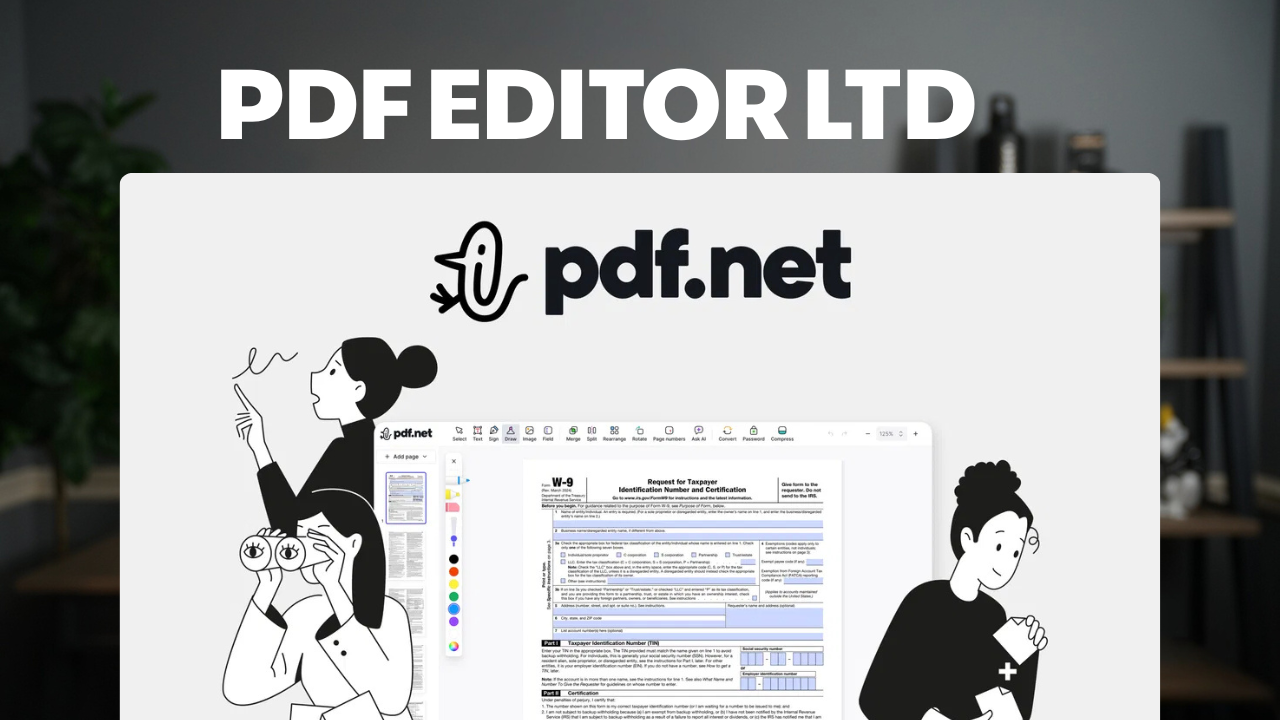
PDF.net
Web-based PDF editor for editing, signing, annotating, and managing PDF documents
Entrepreneurs, freelancers, and professionals who regularly work with PDFs
Adobe Acrobat, Mac Preview, SmallPDF
First Impressions
PDF.net is a web-based PDF editor that just launched on AppSumo, starting at $59 for a lifetime deal. As a Mac user who leans heavily on Preview for everyday PDF tasks, my initial reaction was skeptical — do we really need another PDF editor in 2026?
After spending time with it, the answer is a clear yes. Despite living in an era of AI agents and automation, the reality is that PDFs are still everywhere. Contracts need signatures, proposals need revisions, and documents need annotation. PDF.net handles all of this with a polish that surprised me.
This video is sponsored by AppSumo, but as always, that doesn't influence the review. If something falls short, you'll hear about it.
Text Editing That Feels Like Word
The standout first impression is the text editing experience. Select the text tool (or press T), click on any text in your PDF, and you can move it, resize it, and edit it directly. Fixing a typo is as simple as clicking and retyping — no workarounds, no export-reimport dance.
Containers resize smoothly, text reflows naturally, and the whole experience feels like editing a Word document rather than performing surgery on a locked-down format. It's a level of fluidity I haven't seen in other PDF editors, especially at this price point.
Page Management Made Simple
If you regularly rearrange, extract, or combine PDF pages, this is where PDF.net really shines. Extracting a single page into its own document is three clicks: open the page menu, choose extract, and it downloads immediately.
Rearranging pages is pure drag-and-drop. Need to attach an invoice to a proposal? Just add the file and move it to the right position. Page numbers can be added in a single click with full control over position, formatting, color, and font size.
These are tasks that Mac Preview technically supports, but the workflow is convoluted enough that you have to relearn it every time. PDF.net makes it obvious.
Splitting & Merging Documents
The split function gives you a visual overview of all pages, then you click scissors between the pages where you want to divide the document. The result downloads as a zip file containing your separate documents.
Merging works just as intuitively — you can either upload additional PDFs from the sidebar or use the dedicated merge interface. Both approaches produce the same result, and the UI is clean enough that you don't need to think about which method to use.
Images, Annotations & Redaction
Adding images to a PDF is drag-and-drop. I added a logo to the front page of a business proposal and had it positioned and resized in seconds. The image placement feels precise and responsive.
The annotation tools cover everything you'd expect: highlighting, strikethrough, underline, and a squiggle mark for flagging content that needs attention. There's a minor bug where the squiggle doesn't extend to the full selection area, but it's a cosmetic issue.
Redaction deserves special mention — it's permanent. Once you apply a redaction, the text is gone for good. No undo, no way to select the hidden text underneath. If you need to truly remove sensitive information from a document, this is the real deal.
E-Signatures & Form Fields
Signing documents is straightforward. You can type your name and choose from several font styles and colors, draw your signature freehand, or upload an image of your signature from another device. The typed signatures lean a bit casual in appearance, but the drawn option produces professional results.
Beyond signatures, you can add form fields like signature boxes and checkboxes to create interactive PDF forms. It's a feature set that covers the basics of document workflow without needing a separate e-signature platform.
Password Protection, Compression & Export
PDF.net includes several utility features that round out the toolkit. Password protection encrypts your PDF so it requires a password to open — I tested this by downloading a protected file and confirming it was locked in Mac Preview.
The compression tool offers three quality levels for shrinking bloated PDFs down to email-friendly sizes, and your original file stays intact so you can try different compression levels. You can also rotate individual pages — handy for scanned documents that came in sideways.
Export options go beyond PDF: you can download as DOCX, Excel, PNG, or JPG, giving you flexibility depending on what format your recipient needs.
AI Chat Features
Like seemingly every app in 2026, PDF.net includes an AI feature. Click the Ask AI button and a sidebar opens where you can ask questions about your document. It summarized a multi-page proposal quickly and accurately, pulling out the key phases and details.
The one quirk I noticed is that the page reference links in AI responses don't always point to the correct page. The content of the answers was solid, but navigation could use some polish. AI chat is only available starting at Tier 3 ($200).
Pricing & Which Tier to Choose
PDF.net offers four tiers on AppSumo ranging from $59 to $400. The base tier includes all the core editing, signing, annotation, and page management features demonstrated in this review. You'll mainly be choosing based on how many users you need, how much storage, and what maximum file size works for you.
The features locked to higher tiers are password protection and AI chat, both requiring Tier 3 at $200. The base tier supports files up to 15 MB, while Tier 4 bumps that to 100 MB. For most individual users, the $59 tier covers everything you'll actually use day to day.
AppSumo's standard 60-day refund policy applies, so there's no risk in trying it out.
Can It Really Crack Passwords?
The most surprising moment in testing came when I discovered PDF.net's unlock feature. Available at Tier 3 and above, it claims to remove password protection from PDFs. I had to test this myself.
I password-protected a PDF using Mac Preview — a file that had never touched PDF.net's servers — uploaded it to the unlock tool, and it cracked it instantly. No password required. The file was simply unlocked and ready to download.
This is simultaneously an impressive feature and a sobering reminder about PDF password security. If you've been relying on PDF passwords to protect sensitive documents, you might want to reconsider your approach.
Final Verdict: 8.2/10
PDF.net earns an 8.2 out of 10. It's the best lifetime deal PDF editor I've come across, with a clean user interface that makes every feature feel obvious and accessible. The editing experience genuinely feels like working in a word processor rather than fighting with a rigid format.
The lack of a desktop app is the main limitation — everything runs in the browser. And while the base tier is excellent value, needing to spend $200 to unlock password protection and AI feels steep. But for the core experience of editing, signing, annotating, and managing PDFs, it's hard to beat at $59.
As a Mac Preview loyalist, I'm keeping PDF.net in my tool belt for the tasks Preview can't handle. If you work with PDFs regularly and want to stop paying monthly for the privilege, this is worth a look.
Frequently Asked Questions
What is PDF.net?
PDF.net is a web-based PDF editor that lets you edit text, sign documents, annotate, merge, split, and manage PDF files directly in your browser. It's available as a lifetime deal on AppSumo starting at $59.
How much does PDF.net cost?
PDF.net starts at $59 for a lifetime deal on AppSumo, with four tiers available up to $400. Tiers differ in user count, storage, file size limits, and access to advanced features like AI chat and password protection.
Is there a desktop app for PDF.net?
No, PDF.net is entirely web-based with no desktop application. All editing happens in your browser, which means you can access it from any device but do need an internet connection.
Can PDF.net remove passwords from PDFs?
Yes, PDF.net includes an unlock feature at Tier 3 and above that can remove password protection from PDFs — even those created outside the platform. This works without needing the original password.
What can PDF.net do that Mac Preview can't?
PDF.net offers advanced text editing that feels like a word processor, e-signatures, form fields, visual document splitting and merging, AI-powered document chat, PDF compression, and password protection — features that go well beyond what Preview provides.
Does PDF.net have AI features?
Yes, an AI chat sidebar lets you ask questions about your PDF content and request summaries. It responds quickly and accurately, though page reference links can sometimes point to the wrong page. AI chat requires Tier 3 ($200) or higher.
Can I get a refund on PDF.net?
Yes, AppSumo offers a 60-day money-back guarantee on PDF.net, so you can try it risk-free and return it if it doesn't meet your needs.