
QuickAds Review: AI Ad Generator That Falls Short
QuickAds is an AI-powered ad creation tool that promises to generate image and video ads from a URL. The concept is impressive, but reliability issues and a clunky editor hold it back from being a must-have tool.

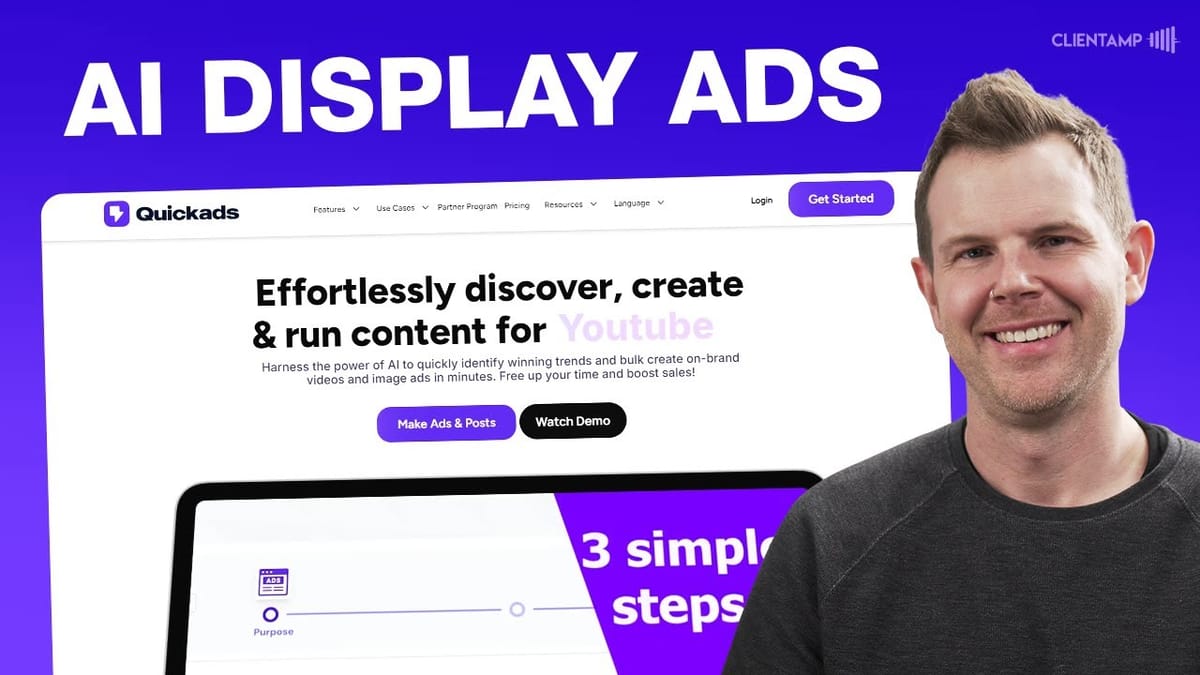
QuickAds
An AI-powered platform that generates image and video ads from a URL, with built-in ad discovery, brand kits, and social media publishing.
Small business owners, marketers, and agencies looking to quickly create ad creatives without hiring a designer.
Canva, Meta Ad Library, AdCreative.ai
QuickAds Plans and Pricing on AppSumo
QuickAds is available as a lifetime deal on AppSumo starting at just $59, with five total tiers to choose from. Tiers one through three are essentially the same core product scaled by usage limits, making them ideal for solo entrepreneurs or anyone running one or two online businesses.
The real differentiator kicks in at tier four and tier five, which unlock unlimited brands, white labeling, and unlimited image downloads per month. These higher tiers are squarely aimed at agencies managing ad campaigns for multiple clients. AppSumo themselves noted in their sales video that tiers four and five are limited to around 100 purchases each, so availability is first-come, first-served.
A Rocky Start: Outages and Reliability Concerns
Full disclosure: testing QuickAds was not a smooth experience. An entire day was lost to what turned out to be a major platform outage. Customer support confirmed that URL fetching was failing due to high request volume, and while they eventually fixed that particular issue, roughly three-quarters of the tool remained broken at the time.
After being assured that everything was back online, testing resumed. But the pattern of intermittent failures continued throughout the review, with API keys apparently getting blocked and features working only some of the time. This kind of unreliability is a serious concern for anyone planning to depend on QuickAds for actual ad campaigns.
The Discover Section: A Multi-Platform Ad Library
QuickAds includes a Discover section that functions as a multi-platform ad library, similar to the Meta Ad Library but with broader reach. You can search for any brand and browse their active ad campaigns across YouTube, Facebook, Instagram, Messenger, Meta's audience network, and TikTok.
The filtering options are genuinely useful. You can narrow results by platform, country, ad format (video or image), and even the theme or intent of the ad, such as product features, contests, or influencer promotions. There's also a bookmarking system for saving ads you want to reference later, plus the ability to share ads with team members.
One standout data point is the estimated ad spend displayed for each campaign. While there's no way to verify the accuracy of these numbers since impression counts and audience data aren't available, it's an interesting addition that gives you at least a rough sense of how much competitors are investing in specific campaigns.
QuickAds AI Analysis: Hit or Miss
The QuickAds AI feature promises in-depth performance analysis of any ad in the library. In practice, it was the single biggest source of frustration during testing. The analysis process claims to take two to three minutes but locks you out of the entire app while it runs, which is a baffling UX decision since the tool itself suggests you continue using the app if it fails.
Video ad analysis consistently failed, returning errors or marking ads as private regardless of whether they were actually YouTube ads. Image ad analysis fared better. When it did work on a simple Facebook image ad, the results were genuinely insightful, breaking down the ad's strengths, weaknesses, and specific improvement suggestions.
For example, analyzing a straightforward weight-loss supplement ad, the AI correctly identified that it lacked emotional appeal and detailed product information, then offered concrete recommendations like adding customer testimonials and success stories. The analysis quality itself is solid. The problem is getting it to actually complete.
Brand Kit Setup
Before creating ads, QuickAds walks you through setting up a brand kit. The process starts by entering your website URL, and the tool automatically scrapes your site for logos, brand colors, fonts, and even a brand description. The scraping worked impressively well, pulling in an accurate and thorough brand description that clearly drew from multiple pages rather than just the homepage.
The number of brands you can add depends on your tier. Tier one includes two brands, while tier four and above offer unlimited brands. There's also a voice cloning feature mentioned in the brand kit section, though it's buried in the advanced video editor rather than being accessible from the brand setup.
One notable annoyance: the color picker doesn't allow you to paste hex codes directly. You have to manually slide the color picker to approximate your brand colors, which is frustrating for anyone who needs pixel-perfect brand consistency. Custom font uploads are supported, but the uploaded font didn't persist between sessions during testing, requiring re-upload.
Creating Image Ads with the Design Editor
The image ad creation workflow starts by choosing an ad type (Meta, e-commerce, social media post, etc.), selecting your brand, and providing a product URL. QuickAds then scrapes the page and generates ad creatives automatically. Advanced settings let you specify the audience awareness level, industry, and image resolution.
The AI photography feature, which lets you generate product images with custom backgrounds, is one of those ideas that sounds incredible on paper. In reality, the results ranged from awkward to unusable. A test with a product thumbnail produced a questionable composite, and even a simple request to place a milk carton on a sunny farm resulted in the product floating in midair. If you need polished product photography, you're still better off hiring a designer.
The template library is extensive, with a large selection of pre-built ad layouts that load quickly. However, switching between templates doesn't preserve your customized copy, and resizing between formats (Facebook to Instagram, for example) often produces broken layouts with black bars or misplaced elements. The layer-based editor includes standard features like drag-and-drop elements, background swaps, and an Unsplash/Getty integration for stock photos, but overall it feels clunky compared to purpose-built tools like Canva.
Video Ad Creation and the Advanced Editor
Video ad creation is where QuickAds shows its most ambitious feature set. You can generate a video from a text prompt, a blog post, or a script, with options for stock videos, stock images, or AI-generated visuals (though AI images were under maintenance during testing). The tool analyzed the input prompt, broke it into nine scenes with AI voiceover scripts, on-screen text, and media descriptions in under a minute.
The actual video generation took roughly two to three minutes, and the output was surprisingly watchable. The AI voiceover quality in particular was impressive, with a natural-sounding voice that stood out as one of the tool's genuine strengths. There's a solid selection of voice options available, though the interface for browsing them could use better filtering and larger previews.
However, the video workflow has its own set of problems. Navigating between the quick editor and advanced editor caused the resolution to change unexpectedly from square to vertical, and voice assignments were lost when switching between editing modes. The advanced editor itself is a cloud-based timeline editor that struggles with performance, taking a long time to render scene previews and occasionally displaying broken thumbnails.
Advanced Video Editor and Voice Cloning
The advanced video editor offers a timeline-based editing experience with per-scene control over text, elements, audio, captions, and transitions. It's functional but suffers from the typical limitations of cloud-based video editing: rendering previews is slow and dependent on server performance rather than your local hardware.
Voice cloning is available within the advanced editor, allowing you to upload an audio file to create a synthetic version of your voice. The feature is straightforward to set up, though cloned voices across various AI tools tend to be mediocre at best. Caption editing is included with options for font changes and text highlighting styles.
One significant frustration is that there's no clean way to go back from the advanced editor to the previous screen without potentially losing work. The back button at one point logged the user out entirely and the ad was not saved, which is the kind of bug that erodes trust in a production tool.
Analyze and Publish Features
QuickAds rounds out its feature set with an ad analysis tool where you can upload your own creatives for AI-powered feedback, plus a built-in publishing calendar for scheduling posts to social media and ad platforms. The publishing system lets you connect your social media accounts and ad accounts, then schedule content directly from within QuickAds.
While the concept of an all-in-one create-analyze-publish workflow is appealing, the reliability issues throughout the rest of the platform make it difficult to trust QuickAds with social media credentials. The risk of unintended posts or erratic behavior is simply too high given the bugs encountered during testing.
Final Verdict: Great Concept, Poor Execution
QuickAds earns a 3 out of 7 rating. The concept is genuinely exciting: give an AI tool a URL and get a complete ad campaign with images, videos, and automated social media publishing. On paper, that's an incredible value proposition, especially at a $59 lifetime deal price.
The reality, unfortunately, doesn't match the promise. Frequent outages, broken API connections, a design editor that can't compete with established tools like Canva, and workflow bugs that lose your work all add up to a tool that simply isn't reliable enough for production use. The ad analysis feature and video voiceover quality show flashes of real potential, but they're not enough to carry the overall experience.
QuickAds isn't a lost cause. With significant improvements to stability and the editing experience, it could become a compelling tool. But as it stands today, the extra work required to get usable results means you're better off sticking with more established alternatives.
Watch the Full Video
Prefer watching to reading? Check out the full video on YouTube for a complete walkthrough with live demos and commentary.


