
Salad Transcription API Review: $79 AppSumo Deal Tested
Salad Transcription API offers 100 hours of monthly transcription for a one-time $79 fee, but it's built for developers. I put it through its paces and compared it to MacWhisper to see who should actually buy this deal.

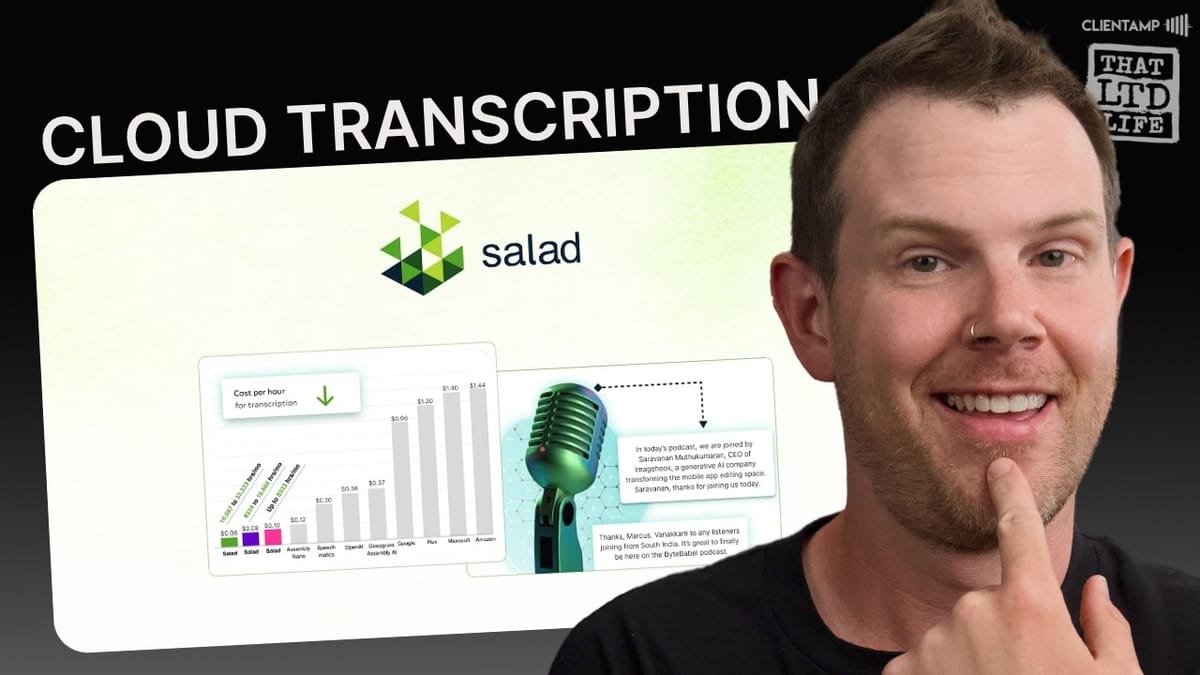
Salad Transcription API
A cloud-based transcription API powered by OpenAI's Whisper Large V3 model that converts audio and video files into timestamped text via API endpoints.
Developers and technical users who need to integrate transcription into their own applications or workflows.
MacWhisper, HappyScribe, OpenAI Whisper API, AssemblyAI
What Is Salad Transcription API?
Salad Transcription API is a cloud-based transcription service currently available as a lifetime deal on AppSumo. At its core, it uses OpenAI's open-source Whisper Large V3 model to transcribe audio and video files in up to 98 languages. The key word in the product name is "API" — this is not a polished consumer app with drag-and-drop simplicity. It's an endpoint you connect to programmatically.
That distinction matters a lot depending on who you are. If you're a developer building an app that needs transcription baked in, this could be a serious bargain. If you're a content creator, marketer, or anyone who just wants to drop a file in and get text back, the experience is going to be considerably rougher. Salad does include a basic browser-based GUI for testing, but the product is fundamentally designed around API integration.
Salad itself is a broader cloud infrastructure company — they have a pretty impressive domain at salad.com, which suggests there's real backing behind the product. They offer multiple GPU-based services, and transcription is just one of their inference endpoints.
Plans, Pricing, and What You Get
The AppSumo deal starts at $79 for Tier 1, which gives you 100 hours of transcription per month — permanently. That's a remarkable amount of audio for a one-time purchase, especially when you consider that not long ago tools like HappyScribe were offering five to seven hours for similar pricing. If you need more capacity, a double stack at $158 bumps you to 250 hours per month.
For the truly ambitious, the top-tier option (10 codes, $790) gives you 2,000 transcription hours monthly. To put that in perspective, there are roughly 727 hours in an entire month. You could have multiple people recording around the clock and still not max it out. The only hard limit is a two-hour cap per individual file.
One thing to note: if you're an AppSumo Plus member, you'll save an extra 10% on the purchase. If you're spending around $85 per month on AppSumo deals, Plus membership easily pays for itself. Additional codes beyond the first one need to be entered manually through the billing section, which feeds into a Typeform — so expect a manual process and some patience for stacking.
Setup and First Impressions
Getting started with Salad requires creating an organization, entering your AppSumo code manually, and navigating to the inference endpoints section to access the transcription API. The onboarding is functional but noticeably less polished than what you'd expect from a typical SaaS product. Entering redemption codes manually feels a bit retro when most AppSumo tools handle validation automatically.
Once you're in, there is a small GUI for testing transcriptions. You paste in a publicly accessible URL to your audio or video file, hit "Run Model," and wait for results. Supported formats include AIF, FLAC, M4A, MP3, WAV for audio, and MKV, MOV, WebM, WMA, and MP4 for video. Files must be under three gigabytes and no longer than two hours.
There's also a team feature, though the AppSumo listing doesn't clearly spell out how many team members are included. I was able to add at least one additional member without issue, but I'd recommend getting explicit confirmation from the Salad team before relying on this for a larger group.
Testing Salad Transcription: The Bumpy Road
My first test was straightforward enough in theory: grab a publicly shared link to a video file from Nextcloud, paste it into Salad's GUI, and run the model. The result? An error: "File cannot be downloaded or duration is missing." Not ideal, but not entirely unexpected either. Salad recommends using file services like S3 that offer secure pre-signed URLs, and they explicitly note that YouTube, Google Drive, and similar sharing services won't work.
So I pivoted to Backblaze B2, an S3-compatible storage service. But my original video file was over three gigabytes — which, buried in their documentation, turns out to be the file size limit. I had to transcode the video down to an MP3 first using Compressor. This is the kind of multi-step technical workflow that's going to lose a lot of non-developer users pretty quickly.
After converting to MP3 and sharing through Nextcloud, the second attempt moved from "pending" to "running" — a much better sign. But then the interface froze. The loading spinner stopped animating, nothing on the page was clickable, and I had no way of knowing whether the job was still processing in the background or had silently failed.
MacWhisper: The Local Alternative
While waiting on Salad, I ran the same file through MacWhisper for a direct comparison. MacWhisper is a macOS app that runs Whisper models locally on your machine — no cloud upload, no API configuration, no file hosting required. You drag a file in and it starts transcribing. That's it.
For this test, I used the same Whisper Large V3 model to keep things apples-to-apples. MacWhisper completed the transcription of a 32-minute video in six minutes and 23 seconds on an M1 Max. The experience was seamless: drag in the file, wait a few minutes, and your transcript is ready. You can copy it to your clipboard, export it as a text file, or generate SRT/VTT subtitle files with options for speaker names and character limits per line.
MacWhisper also has some genuinely useful power features. You can batch-process files by dragging in dozens or even hundreds at once and letting it run overnight. There's a built-in video playback window so you can check transcription accuracy against the original. And if you connect an OpenAI or Claude API key, you can actually chat with your transcriptions directly inside the app. The tool is available on Gumroad with a free tier and an affordable Pro version.
Translation Capabilities
One important clarification on Salad's "98 languages" claim: this refers to language detection, not translation. Salad will automatically identify the spoken language and transcribe it, but it won't convert your English video into a Japanese transcript. If multilingual content repurposing is part of your workflow, that's a significant limitation to understand upfront.
MacWhisper handles this differently. Through the settings panel, you can connect a DeepL API key (free or Pro) and unlock actual translation. Select your target language, click translate, and it starts converting the transcript. So if you recorded a video in English and need a Japanese version, MacWhisper with DeepL can actually deliver that. It's a meaningful differentiator for content creators who work across multiple languages.
Salad Transcription Results and Quality
After the longer file caused issues, I tested Salad with a short voice memo recorded on my iPhone — roughly 179 kilobytes. This time the process worked smoothly. The file moved from pending to running to completed, and the output was impressive in its detail: every single word came back with its own individual timestamp.
The transcription quality itself was excellent, which isn't surprising given that it's running the same Whisper Large V3 model under the hood. The raw output is JSON with word-level timestamps — great for developers who need precise alignment, but not exactly user-friendly if you're just looking for a plain text transcript. You'd need to parse the output to make it usable in any consumer-facing context.
I also confirmed that Backblaze B2 works as a file source. Using the S3 URL from B2, the transcription completed without issues. So if you're looking for affordable S3-compatible storage to pair with Salad, B2 and Wasabi are both solid choices that cost significantly less than AWS S3.
Documentation and Support
Salad's documentation is genuinely well done — a pleasant surprise for an AppSumo deal. The docs are comprehensive, professionally presented with screenshots, and cover the full API workflow: sending POST requests to the transcription endpoint, polling with GET requests using your job ID, and parsing the JSON response. They even include Postman examples for testing.
The workflow is standard REST API: create a transcription job via POST with your authorization key and file URL, receive a job ID, then poll that job ID until the status returns completed. Straightforward for anyone with API experience, but a foreign language if you've never used Postman or written an HTTP request.
Support is available through a chat widget that pops open on the site. Response times are listed as "a couple of days," which is pretty standard for a tool at this price point. Don't expect 24/7 instant support, but for a one-time purchase with this much monthly capacity, that's a reasonable tradeoff.
The Verdict: Who Should Buy This?
Salad Transcription API is a solid product that absolutely works — but it's aimed squarely at developers. If you're building an app, SaaS tool, or internal system that needs reliable, affordable transcription, 100 hours per month for a $79 one-time payment is an exceptional deal. The Whisper V3 model delivers high-quality results, the documentation is professional, and the pricing at higher tiers is genuinely hard to beat.
But if you're an individual content creator, marketer, or anyone who just wants to transcribe files without thinking about API endpoints, file hosting, and JSON parsing, this is not the tool for you. The workflow requires uploading files to S3-compatible storage, dealing with file size limits, and processing raw API output. Even the built-in testing GUI froze on a longer file during my review.
For personal transcription needs, MacWhisper remains the far better choice. It's local, fast, simple, and includes features like batch processing, translation, and subtitle export that Salad simply doesn't offer at the consumer level. The ideal buyer for Salad Transcription API is someone who knows what a POST request is and has a specific technical use case in mind.
Watch the Full Video
Prefer watching to reading? Check out the full video on YouTube for a complete walkthrough with live demos and commentary.


