
Sendr Review: LinkedIn Scraping & Cold Email Tool for $59
Sendr combines LinkedIn scraping, AI-powered data enrichment, and personalized landing pages into one cold outreach tool — and it starts at just $59 on AppSumo.

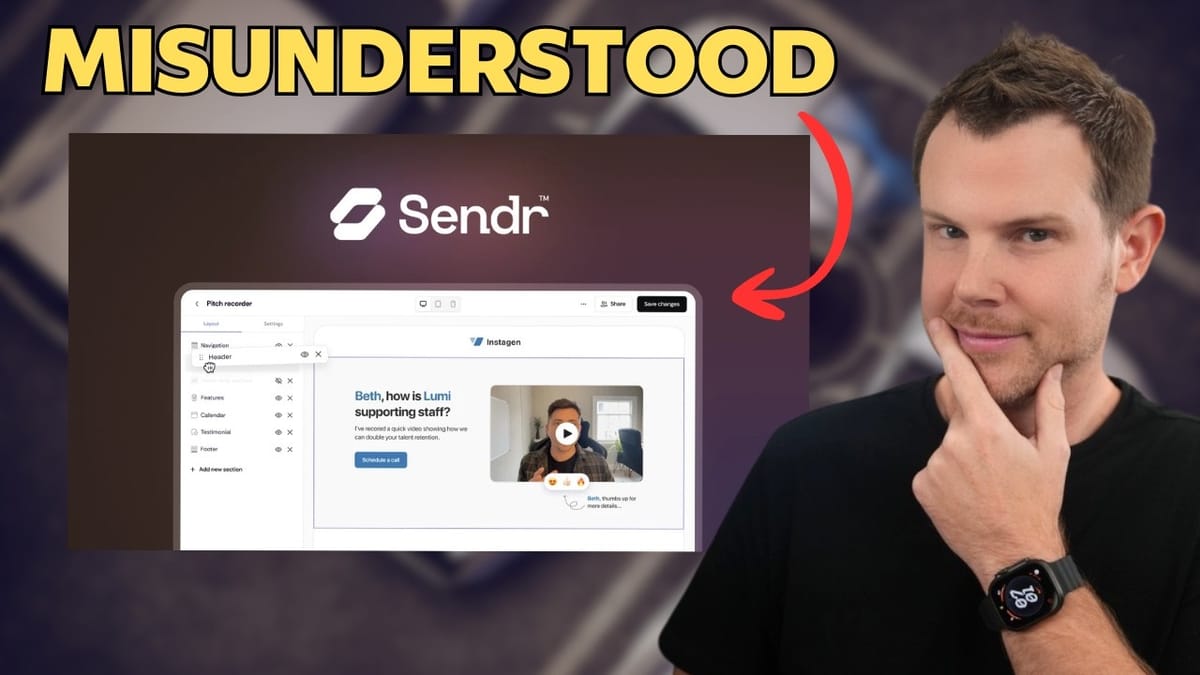
Sendr
Scrapes LinkedIn data, enriches contacts with AI, verifies emails, and generates personalized landing pages and audio for cold outreach campaigns.
Sales professionals, agency owners, and anyone doing cold outreach who wants to automate lead enrichment and personalize their messaging at scale.
Apollo.io, Lemlist, Instantly, Clay
What Is Sendr and Why Does It Look Like a Spreadsheet?
Sendr bills itself as a video personalization tool, but when you first open it, you might be confused — it looks more like Google Sheets than anything related to video. That initial confusion is actually the key to understanding what makes Sendr interesting.
At its core, Sendr is a contact enrichment and personalized outreach platform. You start by building a table of contacts — imported via CSV, pulled from Apollo, or scraped directly from LinkedIn. From there, AI and web scraping tools enhance that data with email addresses, company details, competitor info, and more. Once your table is enriched, you can export it for use in your existing email tools, or use Sendr's built-in template system to create dynamic, personalized landing pages and audio messages that pull data directly from your enriched contacts.
Think of it as a pipeline: scrape leads, enrich them with AI, then deploy hyper-personalized outreach — all from one tool.
Pricing and AppSumo Deal Breakdown
The Sendr lifetime deal on AppSumo starts at $59 for Tier 1, which includes 500 monthly credits. Credits are consumed as you scrape contacts, enrich data, verify emails, and generate personalized pages. Higher tiers unlock more credits, custom domains, and Zapier integration templates.
It's worth noting that credit usage can add up quickly. Scraping a LinkedIn post with 5,000 comments would burn through your entire monthly allotment in one shot, so you'll want to be strategic about which posts you target, especially on the entry-level plan.
Scraping LinkedIn Contacts
The LinkedIn scraping feature is one of Sendr's standout capabilities. You find a public LinkedIn post — say, one where a bunch of agency owners are commenting — grab the post URL, and paste it into Sendr. You can choose to scrape either the post's commenters or its reactions.
Sendr pulls in the contact data and populates your table. Initially, you'll just get basic info like the comment URL, but this is where the enrichment engine comes in. The key thing to remember is that every contact scraped counts as one credit, so pick your posts wisely. A post with four comments is a low-risk way to test things out before scaling up to larger lists.
Enhancing and Verifying Contact Data
Here's where Sendr really starts to shine. Once your contacts are in the table, head to the Data Studio — a button that's easy to miss but absolutely essential. From the Data Studio, you can run a series of AI-powered enrichment actions on your contacts.
The email finder managed to locate all four email addresses in testing, and those results are clearly marked with an AI icon so you know what's been enhanced versus what was scraped directly. If you're not confident in the results, there's a built-in email verification tool that checks whether addresses are valid and deliverable.
Beyond emails, you can enrich LinkedIn profiles to pull in company domain names, company logos, job titles, locations, and even nearby meeting spots. That last one is particularly clever for in-person outreach — imagine proposing a coffee meeting at a Starbucks halfway between you and your prospect. Another standout enrichment: finding each company's main competitor, which you can weave into your outreach messaging for maximum relevance.
One important UX note: the Data Studio button only appears in the Home section, not the Contacts section, even though they look nearly identical. If you're wondering where all the enrichment tools went, navigate back to Home and open your table from there.
Creating Custom AI Prompts for Outreach
Sendr doesn't just scrape and enrich — it also lets you create custom AI prompts that dynamically pull in data from your table. This means you can write a prompt template like "Write {first_name} a cold outreach message offering to help them stay relevant in the age of AI" and include variables for their company name, competitor, or any other enriched field.
The tool then runs that prompt across every row in your table, generating a unique, personalized message for each contact. In testing, the output was surprisingly decent — referencing the prospect's company and their main competitor by name makes the message feel far more targeted than a generic cold email blast.
Once you're happy with the AI-generated messages, you can export the entire table as a CSV complete with email addresses, enriched data, and your custom outreach copy. From there, plug it into your email tool of choice and start sending.
Building Personalized Landing Pages
Sendr includes a template-based website builder for creating personalized landing pages. The builder is straightforward — you pick a layout, add sections like focus messages, calendars, FAQs, and testimonials, then fill in the content. It's not going to win any awards for customization, but the pages look clean and professional.
The real power is in the dynamic variables. Your page heading can say "Is {company_name} Ready for AI?" and each contact gets their own unique version of the page. You can also pull in company logos, domain names, and other enriched data to make the page feel like a custom proposal built just for them.
Once your template is built, you map the variables to your enriched table columns, and Sendr generates a personalized page for each contact. Each page gets its own unique URL that you can include in your outreach emails, and there's built-in analytics to track who visited their personalized page and when.
Dynamic Audio and Video: Cool Concept, Rough Execution
Sendr lets you record audio or video and embed it in your landing pages with a dynamic twist — it can swap out one word in your recording with a personalized variable. Record a message saying "Hey, Susan" and the tool will transcribe it, let you select "Susan" as the dynamic word, and replace it with each contact's first name using AI-generated speech.
The limitation here is significant: you can only replace one word. If you try to make both a name and a company name dynamic, selecting the second one removes the first. You need to plan your script carefully around this constraint.
The quality of the dynamic audio is also a weak point. The AI-generated replacement word doesn't perfectly match the tone, cadence, or volume of your original recording, so it can sound noticeably off. The recording interface itself is bare-bones with no trimming or editing tools. For better results, consider recording your audio in a dedicated tool like Dedan and importing it.
The concept is genuinely compelling — personalized audio at scale — but the execution needs more polish before it's something you'd want to send to high-value prospects.
Custom Domains, Analytics, and Integrations
Higher-tier plans (Tier 3 and above) unlock custom domains and subdomains for your personalized landing pages, so they can live on your own brand's URL instead of a Sendr subdomain. The built-in analytics let you track page visits and engagement across all your personalized pages.
On the integration side, Sendr offers Zapier templates for connecting with other tools in your workflow. However, like custom domains, these are gated behind the higher tiers. If you're on Tier 1, you're limited to manual CSV exports for getting data into your other systems.
Final Verdict: 7.8 out of 10
Sendr earns a 7.8 out of 10. The contact enrichment and LinkedIn scraping capabilities are genuinely impressive — being able to pull emails, company data, competitor names, and nearby meeting locations from a single LinkedIn post is powerful stuff. The custom AI prompts that generate personalized outreach copy across your entire contact list add real value on top of that.
Where Sendr falls short is in the dynamic audio and video features. The one-word replacement limit and rough AI voice quality mean you'll want to use these sparingly, if at all. The UX also has some confusing moments, particularly the hidden Data Studio button and the near-identical Home and Contacts sections.
That said, if your primary use case is enriching contact lists and creating personalized cold outreach, the core functionality is solid and well worth the $59 entry price. The personalized landing page builder is a nice bonus that adds another layer of customization to your outreach campaigns.
Watch the Full Video
Prefer watching to reading? Check out the full video on YouTube for a complete walkthrough with live demos and commentary.


