
Signum.ai Review: LinkedIn Tracking Tool with a Major Flaw
Signum.ai combines LinkedIn prospect tracking with trend discovery, but its weekly scan frequency seriously undermines the value of real-time sales intelligence.

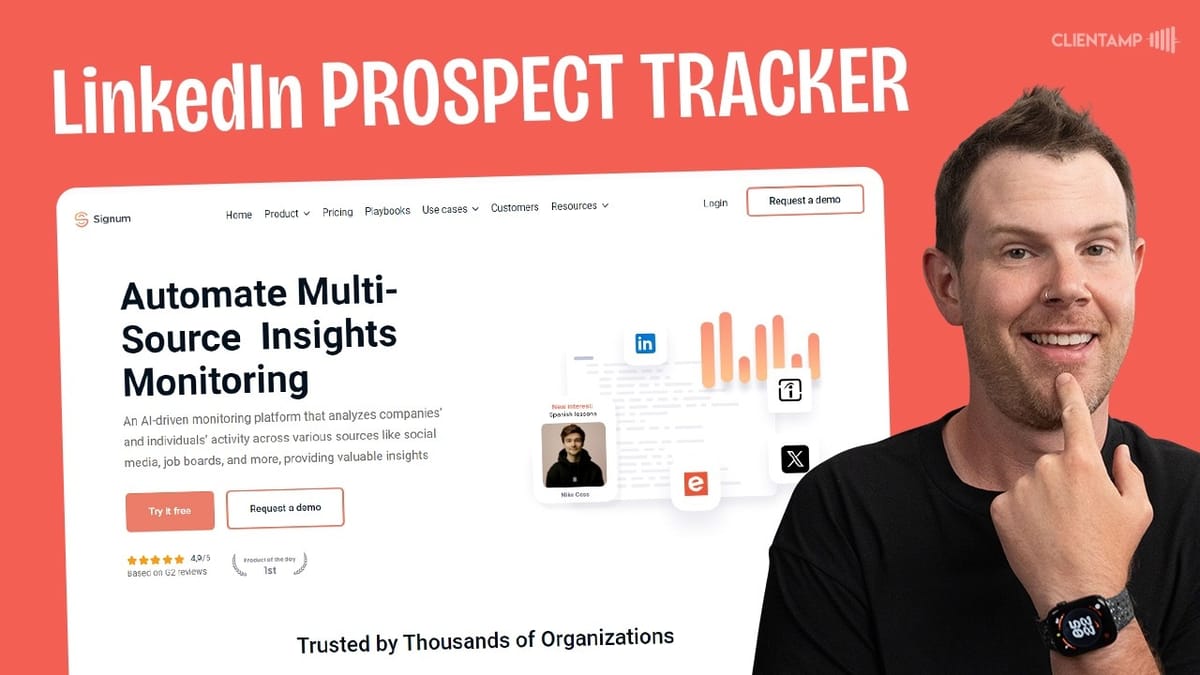
Signum.ai
Tracks LinkedIn profile changes (job moves, position changes, location updates, keyword mentions) and surfaces emerging business trends.
Sales professionals, recruiters, and business development teams who need to monitor LinkedIn prospects for timely outreach opportunities.
Exploding Topics, LinkedIn Sales Navigator, PhantomBuster
What Signum.ai Actually Does
Signum.ai is a dual-purpose tool built around two core features: LinkedIn prospect tracking and internet trend discovery. On the tracking side, you upload a list of contacts and Signum monitors their LinkedIn profiles for changes — things like job switches, position updates, location moves, and keyword mentions in posts. The idea is that when a prospect changes companies or posts about a topic you care about, you can reach out at exactly the right moment.
The trends side works like a lightweight version of Brian Dean's Exploding Topics. Signum surfaces keywords and ideas that are gaining traction online, giving you a heads-up on what's bubbling up before it hits the mainstream. Between these two features, the tool positions itself as a sales intelligence and market awareness platform — though as we'll see, the execution doesn't quite match the ambition.
Trends: Lightweight but Limited
The trends dashboard is straightforward. You get a list of keywords showing growth percentages, and clicking into any keyword gives you a brief summary explaining what the topic is and how it might be relevant to your business. You can filter by market — real estate, for example — or search for specific terms.
The problem is the search isn't particularly intelligent. Searching for "EV" to find electric vehicle trends also returns results where those two letters just happen to appear together, like "devs." There's no semantic understanding behind the search. The database itself is also on the smaller side — fewer than 200 ideas total across all categories. It's serviceable for a quick scan, but it doesn't hold up against a dedicated tool like Exploding Topics that has thousands of trending topics with deeper filtering.
Weekly Reports and Keyword Discovery
Alongside the trends dashboard, Signum publishes a weekly report — essentially a newsletter highlighting newly added topics. Each edition covers a handful of emerging themes like AI in drug discovery or workforce well-being programs. It's a nice touch if you want a curated digest rather than scrolling through the full list.
That said, the trends section as a whole feels a bit sparse. There's no way to explore related topics or drill down from a broad keyword to more specific subtopics. If I search for "electric vehicles," I'd love to see tangentially related trends surfaced automatically. The feature works, but it's missing the depth and interconnectedness that would make it genuinely useful for strategic decision-making.
LinkedIn Tracking: The Core Feature
Tracking is where Signum.ai gets more interesting — and more frustrating. To monitor a prospect, you need both their company website and their LinkedIn profile URL. You upload contacts via CSV file using Signum's template, then select which triggers to monitor: position changes (moving roles within a company), job changes (leaving for a new company), location changes, and keyword mentions in LinkedIn posts.
The CSV upload process works smoothly. Drag-and-drop is functional, and if you use their template, field mapping happens automatically. However, there's no option to manually add individual contacts. Even if you just want to track five people, you still need to download the template, fill it out, export it as CSV, and upload it. For a tool designed around monitoring small, targeted lists of prospects, that's an unnecessary friction point.
Once your list is uploaded, Signum also automatically creates company-level triggers for job openings at each prospect's employer. That's a nice bonus, though you can't remove these automatic triggers if you don't want them.
Interface Quirks and Missing Features
The Signum interface has some rough edges worth noting. The "watch a video" button on the tracking page simply doesn't work — the modal loads but no video appears, and this was tested across multiple browsers. It's a small thing, but it doesn't inspire confidence in a paid tool.
More importantly, once you've created a tracking list, there's no way to view or edit the keywords you're monitoring from within a prospect's detail screen. The "keywords mentioned" section is just a toggle switch with no visibility into what's actually being tracked. If you want to update your triggers, you're out of luck — there's no way to edit existing triggers at all. You'd presumably need to delete the list and recreate it, which is a significant workflow gap.
Exporting Your Data
Signum does offer CSV export for your tracking lists, and the exported file includes more fields than what you originally uploaded. Alongside your original contact data, the export adds columns for location changes, position changes, job changes, keyword mentions, and LinkedIn post links. This gives you a running log of all tracked activity, which is useful for CRM imports or team reporting.
It's a practical feature, but it doesn't compensate for the lack of real-time visibility within the app itself. Having to export a CSV to review what's changed isn't ideal when the whole point of the tool is timely intelligence.
The Dealbreaker: Once-Per-Week Scanning
Here's the major flaw referenced in the title. After setting up tracking and waiting for triggers to fire, a deep dive into Signum's documentation reveals that prospect activity is only scanned once per week, with new triggers arriving every Monday.
For a tool built around acting on timely changes, weekly scanning is a serious problem. Imagine tracking a prospect who posts on Tuesday looking for recommendations on a service you provide. By the time Signum alerts you the following Monday, nearly a week has passed — they've likely already found a solution. The same applies to job changes. If a key decision-maker leaves a company and you want to reach out to their replacement, six days of delay could mean a competitor has already made contact.
Once-per-day scanning would be acceptable. Once-per-hour would be ideal for high-value sales workflows. But once per week fundamentally undermines the tool's core value proposition. You're not getting real-time intelligence; you're getting a weekly summary.
Plans, Pricing, and Value Assessment
Signum.ai is available on AppSumo across three lifetime deal tiers. Tier 1 at $59 gives you 200 contacts for tracking and a single seat. Tier 2 at $150 bumps that to 1,000 contacts, three seats, and Slack alerts — though those alerts only fire weekly, which limits their usefulness. Tier 3 offers 3,000 contacts, five seats, and the same weekly Slack notifications.
The best value sits at Tier 1 or Tier 2 depending on your team size. Tier 3 only makes sense if you genuinely need to track thousands of contacts. The trends feature is a modest bonus but isn't strong enough to justify the purchase on its own. The real question is whether weekly scanning frequency is something you can live with for your specific use case — for passive talent monitoring it might be fine, but for active sales prospecting it falls short.
Watch the Full Video
Prefer watching to reading? Check out the full video on YouTube for a complete walkthrough with live demos and commentary.


