
Subscribr Review: AI-Powered YouTube Script Writing Tool
Subscribr is an AI script-writing tool that learns your YouTube channel's voice and helps you go from video idea to full script. Here's how it performs in a real-world test.

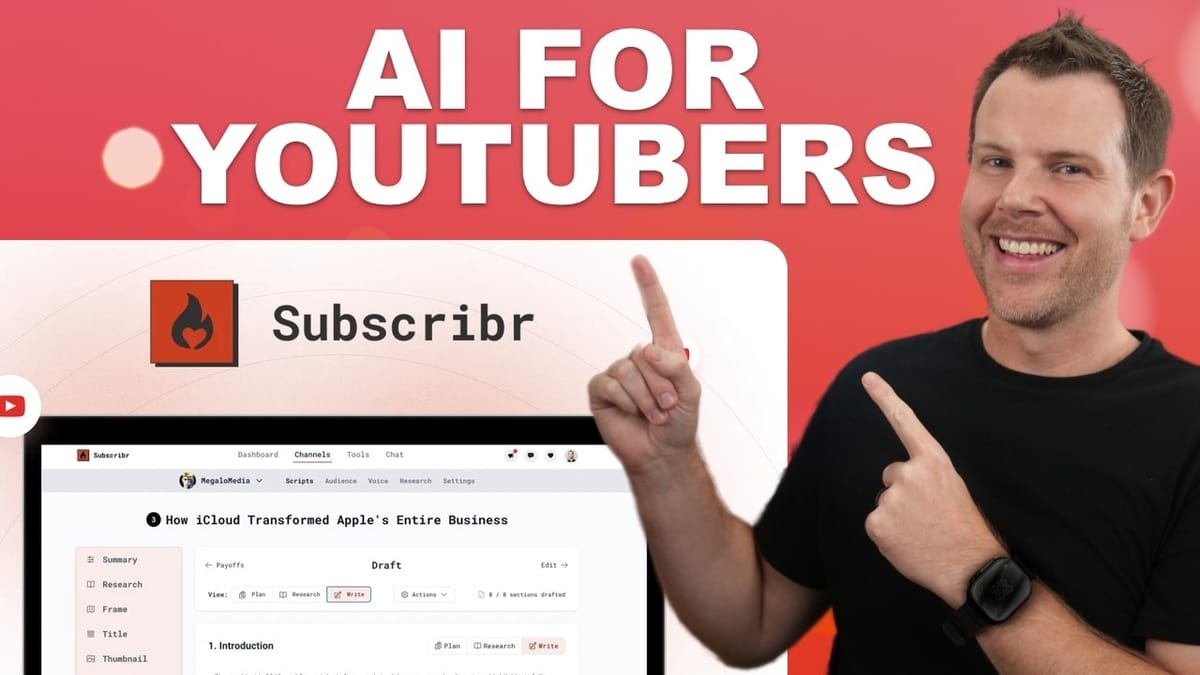
Subscribr
Analyzes your YouTube channel to learn your voice and brand, then generates video ideas, full scripts, titles, hooks, and publishing metadata using AI.
YouTube creators who want to speed up pre-production by automating script writing, research, and video planning.
ChatGPT, Jasper, Castmagic, vidIQ
Why Pre-Production Is the Hardest Part of YouTube
Most people assume being a YouTuber is easy — point a camera, talk, collect checks. The reality is far more labor-intensive. The hardest part of making any video isn't the filming or editing; it's the preparation. Writing scripts, planning storyboards, mapping out shots — all of that eats up a massive amount of time before you ever hit record.
Subscribr is a new tool available as a lifetime deal on AppSumo that aims to solve exactly this problem. It analyzes your existing YouTube channel, learns your brand voice, and then helps you generate both video ideas and complete scripts using AI. If you've ever stared at a blank document trying to figure out what to say in your next video, this is built for you.
Subscribr Pricing and Tier Breakdown
Subscribr starts at $59 for Tier 1, but that entry-level plan is extremely limited — you're essentially getting video ideas and not much else. The real value starts at Tier 2 for $99, which unlocks 20 script-writing credits per month, a single channel, a single user seat, and access to all of the platform's features.
Higher tiers scale up from there, all the way to Tier 5, which offers unlimited channels, unlimited users, and 400 script credits per month. That sounds like a lot, but each script costs around 6 credits to generate, and additional research can burn more. If you're producing 20+ videos a month, you'll want at least Tier 3 or 4. The deal pricing is also time-sensitive — AppSumo typically raises prices after the initial launch window, so acting quickly saves anywhere from $10 to $100 depending on the tier.
How Subscribr Analyzes Your YouTube Channel
Connecting your channel is straightforward — just enter your YouTube handle and Subscribr goes to work. Rather than requiring full Google authentication (which would hand over access to your analytics and monetization data), it scrapes publicly available information. That's a reasonable tradeoff: you get less granular data, but you're not exposing your entire YouTube backend to a third-party service.
Once connected, Subscribr generates an audience avatar that includes demographics, psychographics, online behavior, and offline behavior — similar to what you'd find in YouTube Studio's analytics. Some of the details were accurate in testing, while others felt slightly off (like an income range of $30K–$60K that underestimates the audience). Unfortunately, you can't manually edit the avatar fields. You can regenerate it for a fresh take, but there's no way to tweak individual data points. Despite that limitation, the avatar is detailed enough that content generated from it would likely land in the right ballpark.
Creating a Custom AI Voice Profile
One of Subscribr's standout features is voice profiling. By default, it learns a writing voice from your existing videos — and the results are surprisingly decent. The generated previews capture a casual, conversational tone that closely mirrors how you'd actually speak on camera.
If the default voice isn't quite right, you can create a custom one by training it on your own writing samples or by importing transcripts from another YouTube channel. Want your scripts to sound like MrBeast? Just plug in his channel handle. This also opens up a genuinely useful creative option: you can assign different voices to different sections of a script. That's a meaningful differentiator over using something like ChatGPT, where maintaining multiple distinct voices within a single document requires a lot of manual prompting.
Before generating your first script, it's worth visiting the settings page to configure defaults — target audience description, preferred video length, and format type. These defaults carry over to every new script, saving you from re-entering the same information each time.
The Script Generation Process, Step by Step
Creating a script in Subscribr follows a structured, multi-step workflow. You start by filling out the basics: video topic, format (educational, listicle, compilation, etc.), target length, and an optional title. For a listicle or compilation, you can enter individual topics so the AI covers each one in the final script.
Step two is the research phase, where you can feed the AI up to 5,000 words of source material. You can add web links, YouTube video URLs (it pulls transcripts automatically), your own text, or previously saved research. Paying extra credits increases the word limit up to 45,000. In testing, pasting in show notes from five previous reviews just barely fit within the 5,000-word cap — so plan accordingly if your source material is lengthy.
Step three is the "frame" stage, where Subscribr suggests unique angles to differentiate your video. The initial suggestions were generic, but the AI responded well to specific direction. After a couple of rounds of iteration — which don't cost any credits — the angles improved significantly. The key takeaway: don't settle for the first batch. Keep iterating until you find something that genuinely fits your content strategy.
From there, you move through title generation (25+ options in one go), thumbnail concepts (text descriptions rather than actual artwork), and hook writing. Each stage offers editing, iteration, and selection tools. The volume of options at each step is both a strength and a weakness — there's plenty to choose from, but it's easy to fall into analysis paralysis.
AI Script Enhancement and Editing Tools
Once your draft is generated — which takes roughly two to three minutes — Subscribr presents it in a section-by-section editor. You can rewrite directly on screen, rearrange sections, delete them, or regenerate individual sections with a different voice or length. The ability to assign different voices to different sections is particularly useful for multi-host shows or podcast-style content.
Each section also has a research tab showing what data the AI used to write that portion. If you discover inaccuracies, you can edit the research so that regenerated drafts pull from corrected information.
The real value comes in the editing phase. Subscribr runs a revision pass that reads the entire script and suggests improvements — condensing redundancies, adding concrete examples, reordering sentences for better flow. Changes are displayed as a diff with original text in red and revisions in green, along with explanations for each change. In testing, the word count dropped from about 2,600 to 2,400 after revision, and most edits genuinely improved readability.
The main limitation is granularity: you can only accept or reject edits on a section-by-section basis, not line by line. If a section has three good changes and one bad one, you're stuck accepting or rejecting the whole batch. More fine-grained control here would be a welcome addition.
Thumbnail Briefs, Descriptions, and Publishing
After finalizing your script, Subscribr provides a review dashboard with stats including word count, reading grade level (eighth grade in testing), estimated speaking time, and readability scores. Scripts and research can be downloaded as .docx files or copied to clipboard.
The thumbnail feature generates design briefs rather than actual images — text descriptions you can hand off to a designer or use as prompts in an image generation tool. It also pulls in your recent thumbnails for visual reference, which is handy for maintaining brand consistency. One missing feature: there's no support for A/B/C thumbnail testing concepts, which YouTube now offers natively.
The publishing step generates titles, descriptions, and tags. Descriptions come in three flavors — informative, narrative, and SEO-focused — but there's no way to save template elements like social media links or affiliate URLs that you'd want in every description. You'd need to paste those in manually each time. Tag generation works but feels dated; YouTube's AI-driven indexing has made tags increasingly irrelevant. Timestamp/chapter marker generation is also absent — the tool guesses at them rather than analyzing actual video content.
Final Verdict: Is Subscribr Worth It?
Subscribr earns an 8.2 out of 10. The overall workflow is intuitive and well-structured, walking you through every stage of pre-production from ideation to publishing metadata. Even if you don't use the generated scripts word-for-word, the process forces you to think through angles, hooks, and structure in a way that makes the actual video creation significantly smoother.
The standout features are the multi-voice support for scripts, the iterative framing process, and the built-in revision step that genuinely improves output quality. Where it falls short is in the details: no manual editing of audience avatars, section-level-only edit acceptance, no saved description templates, and no post-upload chapter marker generation.
For creators producing a handful of videos per month, Tier 2 or 3 should suffice. High-volume creators pushing 20+ videos monthly will want Tier 4 or 5 to avoid running out of credits mid-month. Whether you're just starting out on YouTube or looking to streamline an established workflow, Subscribr is a solid addition to your creator toolkit.
Watch the Full Video
Prefer watching to reading? Check out the full video on YouTube for a complete walkthrough with live demos and commentary.


