
TextLink Review: Send Bulk SMS From Your Phone for $39
TextLink turns your Android phone into a personal SMS marketing server, letting you send bulk messages through your existing phone plan instead of paying per-text fees through services like Twilio.

TextLink
Turns your Android phone into an SMS marketing server, sending bulk texts through your existing phone plan instead of per-message services like Twilio.
Small business owners and marketers who want to send SMS campaigns without recurring per-message costs, and who are willing to use an Android device.
Twilio, SimpleTexting, EZTexting, SlickText
The Problem With SMS Marketing Costs
If you've ever looked into SMS marketing for your business, you've probably hit the same wall: Twilio bills that scale with every single text you send. It adds up fast, especially if you're running regular campaigns to a growing list.
But here's a thought that TextLink is built around — you already have unlimited texting on your phone plan. Why can't you just use that for marketing messages? That's exactly the premise behind this tool. Add a line to your existing phone plan, install the TextLink app, and suddenly you've got your own SMS marketing server without the per-message fees.
Plans and Pricing
TextLink is available as a lifetime deal starting at just $39. This is a usage-based LTD, so the tier you choose determines your monthly sending limit. The entry-level $39 plan gets you 5,000 messages per month, which is a solid starting point for most small businesses.
If you need more volume, plans scale all the way up to Tier 5 at 200,000 messages per month. Since this is a one-time cost, it's worth erring on the higher side to give yourself room to grow. Compare that to Twilio where you'd be paying per message indefinitely, and the value proposition is pretty clear.
The Fine Print: Android Only
Here's the catch you need to know about before pulling the trigger: TextLink only works on Android phones. There's no iOS app, and one is required because your phone is literally doing the sending.
If you're an iPhone user, you'd need to pick up a cheap Android device and add a line to your existing plan. It's not a dealbreaker, but it's a real consideration. A budget Android phone and an extra line on your plan is still going to be far cheaper than ongoing Twilio bills, but you need to factor that into your decision.
Setting Up Your Device
Getting started with TextLink is straightforward. Head over to the Devices section in the dashboard and follow their step-by-step tutorial, which includes both written instructions and a video walkthrough.
The process boils down to downloading the TextLink app from the Android marketplace, logging in with your TextLink account credentials, and then configuring which countries your SIM card can send to. This country setting is important — you can only send to countries your SIM is actually capable of reaching. Once that's configured, you're essentially ready to start sending.
Testing Your SMS Service
Before launching any campaigns, you'll want to verify everything works. TextLink has a built-in test service right in the dashboard. Select your country from the dropdown, enter a phone number you can check (a friend, family member, your own second phone), and fire off a test message.
Messages should be delivered within 1 to 20 seconds. You can send all types of content — notifications, alerts, messages with links — all without additional charges beyond your phone plan. There are no restrictions on message content, which is a nice change from some of the more heavily regulated SMS platforms.
API, Webhooks, and Team Access
For developers and automation enthusiasts, TextLink includes a full API with webhook support. This means you can integrate SMS sending into any application, workflow, or automation tool you're already using. Trigger texts from your CRM, e-commerce platform, or custom app — the possibilities are wide open.
You also get unlimited team members, so your entire team can integrate with and send through your device. The practical setup tip here: keep your Android phone plugged in, turned on, and tucked away somewhere it won't be disturbed. Think of it as a little home SMS server sitting in a closet. Just make sure the screen doesn't go to sleep and it stays connected to the network.
Built-In Chat App
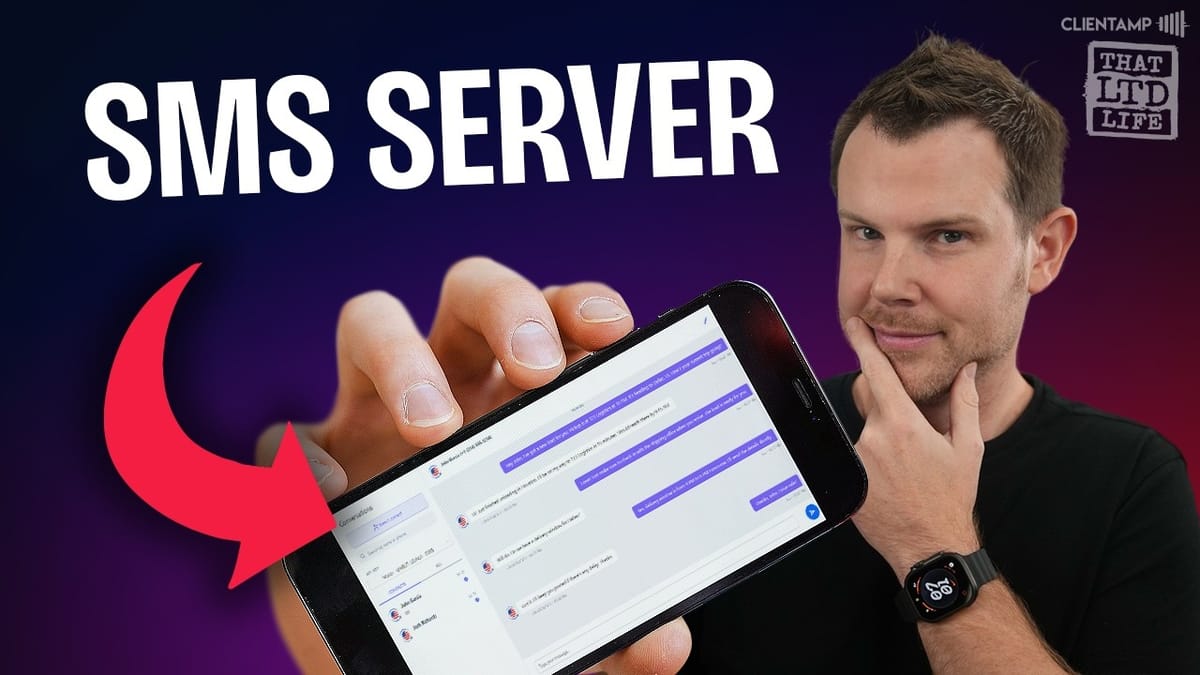
TextLink isn't just for one-way marketing blasts. It includes a chat interface for two-way SMS conversations, which opens up some interesting use cases beyond marketing.
If you want to offer customer support via text message, this feature handles it neatly. You can send and receive messages back and forth in real time, all through the TextLink dashboard. It's a simple but practical addition that extends the tool's value beyond just bulk campaigns.
No-Code Bulk SMS Campaigns
This is where most users will spend their time. TextLink includes a full no-code bulk SMS system that doesn't require any technical knowledge or API integration.
Start by creating a recipient group under the contacts section. You can upload a CSV or Excel file with your phone numbers, or enter them manually if you're working with a smaller list. Along with phone numbers, you can include fields like first name and last name — these become useful for personalization, which we'll get to in a moment.
Creating and Personalizing Campaigns
Creating a campaign is a simple process: give it a name, choose the target country, select your recipient group, write your message, and hit start. Messages begin rolling out immediately through your connected Android device.
The personalization feature is worth highlighting. Any fields you included in your contact upload — like first name or last name — can be used as placeholder tokens in your message. So instead of a generic "Hello there," your texts can say "Hello Sarah" or "Hey Mike." It's a small touch that makes a real difference in how your messages are received. Personalized texts feel less like spam and more like a direct message, which can significantly improve engagement rates.
Final Thoughts on TextLink
TextLink represents a clever bit of independence from the big tech platforms that typically control — and charge for — business communication channels. The idea of leveraging your existing unlimited phone plan for marketing is genuinely smart, and the execution here is clean and practical.
The Android-only requirement is the biggest barrier to entry, but for many businesses it's a minor hurdle compared to the ongoing savings. A one-time $39 investment versus monthly Twilio bills that grow with your list? The math works out quickly. If you're running an e-commerce store, a local business, or any operation where SMS marketing would move the needle, TextLink is worth serious consideration.
Watch the Full Video
Prefer watching to reading? Check out the full video on YouTube for a complete walkthrough with live demos and commentary.


