
Claspo Review: Pop-Up Builder with 700+ Templates & A/B Testing
Claspo is a feature-rich pop-up builder with over 700 templates, solid integrations, and built-in A/B testing. Here's everything you need to know before grabbing this deal.

Claspo
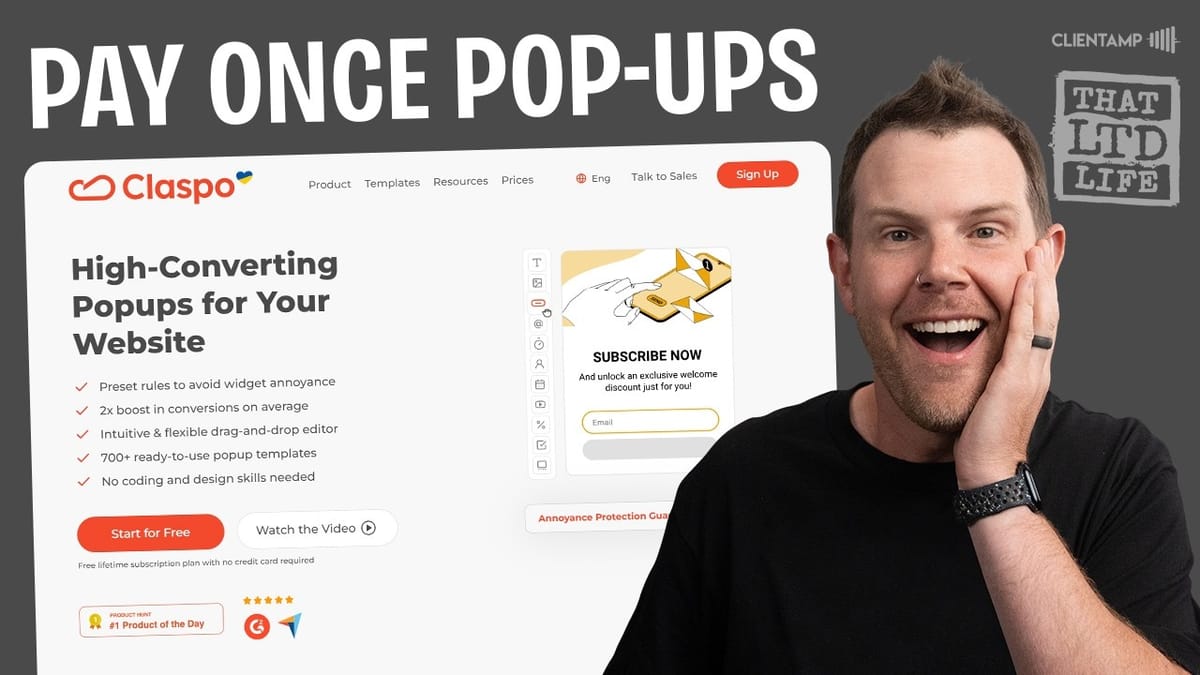
Claspo is a pop-up and widget builder that lets you create newsletter opt-ins, promo offers, gamification elements, and forms for your website with extensive templates and triggering rules.
Website owners, marketers, and e-commerce store operators who want to capture leads, promote offers, and increase conversions without relying on expensive monthly subscriptions.
OptinMonster, Privy, Poptin, Wisepops
Plans, Pricing, and What You Get
Claspo launched on AppSumo with five pricing tiers, starting at $39 for Plus members (or $49 at regular pricing). The main differentiators between tiers come down to three factors: page views per month, number of domains, and team seats.
Tier one gives you 100,000 page views, which is plenty for a single site. Tier two bumps that to 500,000, and tier three doubles it again to 1 million while also unlocking unlimited domains — making it the sweet spot if you manage multiple client sites. Tiers four and five scale up to 2 million and 5 million page views respectively, with tier five also including unlimited team seats.
All plans come without Claspo branding, which is a welcome inclusion across the board. If you're running a few smaller websites, that tier three with unlimited domains and 1 million page views is hard to beat for the price.
Onboarding and Getting Started
The onboarding process is straightforward. After signing up with email (or Google, Facebook, or Twitter), you add your domain and jump straight into widget creation. Claspo asks you about the goal of your first widget right away — options include building a contact base, informing users, showing promo offers, collecting requests, or verifying age.
There's also an explore option if you just want to browse what's available before committing to a specific use case. It's a smart onboarding flow that gets you into the builder quickly without too many hoops to jump through.
700+ Templates Organized by Use Case
One of Claspo's biggest selling points is its template library, which includes over 700 designs. The filtering system is essential here — you can sort by use case, layout type, industry, and theme. Use cases range from newsletter subscriptions and cart abandonment prevention to age verification and pre-order collection. If nothing fits your needs, there's even a chat option to request a new use case.
Layout types include pop-ups, floating boxes, floating bars, built-in widgets, launchers, and content-blocking widgets. The industry and theme filters go deep too, covering everything from e-commerce to seasonal promotions like Super Bowl sales.
The real value of this library is speed. When you're running a three-day flash sale, you don't want to spend hours designing a pop-up from scratch. Grab a template, personalize the copy and colors, and you're live. Before jumping into the full editor, you can preview templates with basic color customization and choose whether to include a launcher — a small button that invites engagement rather than displaying the pop-up immediately.
The Editor: Components and Customization
Claspo's WYSIWYG editor is where the real power lives. Each template comes with multiple screens — a signup screen, success screen, already-subscribed screen, and error screen — all of which are fully customizable in both desktop and mobile views.
The left sidebar houses a robust set of components you can drag and drop into your design. Layout elements include columns and containers with full margin and padding controls. General components cover text fields, images (with Pexels and Pixabay integration), floating images you can position anywhere with precise XY coordinates, buttons, and a variety of form fields — email, phone, name, text input, text area, checkboxes, dropdowns, radio buttons, calendar pickers, and date pickers.
More specialized components include countdown timers for scarcity-driven promotions, image sliders, GDPR consent checkboxes, promo code displays, embedded videos with YouTube URL support and autoplay options, social sharing and follow icons, and even decorative gift box elements with animation. The component library is genuinely comprehensive — most users won't need anything that isn't already available here.
The drag-and-drop experience is responsive and smooth. Deleting elements is as simple as right-clicking or pressing delete, and repositioning components works intuitively with automatic layout adjustments.
Style Controls and Reusable Styles
The right sidebar handles all styling, and the controls are context-sensitive — they change based on whatever element you've selected. For text elements, you get full control over font family, weight, size, text case, alignment, letter spacing, and line height.
One of the more advanced features is the ability to create and save reusable styles. You can set up a heading style with specific font settings, save it, and then apply it to any new text element with a single click. It's essentially a CSS class system presented in a user-friendly way. Containers get their own background, alignment, and flex-box style controls for arranging child elements as rows or columns.
There are also global default settings for component spacing, letting you set consistent margins and padding across your entire widget. Margin controls are simplified to bottom-only, which prevents the common confusion of hunting for where spacing was applied. It's not the most technically pure approach, but it's practical and gets the job done without frustrating non-developers.
Triggering Rules and Display Conditions
Claspo offers four methods for triggering your widgets: rule-based, click-based, CSS-based, and API-based. Most users will stick with rule-based triggers, which let you set conditions like time on page, scroll percentage, and exit intent.
You can combine multiple conditions — for example, requiring that a visitor has been on the page for two seconds and scrolled 25% before displaying the pop-up. Display frequency controls let you show the widget once per session or keep displaying it until the user subscribes.
A standout feature is the "annoyance safeguard," which prevents multiple widgets from stacking on top of each other and overwhelming visitors. You can set widgets to display in sequence, skip display if another widget is already showing, or override the safeguard entirely. Additional targeting options include device type (desktop vs. mobile), specific page URLs with include/exclude rules, and geographic targeting down to the city level — though VPN usage can make location-based rules unreliable.
Integrations That Actually Matter
Claspo's integration list is a genuine strength. Native connections include Mailchimp, Klaviyo, ActiveCampaign, Moosend, Beehiiv, Zoho CRM, and Google Sheets, among others. There's also Zapier webhook support and Google Analytics integration for tracking widget performance.
This is particularly useful for e-commerce operators. If you're running a Shopify store with Klaviyo as your email provider, Claspo gives you pop-up functionality without needing to install a separate Shopify app — and the recurring fees that come with it. Data can also be stored natively in Claspo if you prefer to handle exports manually.
Installation: WordPress, Shopify, and Beyond
Getting Claspo onto your website is painless. You can copy and paste a script directly into your site's code, use the WordPress or Shopify plugins, set it up through Google Tag Manager, or use the Claspo Chrome extension. The WordPress plugin is bare-bones in the best way — install it, paste your script ID, click connect, and you're done.
After installation, Claspo verifies that the script is properly detected on your site before you publish any widgets. The whole process from plugin installation to a live pop-up takes just a few minutes.
Built-In A/B Testing
A/B testing is baked right into Claspo, and the setup is impressively simple. You create two widgets, then use the triple-dot menu on one to create a test between them. Traffic weighting is adjustable — you might send 75% of visitors to your control and 25% to the variant if you want to minimize risk while still gathering data.
The test dashboard tracks views and interactions for each variant and provides a confidence indicator. Claspo recommends waiting until confidence reaches at least 90% before declaring a winner, which is solid statistical advice. Once you have a winner, you can make it the default and set up another test on a different variable — button color, position, copy, or anything else you want to optimize.
Final Verdict: A Strong 7.9 Out of 10
Claspo earns a 7.9 — one of the higher scores I've given recently. The template library is massive, the editor is polished and responsive, and features like the annoyance safeguard and built-in A/B testing show genuine thoughtfulness in the product design. Integrations cover the major email and CRM platforms, and installation is dead simple whether you're on WordPress, Shopify, or a custom site.
If you're currently paying a monthly subscription for pop-up functionality or using an older lifetime deal that isn't cutting it, Claspo is well worth a look. The combination of depth, usability, and pricing makes it a compelling option in the pop-up builder space.
Watch the Full Video
Prefer watching to reading? Check out the full video on YouTube for a complete walkthrough with live demos and commentary.


