
Onvocado Review: Is This $59 Pop-Up Builder Worth It?
Onvocado is a new pop-up builder on AppSumo starting at $59. Here's how it performed in real-world testing, including speed benchmarks and a head-to-head comparison with ConvertBox.

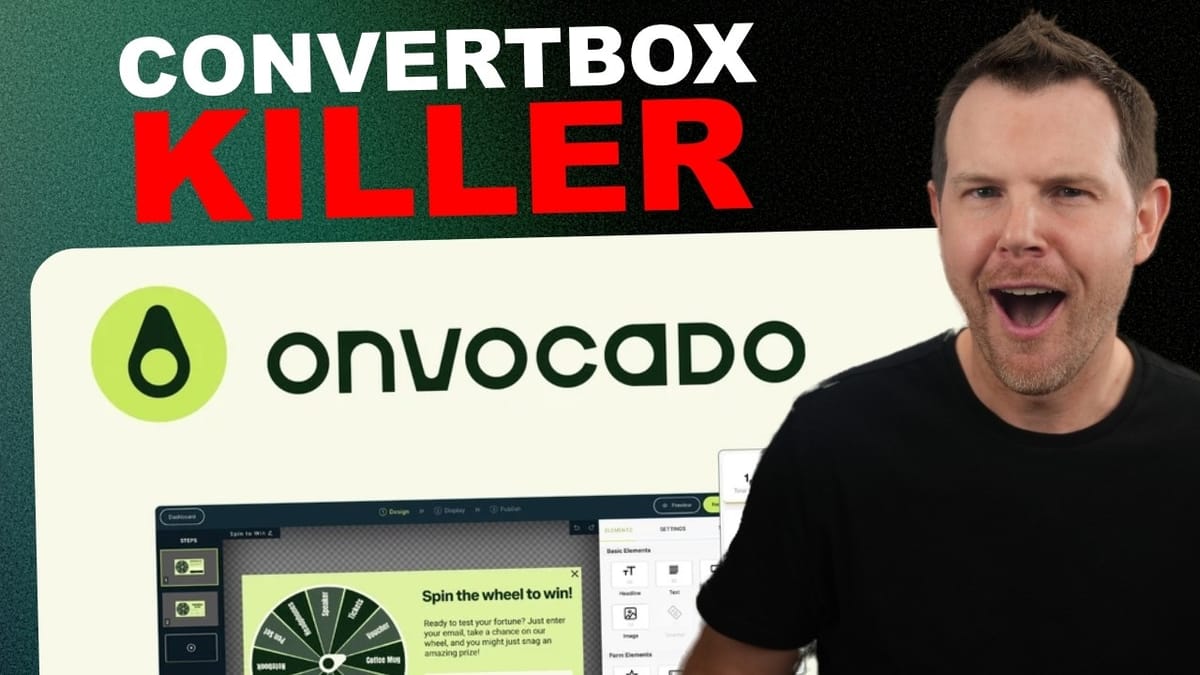
Onvocado
A pop-up and lead capture builder that lets you create opt-in forms, spin-to-win widgets, hello bars, surveys, and feedback pop-ups for your website.
Website owners, e-commerce sellers, and marketers who want to collect leads and boost conversions without slowing down their site.
ConvertBox, OptinMonster, Sumo
What Is Onvocado and Why Does It Matter?
Onvocado is a brand new pop-up builder that just landed on AppSumo, and it packs a surprising amount of functionality into a very affordable lifetime deal. Starting at just $59 for tier one, you get access to spin-to-win widgets, hello bars, standard lead magnet pop-ups, and user feedback surveys.
The tool positions itself as a modern, lightweight alternative to existing pop-up builders, with a particular emphasis on not slowing down your website. That's a bold claim, and one worth testing — which is exactly what this review covers from start to finish.
If you've been looking for a way to capture more leads, run on-site promotions, or gather customer feedback without paying monthly fees, Onvocado is worth a serious look.
AppSumo Deal Pricing Breakdown
The AppSumo deal starts at $59 for tier one and scales up to $449 at tier four. Your tier choice depends on two factors: monthly traffic (ranging from 30,000 to 1,000,000 impressions) and the number of websites you want to run it on (1, 3, 10, or 30).
For most small businesses and solo website owners, tier one or two should be more than sufficient. The tiered approach is straightforward — you're essentially paying for scale, not features. Every tier gets the same pop-up builder and template library.
Onvocado vs. ConvertBox: How Do They Compare?
The most obvious competitor to Onvocado is ConvertBox, another lifetime deal product that's been around for years. Stylistically, the two tools share quite a bit in common, though Onvocado arguably looks a bit more modern out of the box.
ConvertBox offers 250,000 views per month and 10 websites for a one-time fee of $495. Their Pro Plan bumps that to 500,000 views and 50 sites for $590. So ConvertBox is noticeably more expensive, but it does come with more domains and a slightly broader set of integrations.
For most users, Onvocado delivers comparable functionality at a fraction of the price. The main reasons to choose ConvertBox would be if you need support for a large number of domains or rely on a specific integration that Onvocado hasn't added yet.
Template System and Organization
One of Onvocado's strongest features is how well its template system is organized. You can browse templates by theme (Black Friday, Christmas, Monochrome, New Year's, Winter), by pop-up type (gamification, pop-ups, fly-outs, sticky bars), or by objective (grow email list, collect feedback, announce something, share a coupon).
These filters work in combination, too. So if you want a pop-up specifically designed to grow your email list with a monochrome aesthetic, you can drill down to exactly that in seconds. This matters because most people don't want to spend an entire weekend designing a single pop-up — they want something that looks professional, fits their brand reasonably well, and gets the job done.
The monochrome templates deserve special mention. They're essentially wireframe-style designs that adapt easily to any brand's color palette. Too many template builders offer gorgeous designs that look terrible once you try to match them to your actual website. Onvocado's monochrome collection solves that problem elegantly.
Building and Customizing a Pop-Up Campaign
The pop-up editor is intuitive and straightforward. You work with a step-based system — a primary screen and a thank-you screen by default, with the option to add more steps for things like quizzes or multi-part surveys. Steps can be cloned, which saves time when building multi-screen campaigns where each step looks similar but has different content.
Customization starts with the theme section, where you set primary and secondary colors. Font selection pulls from a decent library of around 30 Google Fonts — not every Google Font available, but a solid selection. You won't be able to upload custom fonts, which is a minor limitation for brands with strict typography guidelines.
Individual elements like headlines, buttons, and text blocks can be further styled with their own colors, bold/italic options, and border radius settings. One notable gap: there's no option for button shadows, and there's no custom CSS field. If you know CSS (or can use an AI tool to write it), having that escape hatch would be a welcome addition in a future update.
You can add widgets to any pop-up by clicking on the transparent canvas area. Available widgets include additional headlines, text blocks, images, buttons, voucher codes, and countdown timers. Images are easy to swap — just click and upload — though a built-in integration with Pexels or Unsplash would be a nice touch.
Display Settings, Triggers, and Targeting
The display settings give you solid control over when and how your pop-ups appear. The default trigger uses Onvocado's own algorithm to determine the optimal moment to show the pop-up, but you can also choose exit intent, time-based delay, scroll depth, or click-based triggers.
Click-based triggering is particularly useful if you want to wire up a button on your site to open a pop-up form — a common pattern for email signups that looks clean and professional without any coding.
Frequency controls let you cap how often a visitor sees the pop-up (default is a maximum of two times with at least one hour between appearances). There's also geolocation targeting, which lets you show different pop-ups to visitors in specific countries or cities. Just keep in mind that geolocation isn't foolproof — VPN users can bypass it — but it's still a useful feature for businesses that serve specific regions.
WordPress Integration and Setup
Getting Onvocado onto a WordPress site is dead simple. There's a dedicated plugin in the WordPress repository — just search for "Onvocado," install, and activate. Under Settings, you'll find a field for your Onvocado key, which you can grab from the embed code or the WordPress setup section of the Onvocado dashboard.
One important step: clear your page cache after activating the plugin. If you're using Cloudflare or any other caching layer, purge everything to make sure the Onvocado script loads for all visitors, not just logged-in administrators.
The pixel verification step can be a little finicky. During testing, the verification initially failed even though the script was clearly present in the page source (confirmed via browser developer tools). Reloading the dashboard and re-verifying solved the issue immediately. If you run into the same thing, don't panic — just retry the verification from the settings page.
Website Speed Test: Does Onvocado Slow Your Site Down?
This is the test everyone wants to see. Onvocado claims it won't slow down your website, so the results were put through Google PageSpeed Insights with the plugin active and then again with it deactivated.
With Onvocado active, the test site scored 78 on mobile and 96 on desktop. The Onvocado script weighed in at just 92.6 kilobytes — smaller than Google Tag Manager itself. After deactivating the plugin and clearing all caches, the scores came back at 79 on mobile and 96 on desktop.
That's essentially no measurable difference. A one-point fluctuation on mobile is well within the normal variance of back-to-back PageSpeed tests. The bottom line: Onvocado's performance claim holds up. You're not going to tank your site speed by adding this tool.
Spin to Win, Surveys, Hello Bars, and More
Beyond standard opt-in pop-ups, Onvocado includes several other campaign types worth exploring. The spin-to-win widget is a popular choice for e-commerce sites — visitors enter their email, spin the wheel, and land on a prize like a discount code, free shipping, or a gift. You can set weighted percentages for each prize, so high-value rewards can be made rare while smaller incentives appear more frequently.
The feedback and survey pop-ups are well designed, ranging from simple star ratings with comment fields to multi-step surveys with low-friction questions. These are great for understanding why visitors aren't converting or what they think about your site experience.
Hello bars (sticky bars) run along the top or bottom of your website and work well for announcing sales, sharing discount codes, or highlighting time-sensitive promotions. There's also a cookie consent pop-up template, which is a practical inclusion given GDPR and privacy requirements.
The integration list covers most major email marketing platforms including Klaviyo, Brevo, GetResponse, and SendFox, plus Zapier and webhooks for connecting to just about anything else. Self-hosted tools like FluentCRM and FunnelKit Automations can connect via webhooks as well.
Final Verdict: 8.3 out of 10
Onvocado earns a strong 8.3 out of 10. It's one of the most well-thought-out, nicely designed tools to hit AppSumo in quite a while. The template system is excellent, the editor is intuitive, and the performance impact on your website is essentially zero.
The main limitations are minor: no custom CSS field, no custom font uploads, limited control over close button positioning with rounded borders, and no built-in stock photo integration. None of these are dealbreakers, and they're the kind of things that could easily be addressed in future updates.
If you don't already have a pop-up builder on your website, Onvocado is an easy recommendation at the $59 starting price. Even compared to ConvertBox at $495+, Onvocado delivers comparable functionality for a fraction of the cost. It's a practical tool that can directly generate revenue for your business — and that's hard to argue with.
Watch the Full Video
Prefer watching to reading? Check out the full video on YouTube for a complete walkthrough with live demos and commentary.


