
Translate.Video Review: AI Voice Cloning & Video Dubbing
Translate.Video promises one-click video dubbing into 75+ languages with AI voice cloning. Here's what happened when I tested it with my own cloned voice.

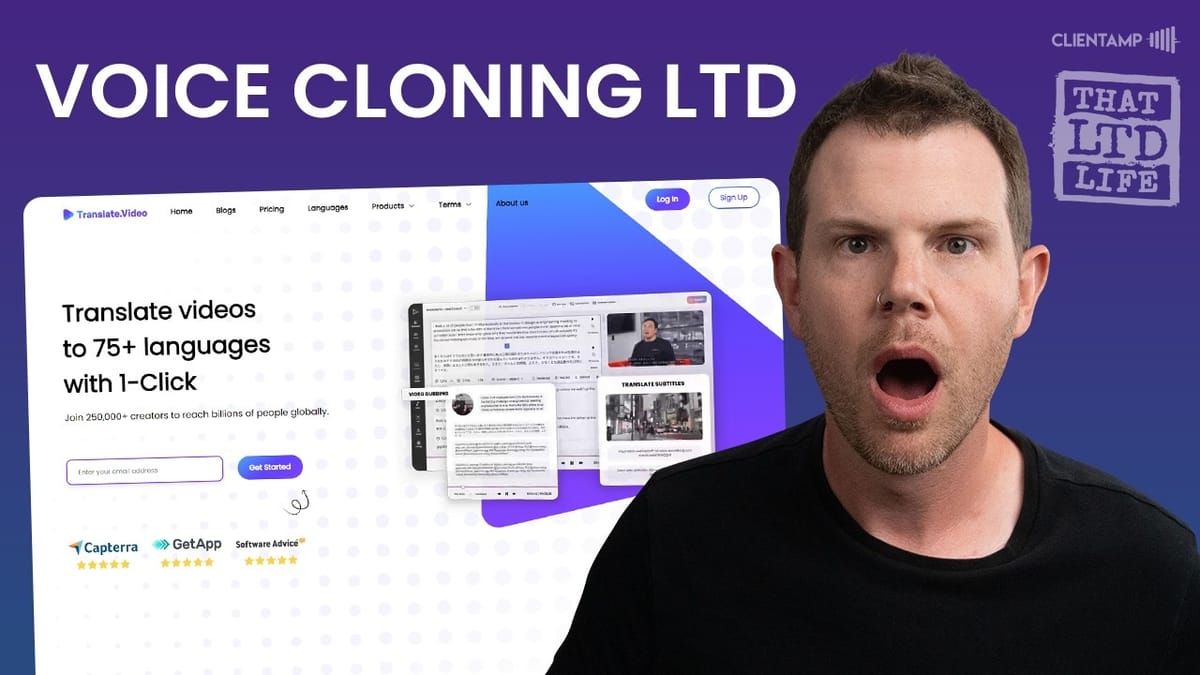
Translate.Video
Translates, dubs, captions, and transcribes videos into 75+ languages with AI voice cloning.
YouTube creators, course creators, and businesses looking to reach multilingual audiences without hiring voice actors.
ElevenLabs, Rask AI, HeyGen
What Is Translate.Video?
Translate.Video is an AI-powered platform that handles video translation, dubbing, captioning, and transcription across 75+ languages. The big selling point is that it aims to do all of this in a single workflow — upload your video, pick a target language, and get back a dubbed version with synchronized audio and embedded subtitles.
This is the kind of tool that would have required an entire production team just a few years ago. MrBeast famously built out a whole infrastructure to dub his YouTube videos into dozens of languages. Translate.Video is essentially trying to democratize that process for solo creators and small teams. The real question is whether the quality and the limits justify the price.
Plans and Pricing on AppSumo
Translate.Video showed up on AppSumo with nine tiers ranging from $49 all the way up to $1,000. The entry-level tier gets you 30 video translations, 30 subtitles, a 30-minute max file upload, and 30 export minutes per month with 1GB of storage. Tier two roughly doubles everything and adds an extra gig of storage.
The real unlock happens at tier three ($150), which introduces voice cloning and 10 premium voice minutes per month. That's the tier I grabbed for this review because there's no way to properly evaluate this tool without testing the headline feature. As you move up the tiers, limits generally double, though the max file upload caps around three hours and premium voice minutes scale more slowly than you'd hope.
At the top end, $1,000 gets you 3,000 translation minutes, 3,000 subtitles, 40GB of storage, and 100 premium voice minutes per month with 25 voice clones. Those premium voice minutes are the real currency here, and they feel tight at every tier.
Setup and First Impressions
After purchasing through AppSumo and activating the deal, Translate.Video uses a magic link login system instead of passwords. Not my personal favorite — I prefer passwords — but it does make account sharing harder, which benefits the SaaS provider.
The interface greets you with a straightforward upload zone and a quick orientation. You get a large drop area for videos, your remaining translation minutes displayed prominently, and an option to jump straight into voice cloning. It's clean enough, though I ran into some browser compatibility issues right away — the drag-and-drop upload didn't work in Safari on Mac. Switching to Arc (Chromium-based) solved the problem, but it's worth noting if you're a Safari user.
The Voice Cloning Experience
Voice cloning is the feature that drew me to this deal, and the setup process was... an adventure. You start by entering your name and gender, then you need to record yourself reading a specific consent statement. The tool won't accept just any recording of your voice — it needs to hear you say the exact consent phrase to verify you're authorizing the clone.
I hit multiple roadblocks here. My first recording was in stereo format, which the system couldn't process for consent detection. The output from my recording app was in AIF format instead of WAV or MP3, requiring a conversion step through Apple Compressor. After switching to mono and WAV format, the consent finally went through on the third attempt.
Once past consent, you read a longer script sample — a short story about a cat named Luna — which the system uses to build your voice profile. I ran my recording through iZotope RX to remove room echo and boost levels before uploading, since I wanted to give the cloning engine the best possible source material. The clone was created successfully and immediately made available across all 75+ languages.
Testing the Cloned Voice in Spanish
With my voice clone ready, I uploaded a shortened clip from one of my recent videos and set it to translate from English to Spanish (Mexico). The translation processed fairly quickly — watching the progress bar jump from 0% to completion in just a few minutes for a two-minute clip.
The result was genuinely interesting. The Spanish output sounded like a real human speaking, not a robotic text-to-speech voice. I could catch hints of my natural intonation patterns in the dubbed version, but honestly, it sounded more like a native Mexican Spanish speaker than it sounded like me speaking Spanish. The pacing felt slightly fast on the Spanish side, though that might just be my unfamiliarity with the language.
I'd love feedback from actual Spanish speakers on whether the translation quality holds up linguistically. From a pure audio quality standpoint, it's impressive technology — the kind of thing that would have seemed like science fiction not long ago.
The Premium Voice Minutes Problem
Here's where the deal starts to fall apart for serious creators. At tier three ($150), you only get 10 premium voice minutes per month for your cloned voice. That's barely enough to dub a single short YouTube video. Tier four adds just 5 more minutes for an additional $50. Even at tier five ($250 total), you're looking at only 25 minutes per month.
If you want to make your content available in two or three different languages, those minutes evaporate almost instantly. And the platform appears to round up — my two-minute-and-twelve-frame video counted as three minutes. When your allocation is this tight, every second matters.
The math gets worse when you consider the competition. This is a one-time purchase, which is genuinely valuable, but the monthly limits on the premium feature you actually want make it feel restrictive for anyone producing regular content.
How It Compares to ElevenLabs
ElevenLabs is the clear market leader in AI voice technology, so it's the natural benchmark. Their pricing starts with a free tier and scales up through several monthly plans. Voice cloning requires at least the $5/month plan, which includes 30 minutes of audio — already triple what Translate.Video offers at tier three.
The $11/month ElevenLabs plan gets you 120 minutes, and $100/month unlocks 600 minutes. For a YouTuber producing regular content, that $100/month plan would likely cover all your dubbing needs across multiple languages. ElevenLabs' voice quality is widely regarded as best-in-class, though it's not perfect — cloned voices are recognizable but don't feel fully human yet.
The key difference is the business model. Translate.Video is a lifetime deal with fixed monthly limits. ElevenLabs is a recurring subscription with more generous allocations. If you only need occasional dubbing with stock voices, the lifetime deal wins on value. If voice cloning is your primary use case, ElevenLabs' monthly plans offer far more flexibility.
Transcript Editor and Subtitle Tools
The transcript editor presents your original language on the left and the translated version on the right, letting you compare them side by side. You can play back either version to hear how they sound, though I noticed the playback controls need work — there's no play/pause toggle on the cards themselves, and the playback controls sit at the bottom of the screen where your eyes aren't naturally focused.
Useful features include find-and-replace, card merging, and rate adjustment (they recommend keeping pace between 0.95 and 1.25x). There's also a glossary system that lets you map specific words to their correct translations — handy for brand names, technical terms, or software tool names that automated translation might mangle. You add terms by selecting a word in the transcript and clicking the glossary icon.
The subtitle styling tools offer a solid selection of preset styles with real-time preview. You can customize fonts, colors, highlights, and positioning. Switching between styles is instant with no rendering delay, which is a nice touch. For short-form content creators, this is a genuinely useful feature.
Dashboard, Settings, and Export
The broader dashboard gives you a view of recent processes, team management, folder organization, and usage stats. The navigation has some redundancy — the dashboard and process views are essentially the same thing — and some features feel half-baked. The "Wishes" section, which I expected to be a feature roadmap, turned out to be a generic upsell prompt.
Team collaboration is included with no apparent member limits on the AppSumo deal, though all team members share your plan's usage limits. The settings area handles folder management, glossary oversight, and upload tracking. There's also a tutorial section with video walkthroughs, though these open in the same tab rather than a new one.
Export options include full video download (up to 1080p) with embedded subtitles, or standalone subtitle files in SRT or VTT format. The export process runs server-side and shows a progress indicator, though there's no immediate visual feedback when you first hit the export button — it takes a moment before the progress bar appears.
Final Verdict: 6.4/10
Translate.Video is genuinely impressive technology packaged in a UI that still needs polish. The translation quality sounds natural, the subtitle tools are solid, and the all-in-one workflow of translate-dub-caption is convenient. A few years ago, this would have been a showstopper product.
But the premium voice cloning limits are the deal breaker. At $150 for just 10 minutes per month of your cloned voice, it's hard to build a real workflow around this tool. Even spending $1,000 only gets you about 100 minutes — roughly an hour and a half of dubbed content per month. If you're a creator trying to reach multilingual audiences with your own voice, you'll burn through that allocation fast.
If you don't care about voice cloning and the stock voices work for your use case, this deal becomes much more attractive. The translation minutes are generous, and having it as a lifetime purchase versus a monthly subscription offers real long-term value. But for me, voice cloning was the headline feature, and the limits made it impractical.
I ended up returning this one to AppSumo. The technology is there, but the economics don't work yet for creators who need volume. We might be a few years away from getting the six to eight hours of custom voice generation that would make a tool like this indispensable.
Watch the Full Video
Prefer watching to reading? Check out the full video on YouTube for a complete walkthrough with live demos and commentary.


