
Vocable AI Review: 30 Days of Social Media Content in One Click
Vocable AI promises to generate a full month of social media content across multiple platforms from one prompt. Here's how it actually performs and whether the AppSumo lifetime deal is worth grabbing.

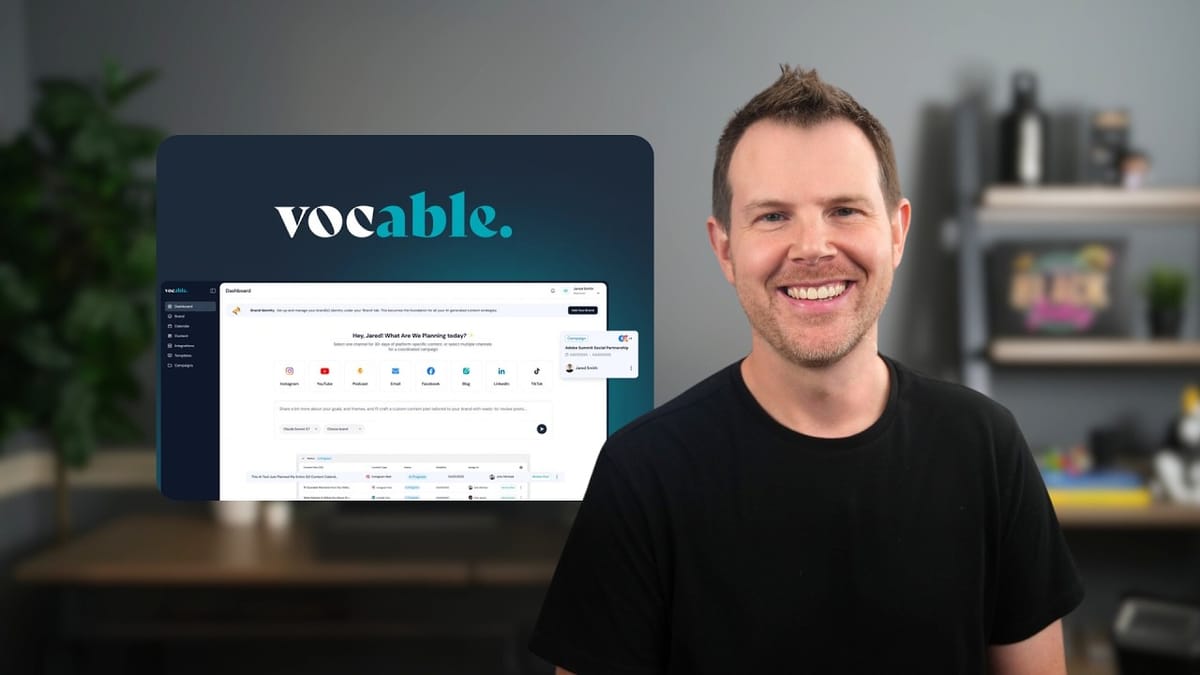
Vocable AI
Generates 30 days of coordinated social media and marketing content across multiple platforms from a single prompt and brand identity.
Content creators, small business owners, and marketers who need to maintain a consistent presence across multiple social media platforms without spending hours writing.
Jasper, Focus Keyword Finder, Buffer, ContentStudio
What Is Vocable AI?
Vocable AI is an AI-powered content generation platform that aims to solve one of the most time-consuming challenges for online businesses: creating consistent content across multiple social media platforms. The core promise is straightforward — give it a single prompt, set up your brand identity, and let it generate 30 days of platform-specific content spanning YouTube, email, Facebook, blogs, Twitter, and more.
The tool is currently available as a lifetime deal on AppSumo, which means you pay once instead of dealing with recurring monthly fees. For anyone who's been manually planning content calendars or juggling multiple AI writing tools, that's an appealing proposition. But the real question isn't whether it can generate content — virtually every AI tool can do that now. The question is whether the output is actually usable and the workflow saves meaningful time.
Pricing Tiers: Which Plan Makes Sense?
Vocable AI offers three tiers on AppSumo, and the pricing structure makes the decision pretty simple. Tier 1 starts at $79 but is missing several key features — no collaboration tools, no channel integrations, no AI-powered campaigns, and only a single brand voice. It's essentially a stripped-down version that exists mostly to make the higher tiers look like better value.
Tier 2 is where things get interesting. You unlock all features including AI-powered campaigns, channel integrations, collaboration, and five brand voices. If you manage multiple brands or products, Tier 3 at $319 removes the brand voice limit entirely with unlimited brands. AppSumo Plus members can knock 10% off any tier. For most solo creators or small teams, Tier 2 hits the sweet spot — you get the full feature set without paying for unlimited capacity you may not need.
Setting Up Your Brand Identity
Before generating any content, Vocable AI needs to understand your brand. You can set this up two ways: paste in a URL and let the AI analyze your site, or manually fill out the brand profile yourself. The URL-based approach is significantly faster and surprisingly capable.
When tested with a course sales page, Vocable AI correctly identified the product name, wrote an accurate description, pulled out core messaging, identified the target audience, and even suggested relevant industry keywords and content themes. It essentially reverse-engineered the brand positioning from a single page. The manual route gives you the same form fields to fill out by hand — brand description, tone of voice, audience details, keywords — but after seeing the AI do it automatically, filling it out manually feels like unnecessary work.
One important limitation to keep in mind: your brand voice slots are tied to your AppSumo tier. Tier 1 gets one, Tier 2 gets five, and Tier 3 is unlimited. If you're an agency managing multiple client brands or a business with several distinct product lines, factor this into your tier decision.
Creating a Multi-Platform Content Strategy
The content strategy setup is where Vocable AI starts to differentiate itself from simpler AI writing tools. From the dashboard, you select which platforms you want content for — YouTube, email, Facebook, blog, Twitter, and others — then write a brief describing your goals and target audience. You also choose a campaign goal like sales conversions, brand awareness, or engagement.
The prompt doesn't need to be elaborate. A few sentences describing what you're promoting and who you're trying to reach is enough for Vocable to work with. Combined with the brand identity you've already set up, it has sufficient context to generate platform-appropriate content that stays on-message. Think of the brand identity as the "who you are" and the campaign prompt as the "what you want to achieve right now."
Generating a 30-Day Campaign
After submitting your strategy, Vocable AI generates a full campaign plan. The initial generation did hit a minor snag during testing — the first attempt appeared to complete but produced an empty plan, requiring a second click of the "Boost Plan" button to actually populate the content. It's the kind of small bug that's more confusing than deal-breaking, since regenerating solved it immediately.
Once the plan populated, the results were genuinely impressive in scope. Vocable generated email newsletters, case studies, guides, Twitter threads, YouTube scripts, blog posts, and even Medium articles — all tied to the same campaign goal. The content showed up in list, calendar, and Kanban views, with most items already assigned publish dates spread across the 30-day window. A few items were missing dates and one had a bizarre 2030 deadline, but the majority were properly scheduled.
How Good Is the Generated Content?
The quality of Vocable's output lands in the range you'd expect from current AI writing tools — solid enough to use as a strong first draft, but not something you'd publish without a review pass. An email newsletter it generated had a compelling subject line, good structure with bullet points and calls-to-action, and hit the right marketing notes around ownership, direct audience relationships, and scarcity tactics like a 48-hour sale window.
The content looked noticeably better during the live generation preview than in the built-in editor, where paragraph spacing disappeared and formatting felt cramped. Exporting to PDF restored the polished look with styled buttons and callout boxes, but copying from a PDF isn't exactly a smooth workflow. RTF export didn't work at all during testing. This formatting gap between generation and editing is something the Vocable team should address.
Twitter thread output was creative — the hook "Tired of platform algorithms killing your reach?" is the kind of angle that actually performs well on social media. However, the thread formatting was unclear, with no obvious breaks between individual tweets. Labeling posts as "Tweet 1, Tweet 2" or adding visual separators would make threads immediately more usable.
Vocable includes a content scoring system that rates readability, accessibility, and overall quality. While it's a nice feature to have, the tool is grading its own work, so take those scores with a grain of salt. SEO scoring and AI optimization features are listed as "coming soon."
Editing, Collaboration, and Integrations
The built-in editor works well for refining generated content. You can select any text and use inline AI assistance to expand, rewrite, or adjust phrasing — similar to what you'd find in Jasper or other AI writing platforms. It's a practical touch that keeps you inside the tool rather than bouncing between applications.
Collaboration features let you share documents with team members or clients at three permission levels: full access, editing access, or comment-only access. You can also favorite articles to mark the ones you're actively working on, though the favorited items don't sort to the top of your library — a small UX improvement that would make the feature significantly more useful.
For publishing, Vocable integrates directly with WordPress, Webflow, Wix, LinkedIn, Facebook, and X (Twitter). That covers a solid range of platforms, but anything outside that list — email newsletters, Medium, YouTube descriptions — requires manual copy-and-paste. It's not quite the all-in-one content generation and scheduling solution some users might hope for, but the integration list is reasonable for a tool at this price point.
Additional Tools: Ideation and Templates
Beyond campaign generation, Vocable includes an ideation tool and a template library. The ideation tool takes a broad topic and generates specific content angles — feed it "online courses to learn specific WordPress plugins" and it returns ideas around WooCommerce, Advanced Custom Fields, Yoast, Elementor, and more. You can push any idea directly into a draft or add it to your content planner.
The template section offers structured formats for specific content types like news articles, product descriptions, and more. You choose the format, set the tone and audience, and let the AI generate. However, accuracy is a real concern here. A test news article about WordPress contained fabricated details — incorrect version codenames and made-up facts. This is a reminder that any AI-generated factual content needs verification, especially if your name and reputation are attached to it. Adding web search capabilities to the underlying LLM would go a long way toward making templates like news articles actually reliable.
Final Verdict: Is Vocable AI Worth It?
Vocable AI earns a 6.8 out of 10. It does what it promises — generate a month's worth of cross-platform content from minimal input — and the brand identity feature is genuinely smart. The campaign output provides a solid foundation of content ideas and drafts that would take hours to produce manually, even if everything still needs a human editing pass.
The rough edges are real but not dealbreakers. Occasional error messages, the empty first-generation bug, inconsistent date assignments, and formatting issues in the editor all point to a product that's still maturing. The bigger concern is the underlying AI model. There's no option to bring your own API key, which means you're locked into whatever LLM Vocable provides. For a lifetime deal where the company needs to manage ongoing AI costs, that could mean the model quality stays conservative.
For anyone focused specifically on SEO content marketing and outranking competitors, Focus Keyword Finder is the better specialized tool. But if your primary need is generating coordinated social media content across multiple platforms efficiently, Vocable AI fills that gap well. It's strongest as a campaign planning and first-draft engine — not a publish-and-forget solution, but a genuine time-saver for creators who need to maintain a multi-platform presence.
Watch the Full Video
Prefer watching to reading? Check out the full video on YouTube for a complete walkthrough with live demos and commentary.


