
Voila Norbert Review: Email Sequences Deal Worth $49?
Voila Norbert bundles email sequences, prospect finding, and warmup tools into one $49 lifetime deal. Here's whether it actually delivers on that promise.

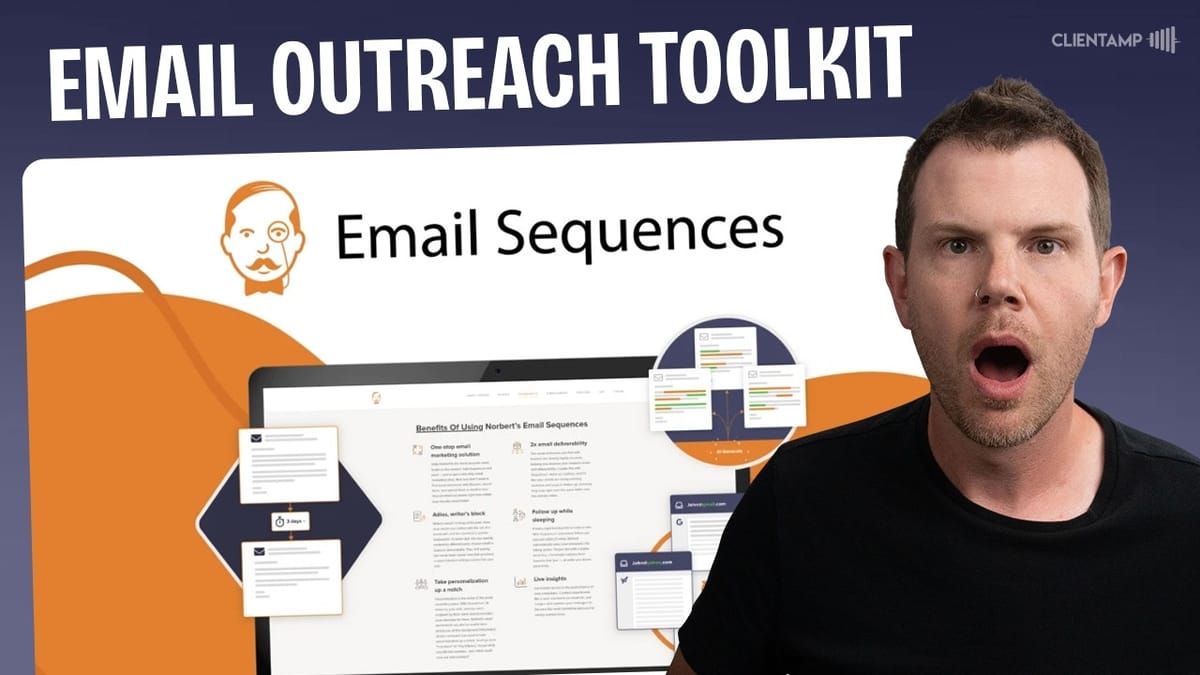
Voila Norbert
An all-in-one cold email outreach platform combining email finding, prospect discovery, email sequences, verification, and warmup tools.
Freelancers, agencies, and small business owners who need to do cold email outreach to find new clients or partners.
Inboxy, Reoon, SMTPing, Mailshake
What You Get for $49: Plans and Pricing Breakdown
Voila Norbert's AppSumo deal starts at $49 for a single code, giving you 50,000 emails. You can stack up to eight codes for a total of 400,000 emails. Every plan tier includes the same feature set — the only difference is send volume.
The feature list is solid on paper: email warmups, unlimited email drafts (sending is what counts against your quota), email verification, automated sequences with A/B testing, AI copywriting, integrations with Salesforce, HubSpot, Pipedrive, Calendly, and Zapier, plus 5,000 email finder credits per month.
One thing to clarify right away: "unlimited emails" on the deal page refers to how many emails you can compose, not how many you can send. The send limits are tied to your code count. It's a subtle distinction that could trip people up.
Dashboard and First Impressions
The dashboard organizes tools into distinct sections — email finder, prospecting, verification, sequences, and deliverability. The immediate reaction is that the interface could use some work. Color contrast on the left sidebar is low, making navigation harder than it should be.
The navigation structure itself is a bit confusing. Tools are nested in ways that aren't always intuitive — clicking into the email finder shows one set of sub-options, while switching to prospecting makes those disappear entirely. It's functional, but a UI designer could do wonders here.
More frustrating is the inconsistency between different parts of the app. The sequences section opens in a completely separate tab with its own sidebar layout. The deliverability section appears and disappears depending on which view you're in. It feels like multiple tools stitched together rather than one cohesive product.
Email Finder: Hit or Miss Results
The email finder works simply enough — enter a person's name and their company domain, and it tries to locate their email address. Testing it with Noah Kagan at AppSumo returned the correct result almost instantly: noah@appsumo.com. The contact card pulled in his title (Chief Sumo), social links for Facebook, LinkedIn, and Twitter, plus company information.
You can manage contacts directly from the finder, setting their status as a lead, contacted, won, or lost. There's also a discussion section for leaving notes. Adding contacts to lists is straightforward — click the plus button, name your list, and you're set.
Bulk searching is available too. Upload a CSV with company names and contact names, and the tool will run through them all. You get 5,000 finder credits per month, and it appears credits are only consumed when an email is actually found, which is a nice touch.
LinkedIn Extension: Mostly Disappointing
Voila Norbert offers a Chrome extension that integrates directly into LinkedIn search results. It adds a column next to each profile with a "find email" button. The concept is great — search for your ideal clients on LinkedIn and grab their contact info without leaving the page.
In practice, the results were rough. Searching for personal coaches in St. Paul, Minnesota, the extension struck out repeatedly. Danica Glenn, Kyle (a personal finance coach), and Kelly all came back empty. Switching to plumbers finally yielded one result after six or seven attempts — a journeyman plumber in Fort Worth, Texas.
The extension also didn't seem to sync properly with the web app. Credits used through the Chrome extension weren't showing up in the account dashboard. LinkedIn also has its own rate limits to worry about, so aggressive use of this feature could put your LinkedIn account at risk. Overall, the prospect finder inside the web app is a much better approach than the LinkedIn extension.
Prospect Finder: The Standout Feature
The prospect finder is where Voila Norbert genuinely shines. You can search by title, company, industry, and location to find key decision-makers. Searching for AppSumo returned a comprehensive list of employees with verified email addresses. Searching for a dental clinic in St. Paul pulled up contacts across multiple locations with correct domain-name email addresses.
Each result includes a confidence indicator — green means over 80% certainty the email is valid, red means less confident. Some results even include phone numbers, though accuracy varies. The tool also surfaces related contacts in the same industry, so a dental clinic search will pull in other dental professionals.
Searching for "life coach" returned business coaches, speaking coaches, life coaches, and realtor coaches. You can select multiple prospects, show all their email addresses at once, and export everything to CSV. This is genuinely useful for building targeted outreach lists, and it's significantly more effective than trying to hunt down emails through the LinkedIn extension.
Email Verification: Not Quite Included
Here's where things get a little misleading. The AppSumo deal page lists "email verification" as a feature, which implies it's included in the price. In reality, verification is available inside the tool but costs extra — $2 to verify the test batch.
For a dedicated verification solution, there are better lifetime deals available. Reoon is currently on AppSumo for $79 with over 550 reviews. SMTPing was another option, though that deal has since ended. If you're serious about cold outreach, investing in a separate verification tool is smart — bounced emails will destroy the sender reputation you've worked to build through warmups.
The verification tool itself works as expected: upload a CSV, it scans the addresses, and categorizes them as valid, invalid, or catch-all. Testing a batch of 90 emails from the prospect finder, 63 came back valid, 4 invalid, and 14 were catch-all addresses. You can download only the clean results.
Email Warmup: Basic but Functional
Before blasting out cold emails, you need to warm up your sending address. Voila Norbert includes a warmup tool that sends automated emails to build your sender reputation. You configure the daily send volume, set a gradual increase rate, and choose a reply rate.
The warmup tool lives in a separate "deliverability" section that only appears after you've connected an account through the sequences tab. Setting it up requires entering your SMTP credentials — and watch out for the TLS vs. SSL setting, as the wrong choice will fail silently with a brief error message that disappears almost instantly.
The biggest concern with this warmup tool is transparency. There's almost no detail about where warmup emails are being sent. Are they going to Gmail and Outlook accounts, which are the providers you actually need to build reputation with? Or just to other SMTP accounts, which wouldn't help much? Inboxy, a dedicated warmup tool available on AppSumo for $59, offers significantly more detail and control over this process.
Building Campaigns and Sequences
Creating a campaign involves setting up your sending account, importing prospects, and building out your email sequence. You can track opens and link clicks, schedule sends for specific dates and times, and set daily sending limits (defaulting to 20 per day for new addresses).
The sequence builder offers several action types. Follow-ups pause when a prospect becomes a lead. Drips keep sending regardless. On-click actions trigger when someone clicks a link but doesn't convert. You can also create tasks — reminders to do things like connect with a prospect on social media.
There's an AI subject line improver, though the quality is questionable. Feeding it "quick question" returned suggestions like "speedy inquiry" and "rapid query." The AI copywriting feature produced similarly generic output. You're better off writing your own copy or using a dedicated AI tool.
A/B testing is available at the sequence level, letting you split your audience between two complete sequence variants. The personalization preview shows exactly how placeholder tokens will populate for each contact, which is helpful for catching errors before sending.
Importing Prospects: Expect Some Friction
Getting prospects into the sequences tool should be straightforward, but there are bumps. Uploading a CSV exported directly from Voila Norbert's own prospect finder threw an error — with no explanation of what went wrong. The error notification disappeared so quickly it was nearly impossible to read.
Column mapping works as expected when the import succeeds. The tool can extract first names from full name fields, which is useful for personalizing email greetings. You can map email, name, phone, company, and social media columns.
The workaround that helped was cleaning the CSV through an external verification tool first, removing entries without valid email addresses, and then re-uploading. The 63 verified contacts imported without issue. It's frustrating that data exported from one part of Voila Norbert doesn't import cleanly into another part, but once you get past that hurdle, the prospect management works fine.
Reports and Integrations
The reporting section covers campaigns, leads, and manager-level overviews. From the main campaign dashboard, you can track emails sent, engagement rates, leads generated, and bounce rates at a glance.
Integrations are split across the two halves of the product. On the sequences side, you get Slack, Pipedrive, HubSpot, Salesforce, and Calendly. On the email finder side, there's an even broader selection: Salesforce, GetDrip, Close, Constant Contact, Pipedrive, Mailshake, HubSpot, plus API connections. Verification results can be pushed to FormStack, JotForm, SendGrid, and MailChimp.
There's also an enrichment feature that fills in missing contact data — job titles, employers, locations, and social profiles — for $20 per 500 emails. Zapier integration is available as a catch-all for anything without native support.
Final Verdict: A 6.1 Out of 10
Voila Norbert earns a 6.1 out of 10. It's an okay tool that tries to cover a lot of ground — email finding, prospecting, sequences, warmup, and verification — but doesn't excel at any single one. The prospect finder is genuinely useful and probably the strongest feature in the package. The sequence builder has the basics covered with A/B testing and multiple action types.
The downsides are hard to ignore, though. The UI needs serious work with low-contrast text and inconsistent navigation between sections. Error messages vanish before you can read them. The LinkedIn extension barely works. Email verification costs extra despite appearing on the feature list. The AI writing tools produce generic, low-quality output. And the warmup tool lacks transparency about where emails are actually going.
If you're getting into cold outreach for the first time and want an affordable all-in-one starting point, $49 isn't a bad entry price. But if you already have a cold email setup you're happy with, or you have the budget for more specialized tools, there's no compelling reason to switch to Voila Norbert.
Watch the Full Video
Prefer watching to reading? Check out the full video on YouTube for a complete walkthrough with live demos and commentary.


