
WarpIndex Review: Fast Google Indexing for Just $29
WarpIndex connects to Google Search Console and automatically submits your pages for indexing whenever you make changes — and at $29, it undercuts the competition.

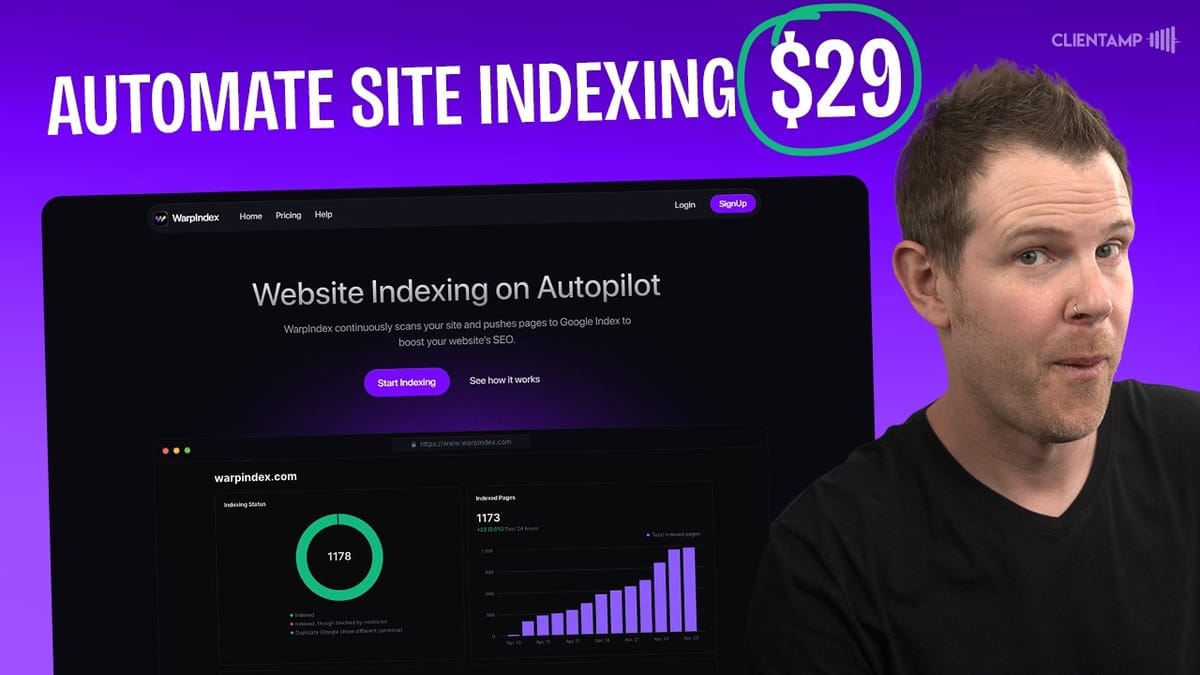
WarpIndex
Automatically notifies Google about new, updated, and removed pages on your website so they get indexed faster.
Website owners, bloggers, and SEO practitioners who want their content discovered by Google quickly without manual Search Console submissions.
URL Monitor, RankMath, Yoast SEO
What Is WarpIndex and Why Does Indexing Matter?
Google can't rank what it doesn't know about. That's the simple premise behind WarpIndex — a tool whose entire job is to tell Google whenever you add, update, or remove pages from your website. Once Google knows your content exists, it has the opportunity to surface it in search results. Skip this step and you're invisible.
WarpIndex isn't the first tool to tackle this problem. URL Monitor hit AppSumo just a couple of weeks earlier with a similar pitch. But WarpIndex comes in at a significantly lower price point — $29 for tier one compared to URL Monitor's $69 — and as we'll see, the experience is noticeably smoother. If you've been ignoring indexing because it sounds technical, this might be the tool that finally makes it painless.
Plans, Pricing, and How WarpIndex Compares to URL Monitor
WarpIndex tier one gets you two websites and 200 indexing requests per day for $29. A "request" is a single page submission to Google — so you need to think about how many pages you publish or update daily and size your plan accordingly. For most small sites, 200 requests is more than enough.
URL Monitor's tier one costs $69 and covers five websites with 500 daily submissions. On the surface that looks like better value per site, but the math shifts quickly at higher tiers. WarpIndex tier four offers 75 sites and 3,600 requests per day for $399, while URL Monitor's tier three tops out at 50 sites and 2,000 daily submissions at a comparable price. The takeaway: if you run just a handful of sites, both tools are competitive. If you manage a larger portfolio, WarpIndex scales more affordably.
Setting Up WarpIndex with Google Search Console
Setup starts with connecting your Google Search Console account. You click the connect button inside WarpIndex, authenticate through Google's standard login screen, and grant the necessary permissions. Once connected, you import whichever website you want WarpIndex to manage — these are pulled directly from your Search Console properties, so make sure your site is already verified there first.
The next step is adding a Google service account. WarpIndex provides you with a Google Cloud service account email address that acts as an automated administrator on your behalf. You copy that email, head over to Search Console settings, and add it as a user. Here's the critical detail: the service account must be added as an **owner**, not just a full user. The WarpIndex docs mention this, but it's easy to miss. If you set the wrong permission level, everything will appear connected but nothing will actually work.
Watch Out for This Permissions Gotcha
During the initial Google authentication flow, there's a checkbox for granting permissions that's easy to overlook. If you skip it, WarpIndex will report a "healthy" connection in its settings — but you won't be able to import your website. There's no error message telling you what went wrong, so you'll just sit there wondering why the import button isn't working.
The fix is simple: go through the authentication process slowly and make sure every permission checkbox is ticked. If you've already connected and something seems off, disconnect and re-authenticate from scratch. It's a minor annoyance in an otherwise smooth setup, but it's the kind of thing that can cost you 15 frustrated minutes if you rush through it.
The WarpIndex Dashboard and Auto-Indexing
Once your site and sitemap are connected, WarpIndex pulls in all of your pages automatically. In this case, it found 33 pages and displayed their indexing status — most showed as "indexed," with a few flagged as "crawled but not indexed." That kind of visibility is genuinely useful because it highlights pages Google knows about but hasn't deemed worthy of its index, giving you something concrete to investigate.
The auto-indexing toggle is the feature that makes WarpIndex a set-and-forget tool. Enable it and WarpIndex will continuously monitor your sitemap for changes, automatically submitting updates to Google whenever it detects new or modified pages. The dashboard includes search and sorting so you can quickly find specific pages or filter by status. The UI is clean and modern — noticeably simpler than URL Monitor's interface, which required more manual configuration to achieve the same result.
Bulk Indexing and De-Indexing
Beyond auto-indexing via your sitemap, WarpIndex lets you manually submit URLs in bulk. This is handy when you've just published a batch of pages and want them indexed immediately rather than waiting for the next sitemap scan. Just paste in your URLs and hit submit — they go straight to Google.
The de-indexing feature works the same way in reverse. If you've removed a page or want to pull something from Google's index, you add those URLs to the de-indexing list. This prevents 404 errors from cluttering your Search Console reports and keeps your index clean. It's a small feature, but it rounds out the tool nicely — especially compared to URL Monitor, which didn't offer as straightforward a de-indexing workflow.
Do You Actually Need an Indexing Tool?
A fair question — and one that came up frequently when URL Monitor was reviewed. Some folks argue that SEO is dead and Google doesn't matter anymore. That's premature. AI search is growing, but people are still Googling things every day, and if your site isn't indexed, you're leaving traffic on the table.
That said, you might already have this capability built into your existing stack. Many WordPress SEO plugins — RankMath, Yoast, and others — include instant indexing features at no extra cost. The catch is that setting them up requires creating your own Google Cloud service account, which is a more involved process than what WarpIndex asks of you. If that kind of setup intimidates you, $29 to skip it entirely is a reasonable trade. If you're comfortable in Google Cloud Console, you can probably handle indexing without a dedicated tool. And if you're not on WordPress at all, a standalone tool like WarpIndex becomes much more compelling.
Final Verdict: WarpIndex Scores a 7.1
WarpIndex earns a 7.1 out of 10, edging out URL Monitor's 6.8. The lower price, cleaner interface, and simpler setup process all work in its favor. It's not a revolutionary tool — it solves a straightforward problem — but it solves it well and at a price that's hard to argue with.
For anyone running a website where timely indexing matters — content sites, e-commerce stores, niche blogs — WarpIndex is worth the $29 lifetime deal. It removes the friction from a process most people either ignore or handle manually, and the auto-indexing feature means you can set it up once and stop thinking about it.
Watch the Full Video
Prefer watching to reading? Check out the full video on YouTube for a complete walkthrough with live demos and commentary.


