
Website Auditor Review: Lifetime Deal for SEO Site Audits
Website Auditor is a desktop SEO tool that crawls your site, flags broken links, duplicate content, and on-page issues, then gives you a clear task list to fix everything. Here's how it works in practice.

Website Auditor
Desktop software that crawls and audits websites for SEO issues including broken links, duplicate content, missing meta descriptions, and on-page optimization problems.
Website owners, SEO professionals, and agency operators who need to find and fix technical SEO issues across one or many sites.
Screaming Frog, Ahrefs Site Audit, Semrush Site Audit, Sitebulb
Why SEO Doesn't Have to Be Overwhelming
SEO has a reputation problem. Most people hear "search engine optimization" and immediately picture spreadsheets, confusing jargon, and an ever-shifting set of rules that no one fully understands. That framing makes it feel impossible before you even start.
But here's a better way to think about it: SEO is like fitness for your business. You don't need to become an expert overnight. You just need to get a little better each day, and those small improvements compound into real revenue over time. A website audit is one of the simplest ways to start because it gives you a concrete list of things to fix rather than a vague mandate to "do SEO."
Website Auditor, part of the SEO PowerSuite, is a desktop application that handles exactly this. It crawls your website, catalogs every issue it finds, and presents the results as an actionable task list. There's currently a lifetime deal available on AppSumo for around $49 that gives you unlimited website audits with no recurring fees.
Getting Started with Your First Audit
Website Auditor runs as a native desktop app on Windows, Mac, and Linux. You can download and run it for free to see what it does, though you'll need a license to save your results. Once installed, starting an audit is straightforward: click "New," enter your website URL, and choose your settings.
The software gives you the option to enable expert settings, which opens up more granular controls. For the robots.txt configuration, you can choose which bot to simulate during the crawl. The default PowerSuite bot works well for most sites, but if you run a news site and care specifically about Google News rankings, you can switch to the Google News bot instead.
One practical setting worth noting is scan depth limiting. If your site has hundreds of thousands of pages, crawling everything could take hours. You can cap the depth to, say, three levels of links to keep things manageable. For smaller sites, just leave it off and let the auditor crawl everything.
Expert Settings Worth Knowing About
Before launching the crawl, there are a few expert settings that can make a real difference in your results. The orphan page detection option is one you should always enable. It cross-references your sitemap.xml with the pages it discovers through crawling to identify any pages that exist on your site but aren't linked to from anywhere. Google values internal linking, so finding and connecting orphaned pages is an easy SEO win.
The speed limiter is another important one. Website Auditor physically visits every page on your site, which can overwhelm shared hosting or trigger security software. If your hosting is modest, set the crawler to one request per second to avoid taxing your server. On the other hand, if you're on solid hosting with proper caching, you can let it run at full speed.
There's also a handy option for sites still in development: you can enter HTTP authentication credentials so the crawler can access password-protected staging environments. This means you can audit and fix issues before your site ever goes live.
Reading the Site Audit Results
Once the crawl finishes, you'll land on the Pages section, which is essentially a massive spreadsheet of every URL on your site along with associated data. For a blog with a few hundred posts, you might see over 2,000 pages listed because the tool picks up tag pages, author pages, pagination, and other generated URLs. Don't panic at the number.
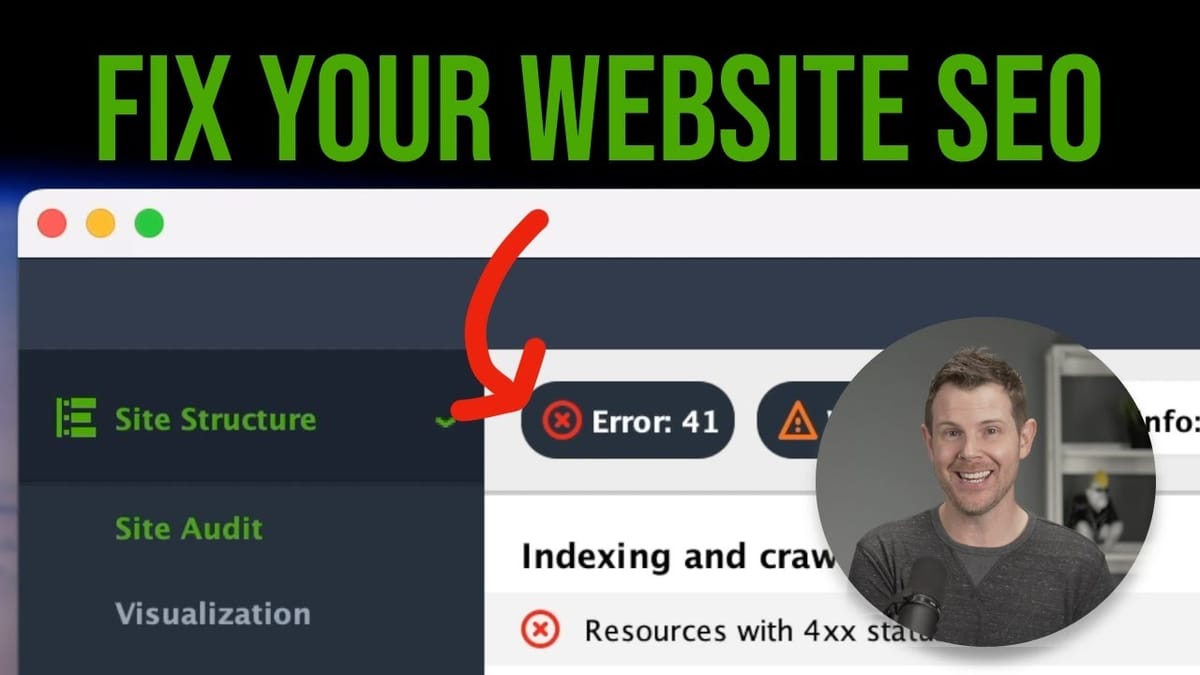
The real power is in the Site Audit section, which organizes everything into a prioritized task list. Issues are grouped by severity: errors are things actively hurting your site, warnings are problems worth addressing, and notices are minor optimizations. Clicking into any category shows you exactly which pages are affected.
Common errors include pages returning 400 status codes (broken links pointing to pages that no longer exist), 500 errors (server issues that may just be the crawler overwhelming your host), broken images, and duplicate page titles. Each issue links directly to the affected pages so you can investigate and fix them without hunting through your entire site.
Fixing Common Issues the Auditor Finds
The beauty of the task list format is that it turns vague "improve your SEO" advice into specific, fixable items. Broken links? The auditor shows you exactly which pages have them and where they point. You go in, update or remove the dead link, and move on. Broken images? Same deal — it identifies the page and the image source that's returning an error.
One thing to watch for is false positives on 500 errors. If you run the audit without rate limiting, the rapid-fire requests can temporarily overwhelm your server, making pages appear broken when they're actually fine. Website Auditor has a handy re-scan button next to each issue that lets you re-check specific pages. In testing, all the 500 errors disappeared after a re-scan, confirming they were just the server getting briefly overloaded.
The warnings category often surfaces large page sizes, which usually means uncompressed images. If you migrated your site between platforms (say, from WordPress to Ghost), images might not have been re-optimized during the move. The auditor flags pages over a certain size threshold so you can go compress those assets and improve load times.
On-Page SEO and Content Auditing
Beyond technical issues, Website Auditor digs into on-page SEO factors. It flags pages with empty meta descriptions, titles that are too long to display properly in search results, and titles that are too short to be descriptive. You can customize which columns appear in the Pages view by choosing presets like "On-Page SEO" or "Technical Factors," or build your own custom view with exactly the metrics you care about.
The page-level audit feature lets you drill into a single URL without re-scanning your entire site. Enter a blog post URL, and the tool runs a focused technical and content audit on just that page. This is particularly useful if you're optimizing one post at a time or doing work for a client on a specific landing page.
There's also a keyword mapping tool where you can assign target keywords to specific pages and track how they're performing. You enter your target keywords, and the auditor suggests which of your existing pages are most relevant. Map a keyword to a page, and you've got an ongoing record of what you're trying to rank for and where.
Using Reports to Win Agency Clients
If you run an agency or do freelance SEO work, the reporting feature might be the most valuable part of the entire tool. Website Auditor can generate polished PDF reports summarizing everything it found during an audit. The summary report is a one-page overview showing the total number of issues, broken down by severity. Hand that to a potential client who thinks their site is fine, and the numbers speak for themselves.
The workflow is simple: run an audit on a prospect's site (which costs you nothing since the lifetime deal covers unlimited sites), review the results to make sure the data is accurate, and then export the summary report. Lead with the summary to get their attention, and have the detailed report ready if they want to see the specifics. It's a compelling sales tool because you're showing real, verifiable problems rather than making abstract promises.
Website Auditor can also generate sitemaps and robots.txt files for you, and even upload them directly via FTP if you have access. It's a surprisingly complete toolkit for what amounts to a one-time $49 investment.
Is Website Auditor Worth the Lifetime Deal?
Website Auditor sits in a sweet spot between free tools that give you surface-level data and expensive subscriptions like Ahrefs or Semrush that do everything but cost hundreds per month. As a desktop app, it runs locally on your machine, which means your data stays private and there are no usage caps tied to a subscription tier.
The lifetime deal at $49 for unlimited website audits is hard to argue with. Whether you're a solo blogger who wants to clean up technical issues, a freelancer auditing client sites, or an agency using reports as a sales tool, the ROI from fixing even a handful of issues will outweigh the cost. The fact that it's part of the broader SEO PowerSuite ecosystem means you can expand into rank tracking and other tools later if you want, but the auditor alone delivers real, actionable value.
If you've been putting off SEO because it feels too complicated, a site audit is the perfect starting point. You get a clear list of problems, fix them one by one, and your site gets measurably better. That's the kind of progress that compounds over time.
Watch the Full Video
Prefer watching to reading? Check out the full video on YouTube for a complete walkthrough with live demos and commentary.


