
Whirr Review: Is This $49 Form Builder Worth It?
Whirr is a sleek, no-code form builder with a familiar Ghost-style editor, but bugs and missing integrations hold it back from being a daily driver.

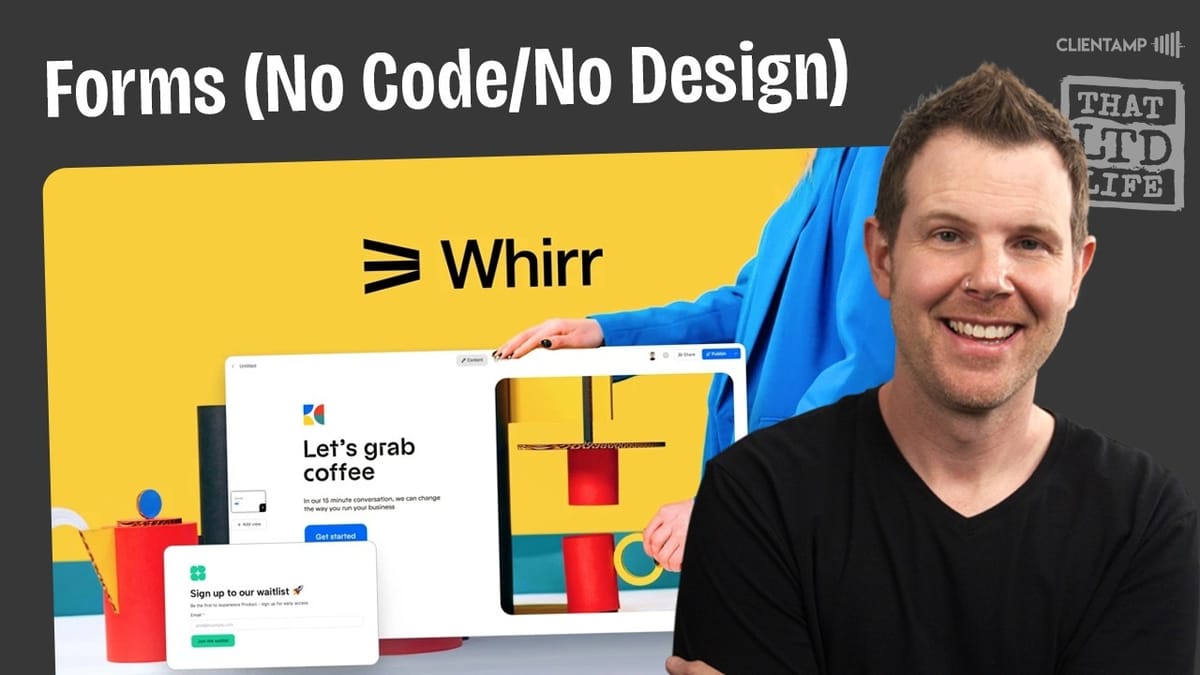
Whirr
A no-code form builder that lets you create branded, multi-page forms with a clean editor inspired by Ghost CMS.
Small business owners, freelancers, and agencies who need branded forms without recurring Typeform or JotForm subscriptions.
Typeform, JotForm, OpenForm, Fluent Forms
What Is Whirr?
Whirr is a no-code form builder that promises beautiful, branded forms without needing any design skills. It positions itself as an alternative to tools like Typeform and JotForm, but with a one-time lifetime deal price tag instead of a monthly subscription.
The tool runs on an editor that will feel immediately familiar to anyone who has used Ghost CMS. That's not a coincidence — Whirr appears to use the same underlying editing framework, which means a clean, distraction-free building experience. You get multi-page forms, file uploads, signature fields, media embeds, and a handful of pre-designed templates to start from.
Plans and Pricing
Whirr is available on AppSumo across five tiers, starting at $49 for Tier 1. That entry-level plan gives you 10 forms, which is fairly limited. Tier 2 bumps you up to 100 forms, and Tier 3 — the sweet spot for most users — unlocks unlimited forms.
The higher tiers (Tier 4 at 50GB and Tier 5 at 100GB for $549) are primarily about file upload storage. If you're collecting video testimonials or large documents, you'll burn through storage quickly. For simple text-based forms, storage isn't much of a concern.
For context, Typeform charges $60/month for three users and caps you at a set number of responses — 10,000 on their $100/month plan. Whirr doesn't limit responses at all, which is a significant advantage if you're collecting high volumes of form submissions.
Settings and User Interface
After redeeming a Tier 1 code from AppSumo, Whirr drops you straight into the settings page. The setup is straightforward — you can name your workspace, upload a logo, invite team members, and monitor your usage (forms published, storage consumed, etc.).
The overall UI is clean and minimalistic. Your main dashboard shows your forms, a template library, and recently edited forms. There's an updates section and help docs, but there's honestly not a lot to get lost in here. That simplicity is both a strength and a limitation — you won't spend time hunting for features, but you also won't find many power-user tools hiding in the menus.
Templates
Whirr ships with around 15 pre-designed templates covering common use cases: customer feedback forms, job applications, support forms, event RSVPs, waitlists, and contact forms. Each template is fully customizable with your own branding, colors, and content.
The templates use a few different layout styles. Some place an image on the left or right with the form beside it, while others go with a full-width design and a hero image on top. All of them are mobile responsive out of the box — resizing the browser shows the layout adapting cleanly without any manual intervention.
One standout template is the photography agreement, which functions as a full contract with a signature field built in. It's a creative use case that shows Whirr can go beyond basic contact forms. There's also a nice variety in visual styling across templates — unlike Typeform, where everything tends to feel like Typeform, these forms can look genuinely distinct from one another.
The Form Builder
Building a form in Whirr feels a lot like writing a blog post in Ghost CMS. You start with a logo, add a title, write some introductory text, and then use the slash command menu to insert form fields. Type `/name` for a name field, `/email` for email, `/upload` for file uploads — it's intuitive and fast.
The available field types cover the essentials: short and long text inputs, dropdowns, checkboxes, date and time pickers, star ratings, file uploads, phone numbers, addresses, signature capture, and social handle fields. There are also some pre-populated dropdowns for things like vehicle makes, countries, time zones, and US states.
Multi-page forms are handled through a "views" system. You add views in a sidebar panel, then use buttons to navigate between them. A standard button can be set to "go to view," while a submit button triggers the actual form submission and can redirect to a thank-you view. The distinction matters — if you use a regular button instead of submit, your data won't be saved.
One usability gripe: deleting fields requires clicking into the field title, clearing it, and then pressing delete. There's no right-click context menu for quick removal, which Ghost's editor does have. It's a small thing, but it slows you down when iterating on a form design.
Customization and Styling
Each form gets its own cover photo, which you can upload directly or pull from Pexels and Giphy libraries. The settings panel offers style controls for layout (image left, top, or right), content alignment (top, center, bottom), background color, primary/accent color, text color, and font selection from what appears to be a comprehensive set of Google Fonts — with separate choices for headings and body text.
For more granular control, there's a custom CSS field where you can target specific elements on the page. And if you're comfortable with HTML, you can drop in custom HTML blocks directly in the form editor.
The metadata section lets you set an SEO title, description, and social card image, though this feature didn't work reliably during testing — changes wouldn't save, which is a notable bug.
One important limitation: the layout style is universal across all views in a form. If you change the layout on one page, it changes on every page. For single-page forms this is fine, but for longer multi-page forms, it limits your ability to keep the visual experience varied and engaging.
Sharing and Publishing
Publishing a form gives you a shareable link and a QR code. That's it. There's no embed option for dropping a form into an existing webpage, and there's no custom domain or CNAME support for white-labeling the URL.
The branding watermark from the AppSumo plan can be removed in the form settings, which is good. But the lack of embedding is a real miss for anyone who wants to integrate forms directly into their website rather than linking out to a separate page. These are features that competing tools handle as standard.
Thank You Pages
Thank-you pages are built as additional views within your form. After someone submits, you point the submit button's success screen to your thank-you view. You can customize this page with text, images, buttons, or anything else the editor supports.
There's an opportunity here that Whirr hasn't capitalized on yet — you could theoretically add a button on the thank-you page linking to a Stripe checkout or another payment flow. It's a workaround, not a native integration, but it's worth noting if you're thinking about post-submission workflows.
Data and Results
The data dashboard shows response counts, session counts, conversion rates, and average time to complete. Individual responses are viewable in a table format, and you can export everything as a CSV.
That's where the data story ends, though. There are no API connections, no webhook support, and no integrations with automation platforms like Make, Zapier, or n8n. If you want to do anything with submission data beyond reading it in Whirr or downloading a spreadsheet, you're out of luck for now.
Checking the feature request board, there are requests for Pabbly, Make, Stripe, and Zapier integrations, but each has only a vote or two. The lack of activity on the roadmap isn't encouraging for anyone counting on these features arriving soon.
Bugs and Reliability Concerns
During testing, a few issues surfaced that are hard to overlook. Safari performance was poor enough that switching to a Chrome-based browser was necessary. The metadata settings refused to save changes. And a deleted view continued to appear on the published form, likely due to caching — but from a user's perspective, the form wasn't reflecting what was built on the backend.
That last issue is the most concerning. If the published form doesn't match what you've designed, you can't trust the tool for anything customer-facing without extensive QA. For a form builder, reliability is table stakes.
Final Verdict
Whirr is promising but not ready to be a daily driver. The editor experience is genuinely pleasant — it's clean, fast, and familiar if you've ever used Ghost. The templates look good, the styling options are solid, and the lifetime deal pricing is attractive compared to Typeform's recurring costs.
But the bugs are a dealbreaker at this stage. Forms not rendering correctly, metadata that won't save, and no integrations or API access make it tough to recommend for serious use. The score lands around a 5.8 out of 10.
If you're in the market for a form builder lifetime deal, OpenForm remains the stronger pick from recent AppSumo offerings. And if you're running WordPress, Fluent Forms is still one of the best bargains in the space — it's been available as a lifetime deal for years and continues to deliver. Whirr has potential, but it needs meaningful updates before it earns a spot in your toolkit.
Watch the Full Video
Prefer watching to reading? Check out the full video on YouTube for a complete walkthrough with live demos and commentary.


