
WIIN.io Review: Form Builder for Contests & Applications
WIIN.io is a unique form-building platform designed for contests, applications, and submissions — but quirky translations and UX rough edges hold it back from greatness.

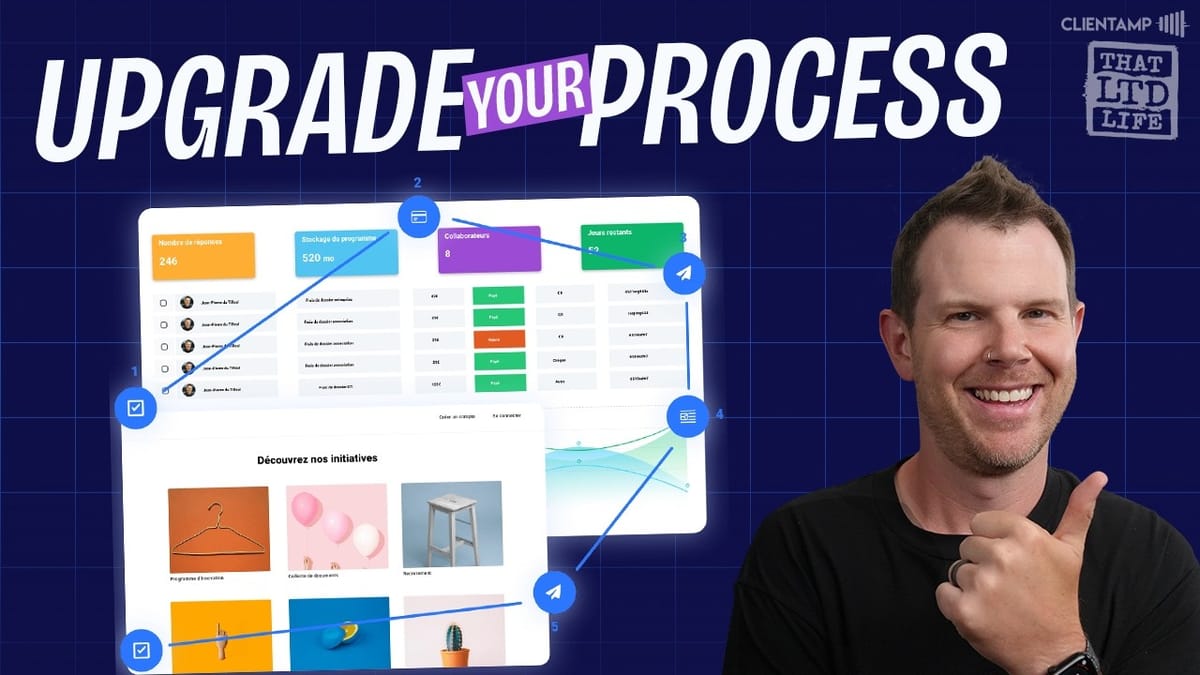
WIIN.io
A customizable submission and contest management platform that lets you build multi-step forms, collect payments, run public voting, and automate communications.
Nonprofits, contest organizers, scholarship committees, youth sports leagues, and any organization that needs to collect structured submissions and evaluate them.
Typeform, JotForm, Google Forms, SurveyMonkey
What Exactly Is WIIN.io?
WIIN.io is one of those tools that's a little hard to pin down at first glance. AppSumo categorizes it as a form builder, and the official copy calls it a "customizable client portal." In reality, it's neither of those things in the traditional sense. Think of it more as a contest, application, and submission management platform — something you'd use to run a hackathon, accept scholarship applications, or manage a prize competition.
The tool was built by a French development team, and that origin story is important context for everything that follows. Much of the platform's language has been translated from French to English, and the word choices don't always land. Terms like "program" (which really means contest or portal), "deposits" (which means submissions), and "course" (which refers to the application flow) can leave you scratching your head. Once you push past the terminology, though, there's a surprisingly capable tool underneath.
Plans and Pricing Breakdown
WIIN.io is available as a lifetime deal starting at $59 for a one-time payment. There are three tiers to choose from, and the core offering is generous across all of them. Every tier includes unlimited forms (called submissions), unlimited programs, Zapier integration, activity logging, file uploads, CSV import for submissions, email capabilities, evaluation tools, payment collection, public voting, and automation.
The main differences between tiers come down to user seats and a handful of premium features. Tier 1 gives you 3 users, Tier 2 bumps that to 12 users and adds in-app messaging (a chat widget on your forms), and Tier 3 gets you 20 users plus white labeling and custom domain support. If you're price-sensitive and don't need the messaging widget, Tier 1 is perfectly functional — you can always just include a contact email link on your forms instead.
The Admin Area and Creating Programs
The admin dashboard is where everything happens in WIIN.io. This is where you create and manage what the platform calls "programs" — which, again, are really just your contests, applications, or submission portals. When you create a new program, you can start from scratch or choose from a library of templates.
The templates give you a good sense of WIIN.io's intended use cases: hackathon submissions, scholarship applications, trophy competitions, and more. Fair warning — some template names are confusingly translated (there's a template called "Program" that's actually for green technology submissions), and a few have broken preview images. Not a great first impression, but the underlying structure is solid once you pick a template and start customizing.
Building Multi-Step Submission Forms
Where WIIN.io starts to show its strength is in the form builder. These aren't simple single-page forms — they're multi-step submission workflows. A typical setup might walk a respondent through general information, team details, project specifics, and a final review step before they submit. Progress is clearly displayed at the top, and there's a sidebar that shows completion status and lets users jump between sections.
The form builder itself is a straightforward drag-and-drop affair. You've got all the standard field types — text inputs, file uploads, URLs, addresses, multi-select, yes/no questions, tables, and even video embeds. There are separator elements for organizing longer forms with headings and visual breaks. Everything previews nicely on both desktop and mobile, with tables getting a horizontal swipe on smaller screens.
One particularly nice touch is team participation. If your contest involves group submissions, you can enable team collaboration so multiple people can work together on a single form. You can also limit the number of submissions per person and set start and end dates for your application window.
The UX Rough Edges
Let's talk about the elephant in the room: WIIN.io's user experience needs work. The publish button says "offline" when your form is unpublished — you have to hover over it to see that clicking it will publish. Buttons say things like "I'm taking part" instead of "Submit" or "Apply." The word "deposits" is used where "submissions" would make far more sense. These are small things individually, but they add up to a platform that feels foreign even when you're using the English version.
The helper tutorial system is another source of friction. Little helper messages pop up on almost every screen, which sounds nice in theory. In practice, the linked tutorial videos are sometimes in French, and even the English ones feature such a thick accent that they can be hard to follow. Worse, these helper popups keep reappearing even after you close them, and the close button is tucked away in the lower-left corner rather than the expected top-right. It took a solid two or three minutes just to figure out how to dismiss them the first time.
Presentation and Customization
Customizing the public-facing side of your program is handled under Configuration > Presentation. This is where you control the landing page that respondents see before they start filling out your form. You can set a hero image, write a description, choose your time zone, and build out tabbed content sections for things like an overview, rules, and FAQ.
The content editor for these sections is clean and easy to use. The FAQ builder, for example, lets you add questions and then click an edit button to type in answers right inline. No complaints about the editing experience itself — it's the surrounding UX and language that trips you up, not the actual content tools.
Payments and Proof of Purchase
WIIN.io supports payment collection directly within your forms. Head over to the Payment section under Configuration to connect Stripe or PayPal. What's interesting is the "proof of payment" feature — this lets you require respondents to verify that they've made a payment outside of the WIIN.io platform before they can proceed.
This opens up some creative use cases. Imagine you're an author who wants to give bonus content (like an audiobook or exclusive video) to people who bought your hardcover book elsewhere. You could set up a WIIN.io form that requires proof of that purchase before granting access to the bonuses. It's a niche feature, but a clever one.
Email Templates and Automation
Communication tools are built right into the platform. You can send emails to respondents based on their submission status — whether they're still in progress or have completed their form. WIIN.io comes with pre-built email templates for common scenarios like reminders and results notifications, and you can create your own. The email editor supports dynamic tokens, so you can personalize messages with the respondent's first name, program title, and virtually any data they submitted.
The automation engine is surprisingly robust for what's essentially a form tool. You create rules with triggers and actions — for example, when a response is validated (fully submitted), automatically send a confirmation email. Actions include sending emails, firing Slack notifications, and tagging users. There's also full Zapier integration if you need to connect WIIN.io to your broader workflow. This is genuinely impressive depth for a $59 lifetime deal.
Public Voting and Evaluations
One of WIIN.io's standout features is its evaluation and voting system. You can create evaluation sessions that are either internal (for your judging panel) or public (open voting). For public voting, you select which submissions to include, customize the presentation, choose a voting icon (hearts, stars, or thumbs up), set a voting window, and publish a shareable link.
Voters verify their identity via email with a six-digit code, which prevents ballot stuffing. The voting interface is simple — click on a submission, hit "Vote for this project," and validate. On the admin side, you can track all votes and results. This feature alone could justify the purchase for organizations that regularly run competitions or contests.
Import, Export, and Activity Tracking
WIIN.io includes several administrative features that round out the platform. Activity logs give you a complete audit trail of everything that's happened. Export tracking lets you monitor when respondents download their own submissions — useful for contests where participants might want a copy of their application for their records.
The CSV import feature (found under Configuration > Import of Deposits) lets you bulk-load submissions, which is great if you're collecting some responses offline or migrating from another system. There's also a gallery feature that lets you publicly showcase selected submissions without the voting component — perfect for displaying a portfolio of entries.
Final Verdict: 5.9 out of 10
WIIN.io earns a 5.9 out of 10. The underlying functionality is genuinely impressive — multi-step forms, payment collection, automation, public voting, email templates with dynamic data, team collaboration, and CSV import all packed into a $59 lifetime deal. For organizations that run contests, accept applications, or manage structured submissions, there's real value here.
But the platform is held back by its translation issues, confusing terminology, and UX friction. The development team really needs to bring on a bilingual English-French speaker to audit the entire application and clean up the user-facing language. Broken template images, persistent helper popups, and unintuitive button labels all chip away at the experience.
That said, if you can look past the polish issues, WIIN.io could save nonprofits, churches, youth sports leagues, and similar organizations thousands of dollars compared to specialized management software with recurring fees. The one-time price makes it an easy bet if the use case fits.
Watch the Full Video
Prefer watching to reading? Check out the full video on YouTube for a complete walkthrough with live demos and commentary.


