
ZCal Review: A Calendly Alternative for Just $49 Lifetime
ZCal brings a visually rich, design-first approach to appointment scheduling with team features included on every tier — all for a one-time $49 lifetime deal.

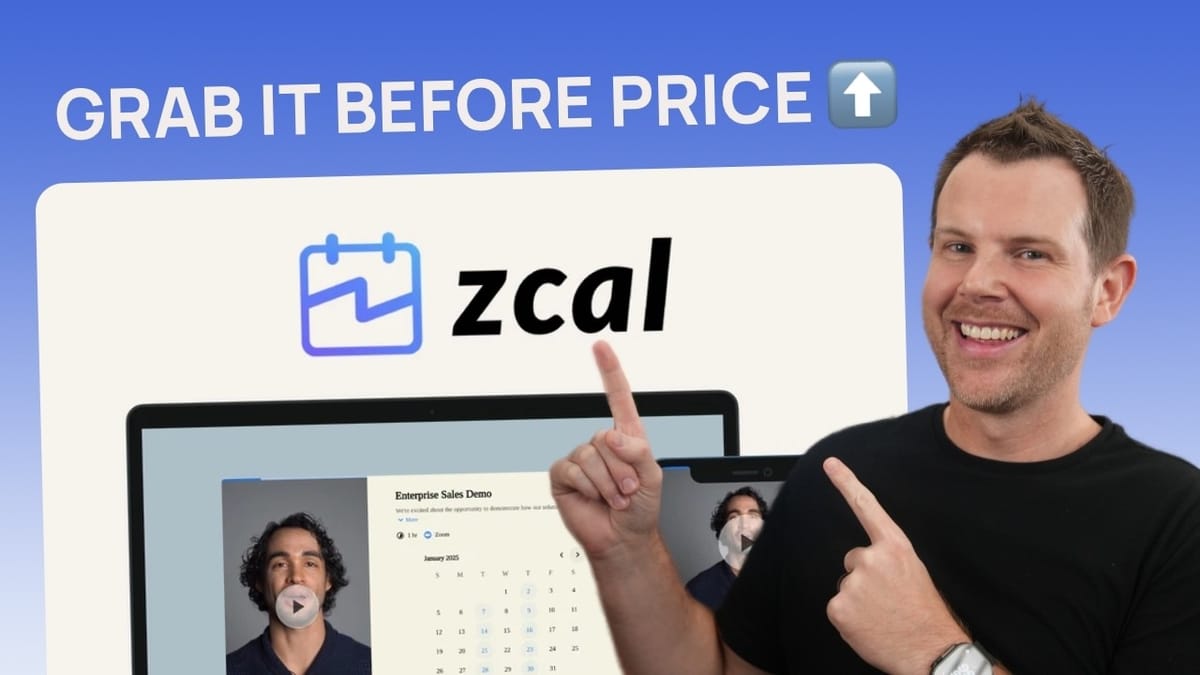
ZCal
ZCal is a scheduling and appointment booking tool that lets you create customizable booking pages, accept payments, and manage team availability.
Freelancers, consultants, and small teams who need a professional booking solution without recurring Calendly-style fees.
Calendly, TidyCal
What Is ZCal and Why Does It Matter?
ZCal is a brand-new scheduling tool that just landed on AppSumo, positioning itself squarely against established players like Calendly and TidyCal. The core idea is familiar — you create a booking page, share the link, and people schedule time with you — but ZCal takes a distinctly design-forward approach that sets it apart from the pack.
Where most scheduling tools are content to replicate the clean-but-generic Calendly layout, ZCal gives you full creative control over the look and feel of your booking pages, including background videos, custom color schemes, font choices, and multiple layout options. It's a refreshing take on a category that's been visually stagnant for years.
Pricing and Lifetime Deal Breakdown
ZCal is available on AppSumo as a lifetime deal starting at just $49 — a single payment with no recurring fees. There are three tiers available, and the main differentiator between them is the number of users you can add to your account.
What makes this deal particularly generous is that every feature, including team booking, is available on all tiers. Most competing scheduling LTDs lock team features behind higher tiers. Even AppSumo's own TidyCal requires its $79 agency plan for team functionality. Getting three users with full team features for $49 is genuinely hard to beat, assuming the tool holds up — and it does.
The Booking Page Experience
From the customer's perspective, ZCal's booking pages look polished and modern. You can have a video playing in the background, a stylized background image, and a date/time picker — all fully responsive across devices. Testing it on various screen sizes, from small mobile phones to tablets, the interface adapts cleanly without breaking the design or hiding important options.
The booking process itself is straightforward. Customers pick a day and time, fill in their details, answer any custom questions you've set up, and optionally invite guests to the meeting. After confirming, they can add the event directly to their own calendar. There's ZCal branding at the bottom by default, but you can toggle that off in your account settings to keep things completely clean.
Creating Appointment Types
Setting up a new appointment type is a guided process. You start by choosing between a one-on-one appointment, a group invite (great for webinars and classes where multiple people book the same slot), or a meeting pool that checks everyone's availability to find the best overlapping time.
For each appointment type, you configure a location — Zoom, Google Meet, Microsoft Teams, a phone number, or a physical address. You can even offer multiple location options and let the person booking choose what works best for them. Every appointment gets a custom URL slug under zcal.co/yourusername, so a performance review might live at zcal.co/swift/performance-review.
You can also add custom intake questions beyond the default name and email fields. Radio selectors, checkboxes, short text, long text — all the basics are covered. This is useful for qualifying leads or gathering context before the meeting happens.
Design and Customization Options
This is where ZCal genuinely shines. You get three layout choices: contained (everything neatly grouped together), full-width (expands to your monitor), and a cover photo layout with an image on top and booking options below. The contained layout tends to look best in most situations, though all three are fully responsive.
Theme customization goes deep. There are pre-built themes to use as starting points, and from there you can adjust text color, accent text, button colors, page background, content background, and even background opacity. The font library appears to include every Google Font available, giving you a massive selection for matching your brand.
The standout feature is what ZCal calls "story" media. You can upload a video or image that displays prominently on your booking page. Recording a short intro video on your phone and adding it here creates a personal touch that most scheduling tools completely lack. There's even a focal point tool for reframing landscape videos to look good in portrait orientation — a small but thoughtful detail.
Scheduling and Availability Settings
Availability configuration is centralized so you set your hours once and they apply across all appointment types, though you can override them on a per-appointment basis. Standard options are here: event duration, slot increments, how far in advance people can book, and buffer time between appointments.
Date-specific hours let you block out holidays or set reduced availability on certain days. If you connect your Google Calendar or Outlook account, ZCal will automatically block times where you already have events scheduled — and it syncs both ways, so new bookings appear on your regular calendar too.
On the operational side, you can set a maximum number of events per day (a smart default to prevent meeting overload), require minimum notice before booking, configure email reminders at custom intervals, set up redirect URLs for post-booking thank-you pages, and connect Stripe to charge for appointments. The reminder emails are fully customizable with placeholder variables for personalization.
Integrations and Calendar Support
ZCal integrates with the major platforms you'd expect: Zoom, Google Meet, and Microsoft Teams for conferencing; Google Calendar and Outlook for calendar sync; Stripe for payments; Zapier for automations; and Google Analytics plus Meta Pixel for tracking ad campaign performance.
There's also a contacts integration with Google and Outlook that auto-completes booking forms for your existing contacts — a subtle quality-of-life improvement that makes the experience smoother for repeat customers.
The notable gap here is the lack of support for the WebCAL/CalDAV protocol, which is the open internet standard that calendars are built on. If you're not on Google or Outlook — say you use Fastmail, Proton, or a self-hosted solution — you're out of luck for calendar sync. It's a frustrating omission given that CalDAV is arguably the simplest protocol to support.
Profile Pages and Embeds
Every user on your ZCal account gets a personal profile page that lists all their available appointment types, complete with locations and durations. It's a clean, simple interface that works well as a single link to share with clients or include in your email signature.
Profile pages support the same customization as individual booking pages — welcome messages, themes, videos, and curated lists of which appointment types to display. Both profile pages and individual booking pages can be embedded directly on your website with a simple copy-paste embed code, which neatly sidesteps the lack of custom domain support.
Team Booking Features
Team functionality is where ZCal punches well above its price point. You can create a team with its own booking page that lists all available appointment types, and bookings are automatically assigned to whichever team member is available.
There are two team appointment modes. Round robin distributes incoming bookings across available staff — ideal for sales teams where leads need to be assigned evenly. Collective invites schedule meetings where all selected team members must be free, which is perfect for panel interviews or group sales calls.
The team booking page acts like a menu of services, letting visitors choose the type of appointment they need and then get matched with the right person. The fact that all of this is included on the $49 tier — not locked behind an upgrade — is what makes ZCal such a compelling value proposition.
What's Missing: Three Things ZCal Needs
No tool is perfect, and ZCal has three clear areas for improvement. First, there's no support for custom domains or CNAME records. Your booking pages will always live under zcal.co, which can feel less professional than having everything under your own domain. The embed option helps, but a proper custom domain feature — even if limited to higher tiers — would be a strong incentive to upgrade.
Second, payment processing is limited to Stripe. While Stripe is excellent and widely used, adding PayPal support would cover a significant chunk of users, particularly in the US. International users may need other regional payment providers as well.
Third, and perhaps most importantly for power users, there's no support for the open WebCAL/CalDAV protocol. Only Google Calendar and Outlook are supported for calendar sync, which excludes anyone using alternative calendar providers.
Final Verdict: 8.7/10
ZCal earns an 8.7 out of 10 — the same score as TidyCal, and for good reason. Both are excellent scheduling tools that take slightly different approaches. ZCal wins on visual design and the ability to create truly branded, engaging booking experiences with background videos and deep customization. TidyCal wins if you prefer a more traditional, Calendly-style look.
The team features on every tier, the generous user limits, and the one-time $49 price make ZCal one of the best lifetime deals for appointment scheduling available. If you're a consultant, freelancer, or small team looking to replace a monthly Calendly subscription, ZCal is absolutely worth picking up while the deal lasts.
Watch the Full Video
Prefer watching to reading? Check out the full video on YouTube for a complete walkthrough with live demos and commentary.


