
Zync Review: Browser-Based Short-Form Video Studio (2024)
Zync is a browser-based video recording studio that helps you create polished short-form content in minutes. Here's how it works and whether the AppSumo lifetime deal is worth picking up.

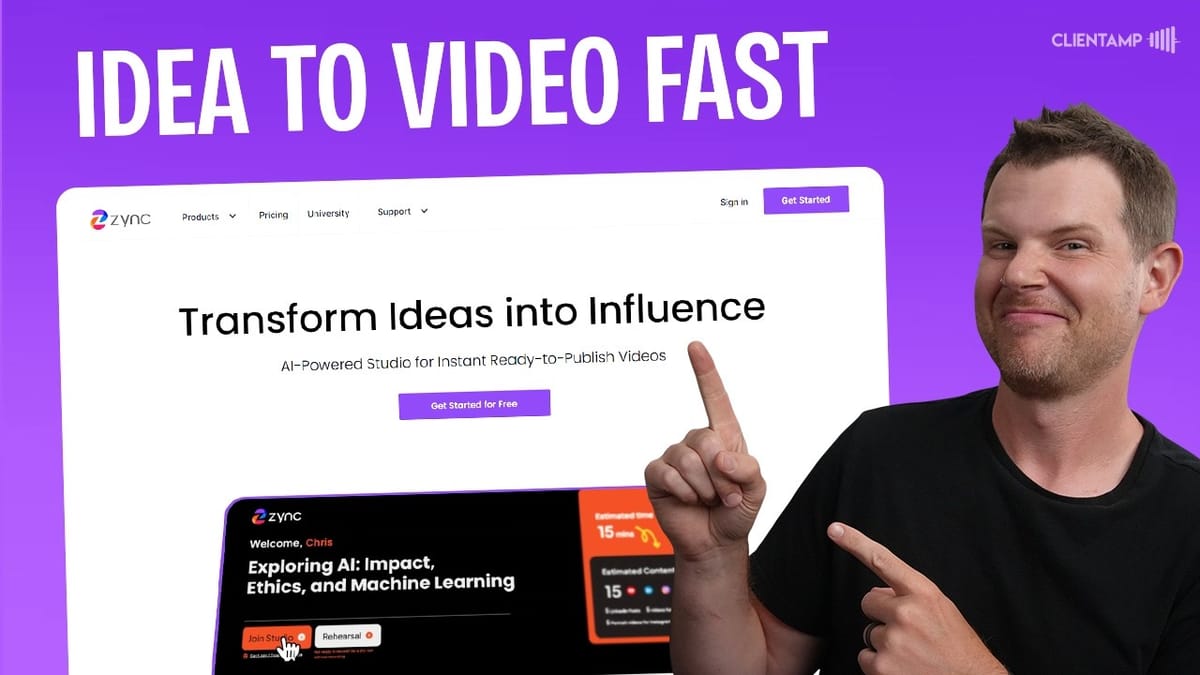
Zync
A browser-based recording studio that helps you create, edit, and distribute short-form video content with AI-powered captions, B-roll, and graphics.
Content creators, marketers, and business owners who want to produce professional short-form videos for YouTube Shorts, TikTok, Instagram, and LinkedIn without complex editing software.
Descript, Opus Clip, Riverside, StreamYard
What Is Zync and Why Should You Care?
Short-form video is everywhere right now, and if you're not producing it, you're leaving attention on the table. The problem is that creating polished shorts typically means juggling a camera, editing software, caption tools, and distribution platforms. Zync wants to collapse all of that into a single browser-based studio.
Zync is a lifetime deal currently available on AppSumo that positions itself as an all-in-one short-form video creation platform. You record directly in your browser, and the platform handles the editing, captions, graphics, B-roll insertion, and even generates social media posts from your recording. It's an ambitious promise, so let's see how it actually holds up.
Setting Up Your Creator Profile and Brand Kit
The onboarding experience in Zync is straightforward and gets you recording quickly. You start by building a creator profile with your name, headline, and profile picture. This information gets pulled into the graphics and social media posts that Zync generates later, so it's worth getting right from the start.
Next, you set up content pillars — at least three topics you plan to create content around. These help Zync's AI generate relevant video ideas and scripts tailored to your niche. For example, you might choose topics like lifetime deals, open source software, and email marketing.
The brand kit is where things get interesting. You select primary and accent colors that will appear in your video captions and title graphics, and upload your logo. The preview updates in real time so you can see exactly how your branding will look in the final video output. It's a small touch, but it means every video you produce will be on-brand without any manual editing.
Turning an Idea Into a Video Script
One of Zync's standout features is the idea-to-video workflow. You type in a topic — something as simple as "Ghost CMS overview" — and the platform generates a complete video session with a title, talking points, and a full script you can either read verbatim or use as a loose guide.
The AI-generated scripts are solid starting points. In testing, it produced the title "What Makes Ghost CMS a Good Choice for Content Creators?" along with structured talking points covering the platform's key benefits. The content isn't perfect — it occasionally uses generic phrasing and might get minor details wrong — but as a foundation to build on, it saves a significant amount of prep time.
This is particularly useful if you know your subject matter but struggle with structuring a concise video under three minutes. The script keeps you focused and on-topic, which is exactly what short-form content demands.
The Rehearsal Studio: Practice Before You Record
Before committing to a final take, Zync offers a rehearsal studio where you can do a complete dry run without anything being recorded. The interface mirrors the live studio exactly — you see the same script, the same framing guides, and the same countdown — so there are no surprises when you go live.
The tech setup process feels familiar if you've ever used Google Meet or Zoom. You select your microphone, camera, and speakers, and there's even a background blur option. The rehearsal mode lets you practice reading from the teleprompter-style script while checking your framing for both landscape and portrait output.
This is a genuinely useful feature, especially for creators who are newer to on-camera work. Being able to run through the entire flow without the pressure of recording helps you nail the pacing and delivery before it counts.
Recording in the Live Studio
When you're ready to record for real, the live studio works almost identically to the rehearsal mode, with one key difference: it's actually capturing your video. A green border around your video feed confirms you're ready to go, and you hit the record button to start.
Zync generates output in both landscape and portrait formats simultaneously, so you get framing guides for both during recording. This means one recording session produces content suitable for YouTube, TikTok, Instagram, and more. If you stumble or want a redo, you can stop and re-record — only the last take is kept as your final version.
The recording experience itself is smooth and responsive. There's no noticeable lag or quality degradation from recording in the browser, though your output quality will depend on your camera and microphone setup. One practical tip: position your script display close to your camera lens so you maintain natural eye contact rather than looking down to read.
The Content Kit: Where the Magic Happens
After recording, Zync processes your video and generates what it calls a Content Kit. This is honestly where the platform really shines. From a single recording, you get YouTube clips, YouTube Shorts, Twitter posts with custom images, TikTok clips, a full transcript, LinkedIn posts, and the raw video download.
The AI editing is genuinely impressive. The platform automatically adds dynamic zooms, branded captions, relevant B-roll footage, and professional graphics — all without you touching an editing timeline. The captions use your brand colors, your logo appears in the corner, and the transitions feel polished rather than templated.
The social media posts come with pre-written copy and custom images pulled from your recording and profile. For someone managing multiple social channels, this alone could save hours of work each week. You also get a raw, unedited download if you prefer to do your own editing in tools like Final Cut Pro or Premiere.
Repurposing Existing Content and Answering Audience Questions
Beyond the idea-to-video workflow, Zync offers two additional ways to create sessions. The first is converting existing content — you can paste in a blog post, show notes, or any written content, and Zync will generate a video script around it. This is great for repurposing long-form content into bite-sized shorts.
One thing to note: if your source material covers multiple topics, Zync tends to focus on just the first one rather than trying to cram everything into a three-minute video. This actually makes sense for short-form content, but it means you might want to break up longer pieces and create multiple sessions.
The third creation method is the audience question answerer. You enter a topic or question from your audience, and Zync builds a session around explaining that topic. The generated scripts are decent, though they can lean a bit heavy on AI-sounding phrases like "diving into the world of" that you'll want to clean up. The core structure and information are solid, and it's a fast way to turn viewer comments into content.
Integrations and Distribution
Zync includes built-in integrations for YouTube and LinkedIn, allowing you to publish directly from the platform. You connect your accounts through the settings panel, and your content can be shared without leaving the Zync interface.
There's also a custom domain feature (available on Tier 3) that lets you set up a CNAME and create your own video website powered by Zync. As you produce more content, it builds out a video reel — essentially a highlight page showcasing all your shorts. The design is clean and professional-looking, which could work well as a portfolio or content hub for your brand.
Plans and Pricing on AppSumo
Zync is available as a lifetime deal on AppSumo across three tiers. Tier 1 starts at $39 and gives you eight videos per month with one creator seat. That's roughly two videos per week, which is a reasonable output for many small businesses and solo creators.
Tier 2 at $99 is the sweet spot for most people. The big upgrades here are watermark removal and YouTube integration — two features that make a real difference if you're publishing content professionally. You also get marketer seats, which allow team members to create sessions and prompts without having actual recording access.
Tier 3 unlocks unlimited videos, unlimited marketer seats, and the custom domain integration. This is the "Gary Vee mode" for creators who want to produce content at scale. If you're running a content agency or managing multiple brands, the unlimited ceiling removes any friction from high-volume production.
Final Verdict: Is Zync Worth It?
Zync earns an 8.2 out of 10, which is a strong score — especially for a browser-based video tool. The platform genuinely delivers on its promise of simplifying short-form video creation. The AI-powered editing is the standout feature here: the automatic zooms, captions, B-roll insertion, and graphics are legitimately impressive and would take significant time to replicate manually.
Where Zync really succeeds is in knowing its lane. It's not trying to be a full video editor or a long-form production tool. It's laser-focused on short videos under three minutes, and that focus means every feature is optimized for that specific use case. The content kit alone — generating social posts, thumbnails, and clips from a single recording — makes this a serious time-saver.
The main areas for improvement are minor. The AI-generated scripts occasionally use generic phrasing that needs human editing, and some of the visual overlays could use a bit more polish. But for the price point as a lifetime deal, these are easy trade-offs. If you have any interest in building a short-form video presence, Zync is well worth considering.
Watch the Full Video
Prefer watching to reading? Check out the full video on YouTube for a complete walkthrough with live demos and commentary.


