

Krisp Review: AI Noise Cancellation Put to the Ultimate Test
Krisp uses AI to remove background noise from calls in real time. This review puts it through extreme tests with construction noise, coffee shops, and kids. Covers call quality, CPU usage, and whether AI noise cancellation actually works for remote meetings.

Krisp
Krisp is an AI-powered noise cancellation app that removes background sounds from your calls in real time.
Remote workers, sales professionals, and anyone who takes calls in noisy environments like home offices or open-plan workspaces.
RTX Voice, SoliCall, NoiseGator
The Problem Every Remote Worker Knows Too Well
If you've ever been on a sales call while your kids lose their minds in the next room, or tried to sound professional in a busy open office, you know the struggle. Background noise is the enemy of anyone who works remotely or in shared spaces.
Krisp is a simple desktop app that promises to solve this problem by sitting between your microphone and your calling software, using AI to strip out everything that isn't your voice. It works on both Windows and Mac, and it's about as straightforward as software gets — install it, and it lives in your dock or taskbar ready to go.
How Krisp Works
Once installed, Krisp detects the audio devices connected to your computer and inserts a layer of artificial intelligence between them and your calling app. There are no complicated settings to configure — it's essentially a single toggle. Turn it on and the AI starts filtering out non-voice sounds in real time.
The app works with virtually any communication tool since it operates at the system audio level. Whether you're using Zoom, Skype, Google Meet, or any other calling platform, Krisp intercepts the audio before it reaches the app. This means you don't need plugins or integrations for each individual service.
The Screaming Kids Test
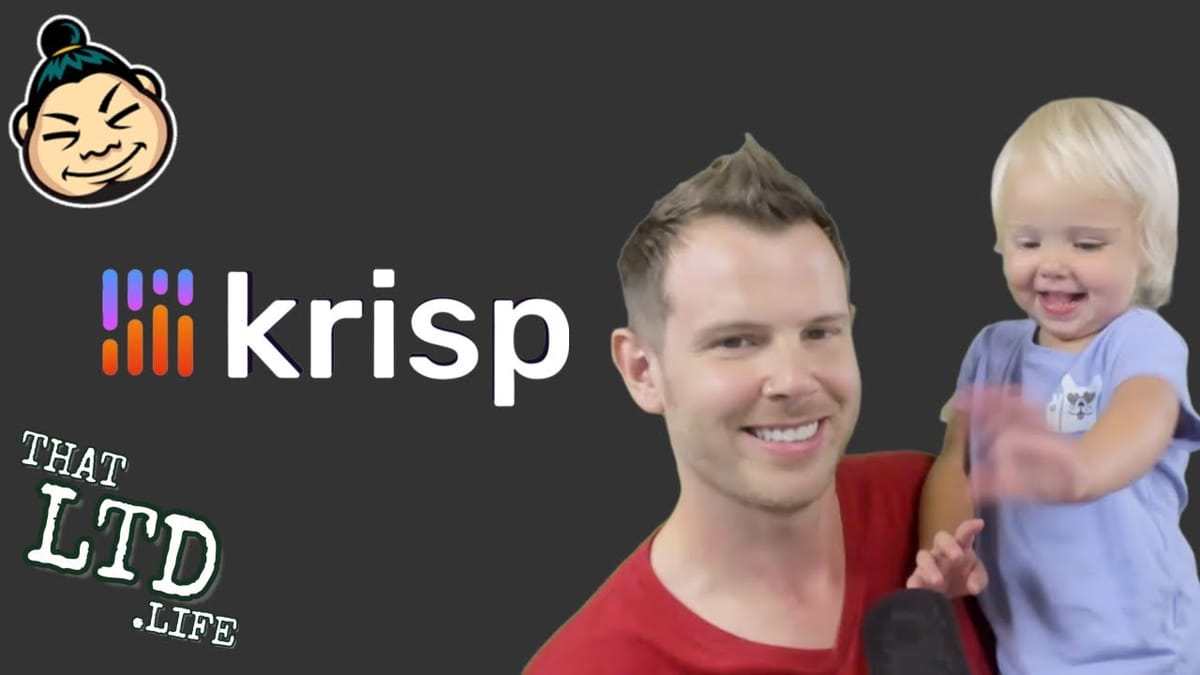
To really push Krisp to its limits, I brought my two-year-old daughter Moxie into my lap while recording — with my other two kids starting bath time in the next room. The microphone was only about a foot away from her, so this was far from a controlled, quiet environment.
With Krisp toggled off, the screaming and chatter were clearly audible. The moment I switched it on, the background noise all but disappeared. Moxie was talking, fussing, and doing what two-year-olds do, and the software handled it impressively well. I even read lyrics to Bohemian Rhapsody while she was making noise just to keep my voice active during the test.
The results genuinely spoke for themselves. The AI was able to isolate my speaking voice and suppress the chaos happening around me, even at very close range.
Voice Quality Trade-Off
There is a catch, and it's worth being upfront about. When Krisp is active, your voice quality does take a noticeable hit. For context, I was testing with a Shure SM7B microphone (around $350) running through a Focusrite 2i2 audio interface — a setup that's well above what most people use for everyday calls.
With Krisp enabled, my voice went from that rich, full microphone sound to something closer to a standard cell phone call. It's not bad by any means — the person on the other end of the call would just think you're using a normal microphone. They wouldn't hear anything wrong. But if you're used to high-quality audio gear, you'll notice the compression.
For most use cases, this is a perfectly acceptable trade-off. Your caller hears a clean, normal-sounding voice instead of a professional microphone plus screaming children. That's a win.
Final Verdict: 8.9 out of 10
Krisp earns a strong 8.9 out of 10. The noise removal is genuinely impressive — it handled one of the toughest real-world scenarios I could throw at it and came out on top. The slight voice quality degradation is the only thing holding it back from a perfect score.
What really stands out is the simplicity. There's one button, no settings to fiddle with, and it just works. For anyone who regularly takes calls in noisy environments — whether that's a home office with kids, a coffee shop, or a loud coworking space — Krisp is an easy recommendation. It solves a real problem with minimal effort on your part.
Watch the Full Video
Prefer watching to reading? Check out the full video on YouTube for a complete walkthrough with live demos and commentary.
Frequently Asked Questions
What is Krisp?
Krisp is an AI noise cancellation app that removes background noise from your microphone and speakers in real time. It works with any communication app including Zoom, Teams, and Slack.
How does Krisp work?
Krisp creates a virtual microphone and speaker on your device that processes audio through its AI noise cancellation. Any app that uses audio can benefit from Krisp filtering.
Is Krisp free?
Krisp offers a free plan with limited daily usage. Paid plans provide unlimited noise cancellation, echo removal, and additional features for heavy users and teams.
Does Krisp affect audio quality?
Krisp effectively removes background noise while preserving voice clarity. In most cases, the audio quality improvement from noise removal far outweighs any minor processing artifacts.
What types of noise can Krisp remove?
Krisp removes barking dogs, construction noise, keyboard typing, children in the background, traffic sounds, and most ambient noise. It specifically preserves human speech while filtering everything else.
Get Dave's Toolbox
The tools I actually use, every Tuesday. Free. No spam.
No cost. No spam. Unsubscribe anytime.


