

Keep Hermes Agent Running When Your Laptop Sleeps
Hermes dies when the laptop sleeps. Here is the getting-started path I would use: desktop app, spare machine, or Cloudways Managed AI with your own key.


Sponsored by Cloudways. Managed AI hosting for Hermes or OpenClaw. Local is still the default if you can leave a machine on.
The laptop lid problem
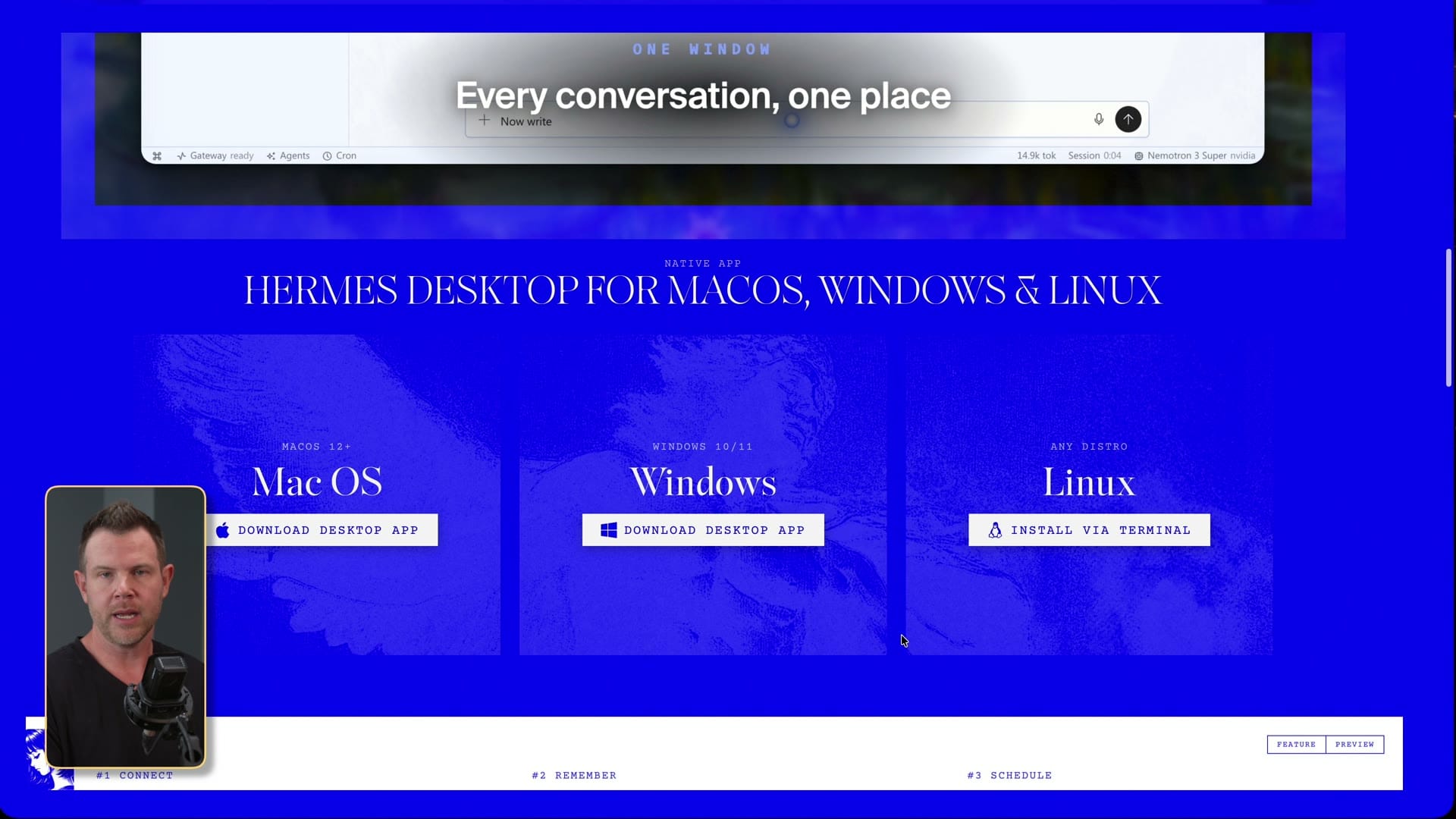
I have been using Hermes Agent every day for about four or five months. Business and personal. It is the first tool in a long time that changed how I work, not just how I chat.
The fastest way to try it is still the official Nous Research site. Download the desktop app for Mac or Windows, or install from the terminal on Linux. That gets you an agent on the machine in front of you.
Then you close the lid. The agent is gone. If you are out, grab the phone, and want to talk to it, you cannot, because the computer is asleep. That is the whole video. Not a personality lecture. An always-on problem.
Two ways to keep it awake
One: take an old machine you are not using, leave it on, and talk to Hermes there. That is what I run at home (a Mac mini). It is still what I recommend if you can do it. Files stay on your hardware. Keys stay on your hardware. No extra hop.
Two: you do not have a spare box, and you are not buying one yet. Then you need a host that stays up. That is the Cloudways path in this walkthrough.
I am not going to pretend those are the same. Cloud is viable. You are renting uptime. Latency, keys living somewhere else, less of the local-default benefit. Say that even though Cloudways paid for the video.
Sponsor note: Cloudways Managed AI
This video is sponsored by Cloudways. Use code **DAVESWIFT** for $10 off the first month.
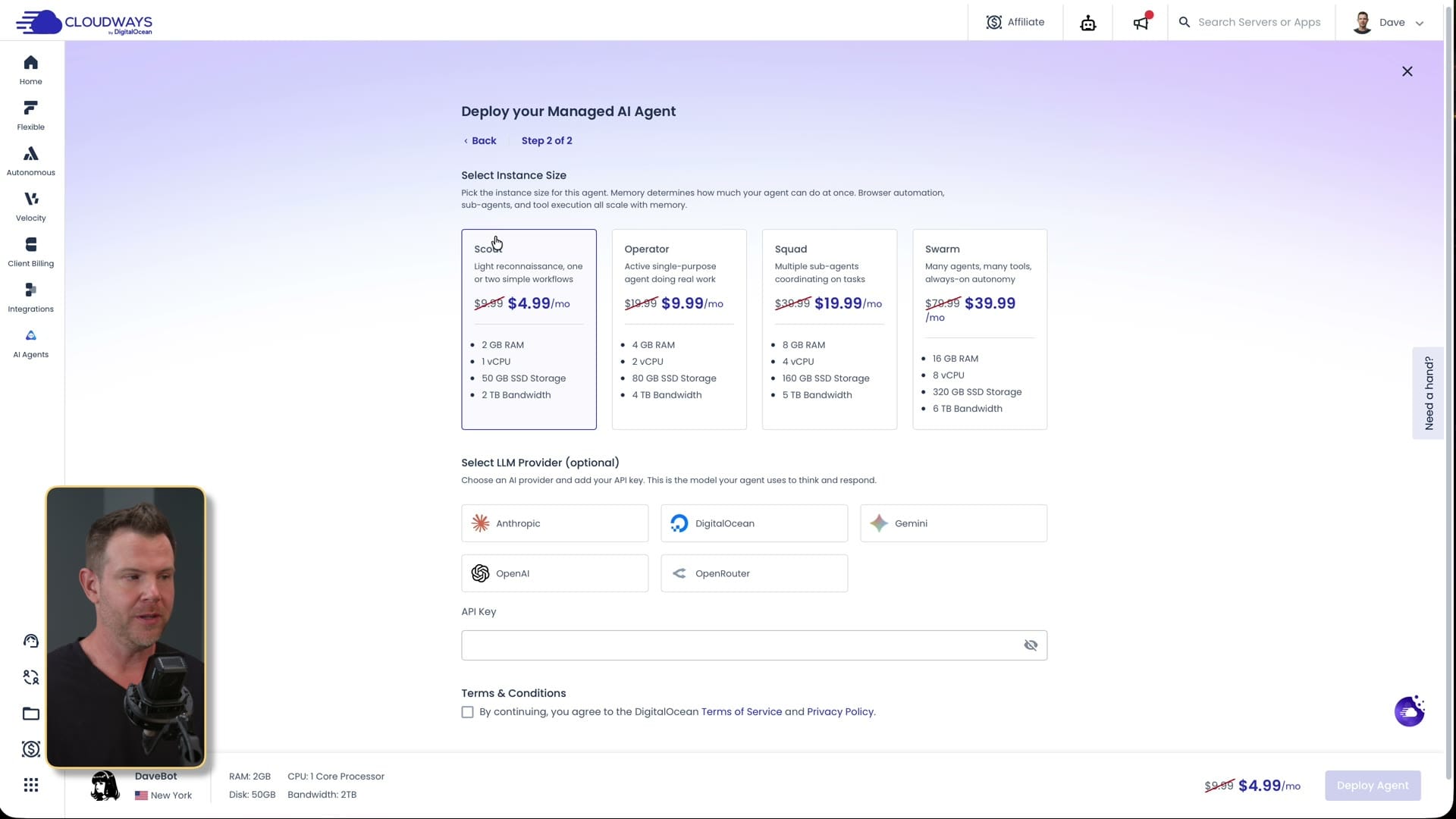
Cloudways has been a WordPress host for a long time, and it was never only WordPress (PHP apps, more recently Node). The product in this video is the AI agents tab: add an agent, pick Hermes or OpenClaw, pick a size, deploy.
At 04:08 I used the cheap instance: about $5 a month, 2 GB RAM, 1 vCPU, 50 GB storage. That is enough for an agent whose brain is still a cloud LLM. You are not hosting the model. You are hosting the harness.
Signup with tracking (Ghost): https://unified.cloudways.com/signup?id=268444&coupon=DAVESWIFT&data1=ghost&data2=hermes-cloudways
Hermes is a harness, not another chat box
At 04:43 I call Hermes a harness. ChatGPT or Claude is a brain you talk to. You are still the hands. Hermes uses the brain you bring (Grok, OpenAI/Codex, Anthropic, OpenRouter, and so on) and then it can call tools: terminal, files, email, plugins, MCP.
That is why the sleep problem matters. A chat tab that dies with the laptop is annoying. An agent that was supposed to watch mail or keep a job moving is useless if it is off.
In the Cloudways create flow you can paste an API key, or leave it blank and connect later. I left it blank and used my Grok subscription because that is what I actually pay for. Subscription usage is usually a better deal than pasting raw API keys for the same model.
Password, web UI, backups
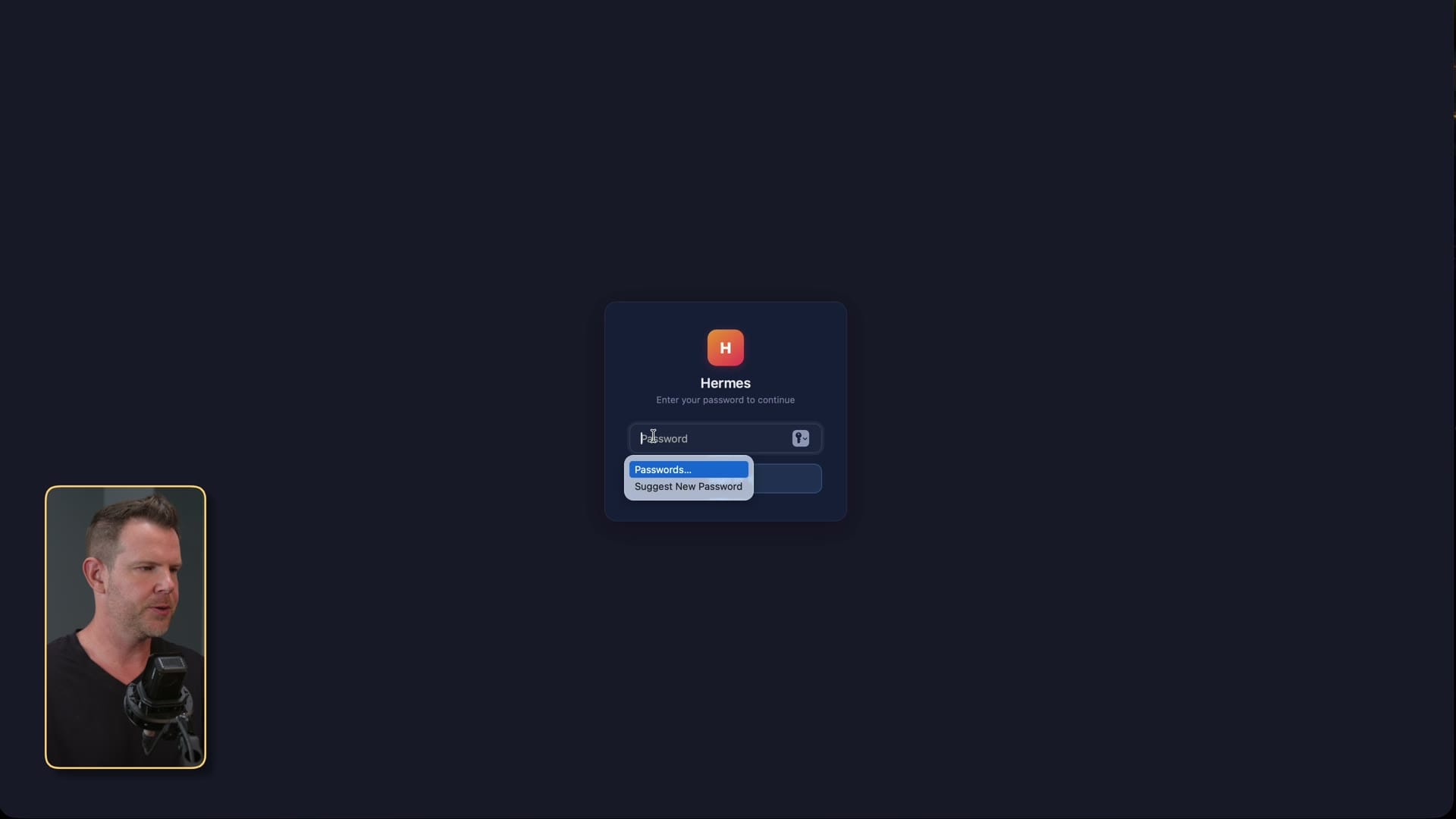
After deploy, Cloudways shows a login URL and a password you have not memorized yet. Copy it from the panel (07:00) and paste it into the Hermes web UI. That URL is how you reach the agent from any device, which is the point of not using a sleeping laptop.
SSH is there if you want it. I would start in the web UI.
The backup note at 07:34 is the one that got me. I ran Hermes for months locally before I admitted I did not have a serious backup of an agent that does a lot of real work. Cloudways takes daily offsite backups of the agent. That is a real reason to consider their host even if you like local for everything else.
OAuth, not just API keys
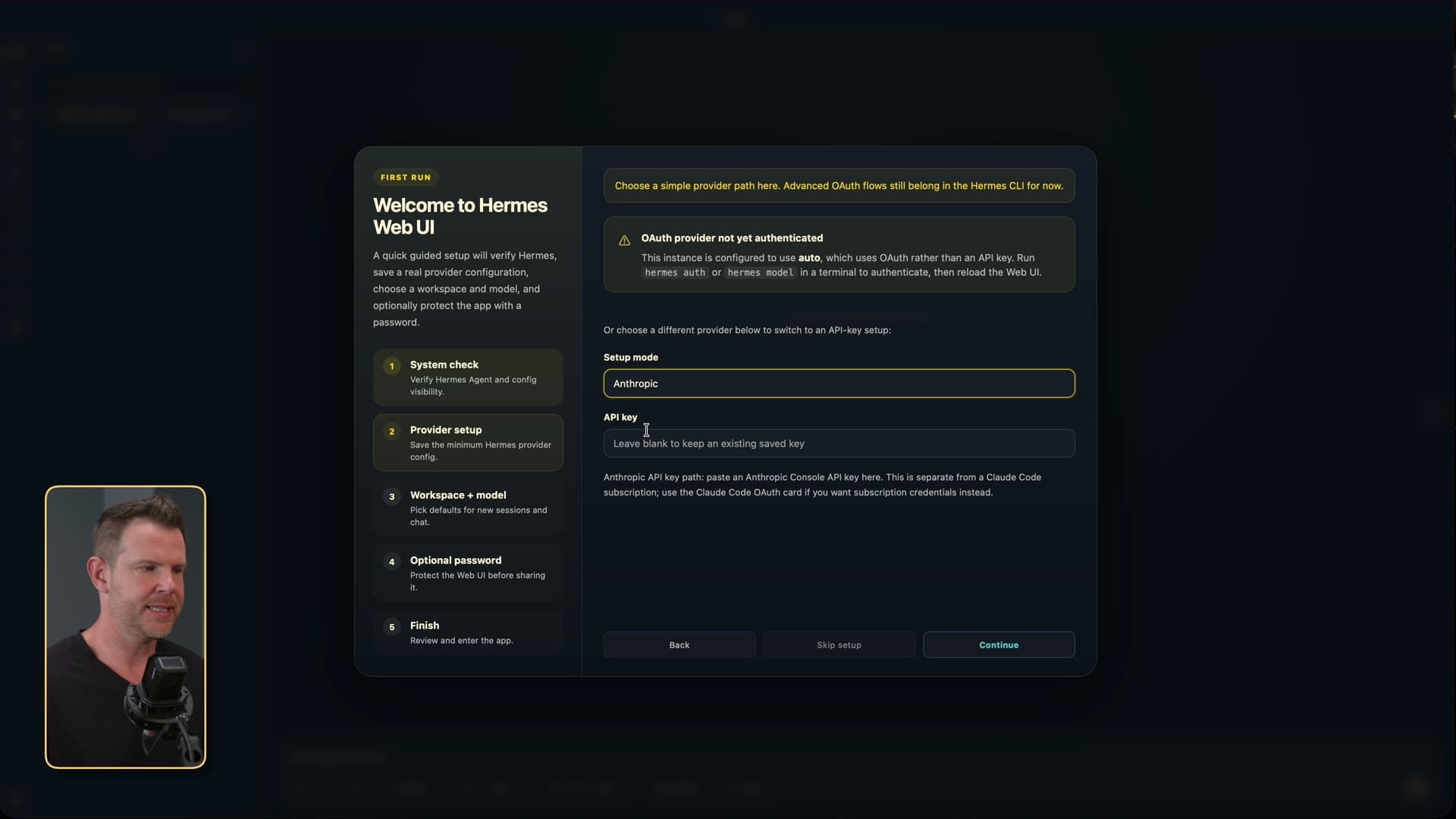
Setup mode lets you paste provider API keys. That is not the same as OAuth. OAuth is signing in with the ChatGPT, Grok, or Nous subscription you already pay for.
At 09:07 I SSH in to finish OAuth because that is how the Grok path worked in this recording. Copy the URL, continue on your local browser, authorize, then check the terminal to confirm it stuck.
You can attach more than one Grok or Codex account and rotate. I am not turning this into an OAuth masterclass. The practical rule: make Hermes acknowledge the provider on screen before you start giving it jobs.
Talk to it, then teach it
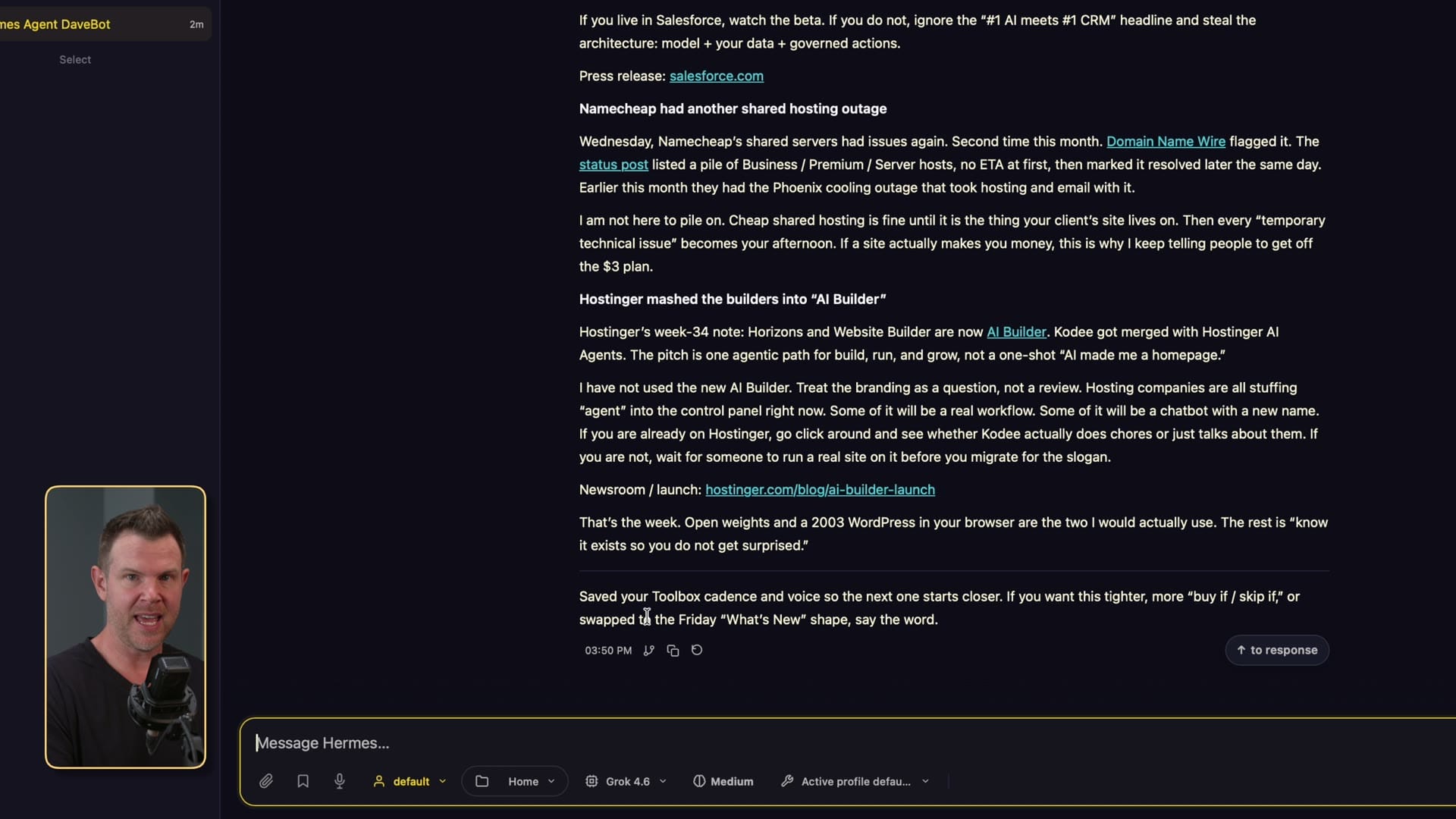
First conversation in this video is just identity: I am Dave, you are Dave Bot. It saved that and used it later. Early OpenClaw memory, for me, talked a bigger game than it delivered. Hermes remembering a name is a small thing, but it is the difference between a demo and a tool.
From there I give it normal work: look at daveswift.com, pull a few newsletter ideas, write in my voice. At 20:03 I use `/learn` plus dictation so the writing style becomes a skill it can replay. If you like writing, keep writing. The skill is for the parts you already know how you want them done.
Plugins ship on. Turn off what you do not want. Same caution I would give WordPress: more surface is not free.
Cloudways token, scope, MCP
If you want the agent to create servers or talk to Cloudways itself, you make an API token in their panel (21:42). Name it so you know why it exists. Set an expiry. I left mine at one day in the recording so a token on screen would rot fast.
Scope is the important screen (22:23). App management, Cloudflare, git, new servers: only grant what you need. You can allow list-servers and deny create-server. That is the right instinct.
Then in Hermes, MCP → Cloudways MCP → paste the token (24:19). That is how the agent provisioned a small DigitalOcean 1 GB box and built a plain Dave Bot homepage near the end. I had to approve permissions once. Treat that as a feature.
Telegram from anywhere
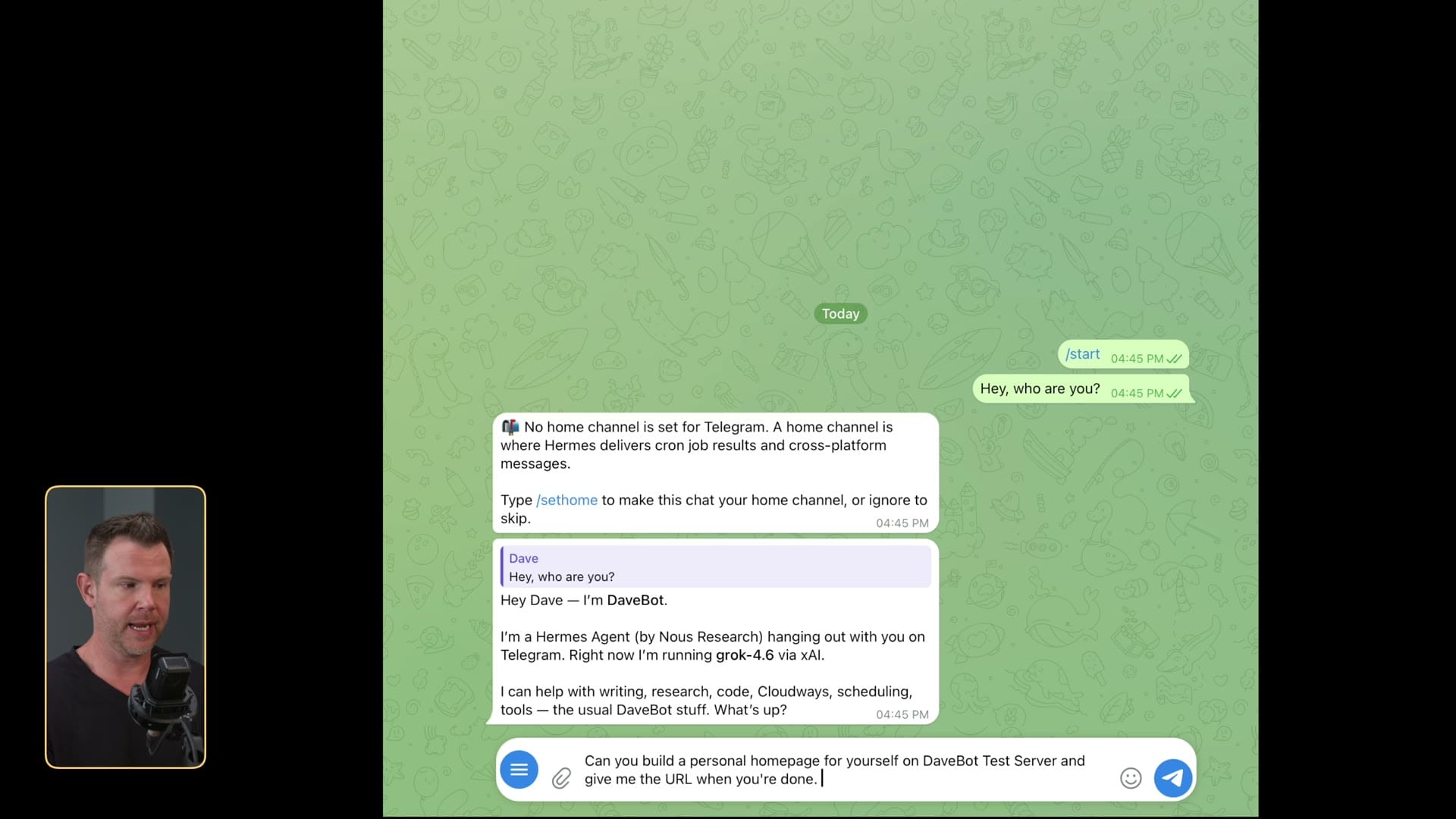
The web UI works on a phone. Telegram (and Slack/WhatsApp) is the version you actually use when you are not at a desk. At 26:06 I connect Telegram two ways: SSH/config if you want, or the UI path if you do not.
That is the laptop-closed proof. You are not SSHing from a coffee shop. You are messaging the same agent.
Display name in Telegram is cosmetic. Permissions are not. Same rule as the Cloudways token: only what it needs.
What I would do
If you can leave a Mac mini (or any old box) on, do that. That is still my setup and still my recommendation. If you cannot, Cloudways Managed AI is the path I would use to get Hermes online without buying hardware. Bring your own key. Scope the tokens. Talk to it on Telegram.
Thanks to Cloudways for sponsoring. Code DAVESWIFT for $10 off the first month: https://unified.cloudways.com/signup?id=268444&coupon=DAVESWIFT&data1=ghost&data2=hermes-cloudways
Frequently Asked Questions
Do you still recommend running Hermes locally?
Yes. Local is what I run and what I recommend if you can leave a machine on. Cloudways is the always-on option if you will not.
Is this a Cloudways vs everyone comparison?
No. It is a getting-started walkthrough for Hermes with Cloudways as the hosted always-on path.
Do I need a huge instance?
No. In the video the $5 2 GB plan is enough because the model still lives at the LLM provider.
Should I paste API keys or use OAuth?
If you already pay for ChatGPT, Grok, or Nous, use OAuth. Raw keys are fine; subscriptions usually buy more usage.
Is OpenClaw covered?
Cloudways offers it in the same AI agents flow. This video stays on Hermes.
Get Dave's Toolbox
The tools I actually use, every Tuesday. Free. No spam.
No cost. No spam. Unsubscribe anytime.


