

Softr Databases Review: No-Code Backend for Business Apps
Softr now has built-in databases so you can build full no-code apps without Airtable or Google Sheets. This review tests data types, relations, and app performance with native storage. Covers setup, migration from external sources, and real limits you should know.


Softr
A no-code app builder that lets businesses and agencies create custom web applications with a built-in database and visual front-end builder.
Small businesses, agencies, and non-technical founders who need custom internal tools, CRMs, or client-facing apps without hiring developers.
Airtable, Glide, Stacker, Internal.io
Why Softr's New Database Feature Is a Big Deal
Softr has quietly been one of the best no-code app builders on the market, but it always had one significant limitation: you needed an external database. Whether you were hooking up Airtable, Google Sheets, or another data source, your app's backend lived somewhere else entirely. That meant extra subscriptions, API syncing delays, and a more fragile setup overall.
With the release of Softr Databases, that limitation is gone. You can now build a complete application — front end and back end — entirely within Softr. No external connections required, no waiting for data to sync, and no extra monthly bills for a separate database tool. For anyone building internal tools, client portals, or lightweight SaaS products, this is a genuine notable improvement.
What Is Softr and Who Is It For?
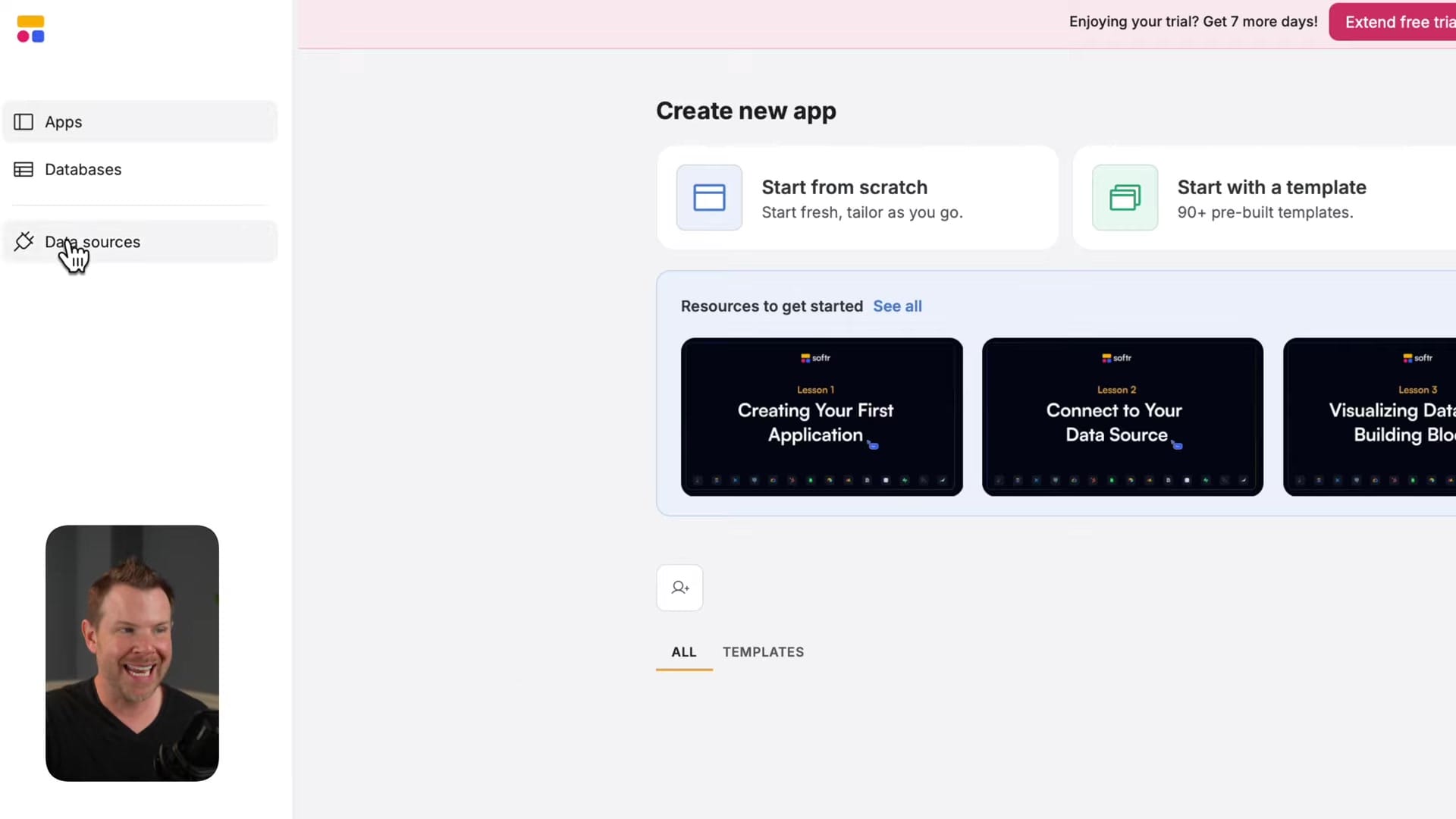
If you haven't come across Softr before, think of it as a no-code app builder designed specifically for businesses and agencies. It's not a website builder — it creates functional applications using a familiar drag-and-drop interface that feels similar to building a website.
The platform is aimed at teams who need custom tools like CRMs, project trackers, client portals, or inventory systems but don't have the budget or timeline to hire developers. You get a polished, professional-looking app that works like a real SaaS product, complete with user authentication, filtered views, and role-based access.
The External Data Problem That Held Softr Back
Before this update, Softr's biggest pain point was its dependence on external data sources. You'd connect Airtable, Google Sheets, or one of the other supported integrations, and Softr would pull that data into your app's front end. In theory, this worked. In practice, it introduced several headaches.
API rate limits meant your app could slow down or even display stale data while waiting for syncs to complete. You were also paying for two tools instead of one — a point that users were quick to call out. If your CRM needed to store contacts, companies, deals, and user accounts, all of that data lived in Airtable or Sheets, and Softr was just the presentation layer. For a tool positioning itself as an all-in-one app builder, the missing backend was a notable gap.
Introducing Softr Databases: Everything Built In
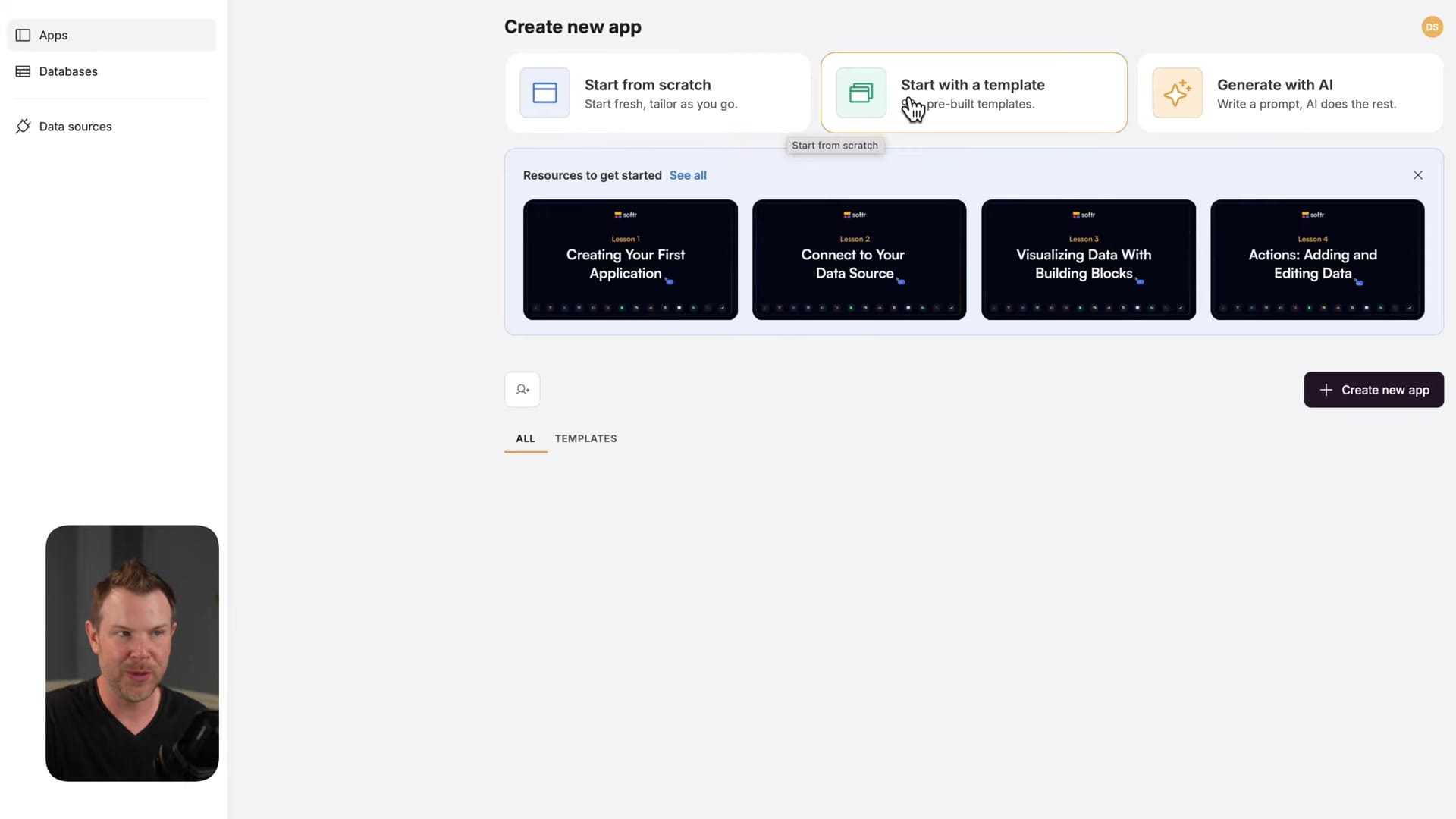
Softr Databases brings native data storage directly into the platform. When you create a new app — whether from a template or from scratch — Softr automatically generates the database tables you need. No external connections, no API keys, no syncing delays.
The interface will feel immediately familiar if you've ever used a spreadsheet, but there's an important distinction: this is a relational database. You can create connections between tables, set up lookup fields, and build relationships that would be clunky or impossible in a flat spreadsheet. The data tab sits right alongside the interface builder, so you can switch between designing your front end and managing your data in seconds.
Getting Started with Templates
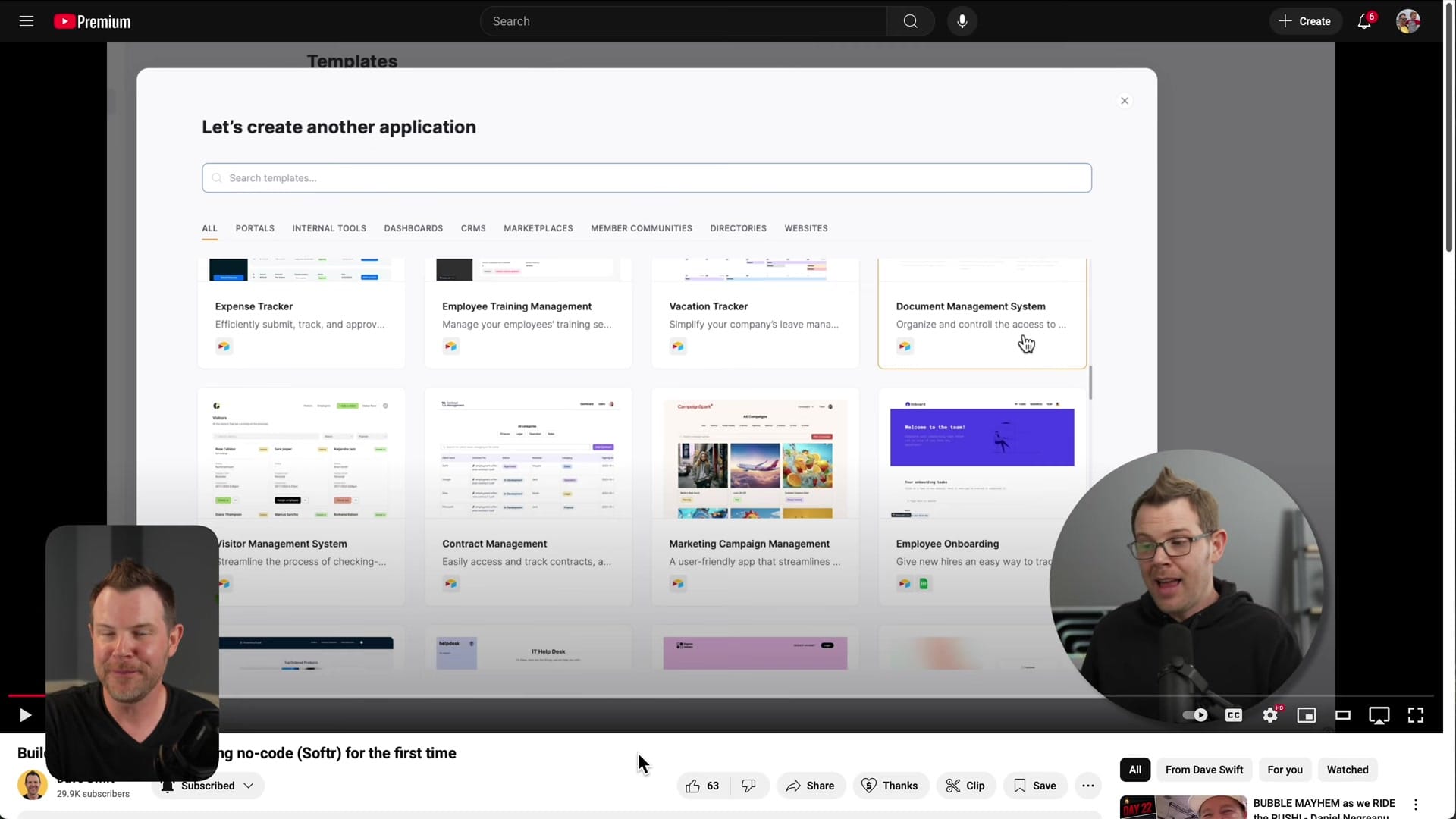
Softr offers a solid library of templates, and they're worth using even if you plan to customize heavily. Starting with a template like the Sales CRM gives you a working app out of the box — complete with pre-built database tables, relationships, and a polished front-end interface.
The real value of templates is educational. You can click into any element on the front end and see exactly how it's pulling data from the database, what filters are applied, and how relationships are structured. It's a faster way to learn Softr's data model than starting from a blank canvas. Once you understand the patterns, you can modify or rebuild anything to match your exact requirements.
Understanding Database Fundamentals in Softr
Softr's database view organizes your data into tables — think of them like tabs in a spreadsheet, but with far more power under the hood. In the Sales CRM template, for example, you get tables for Application Users, Contacts, Companies, and Deals. Each table has its own set of fields (columns) with specific types like text, email, phone number, or image.
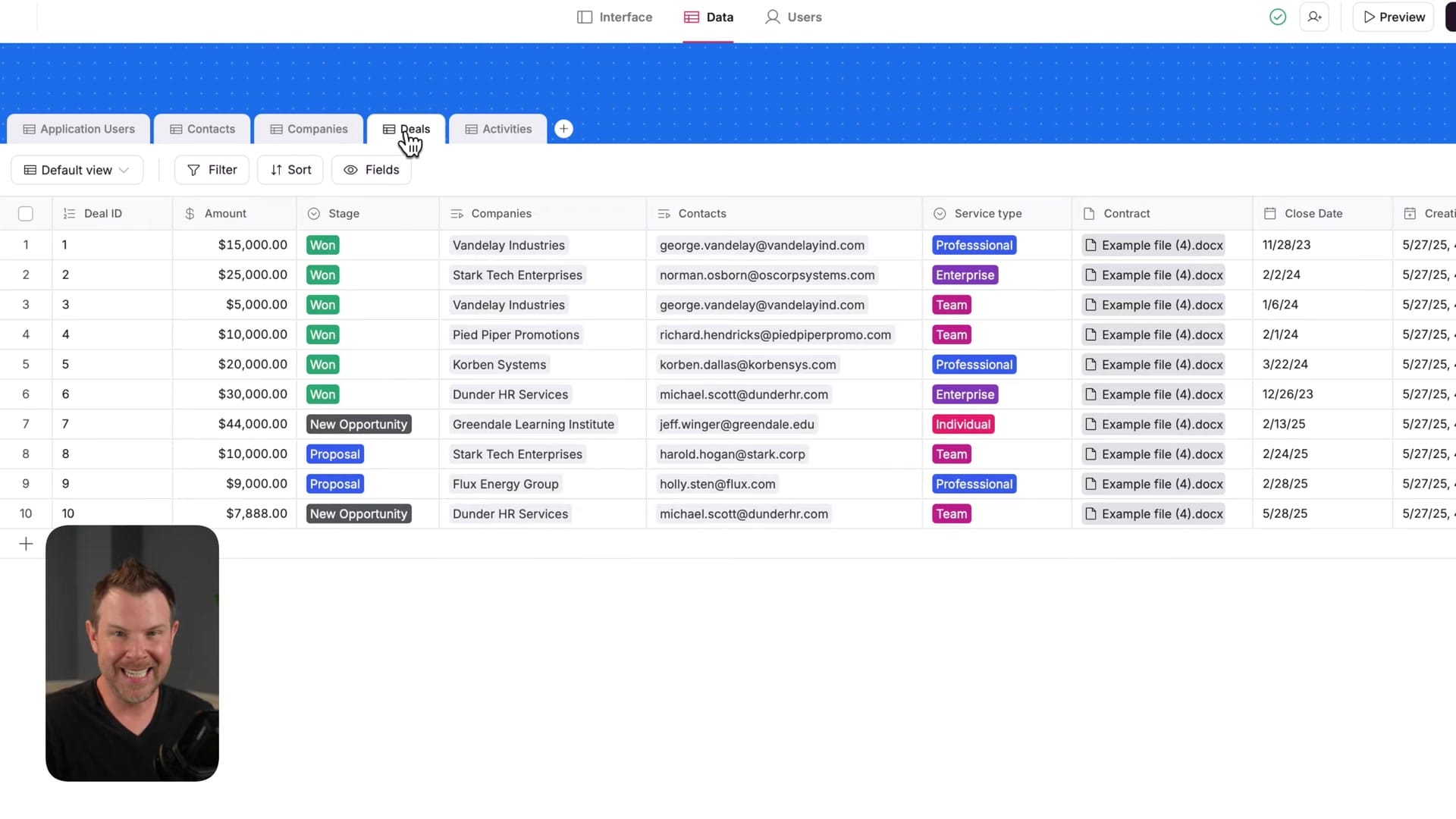
What separates this from a spreadsheet is the field type system. Beyond basic text and number fields, Softr supports lookup fields, related records, and other relational field types that let you connect data across tables in meaningful ways. You can add new fields at any time, which means your database grows with your business rather than locking you into a rigid schema from day one.
How Database Relationships Work
Relational data is where Softr Databases really earn their keep. In the CRM example, a Contact belongs to a Company, and Deals are connected to both Contacts and Companies. These aren't just text references — they're live links between records.
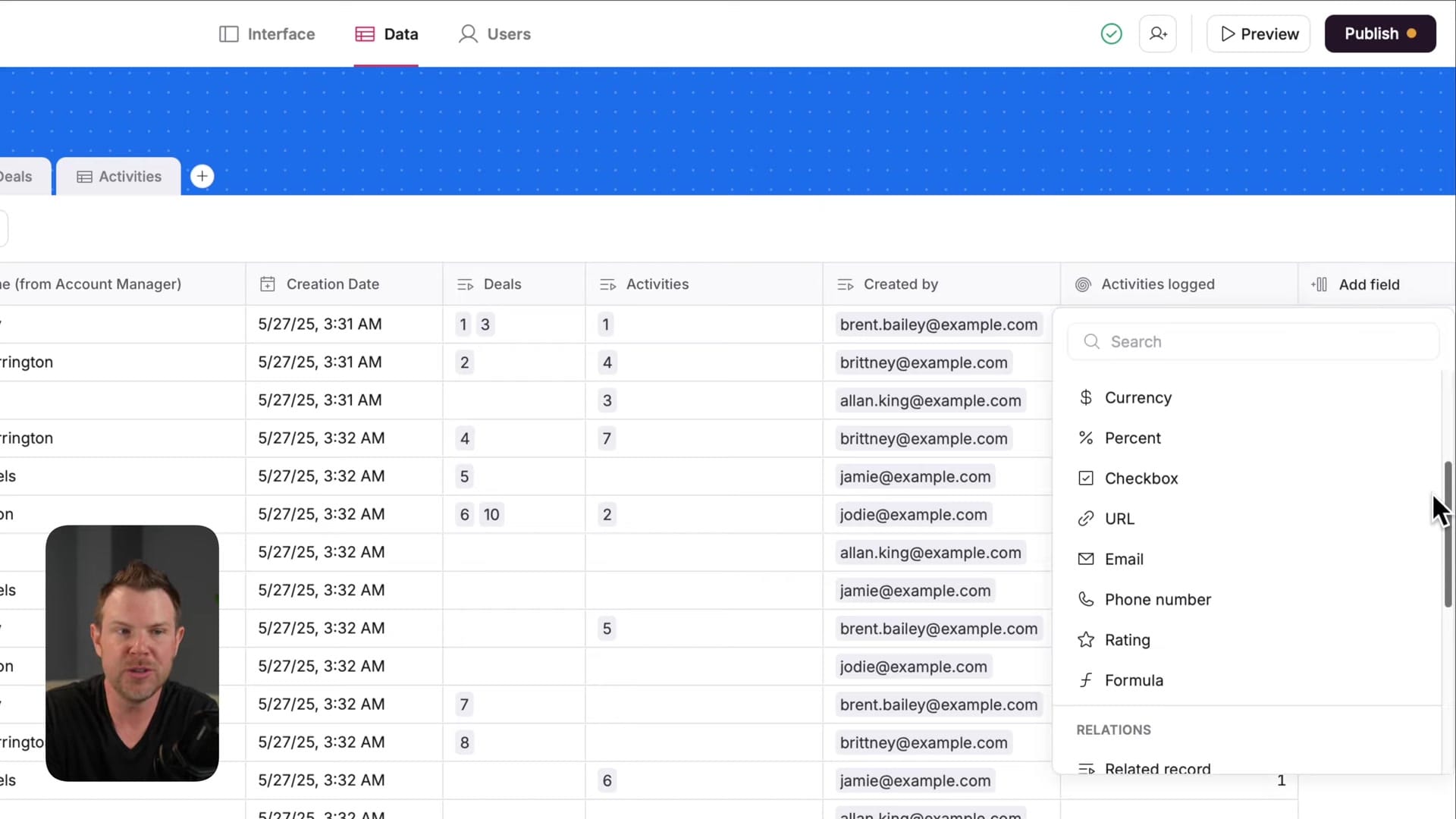
Lookup fields pull data from related tables automatically. If you change a contact's name in the Contacts table, that update instantly reflects everywhere that contact is referenced — in the Companies table, in the Deals table, and on the front end. You can spot lookup fields by the magnifying glass icon next to them.
Related records take this further by letting you link multiple records together. An activity log entry, for instance, can reference several contacts who were involved in a particular interaction. You can toggle multi-record linking on or off depending on your use case, giving you flexible one-to-many or many-to-many relationships without writing a line of code.
Building the Front-End Interface
Softr's front-end builder connects directly to your database tables, and the filtering system is where things get powerful. Each component on your interface — a list of accounts, a deals pipeline, a contact directory — can be configured to pull from a specific table and filter based on the logged-in user.
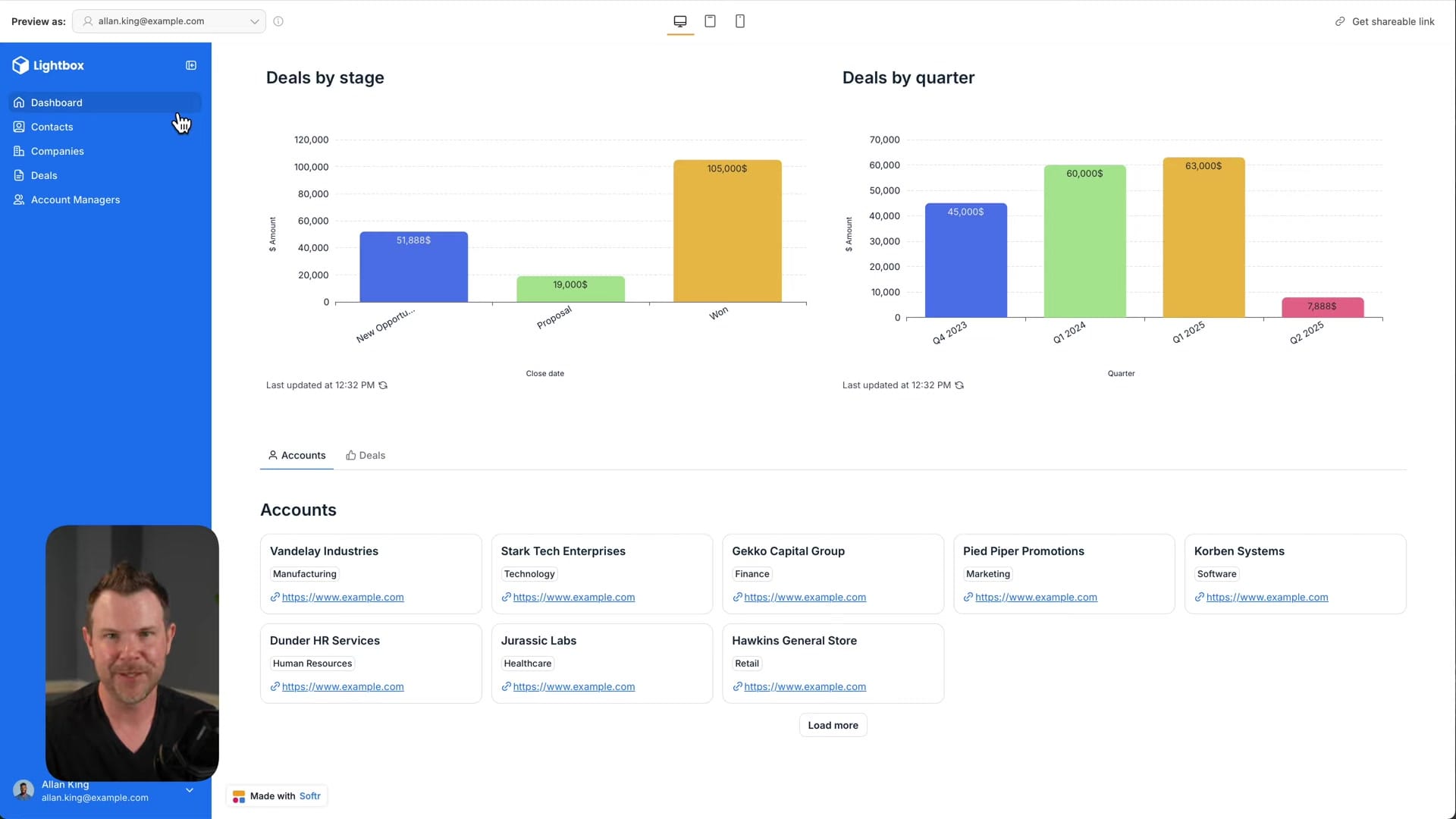
For example, the "My Accounts" section on the CRM dashboard filters the Companies table to show only records where the account manager's email matches the current user's email. This means every user sees a personalized view of the data that's relevant to them, without any custom code. The display is fully customizable too — you control which fields appear, how cards are styled, and what layout is used.
Real-Time Updates Without API Delays
One of the most impressive benefits of having a native database is speed. When you add a new record through the app's front end — say, a new company in your CRM — it appears in the database instantly. There's no waiting for an API call to round-trip to Airtable and back.
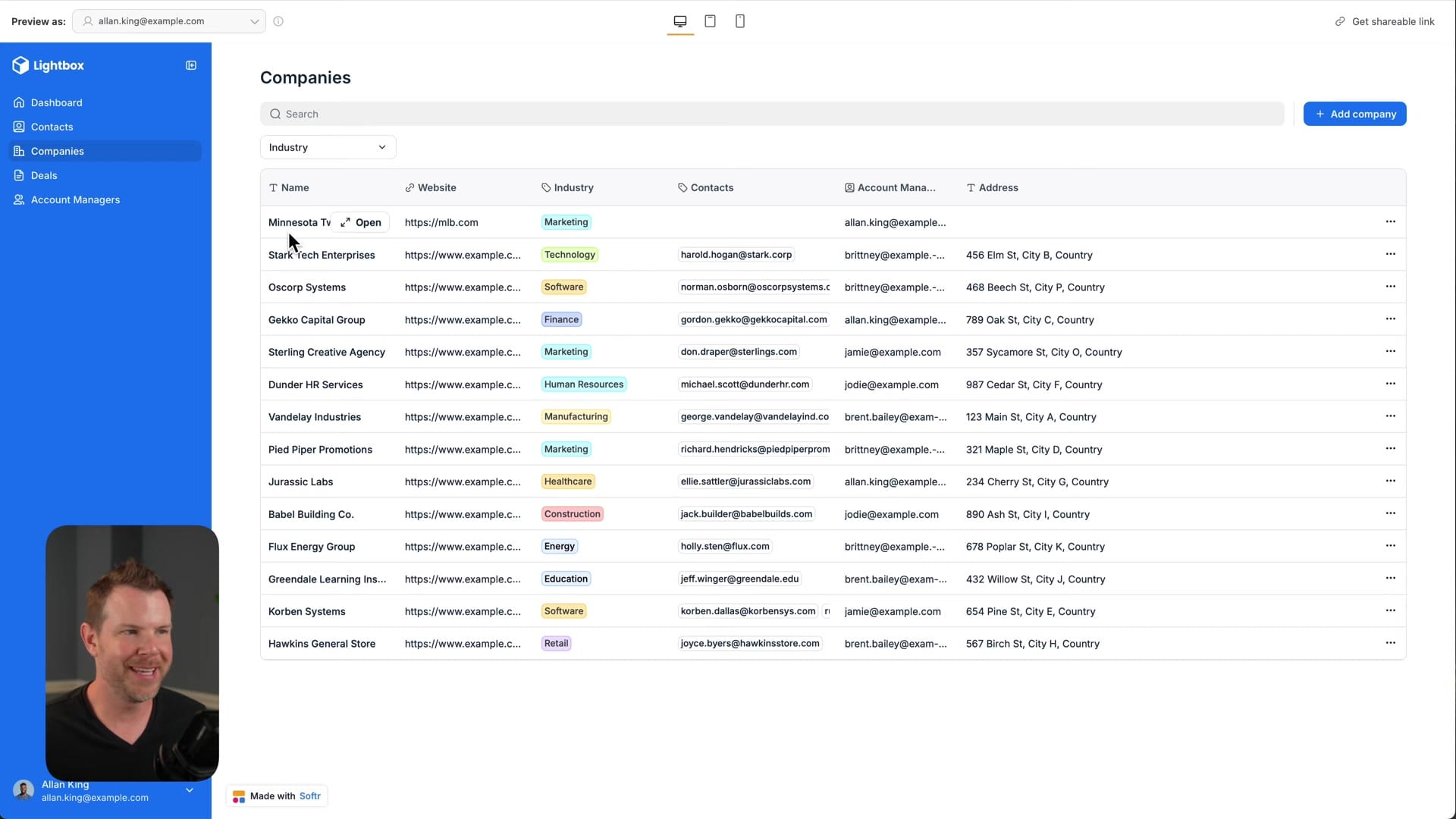
This real-time performance makes a noticeable difference in day-to-day use. Applications feel snappy and responsive, more like a proper SaaS product than a no-code tool stitched together with integrations. For teams relying on these apps throughout their workday, that responsiveness adds up to a genuinely better user experience.
Importing Data from Airtable or Google Sheets
If you're already running your data in Airtable or Google Sheets, Softr makes migration straightforward through CSV import. Export each table from Airtable as a CSV file, then import them one by one into Softr. You can create a new database from the first import, then add subsequent tables to that same database.
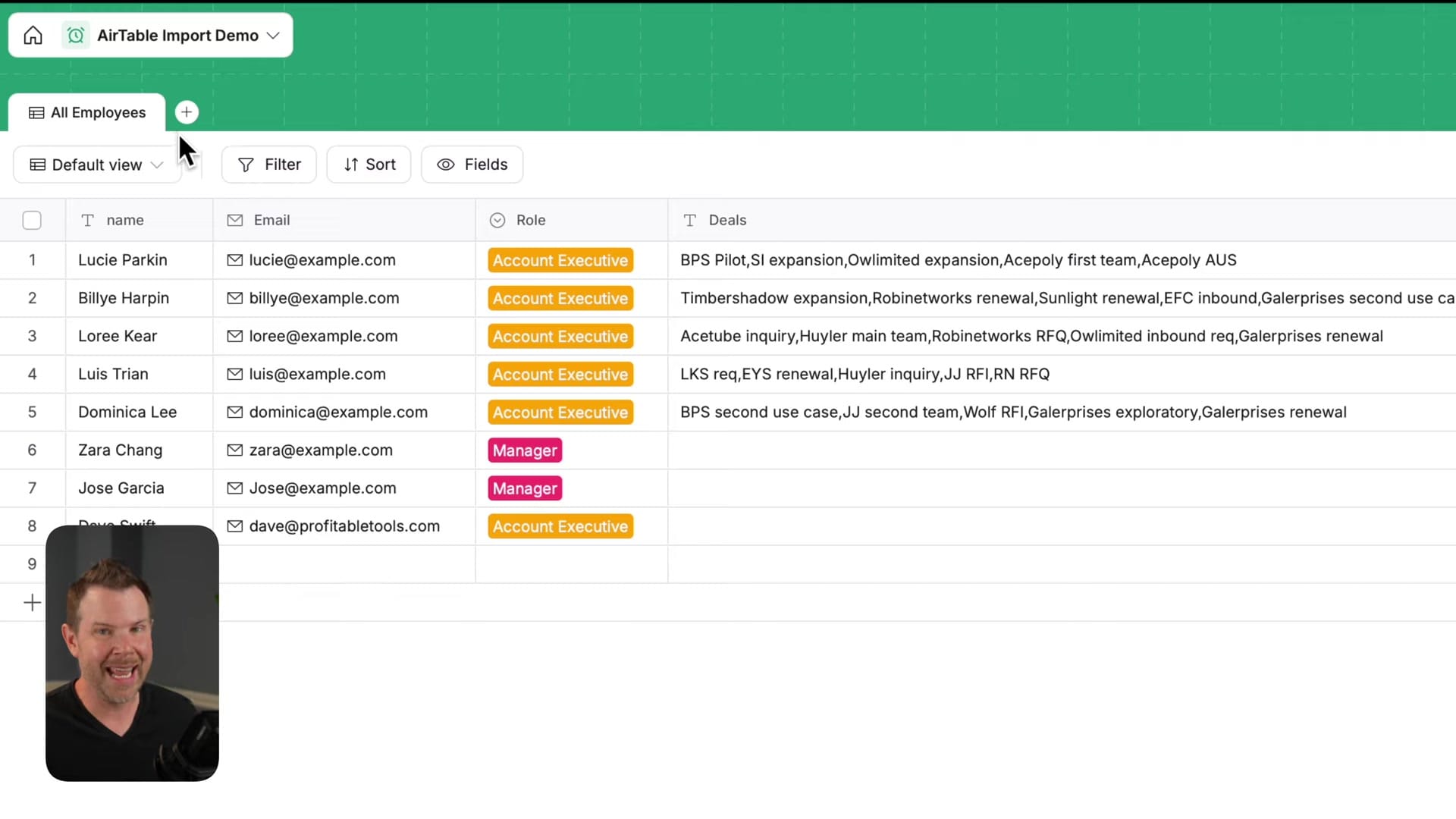
There's one important caveat: importing via CSV brings in the raw data but doesn't preserve relationships between tables. If your Airtable base had linked records between Contacts and Companies, you'll need to recreate those relationships manually in Softr after importing. For large, heavily interconnected databases, it might be worth waiting for Softr's direct Airtable import feature, which is listed as coming soon. For smaller datasets or tables without complex relationships, the CSV workflow is quick and painless.
Should You Switch to Softr Databases?
Softr Databases removes what was arguably the platform's biggest weakness. You no longer need to pay for and maintain a separate tool just to store your app's data. For new users, the onboarding experience is dramatically simpler — pick a template, and you've got a working app with a real database in minutes.
For existing users on Airtable or Google Sheets, the migration path is available now via CSV, with tighter integrations on the way. If your current setup is working and your data relationships are complex, there's no rush to switch. But if you're starting fresh or dealing with sync issues and API limits, Softr's native database is the clear path forward. The combination of a visual app builder and a built-in relational database puts Softr in a strong position against tools that only handle one side of the equation.
Watch the Full Video
Prefer watching to reading? Check out the full video on YouTube for a complete walkthrough with live demos and commentary.
Final Verdict
Softr built-in databases eliminate the biggest friction point in no-code app building: the dependency on external data sources like Airtable. Having native storage means faster apps, simpler architecture, and one fewer subscription to manage.
The feature is still early, and power users may find the data types and relations limited compared to Airtable. But for standard business apps like CRMs, directories, and portals, native databases make Softr a significantly more complete platform.
Rating: 8.0 out of 10
Frequently Asked Questions
What are Softr Databases?
Softr Databases is a built-in database feature that lets you build complete applications with both front end and back end entirely within Softr. It eliminates the need for external data sources like Airtable or Google Sheets.
Do I still need Airtable to use Softr?
No. With Softr Databases, you no longer need an external database. You can build and manage your data directly within Softr, removing the extra subscription costs and API syncing delays that came with using Airtable or other external sources.
What can you build with Softr?
You can build internal tools, client portals, CRMs, lightweight SaaS products, and other custom web applications. The visual builder handles the front end while Softr Databases manages the back end data.
Is Softr a no-code platform?
Yes. Softr is designed for non-technical users who need custom business applications without hiring developers. The visual builder and built-in database make it possible to create functional apps without writing any code.
How much does Softr cost?
Softr offers a free plan that lets you get started with basic functionality. Paid plans scale based on features and usage, with options suitable for small businesses through to larger agencies.
How does Softr compare to Glide or Airtable?
Softr differentiates itself with a built-in database that eliminates external dependencies, a visual front-end builder, and client-facing portal capabilities. Glide focuses on mobile apps while Airtable is primarily a database tool without native front-end building.
Get Dave's Toolbox
The tools I actually use, every Tuesday. Free. No spam.
No cost. No spam. Unsubscribe anytime.


